
ZOSI 2MP CCTV Security Camera 1080P HD 4-in-1 AHD TVI CVI CVBS Weatherproof Home Video Surveillance Camera for DVR System
4-in-1 Black / United States
€37,95
سعر البيع
€37,95
السعر الاعتيادي
Skip to product information






ZOSI 2MP CCTV Security Camera 1080P HD 4-in-1 AHD TVI CVI CVBS Weatherproof Home Video Surveillance Camera for DVR System
€37,95
سعر البيع
€37,95
السعر الاعتيادي
الضرائب مشمولة.
سيتم احتساب رسوم الشحن عند إتمام الشراء.
SPECIFICATIONS
AI Functions: Motion Detection
Audio Output: None
Brand Name: ZOSI
Certification: CE
Compatible for: AHD CVI TVI CVBS
Connectivity: Closed System/CCTV Wired
Dimensions (L x W x D)(mm): 18*8*8cm
High Definition: 1080P(Full-HD)
High-concerned chemical: none
IP Rating: IP66
IR Distance(m): 80ft
Installation: Ceiling,Side,Normal,Wall Mounted
Internal Storage: None
Lens (mm): 3.6mm
Lens Quantity: Single Lens
Megapixels: 2 MP
Model Number: ZG1062C
Origin: Mainland China
Power Mode: Mains Electricity
Power Source: Normal,Mains Electricity
Power Supply: Normal
Resolution: 1920*1080P
Scene: Indoor and outdoor
Sensor: CMOS
Shell Material: Plastic
Smart home platform: Other
Special Features: Waterproof / Weatherproof
Style: Dome Camera
Supported Mobile Systems: Android,iOS
Supported Operating Systems: Windows XP,Windows 7,macOS,Windows 8,Windows 10
TF Card: None
Video Compression Format: H.265
Viewing Angle : 90°
Waterproof: IP66
Whether or Not 50Vac or 75Vdc or Higher Power Supply: No
Zoom: 4X
Zoom type: Digital zoom
is_customized: No
Noted Before Buy:
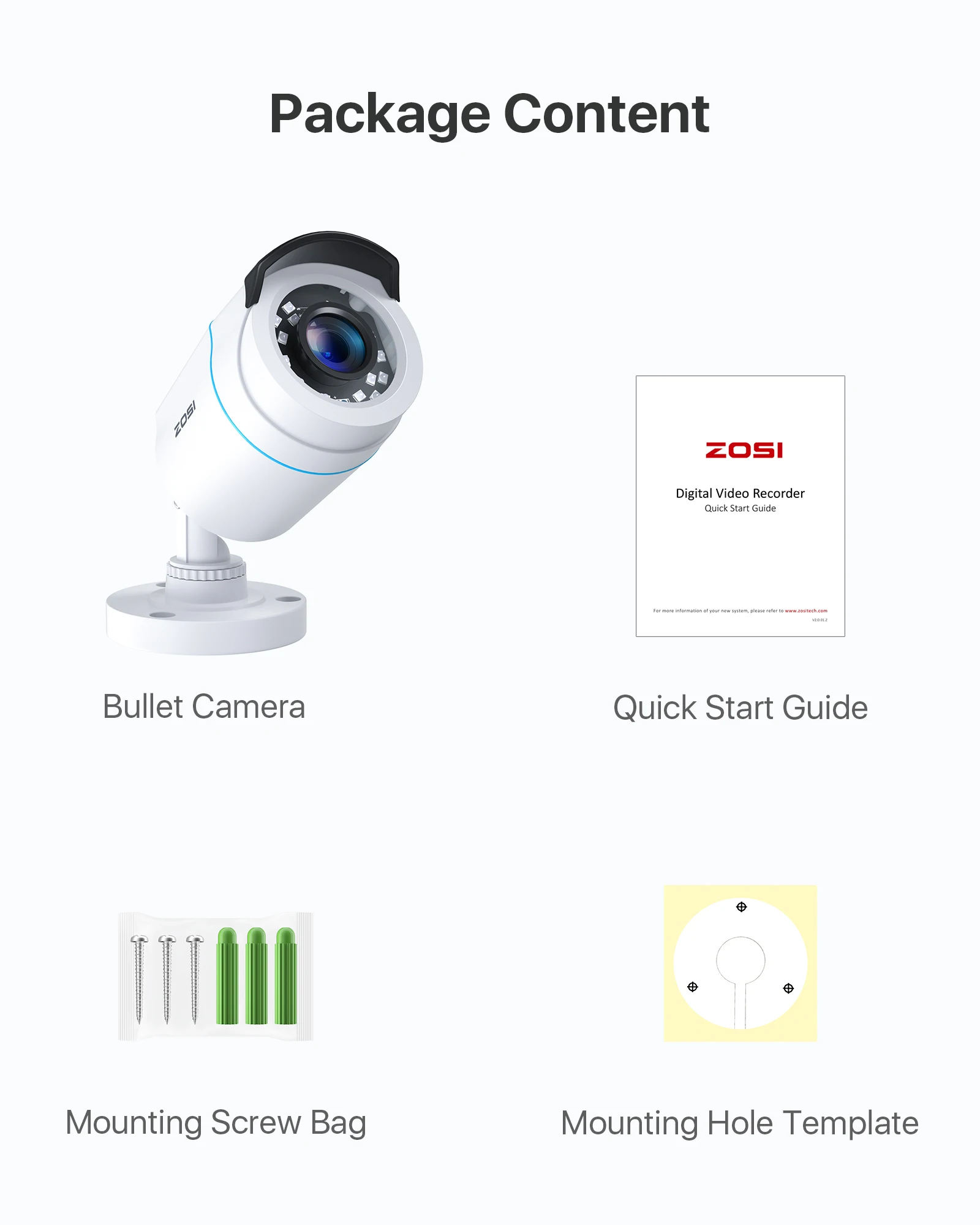
This camera did not come with DVR, power supply &video power cable!
1, this is a hard-wired camera, it need to connect the cctv cable and power supply( NOT included).
2, this camera could not work separately,it need to connect to the DVR to work.
Troubleshooting
Q: Video Loss appears where the image from my camera should be displaying on my DVR?
A: 1.Check the extension cable (power and video) is securely connected to the camera.
2.Check the video output from the camera is securely connected to a video input channel on the DVR.
3.Check the power from the camera is securely connected to a power supply.
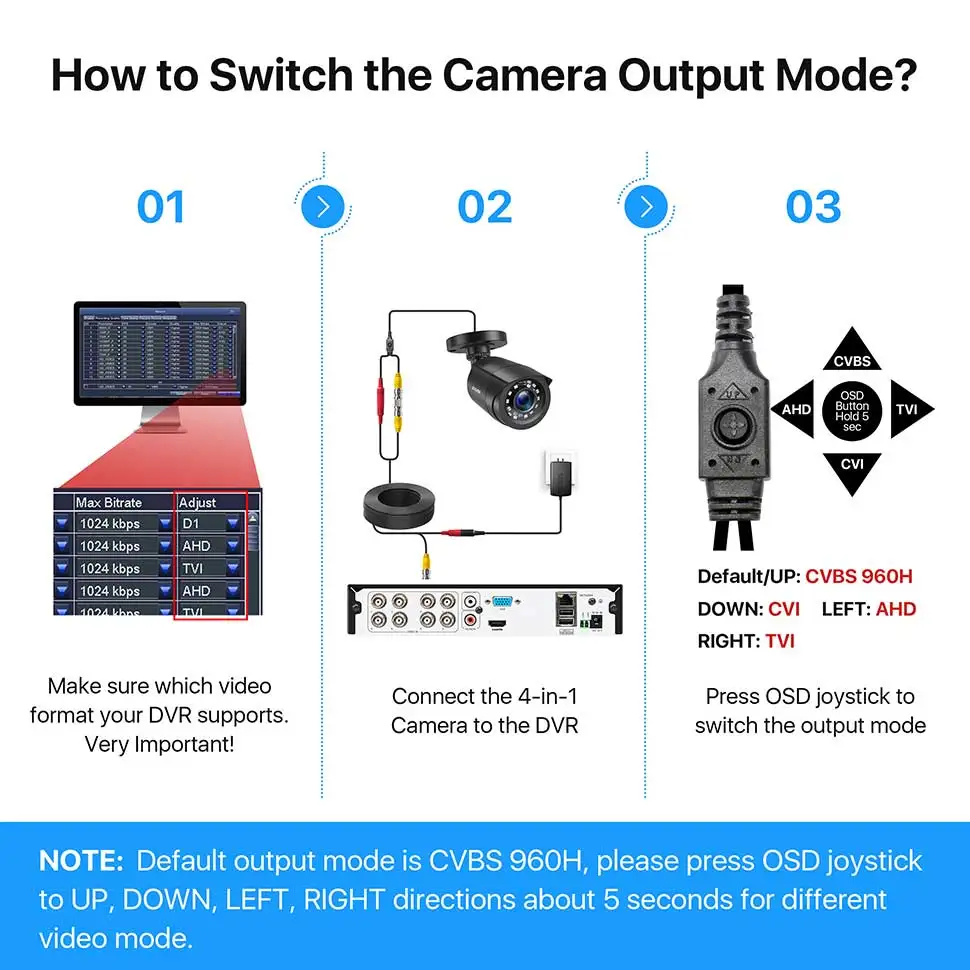
4. The camera mode do not match your DVR.there is 2 ways to setup . (1) Press OSD Joystick “DOWN” 5 seconds,if still no picture come, try to press “LEFT” “RIGHT””UP” for 5 second, till the signal matching your DVR. (2) Make sure the signal of your DVR, Use OSD Joystick to change the mode of the camera according to your DVRs video Mode.
Q: Poor image quality?
A:Default video mode is analog 960H mode.If your DVR supports 4 in 1(or 5 in 1),it is recommended to set the camera to TVI,AHD or CVI mode which the image achieve the best effect.
See Your World in HD
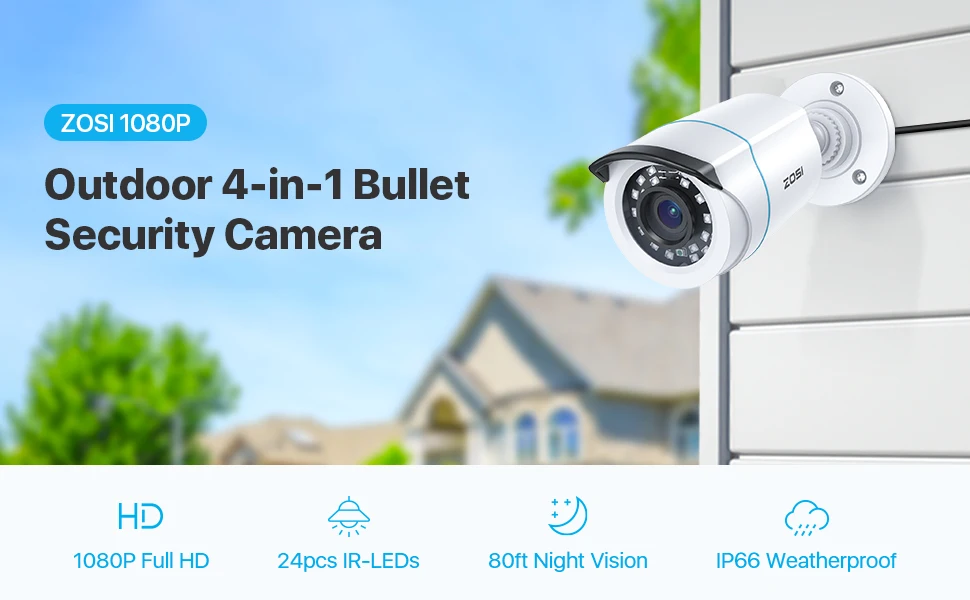
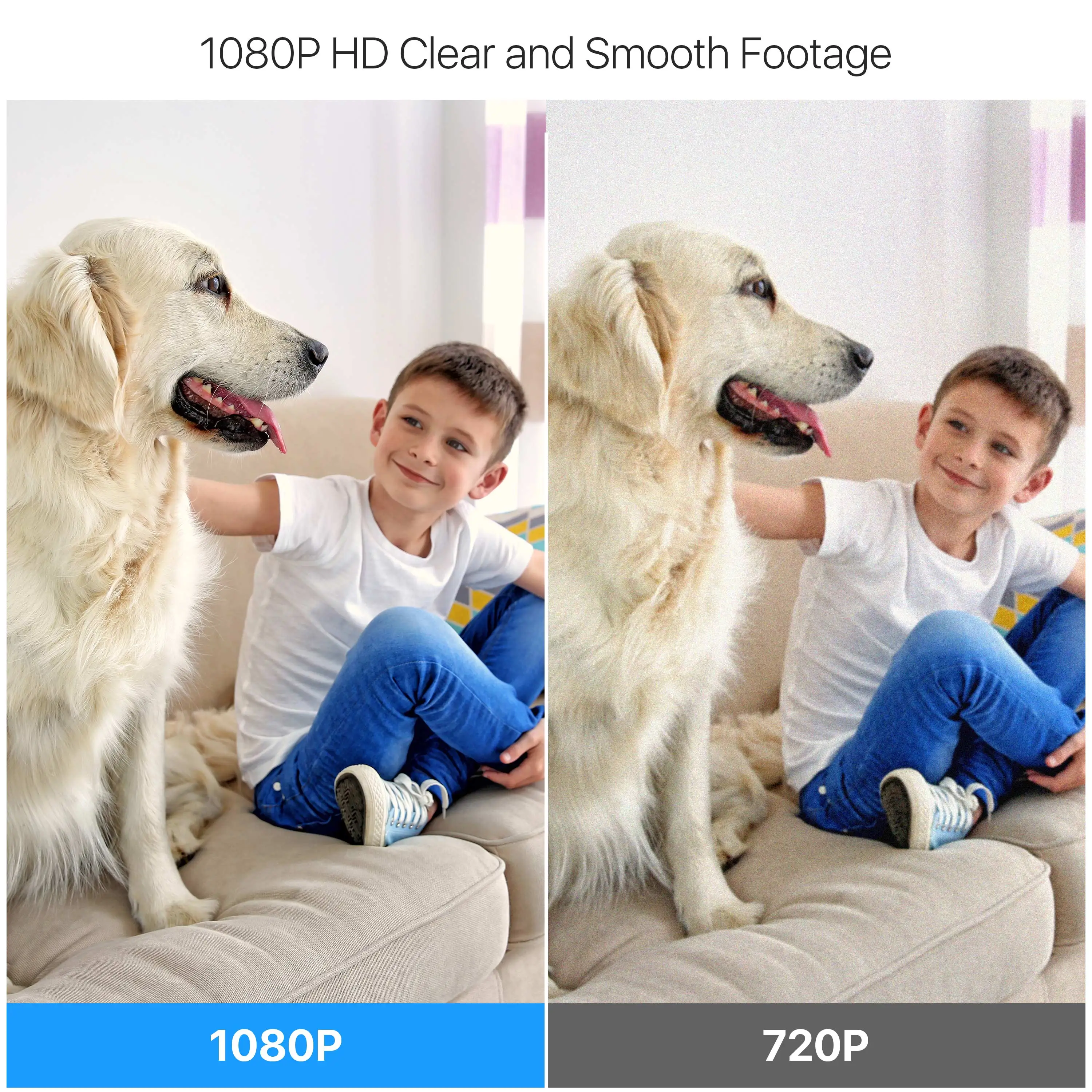
Everything is sharp and clear in fine image quality with 90° wide viewing angle. This camera always keep an eye on your home and business in full 1080p HD resolution.
80ft Night Vision
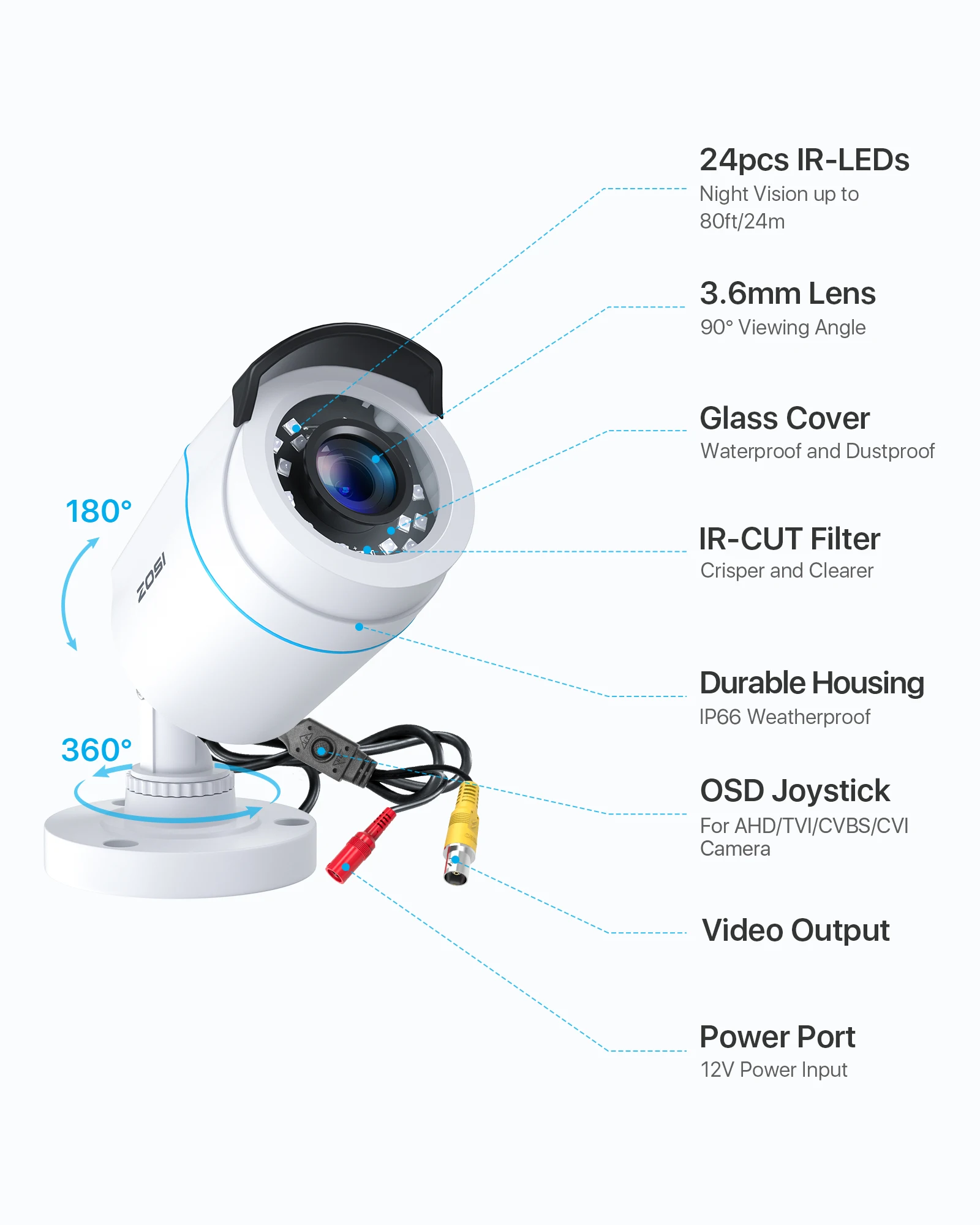
The camera with 3.6mm lens can offer a wide viewing angle of about 90 degrees.
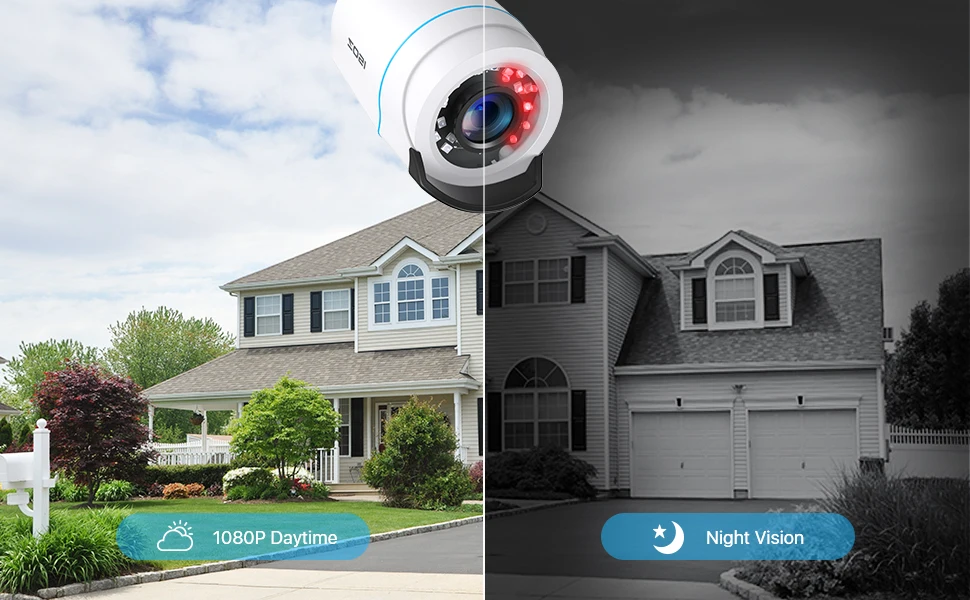
Built-in 24 IR LEDs provide night vision up to 80ft, so you can see clearer images even at night (color mode during day and black & white mode at night).
3-DNR Offers Increased Clarity
3-DNR (Digital Noise Reduction) technology filters out digital noise from low-light scenes, as well as any noise caused by motion. By eliminating graininess, you can see more fluent image in better clarity, sharpness and get improved motion detection.
CVBS/CVI/AHD/TVI 4-In-1 Camera
This 1080p full HD camera has a built-in OSD menu that can change the 4 different video outputs:HD-TVI, AHD, CVI, and CVBS(960H), and adjust the video settings.
Operation Mode:
Switch from AHD: Press Leftward for 5 Seconds
Switch from TVI: Press Rightward for 5 Seconds
Switch from CVBS: Press Upward for 5 Seconds
Switch from CVI: Press Downward for 5 Seconds
Noted: Default Video Mode is Analog 960H Mode
Enhanced Clarity with 3D-DNR
3D-DNR (Digital Noise Reduction) technology filters out digital noise from low-light scenes, as well as any noise caused by motion. By eliminating graininess, you can see more fluent and sharpness image in better clarity.
Easy to Installation
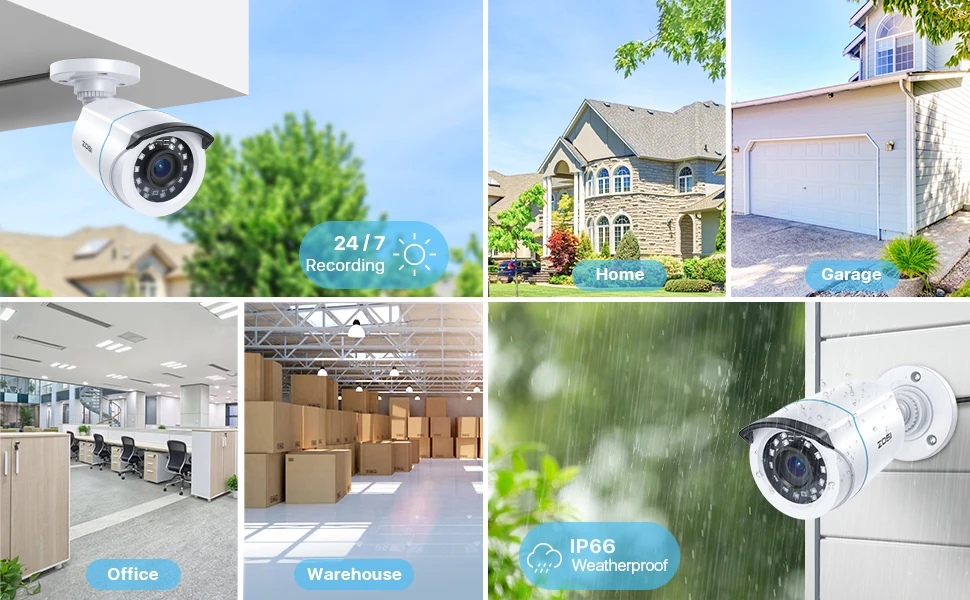
Professional outdoor weatherproof
Camera can effectively prevent rust,Can be installed in almost any outdoor or indoor place. HD 1080P Resolution,High-Performance Night Vision,HAD IR-CUT,More Clear/More Real


