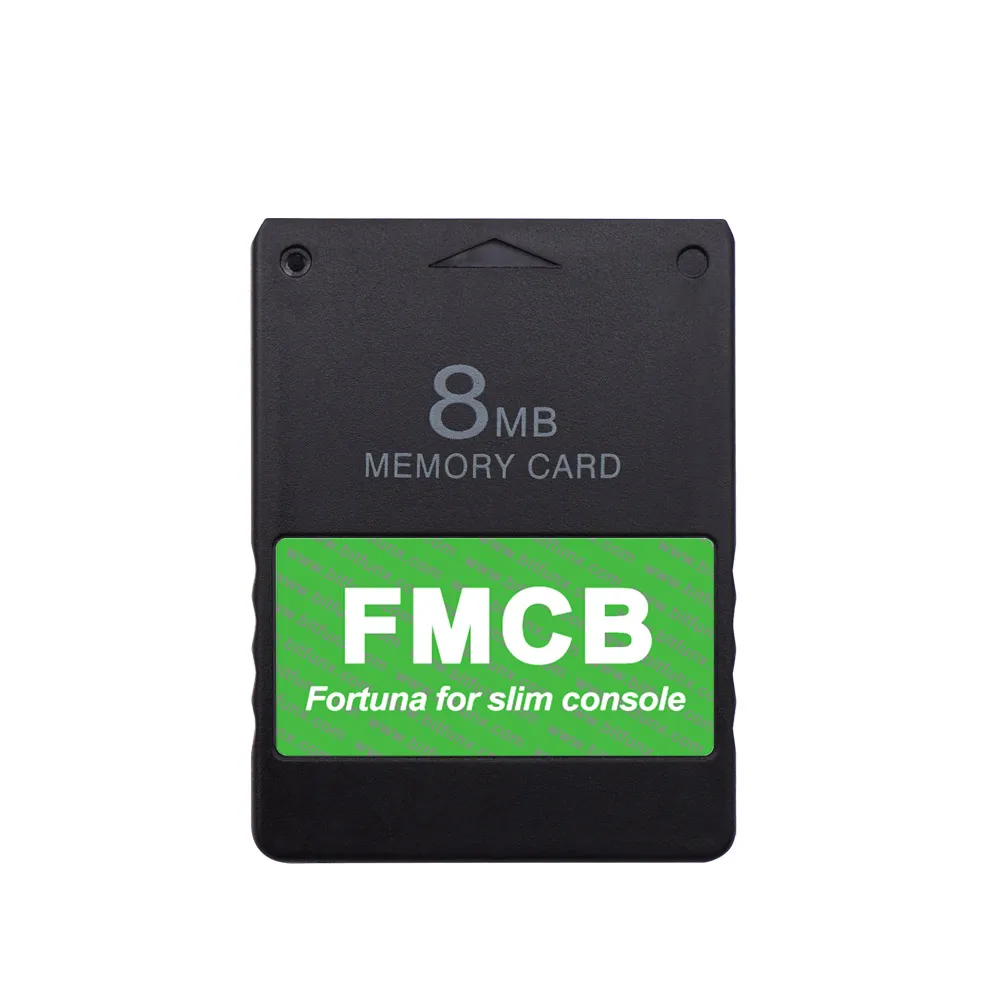
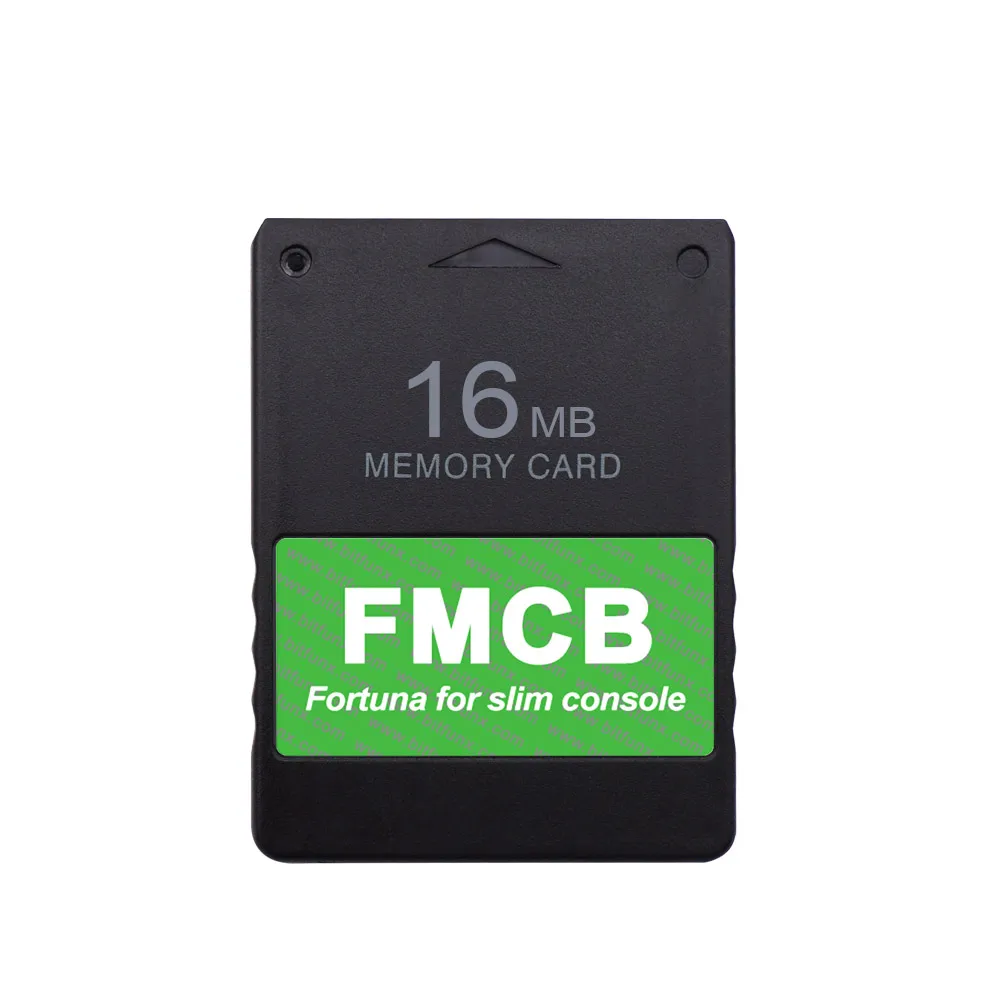
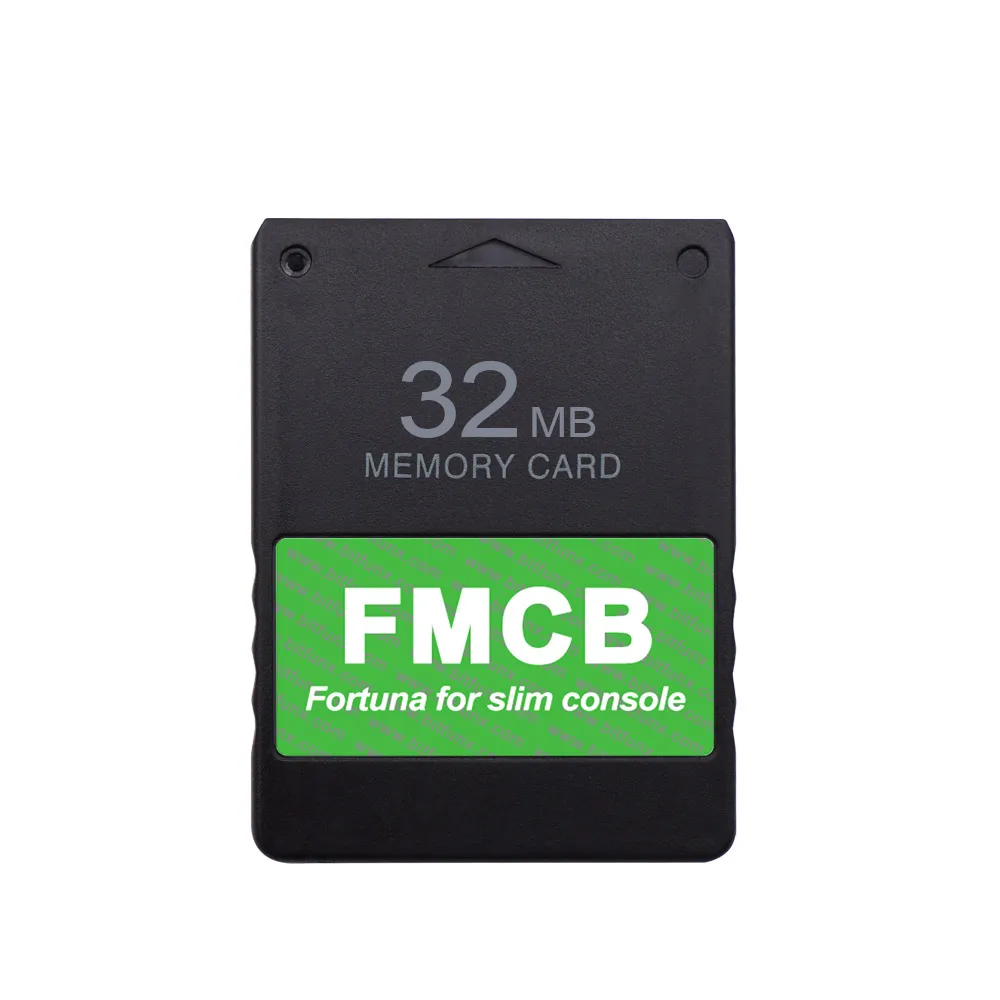
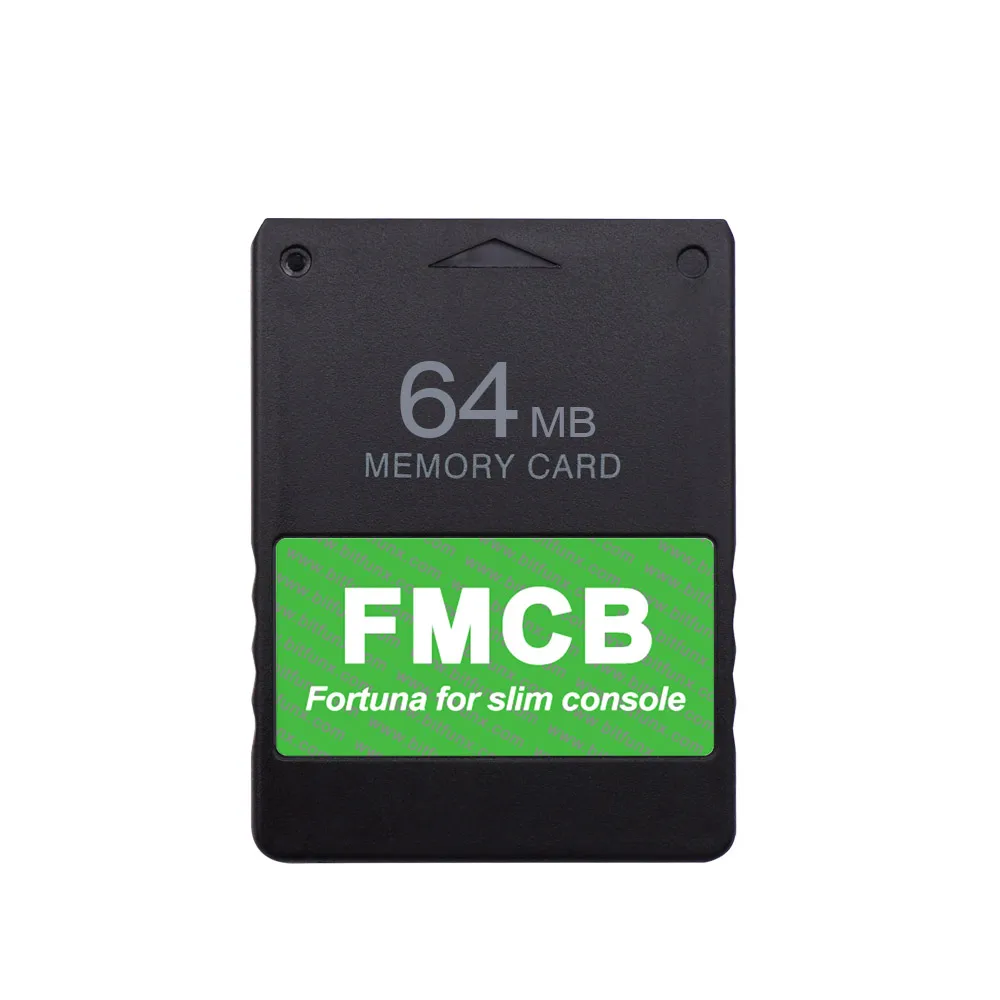
BitFunx Fortuna FMCB For PS2 Slim McBoot Memory Card For Playstation2 Console(SPCH-7xxxx and SPCH-9xxxx Series)
64MB
€30,95
Angebotspreis
€30,95
Normaler Preis
Zu Produktinformationen springen

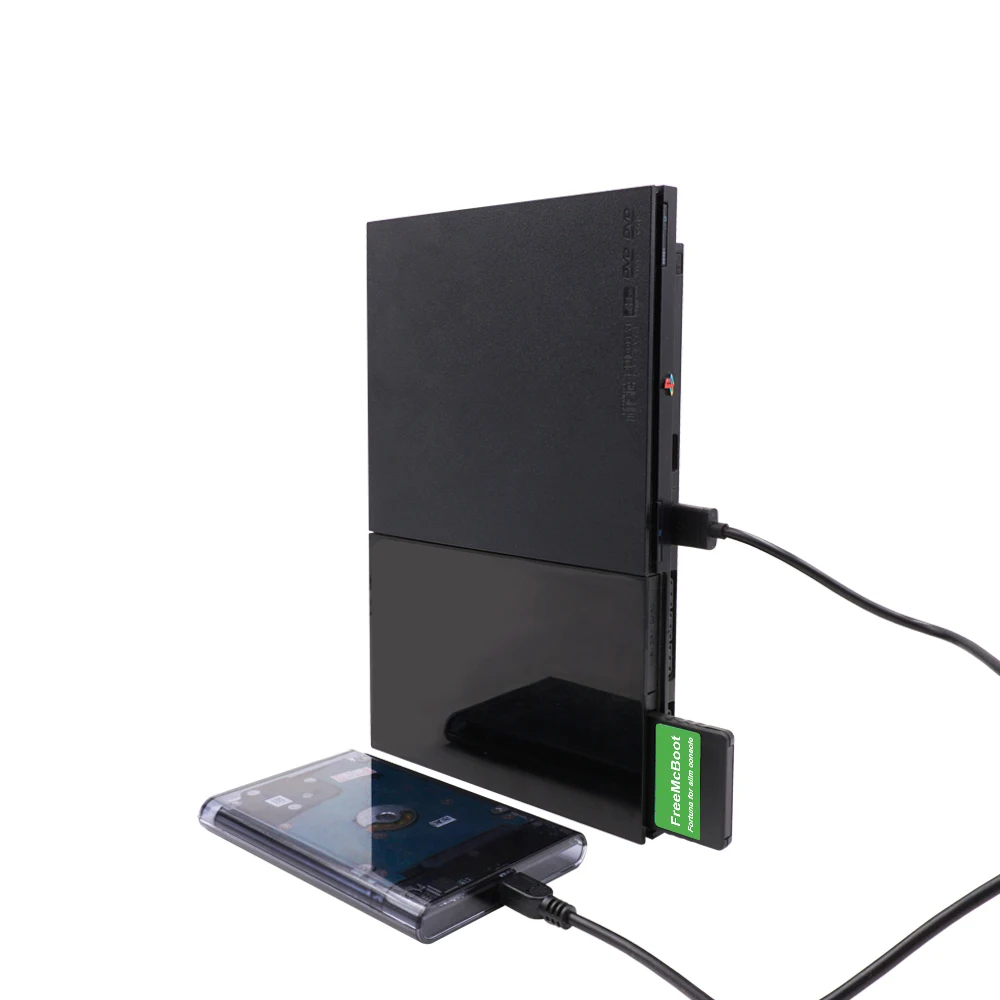


BitFunx Fortuna FMCB For PS2 Slim McBoot Memory Card For Playstation2 Console(SPCH-7xxxx and SPCH-9xxxx Series)
€30,95
Angebotspreis
€30,95
Normaler Preis
Inkl. Steuern.
Versandkosten werden beim Checkout berechnet.
SPECIFICATIONS
Accessories Type: SD/TF Card Adapter
Bluetooth range: no
Brand Name: Apexneer
Cable features: Without cable
Choice: yes
Compatible Brand/Model: Sony
Compatible Sony Model: playstation2
Control Method: Push button
Controls Type: Push button
Electric: No
Enclosure material: Others
Fastening type: Others
Harness Feature: Others
High-concerned chemical: none
Item: Fortuna FMCB Card For PS2 Slim
Model Number: Fortuna FMCB
Occasion: Others
Origin: Mainland China
Platform: Other
Portable: Yes
Reusability: Reusable
Sensor Technology: Others
Size: 5.5*4.1*0.7cm
Support: Only For PS2 Slim Console
With USB: No
semi_Choice: yes
Fortuna FMCB For PS2 Slim McBoot Memory Card For Playstation2 Console(SPCH-7xxxx and SPCH-9xxxx Series)
Purchase Notice:
1.Do not support EXFAT file format.
2.Do not use FMCB for game saving,There is a certain chance that the FMCB file will be damaged during the process of writing the saves, making the FMCB unable to work. Please plug another memory card for saving.
3.Do not delete system files of the FMCB arbitrarily. Otherwise, the system may fail to start properly.
4.When using the FMCB , Before entering the software, please do not plug anything into the USB, some USB devices may conflict and cause inaccessibility. If you use an HDMI adapter, please use a mobile phone charger to power the HDMI adapter.
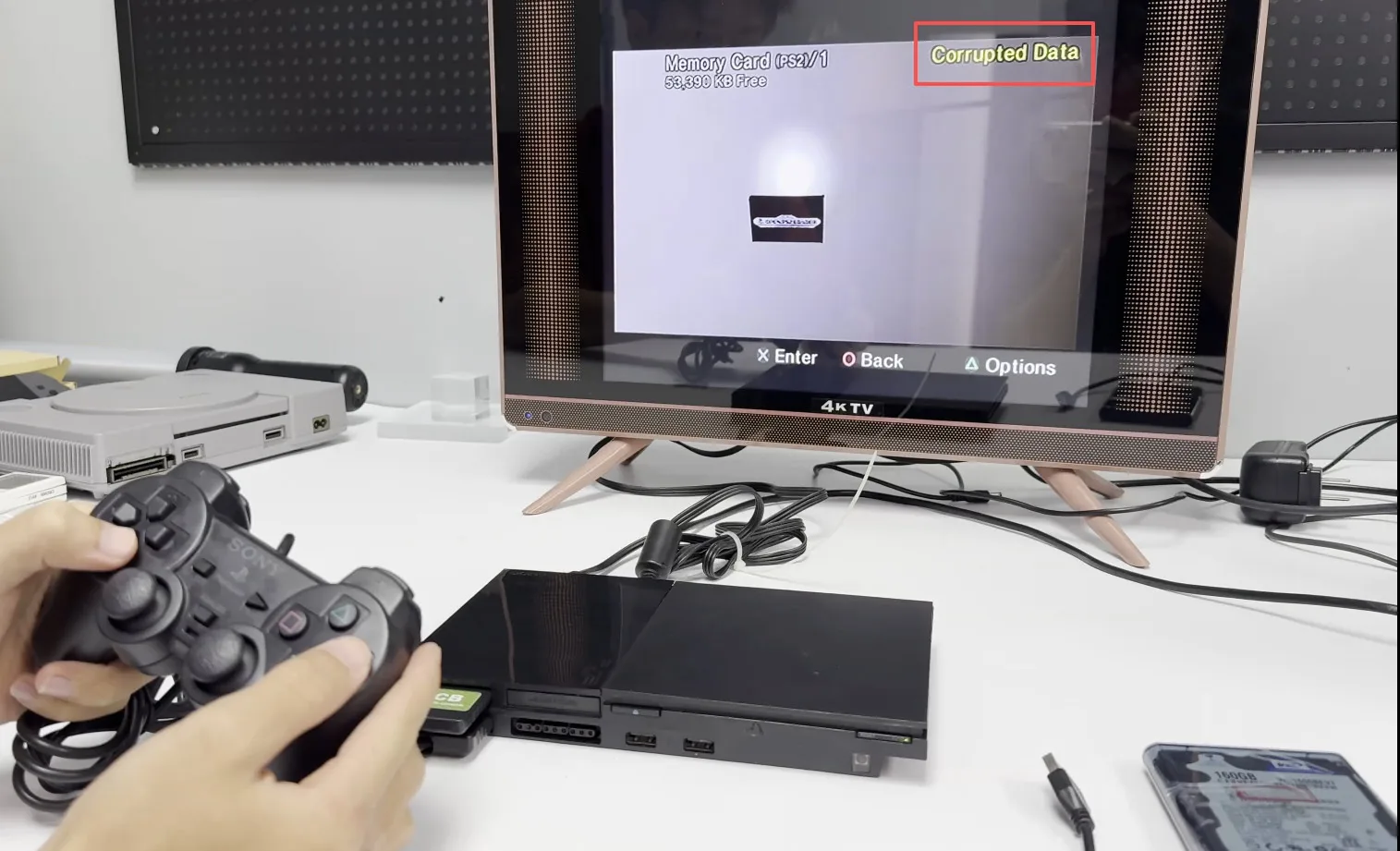
5.About "corrupted data" - This is a normal file required in FMCB, not a corrupted file in the true sense. Please do not use "corrupted data" as an excuse for the product not working. You only need to follow the steps in the video in the first main picture of the product details.
If The FMCB Fails To Start(Consoles without modchip):
1) Please do not delete any data in the FMCB. Even if it shows corrupted data.
2) The PS2 slim should not be plugged into any other device (such as a USB flash drive) yet, so that the FMCB can be booted separately first.
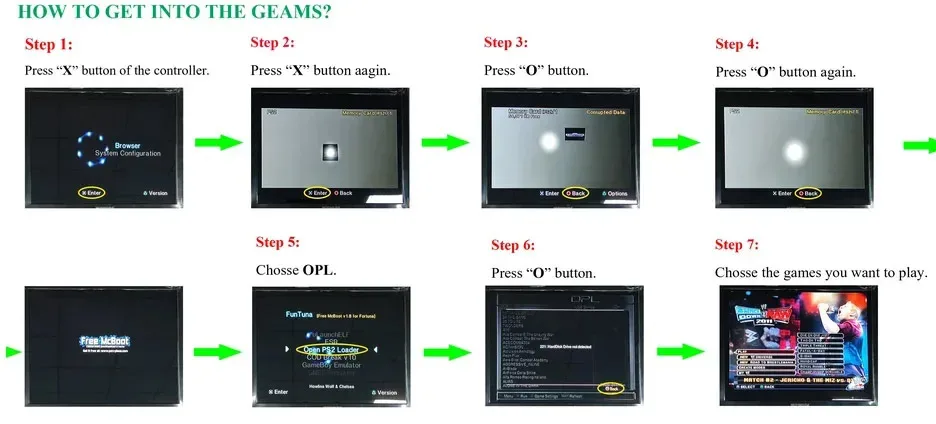
3) Please follow the steps shown in the diagram below.
Consoles with modchip:
A - You can use the method for consoles without modchip.
B - You can configure your modchip to autoboot DEV1, so it will launch Fortuna on boot
Features:
*No Region limited, compatible with all ps2 slim (SPCH-7xxxx and SPCH-9xxxx) consoles only.
*Sample and Easy, Quick plug into your PS2 console and play.
*Support with CHIP MOD or without CHIP MOD on your ps2 console.
Operation Software:
uLaunchELF
uLaunchELF also known as uLE (abbreviated) is an open source file manager and executable launcher for the Playstation 2 console based off of the original LaunchELF. It contains many different features, including a text editor, hard drive manager, as well as network support, and much more.
ESR ( Launch Disc)
ESR is a homebrew app made specifically to work with FMCB to allow you to play backup games on self-create DVD discs . You will have to patch the game before burring into DVD disc.Please Note: CDs format are not supported.
OPENPS2Loader v0.9.3 [OPL v0.9.3]
Open PS2 Loader (OPL) is an application designed to allow you to play your backup PS2 games from an Internal HDD, a local Hard disk, a connected USB disk or USB Hard disk.
Code Break v10
Also known as uLE (abbreviated) is an open source file manager and executable launcher for the PS-2 console based off of the original LaunchELF. It contains many different features, including a text editor, hard drive manager, as well as network support, and much more.
Sample Media System
Using this program you can view multimedia files including DIVX, AVI, XVID, MPEG, MP3, etc … on your PS-2 console.
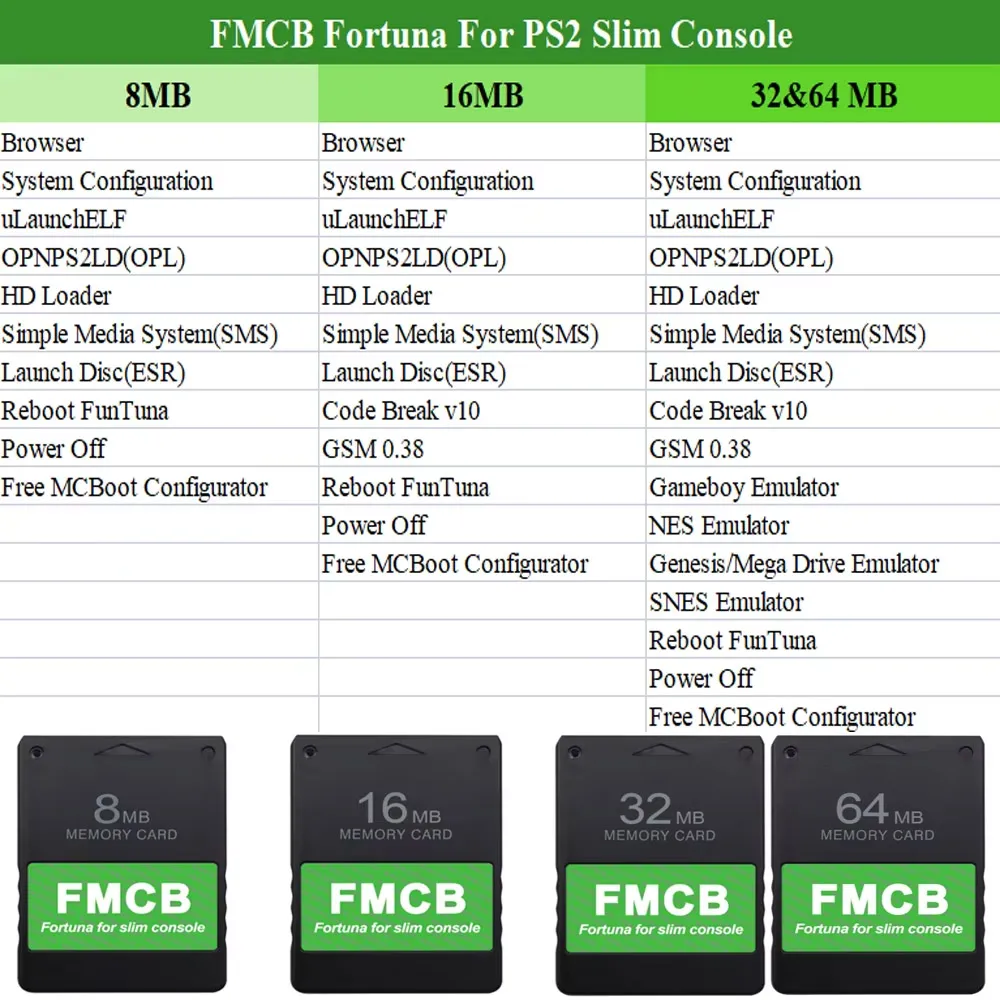
PS2infoGB(GameBoy Emulator)(Only32MB and64MB have this)
PS2InfoGB is a GameBo emulator for the Playstation2. Recommand using the USB storage to placed your ROMS.
PS2FCEUltra 0.9.3(NES emulator)(Only32MB and64MB have this)
A NES emulator, support playing games on usb,mc,and hdd. More information please visit the website
PGEN v1.5.1(Genesis/Mega Drive emulator)(Only32MB and64MB have this)
PGEN is a Genesis/Mega Drive emulator which allows you to run your favorite roms directly from the hard drive (which can also be run from a memory card and USB).
SNES-Station(SNES emulator)(Only32MB and64MB have this)
SNES-Station is a SuperNintendo/SuperFamicom emulator for the Playstation 2. For the extreme newbs, that means you can play your Super Nintendo games on your PS2 by using ROMs placed on the CDROM, USB, MC, and HDD.
FAQ:
Q: Can the free mcboot allow to play my Japan sparkling Neo?
A: It needs to install the NEO emulator.
Q:When I plug it into the ps2 console and power on, it's not work. The ps2 console can't find FMCB.
A:This situation is mostly caused by poor connection between FMCB and the PS2 console, in other words the gold finger of the FMCB board and the PS2 console are not in good connection.
There are two steps fix it out.:
Step1:You need open the FMCB card with Philips screwdriver and clean the dash on the gold fingers on the pcb board.
Step2: Fix the PCB board position on the case, make sure the pcb board lying flat and not skewed. Then you can assemble back and test it again.
Q:How to burn backup games into USB disk or USB Hard disk ?
A:1.Format your usb disk.Run theFMCBcard in your ps2 console, plug your usb disk to console and then open the software USBAdvace which has been installed in yourFMCB, then choose your usb device and click the format button on the right side of the screen.
2.Burn games into your usb disk which has been formatted.open USBAHD_GameInstall.exe (you can get it from google) and chose the iso games and burn it to your usb disk.
3.Replug you usb disk to your console and use the USBAdvance or OPL to play games.