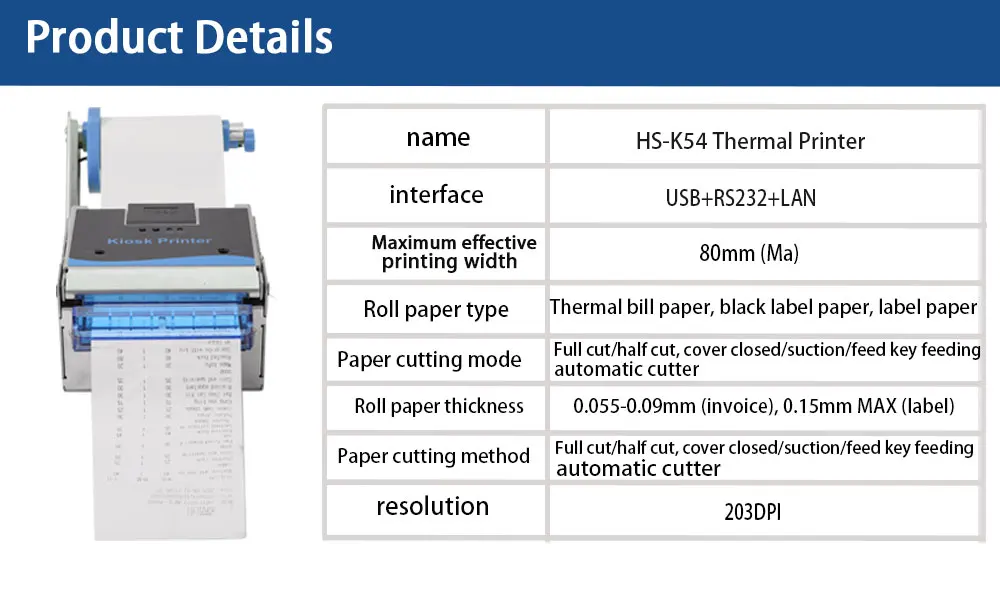
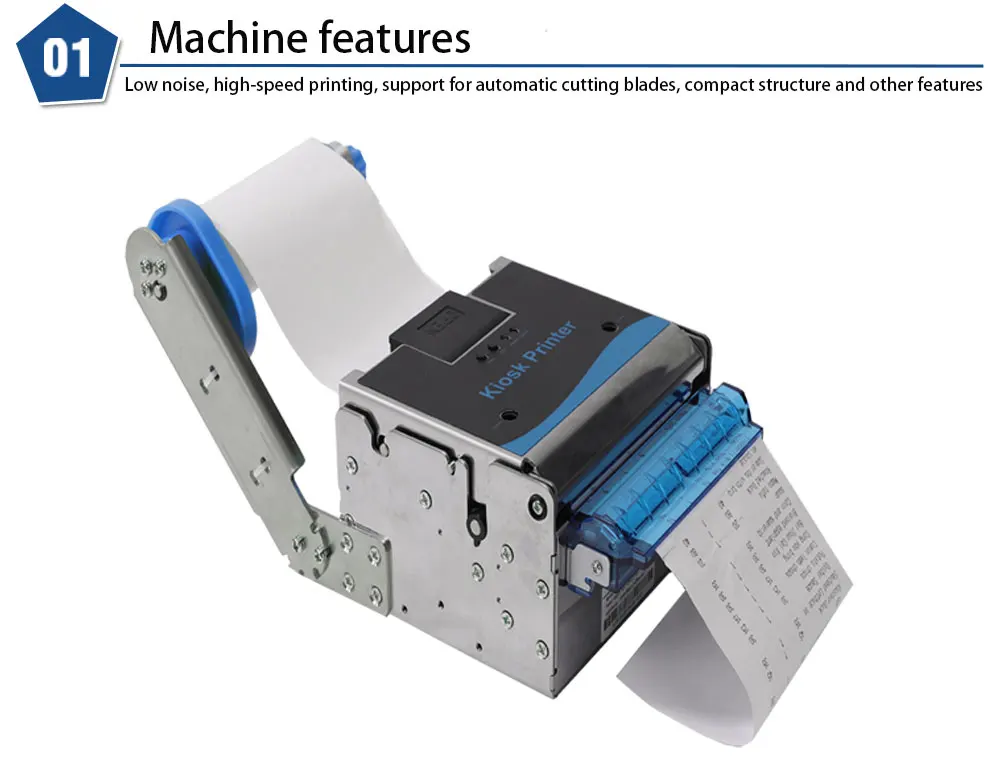
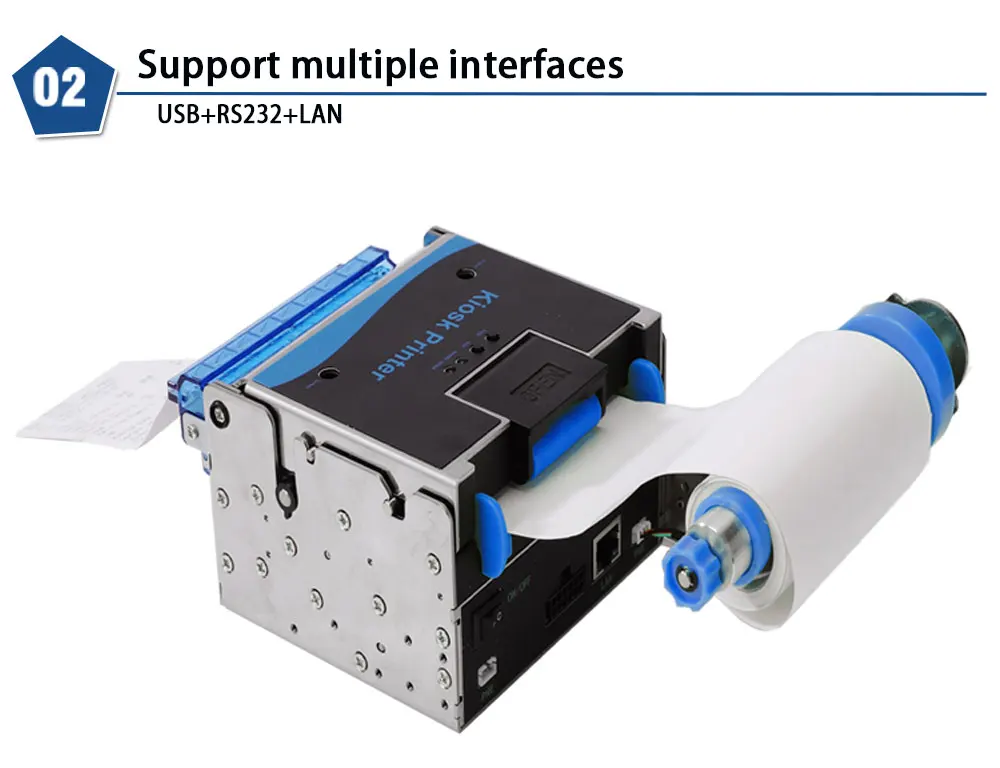
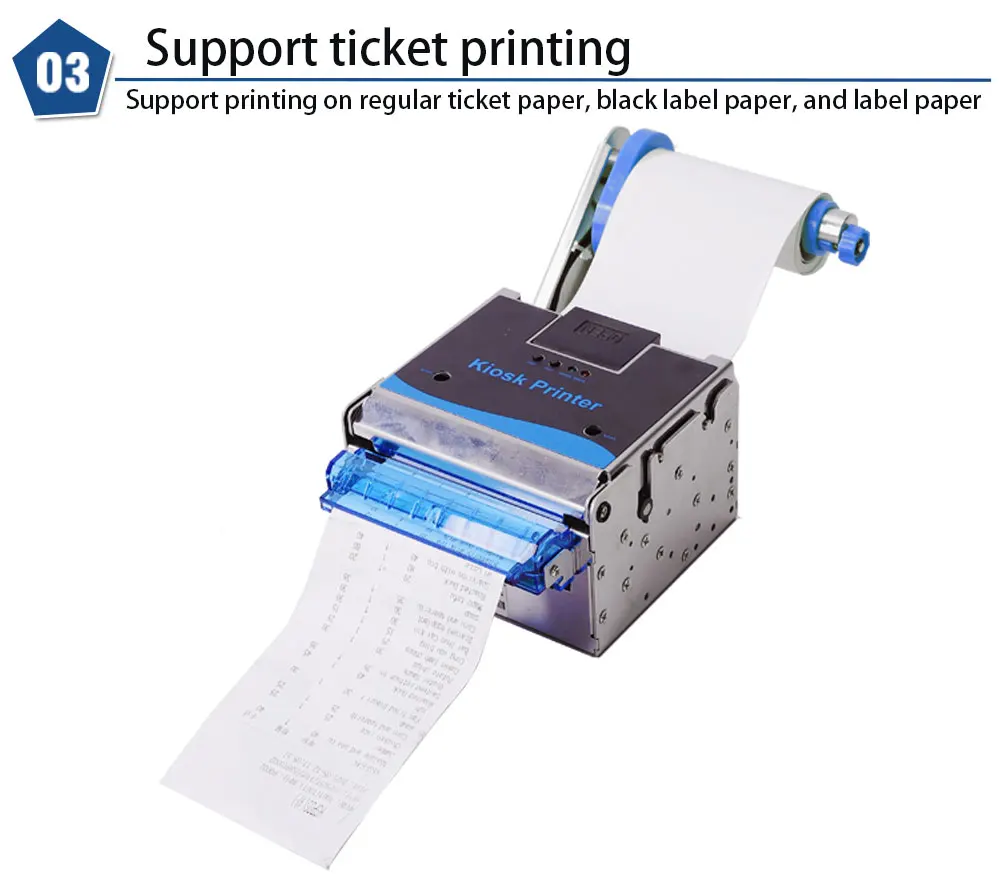
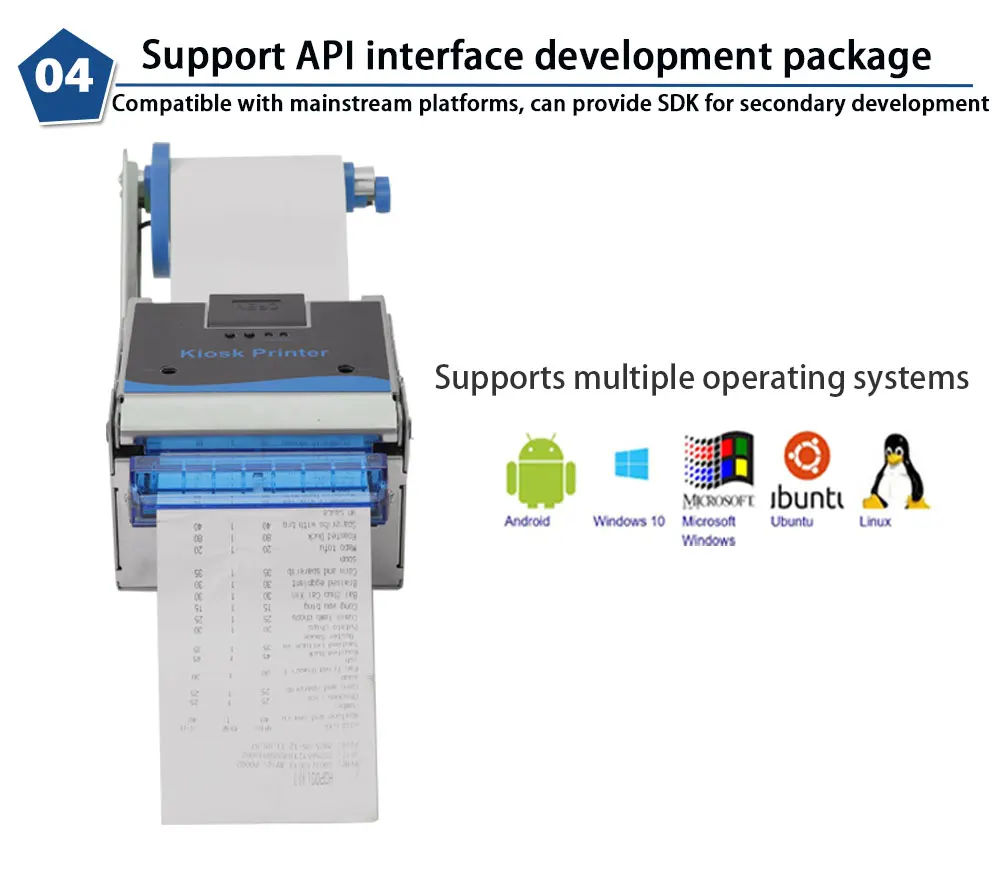
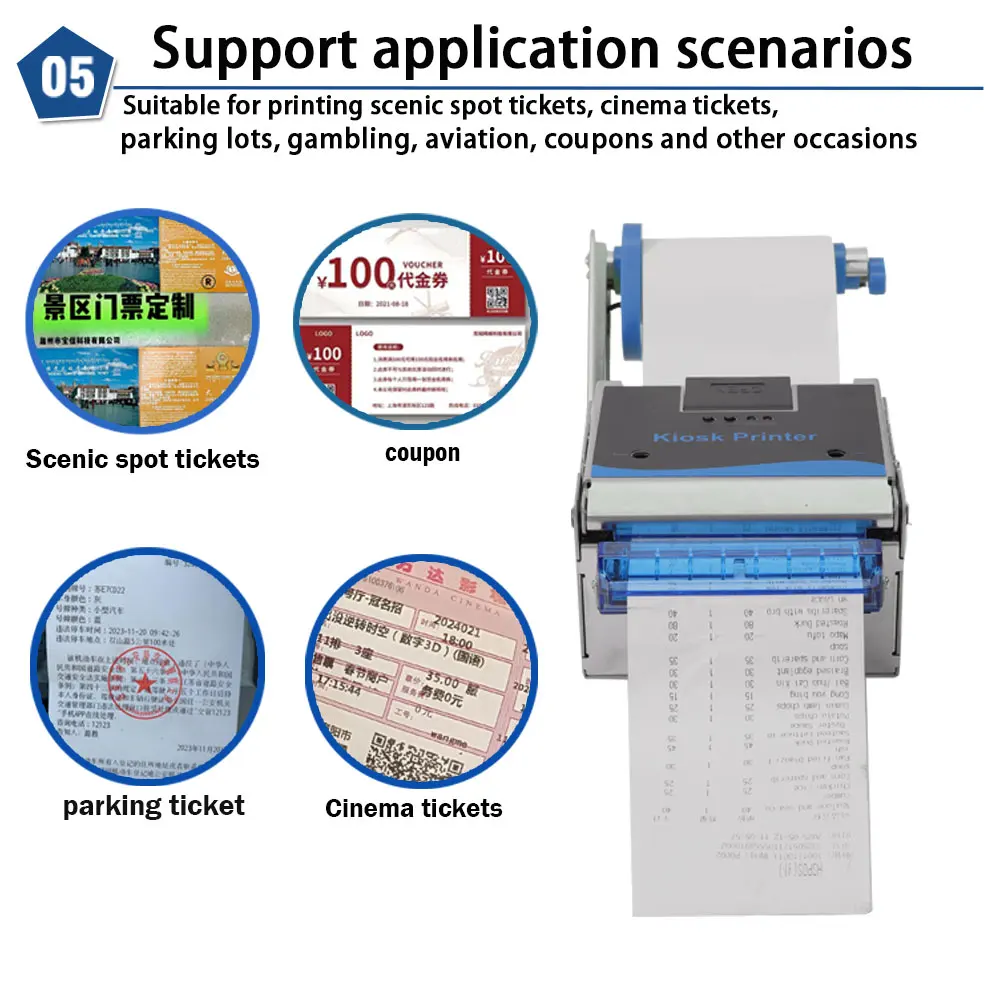
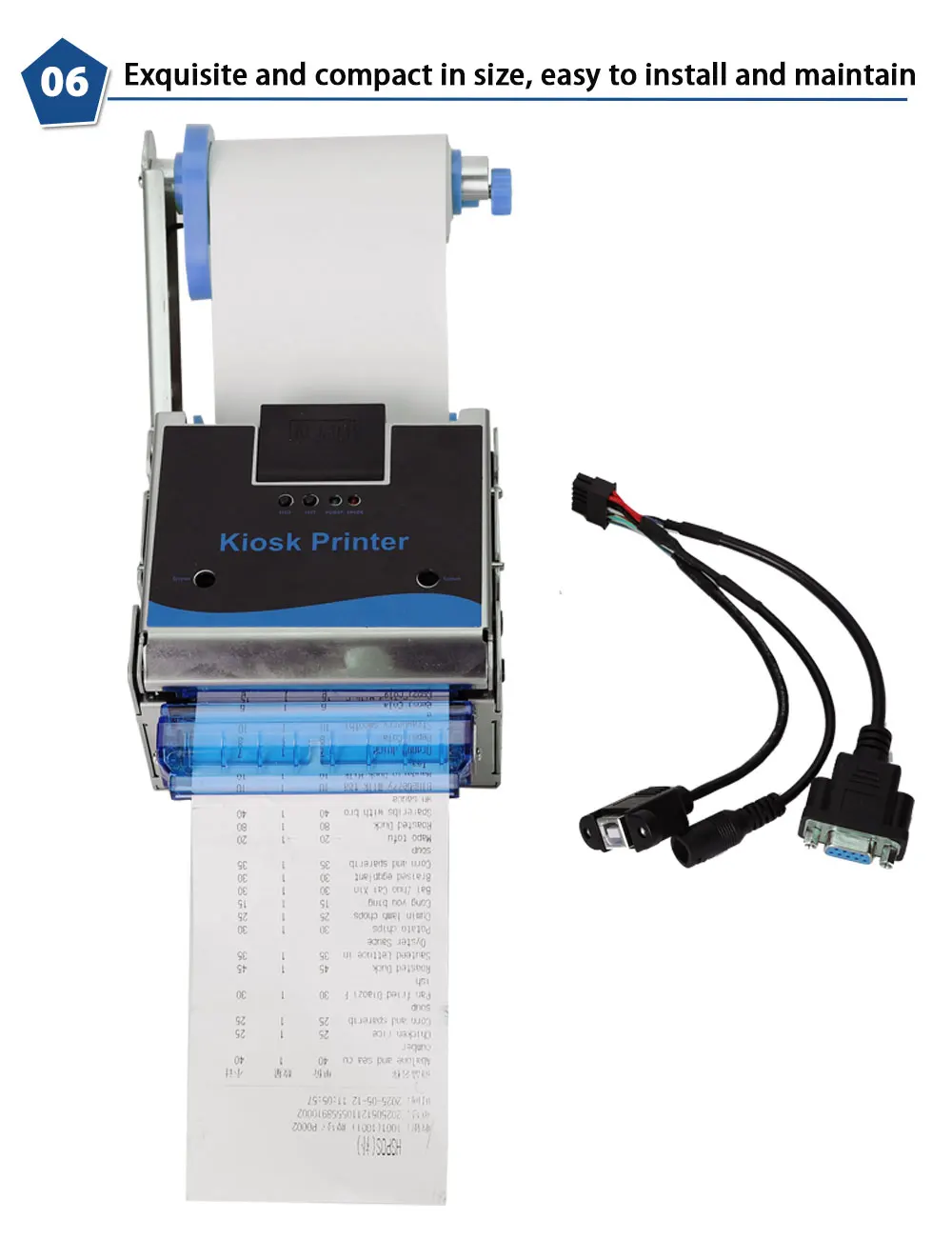
HS-K54 Embedded Thermal Receipt Printer with Anti-Jam Nozzle. It stops printing if manually blocked and resumes when released
Default Title
€239,95
Angebotspreis
€239,95
Normaler Preis
Zu Produktinformationen springen


HS-K54 Embedded Thermal Receipt Printer with Anti-Jam Nozzle. It stops printing if manually blocked and resumes when released
€239,95
Angebotspreis
€239,95
Normaler Preis
Inkl. Steuern.
Versandkosten werden beim Checkout berechnet.
SPECIFICATIONS
Application: For Medical
Battery Included: no
Brand Name: HSENGPRT
Certification: CE,RoHS,FCC
Consumable Type: Thermal Paper
Double-sided Printing: No
Function: PRINT
HSENGPRT Model: HS-K54
High-concerned chemical: none
Interface Type: USB+RS232+LAN
Max Paper Size: 80mm
Max. Resolution: 203dpi
Model Number: HS-K54
Origin: Mainland China
Output Type: black and white
Paper Feed Mode: Friction Feed
Print Speed: 16ppm
Signal Connection Type: none
Supports Network Printing: Wired
Type: Thermal Printer
Voltage: Below 50V AC / 75V DC
HS-K54 Embedded Thermal Receipt Printer with Anti-Jam Nozzle. It stops printing if manually blocked and resumes when released
1.The printer should be installed in a flat and stable place;
2. Leave enough space around the printer for operation and maintenance;
3. The printer should be kept away from water sources and away from direct sunlight, strong light and heat sources;
4. Do not use or store the printer in places with high temperature, high humidity or serious pollution;
5. Avoid placing the printer in places subject to vibration and impact;
6. Avoid bending the power cord with force or heavy objects;
7. Connect the printer's power adapter to a properly grounded outlet and avoid using
the same outlet with large motors or equipment that can cause power voltage fluctuations.
8. If the printer will not be used for a long time, please disconnect the printer power adapter;
9. In order to ensure printing quality and product life, it is recommended to use recommended or equivalent quality paper;
10. When plugging or disconnecting each interface, the power must be turned off,
otherwise the printer control circuit may be damaged;
11. If you smell severe smoke or odor, please turn off the power and disconnect each
interface, and then contact the supplier;
12. Users are not allowed to disassemble the printer for maintenance;
13).Keep this manual properly for reference.