
Lenovo Ultra-thin Dual Modes Wireless Mouse 2.4G USB and Bluetooth Power Display Ergonomic Rechargeable Silent Mice PC Laptop
Black
$31.99
Angebotspreis
$31.99
Normaler Preis
$0.99
Zu Produktinformationen springen



Lenovo Ultra-thin Dual Modes Wireless Mouse 2.4G USB and Bluetooth Power Display Ergonomic Rechargeable Silent Mice PC Laptop
$31.99
Angebotspreis
$31.99
Normaler Preis
$0.99
Versandkosten werden beim Checkout berechnet.
SPECIFICATIONS
Battery Included: Yes
Brand Name: Lenovo
Certification: CE
Choice: yes
DPI: 6400
Feature 1: 1000Hz High Rating Mouse
Feature 2: 500mAh Battery capacity
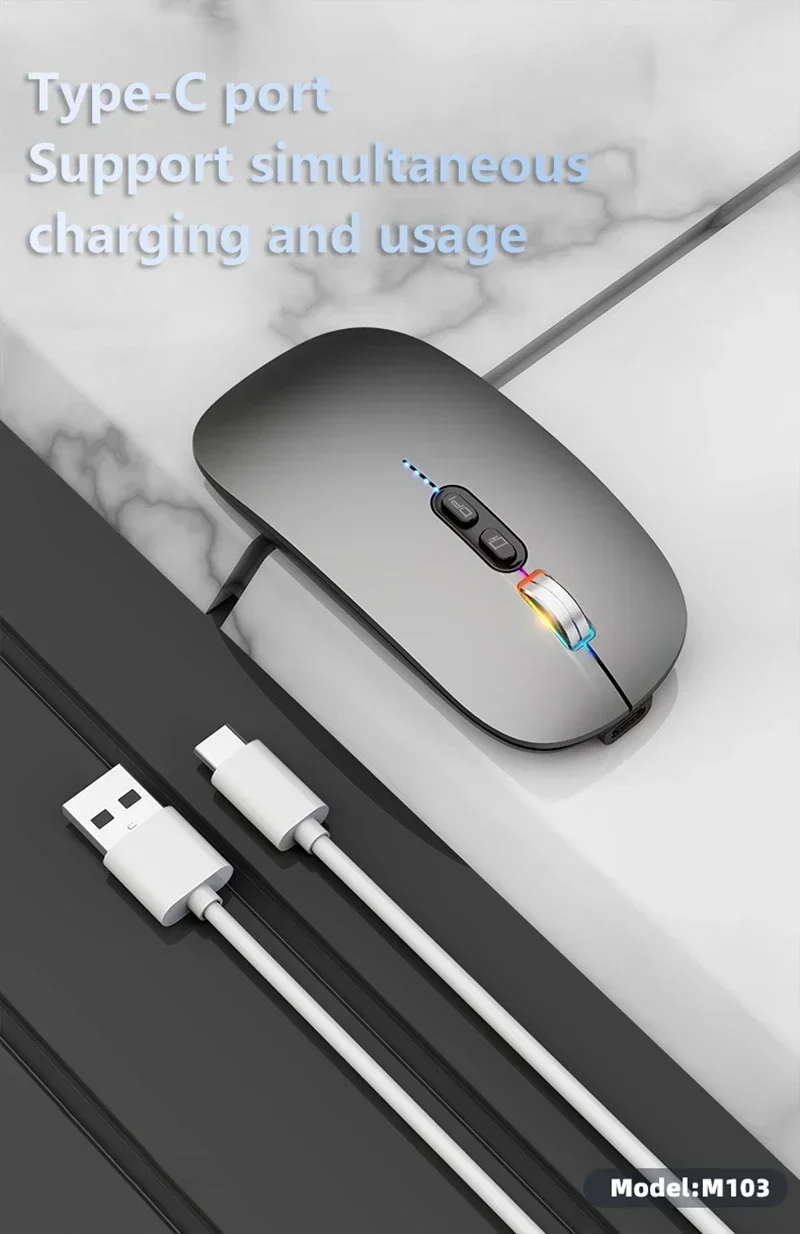
Feature 3: Type-C Rechargeable
Feature 4: 6400DPI Type-C Rechargeable Mouse
Hand Orientation: Right
High-concerned chemical: none
Interface Type: PS/2,USB
Number of Buttons: 2
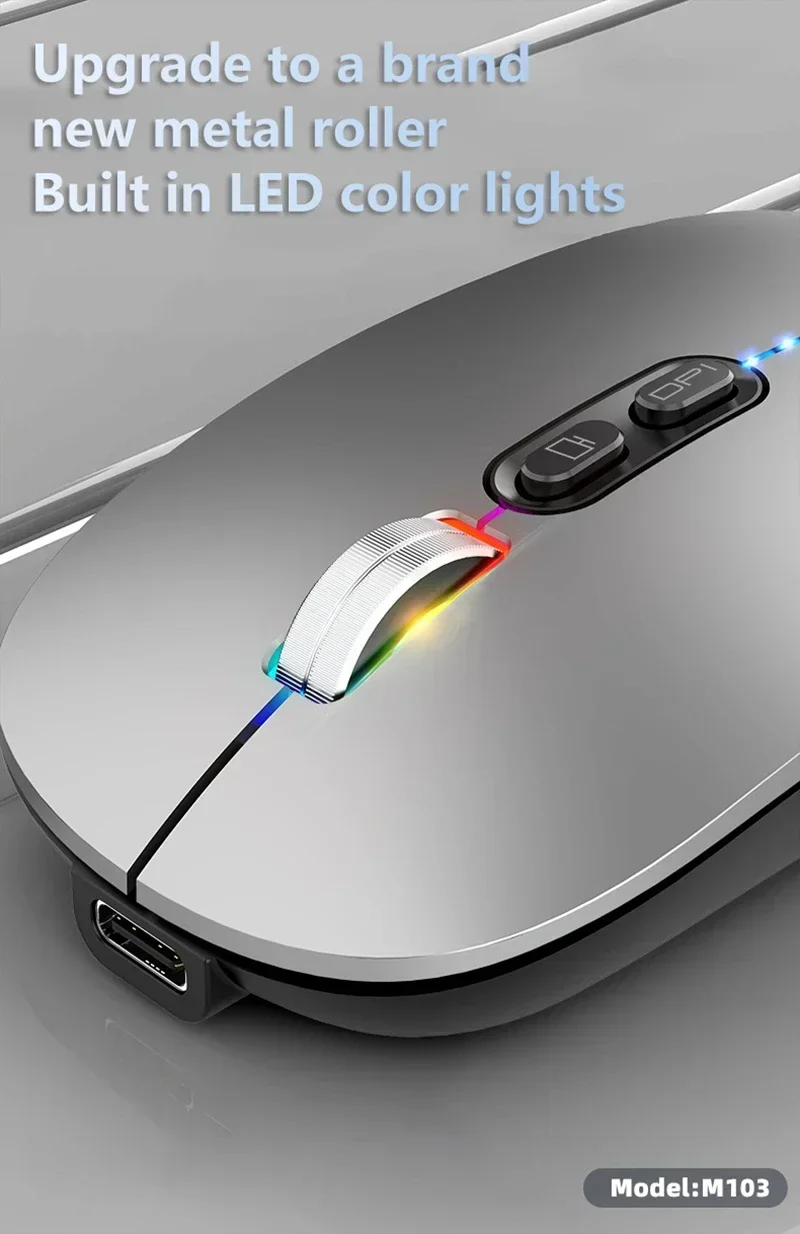
Number of Rollers: 1 pcs
Origin: Mainland China
Package: Yes
Power Source: Rechargeable
Power Type: Rechargeable
Style: Finger
Type: 2.4Ghz Wireless,2.4Ghz Wireless
semi_Choice: yes
Lenovo Ultra-thin Dual Modes Wireless Mouse 2.4G USB and Bluetooth Power Display Ergonomic Rechargeable Silent Mice PC Laptop
Technical Parameters:
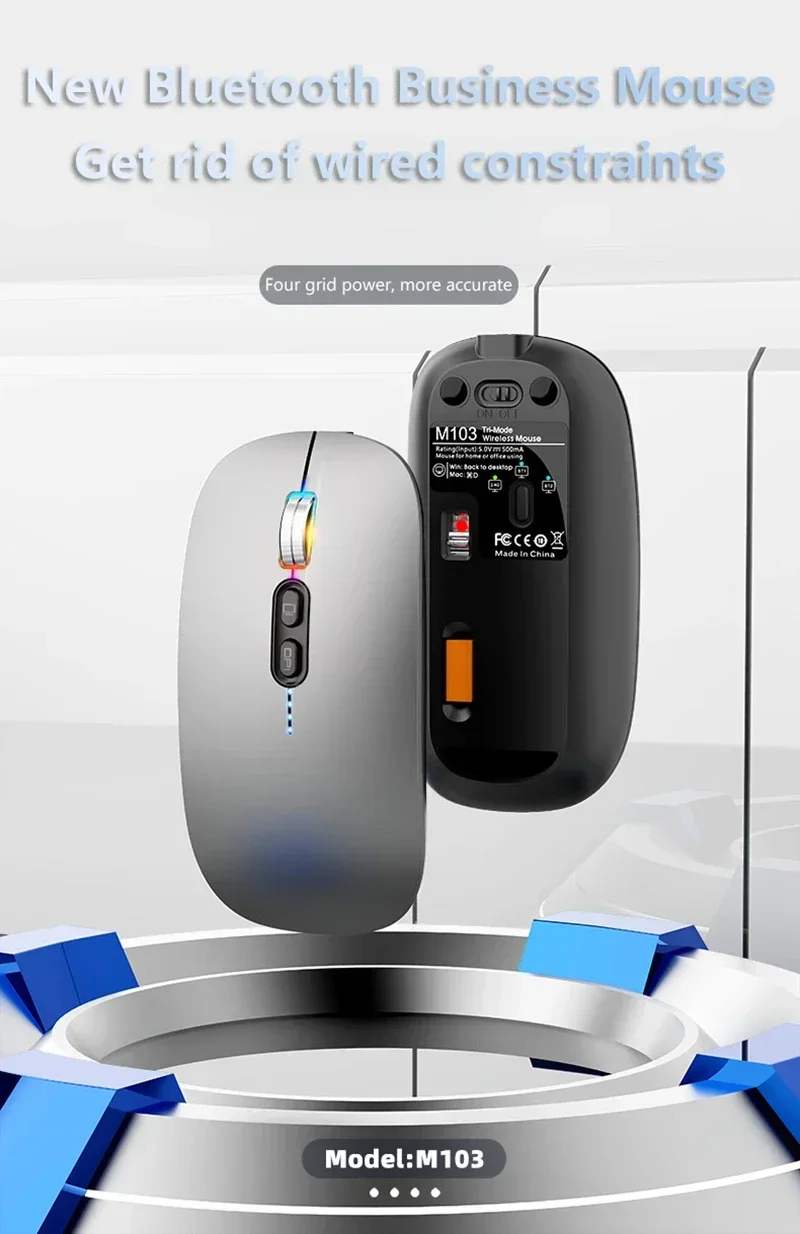
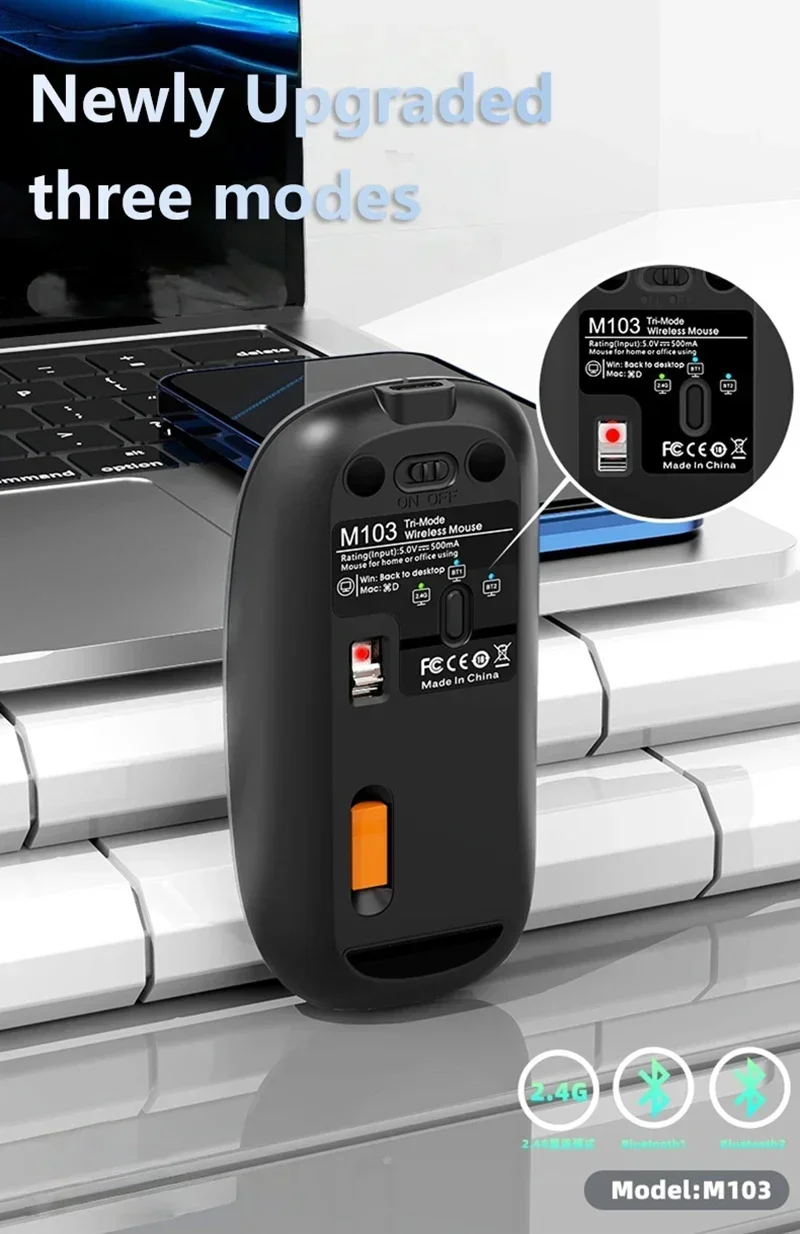
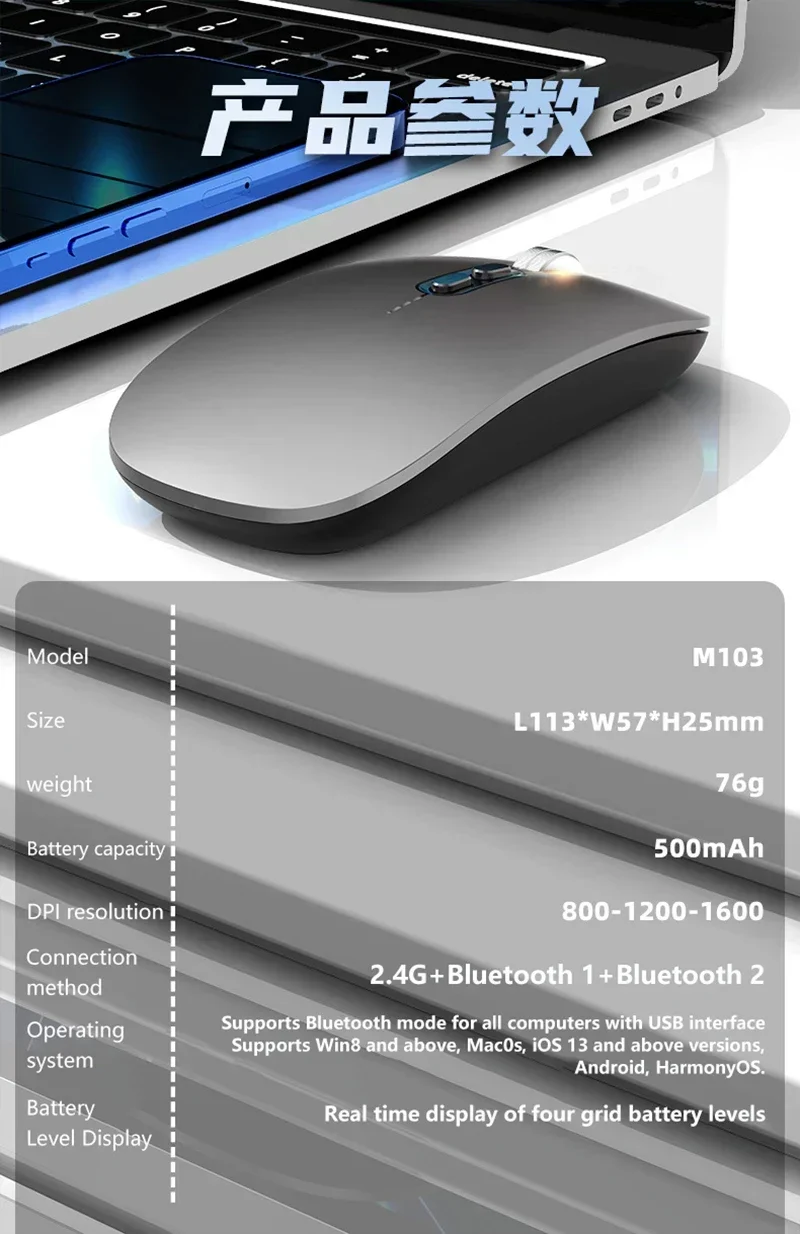
◎2.4G+BT5.1+BT5.1 Three Modes Wireless Transmission Technology,Energy-saving, built-in storage, no need for code, smart connection.
◎15M wireless receiving distance,Superior anti-interference ability
◎ Third gear DPI adjustment design,800-1200-1600dpi
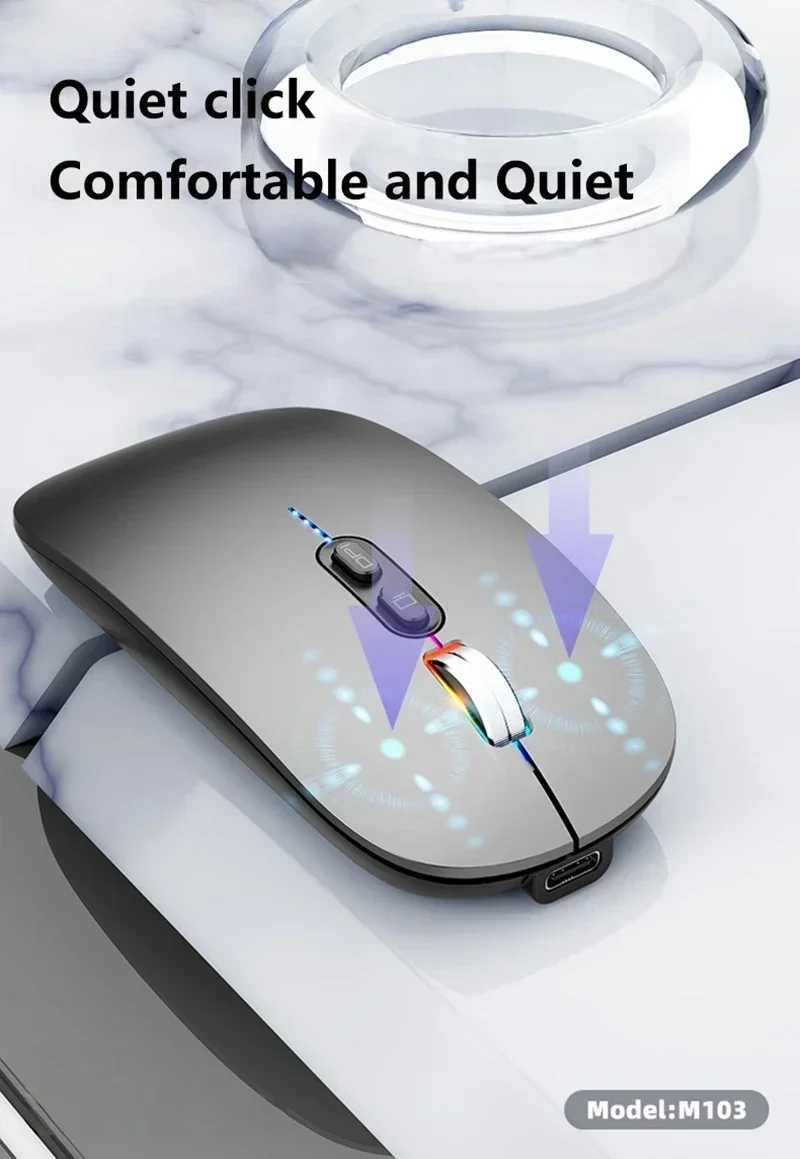
◎ Silent design,quiet and elegant office wireless mouse
◎ High resolution: Max 1600 DPI high resolution for fluid motion
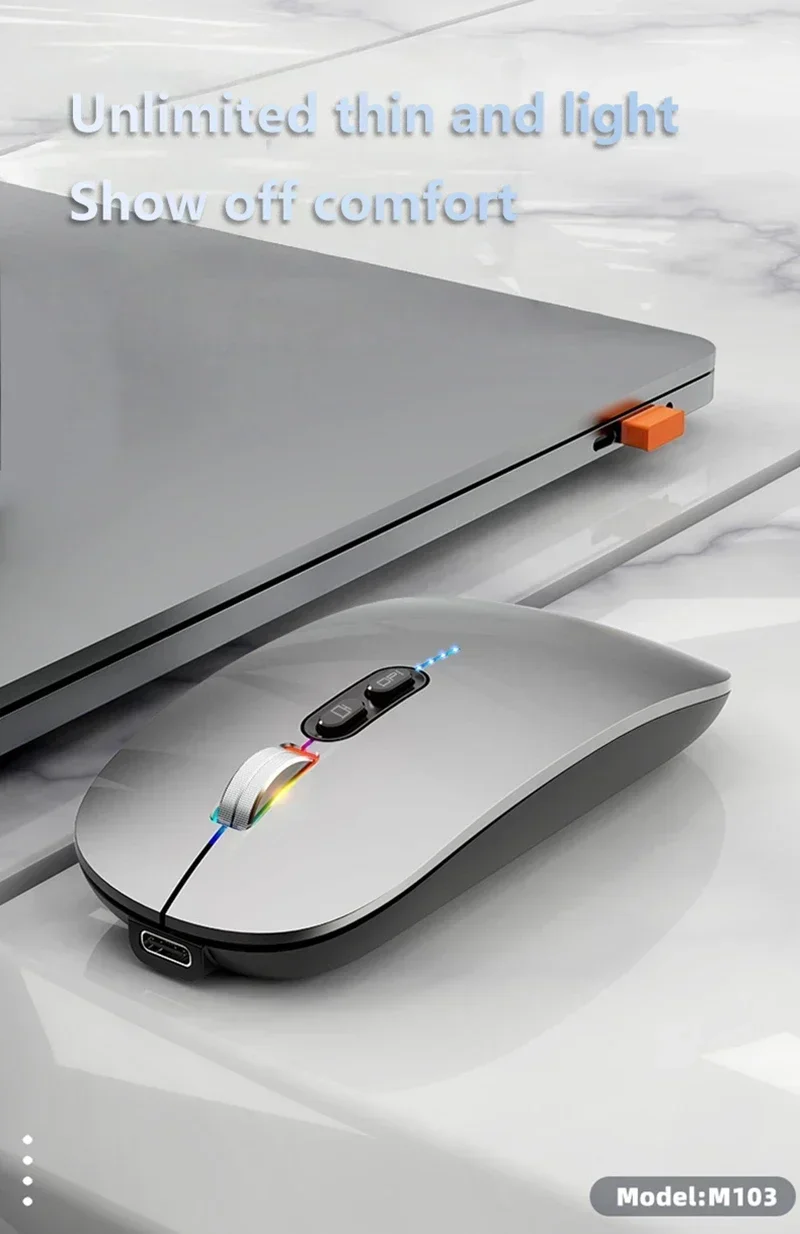
◎ Fashionable slim design: Slim design for sleek look and portable use
◎ Add a one-click desktop feature to quickly return to the desktop
◎ 250Hz high rate return chip, data transmission is faster,fast cursor positioning
Specification:
Model: M103 Three Modes Power display wireless mouse
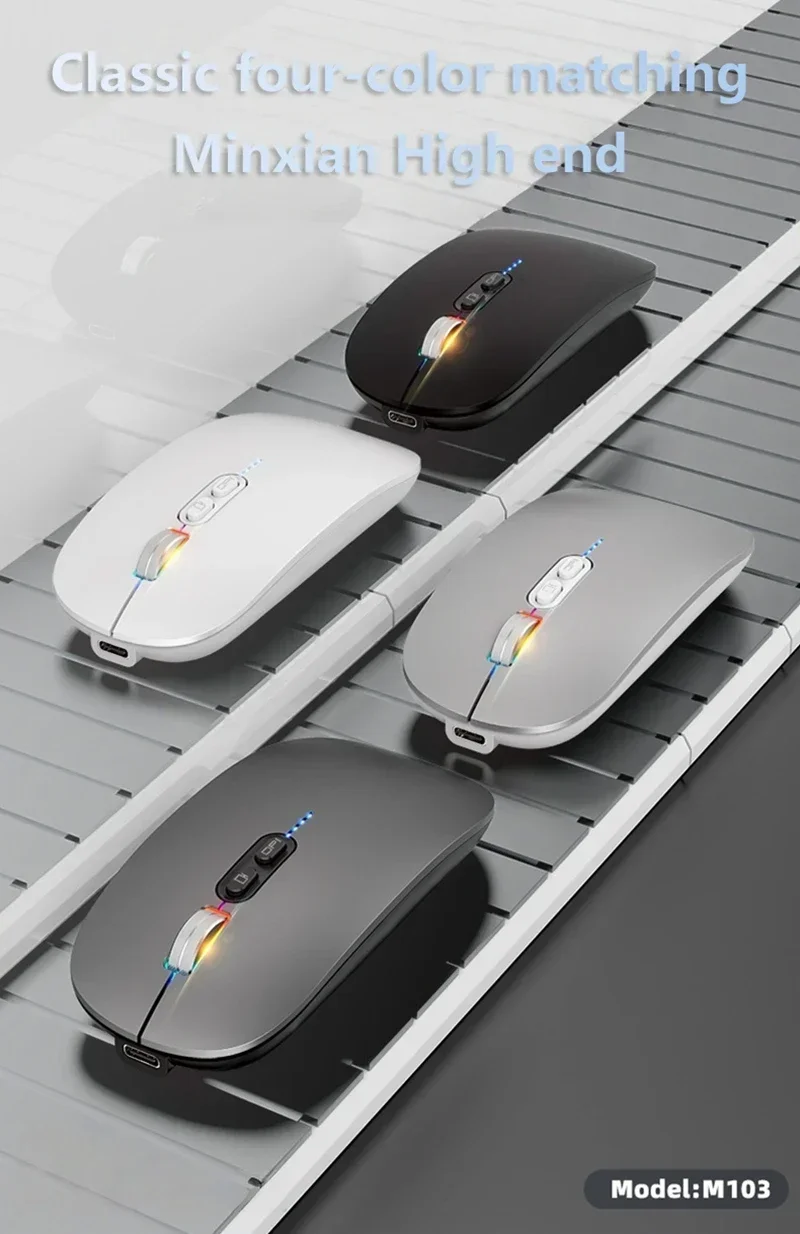
Color: Black ,Silver
Material: ABS
IC: Pix Art 3065
Rate of return: 125HZ
Movement speed: 28IPS
Refresh rate: 3000FPS
Acceleration: 10G
Key life: 5 million times(Silent design)
Wireless distance: 15m
Work: Photoelectricity
Battery capacity:500mAh(Chargeable lithium battery)
Charging cable length: 25cm
Project Type: Ergonomics Optical Mouse
Resolution: 800,1200,1600.(1200dpi Default)
Operation Mode:Opto-electronic
Rated voltage / current: 3.7V / 18mA
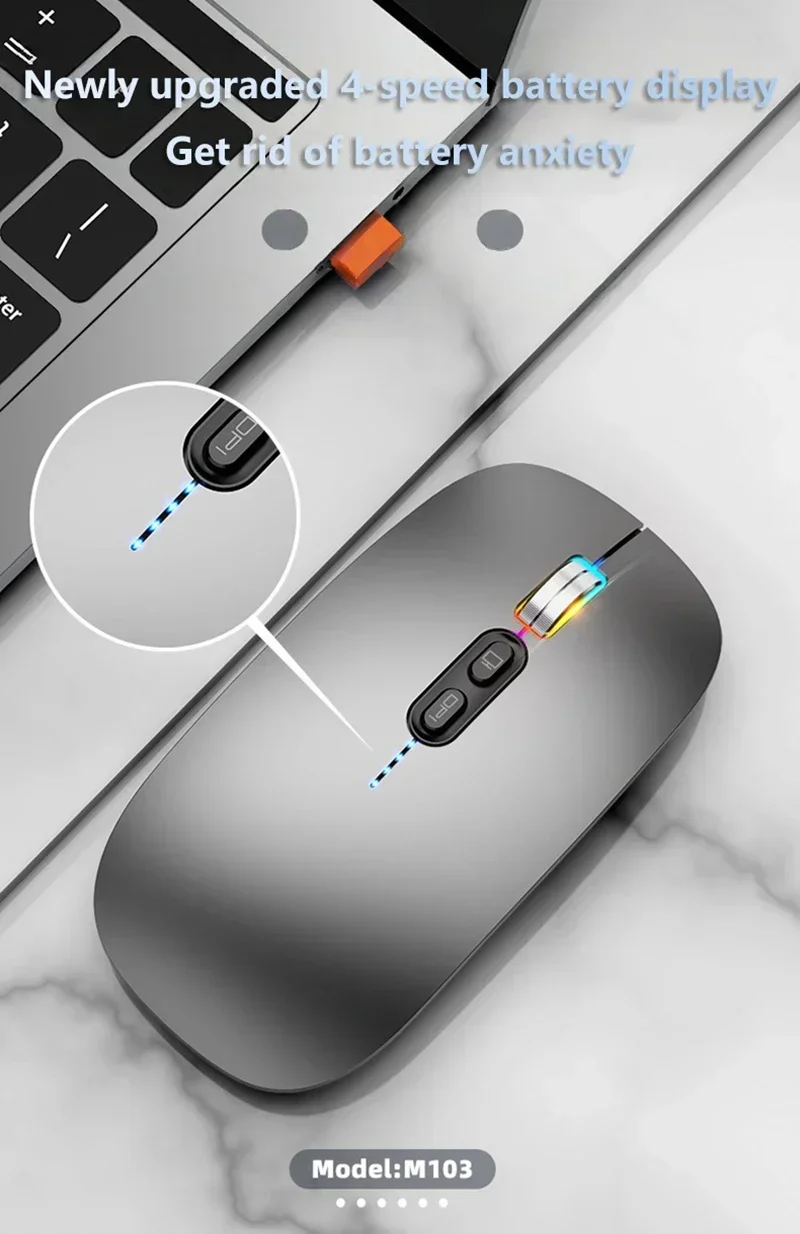
Power Type:Rechargeable(Charging time 2h,Working time 150h)
Type:2.4Ghz Rechargeable wireless mouse
Buttons: 2 Buttons and 1 Round (Middle Mutton) and Dpi key and One-button desktop button(Only support windows system).
System requirements: Windows 98 / Me / 2000 / XP / Vista / Win 7 / Win8 / 10/Vista Mac OS or latest.
Product weight:70g
Item size: 11.3 *5.7* 2.6cm
Packing weight: 101g
Package Size:12 * 7* 3.5cm
Package List:
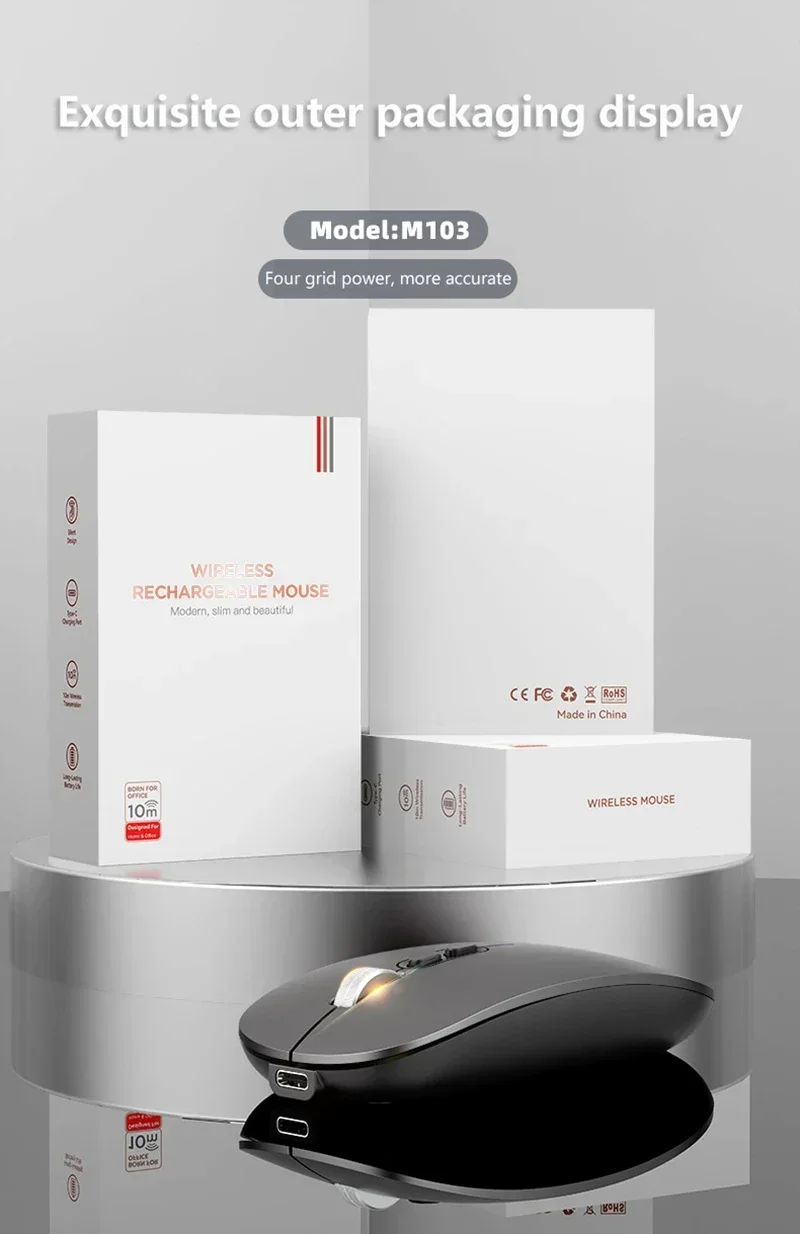
1 * 2.4 G+BT5.1+BT5.1 Three Modes Mouse
1 * USB Receiver
1 * USB Charging Cable(25cm)
1* Instruction manual
Three-level power saving mode:
1): Three seconds into the first sleep light flashing continuously
2): 1 minute or so to enter the secondary sleep, intermittent flashing lights
3): 8 minutes or so, go to level 3 sleep, the light goes out.
Installation and use steps:
USB connection
Step 1: Plug the receiver into your computer's UsB port.
Step 2: Push the power switch at the bottom of the mouse to the "ON" and switch the buttoní0to 2.4G mode, the corresponding light is flashing green, and then the green light off after connecting the device, enter the normal mode.
Step 3: Move the mouse or press the left/right button to use it normally.
Bluetooth connection(BT1-BT2) :
Step 1: Push the power switch at the bottom of the mouse to "ON" click the mouse three modes button 0, the blue lights corresponding to the BT1/BT2 mode flashes,and start to enter the code mode.
Step 2: Open the tablet/computer/phone, click the "Bluetooth" interface in the settings menu,Connect the pairing mouse (BT5.1Mouse).After the device isconnected, the blue light goes off, Enter normal mode.
Step 3: Move the mouse or press the left/right button to use it normally.
