
TUYA Music Ceiling Light With Speaker Remote Control APP Dimming Smart RGB LED Lamps Backlight Design Bedroom Living Room Decor
48CM(18.9 Inch) / Poland / changeable|80W
€95,95
Angebotspreis
€95,95
Normaler Preis
Zu Produktinformationen springen










TUYA Music Ceiling Light With Speaker Remote Control APP Dimming Smart RGB LED Lamps Backlight Design Bedroom Living Room Decor
€95,95
Angebotspreis
€95,95
Normaler Preis
Inkl. Steuern.
Versandkosten werden beim Checkout berechnet.
SPECIFICATIONS
Application: Kitchen,Dining Room,Bed Room,Foyer,Study,Exhibition Hall
Base Type: Wedge
Body Material: ABS,PVC
Brand Name: NONE
Certification: ce,EMC,LVD,ROHS,RoHS,LVD,EMC,CE
Color: WHITE
High-concerned chemical: none
Installation: Surface mounted
Installation Method: self-contained
Is Bulbs Included: Yes
Is Dimmable: Yes
Is Include PCBA: Y
Is Smart Device: Yes
Item Type: ceiling lights
Light Source: LED bulbs
Lighting Area: 10-15square meters
Luminous Flux: 2000-82000
Material: PVC
Number of light sources: > 20
Origin: Mainland China
Power Source: AC
Style: Modern Style
Switch Type: Remote control
Use: Daily Lighting
Voltage: 220 V
Warranty: 1 Year
Product Features
🛒Bluetooth Music Speaker:
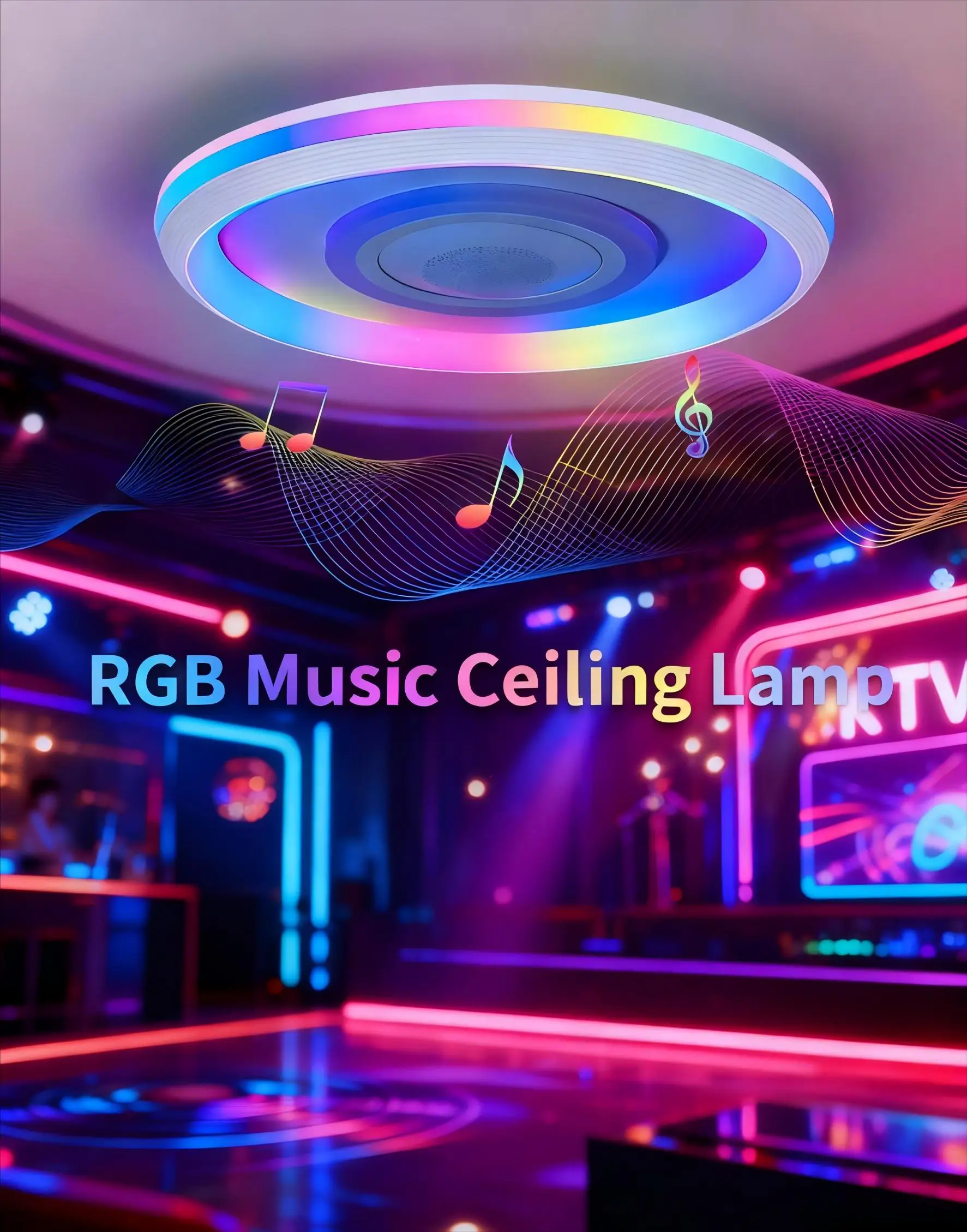
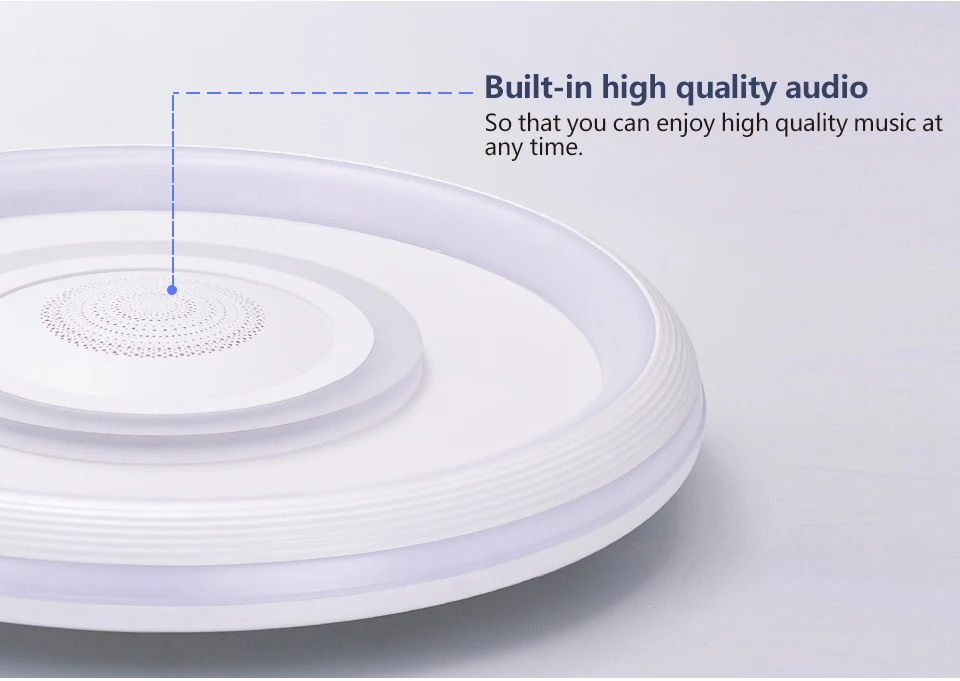
Built-in speaker, wirelessly connect to mobile phone for music playback, lights sync with music for immersive audio-visual experience.
🛒Multiple Lighting Color Options:
--- RGB Colorful Lights: 16 million colors + 12 modes + 6 music rhythms, which can flash with music and are suitable for various music genres.
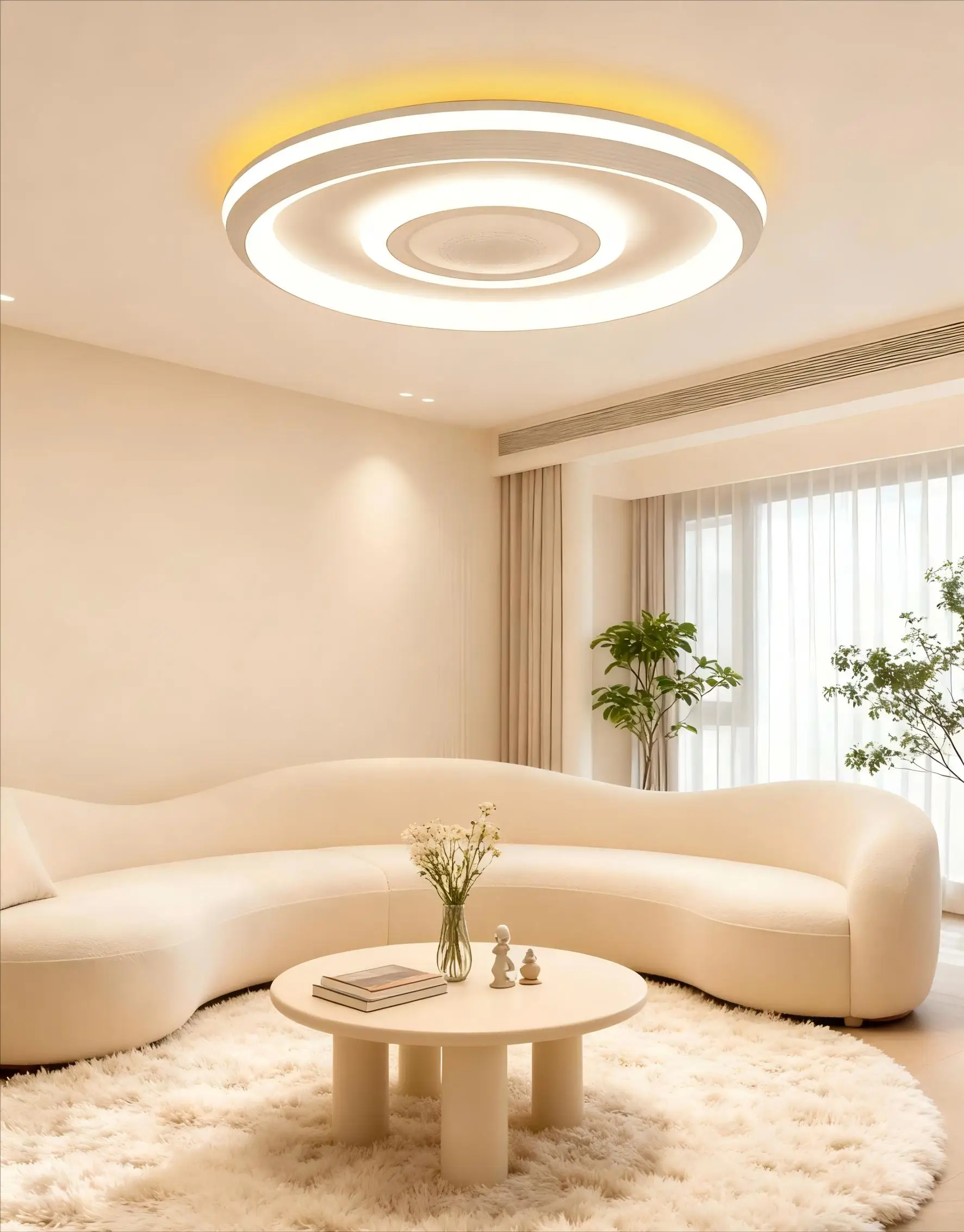
---- Three-color Temperature Dimming: 3000K-6500K, brightness adjustable from 20% to 100%, meeting the needs of various scenarios.
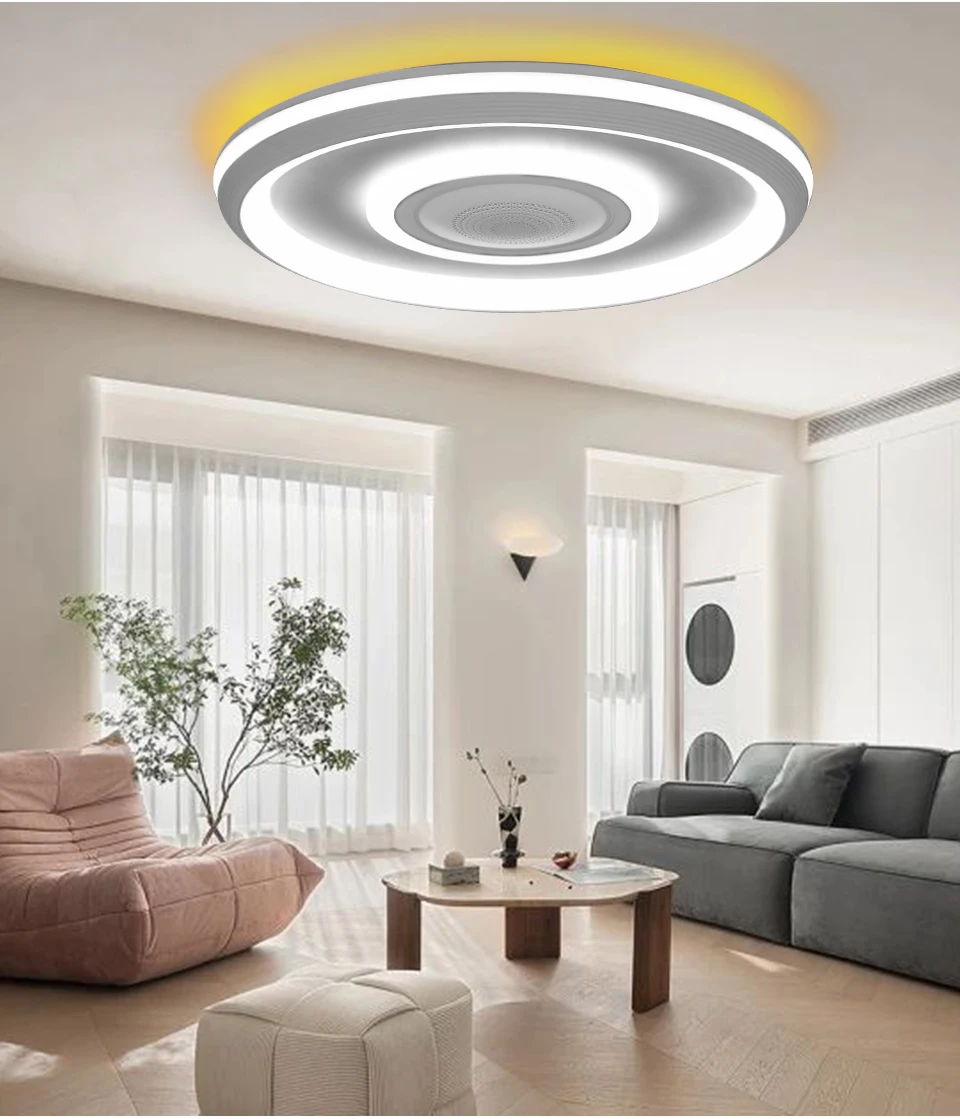
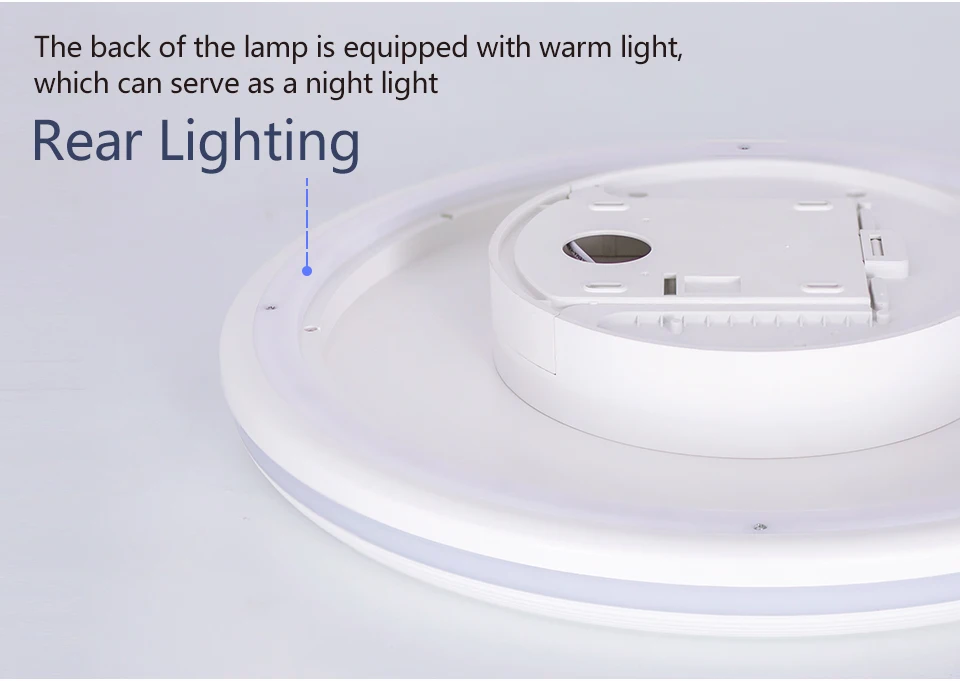
---- Independent Backlight: An additional monochromatic backlight ambient light that can be turned on and off independently, with no glare during nighttime use.
🛒Smart Multi-Control
Supports TUYA/Smart Life APP (Bluetooth), remote, and wall switch control. The APP offers color change, brightness adjustment, and dynamic modes for personalized lighting.
🛒Eye-Caring Soft Light & High CRI
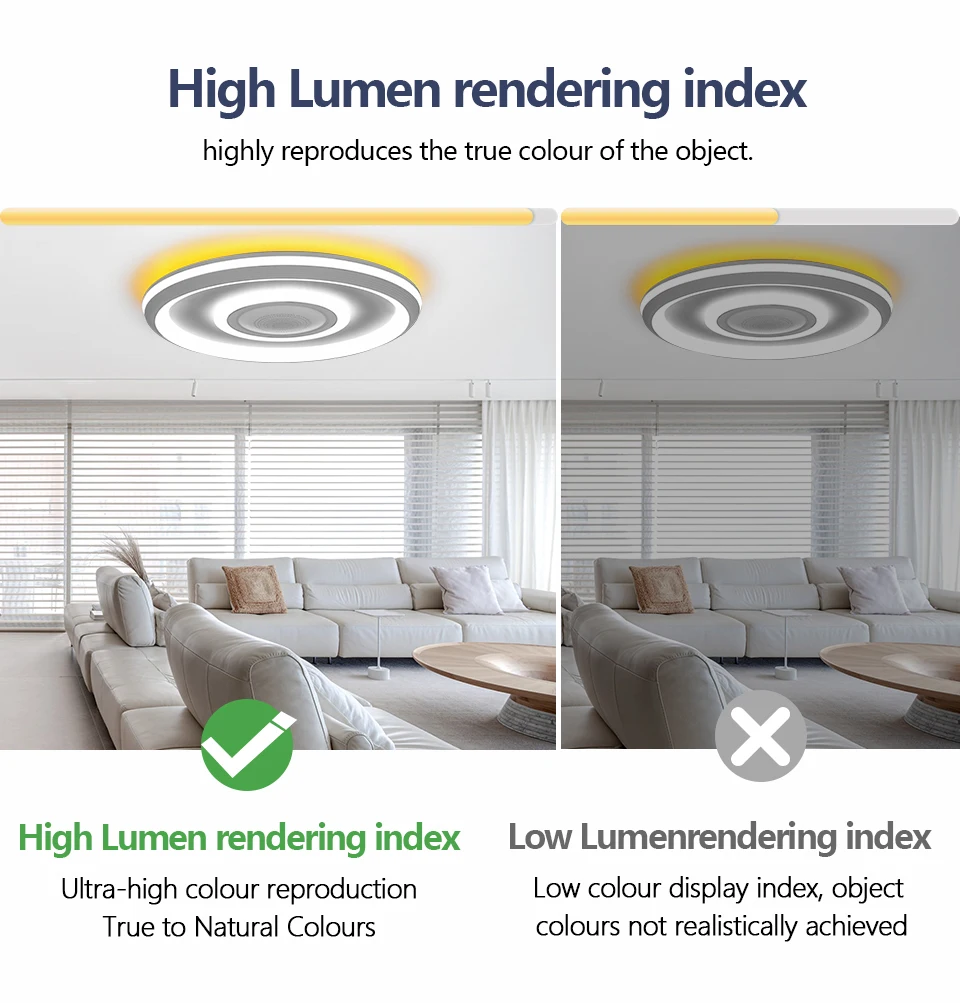
The soft light protects your eyes and accurately restores object colors, perfectly showcasing your home decor.
Specifications
-Control methods: TUYA App/Smart Life App (Bluetooth), Remote Control, Wall Switch With Memory
-Voltage: AC 220-240V
-Size: Diameter 480mm, Thickness 75mm
-Power: Max 80W (Neutral Light 74W, Cool/Warm Light 39W, RGB 3W, Speaker 3W)
-Material: ABS plastic, PVC,Acrylic
-Light effect mode: multi-color temperature (2700K-6500K), RGB iridescence
-Featured features: music playback, stepless dimming, backlight
Scene Display
Product Details
FAQ
Q1:What should I do if I can't connect to the app?
A1:First, clear the code. The specific steps are:
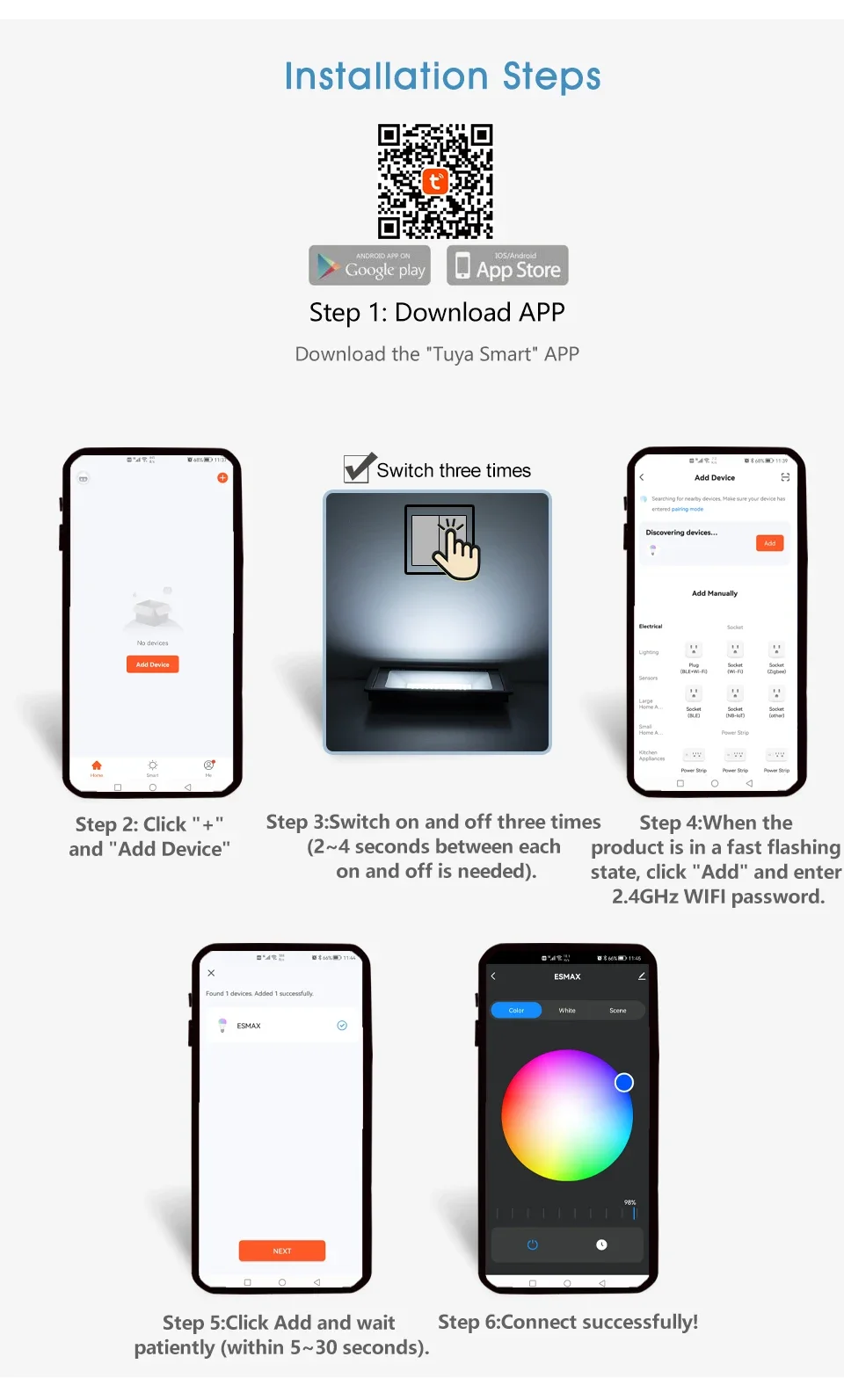
Turn on the light, then wait for 3-5 seconds to turn off the light, then wait for 3-5 seconds to turn on the light, and then wait for another 3-5 seconds to turn off the light. Repeat this process for 3-5 seconds until the light breathes and flashes, indicating that the code clearing is complete. You can then reconnect to the app. If you still cannot connect, please check if the app is the latest version.
Q2: How to activate the music rhythm mode?
A2: Press the "Music Rhythm" button (10th key) on the remote control to cycle through 6 modes. The lights will automatically change with the music rhythm, suitable for music played via Bluetooth on your phone.
Q3:How to pair the ceiling light with the app?
A3:Firstly, ensure that the graffiti/smart life app is installed on the phone, open the app, and register and log in. Then find the "Add Device" option in the app, turn on the power supply of the ceiling light, follow the prompts in the app, enter the Wi Fi password when the light is in the distribution network state (usually flashing or specific prompts), and wait for the app to search and connect the light.


