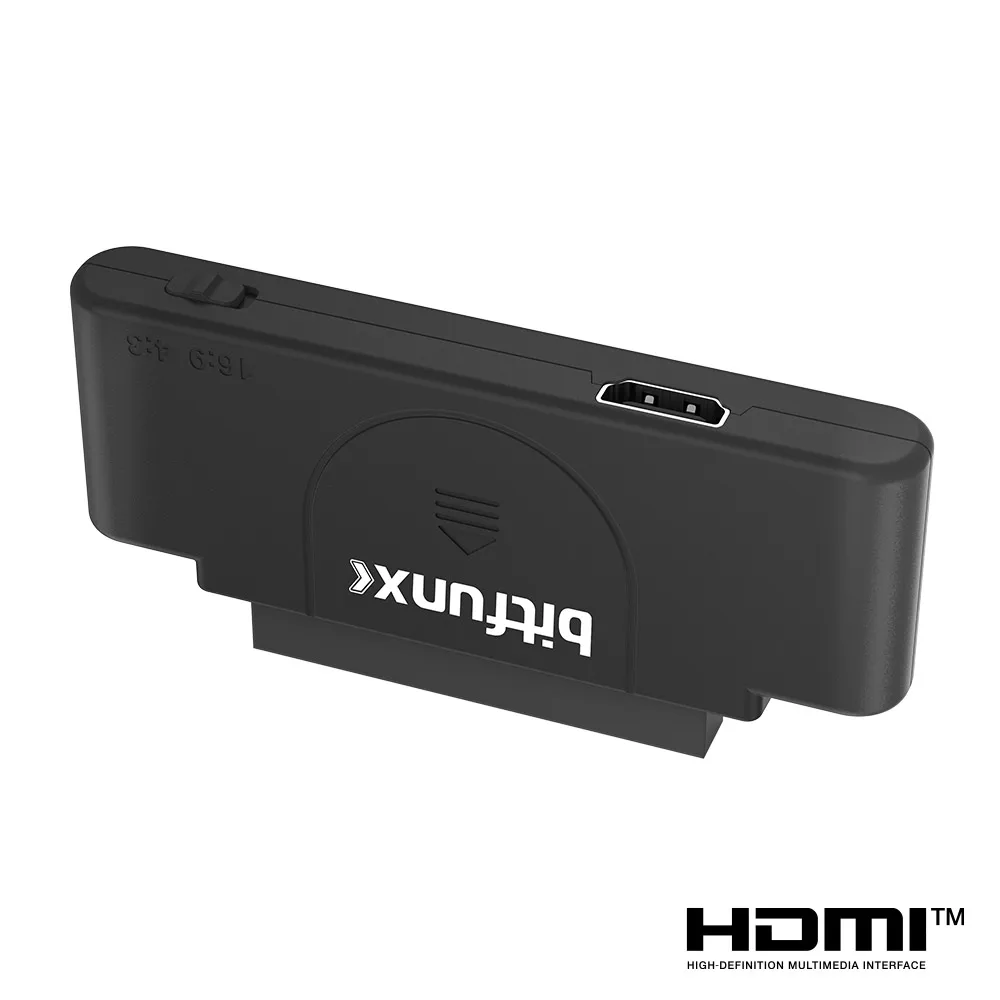
BitFunx RGB To 1080p HDMI™ Adapter For PCE PC Engine Console Support 16:9&4:3 Switching Video Conveter For Core Grafx Series
PCE Adapter
€47,95
Precio de oferta
€47,95
Precio habitual
Ir directamente a la información del producto



BitFunx RGB To 1080p HDMI™ Adapter For PCE PC Engine Console Support 16:9&4:3 Switching Video Conveter For Core Grafx Series
€47,95
Precio de oferta
€47,95
Precio habitual
Impuestos incluidos.
Envío calculado en el pago.
SPECIFICATIONS
Accessories Type: HDMI Converter
Bluetooth range: no
Brand Name: Apexneer
Cable features: Without cable
Compatible Brand/Model: None
Control Method: Push button
Controls Type: Push button
Electric: No
Enclosure material: Others
Fastening type: Others
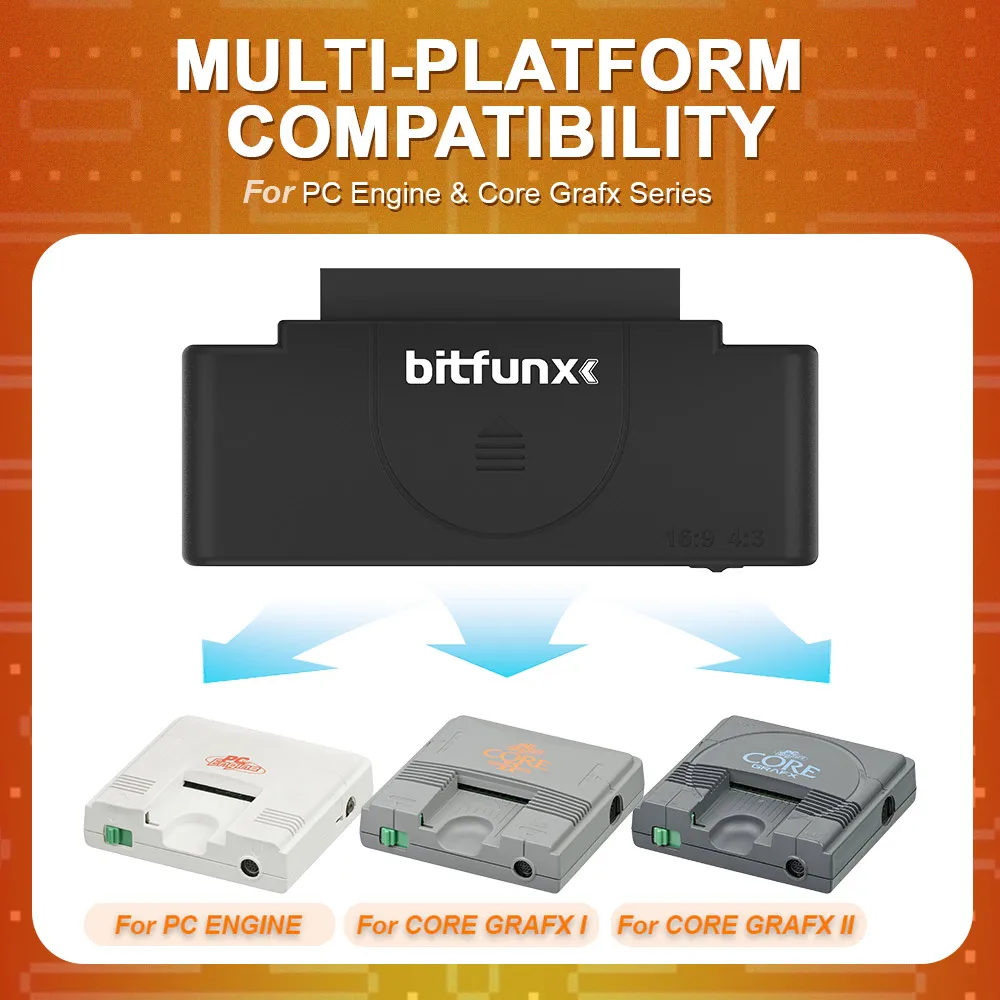
Feature 1: For PC Engine Consoles (white model, Core Grafx I & II, TG16)
Feature 2: Support RGB signal to HD 1080P
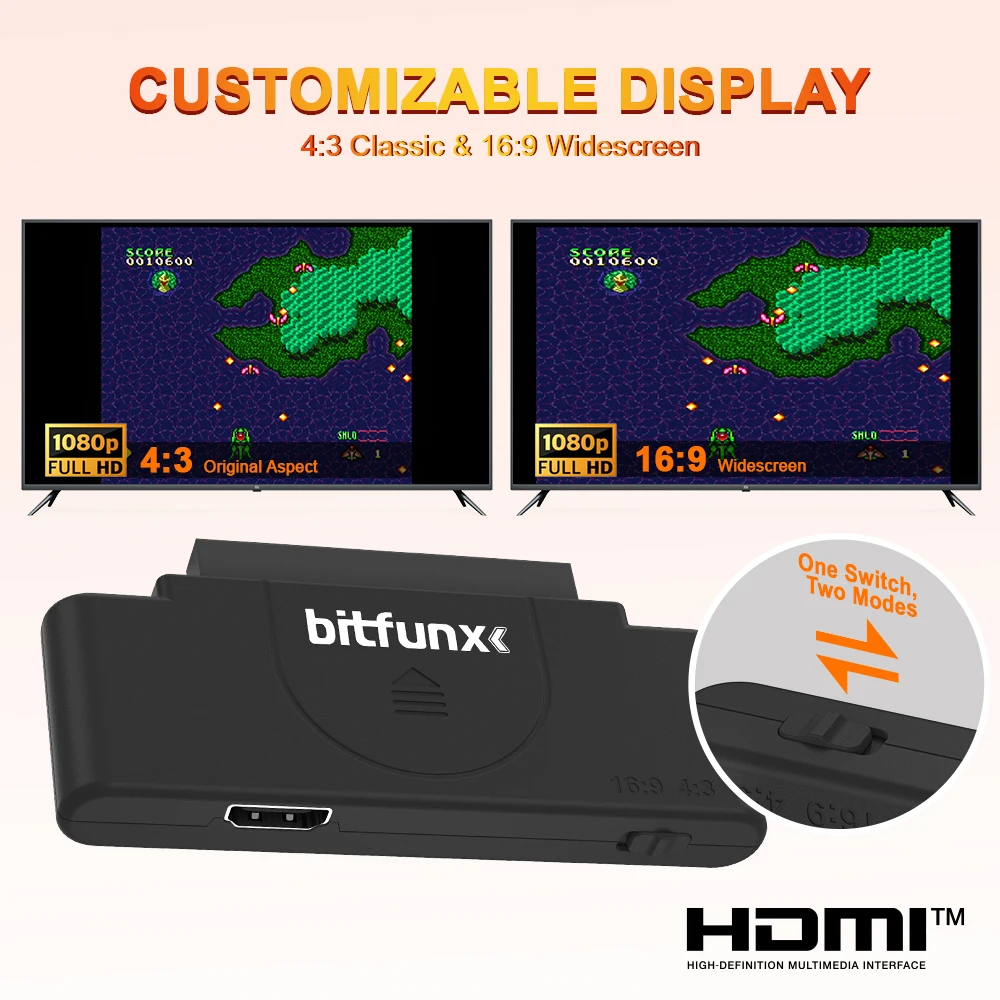
Feature 3: Support 4:3&16:9 Switching
Feature 4: Plug-and-Play
Harness Feature: Others
High-concerned chemical: none
Model Number: PCE-HDMI-Adapter
Occasion: Others
Origin: Mainland China
Platform: Other
Portable: Yes
Reusability: Reusable
Sensor Technology: Others
With USB: Yes
BitFunx RGB To 1080p HD Adapter For PCE PC Engine Game Console Support 16:9&4:3 Switching Video Conveter For Core Grafx Series
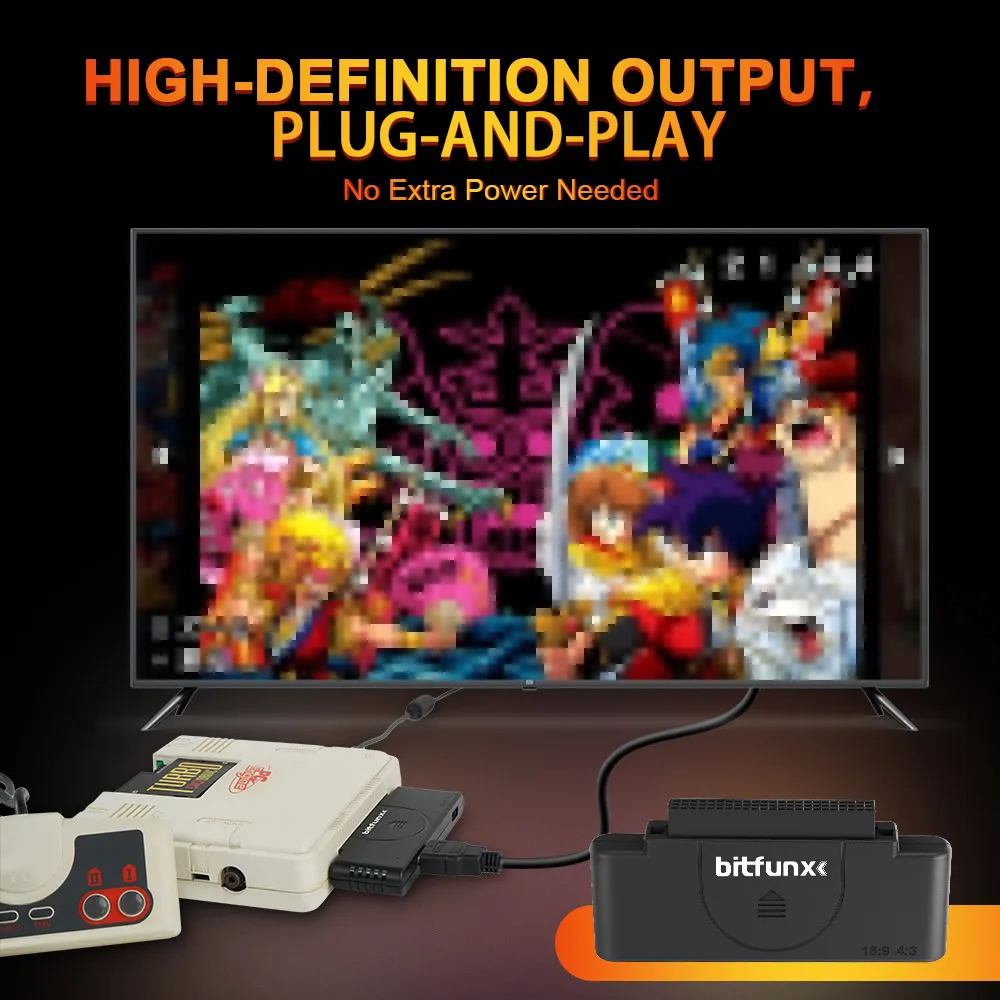
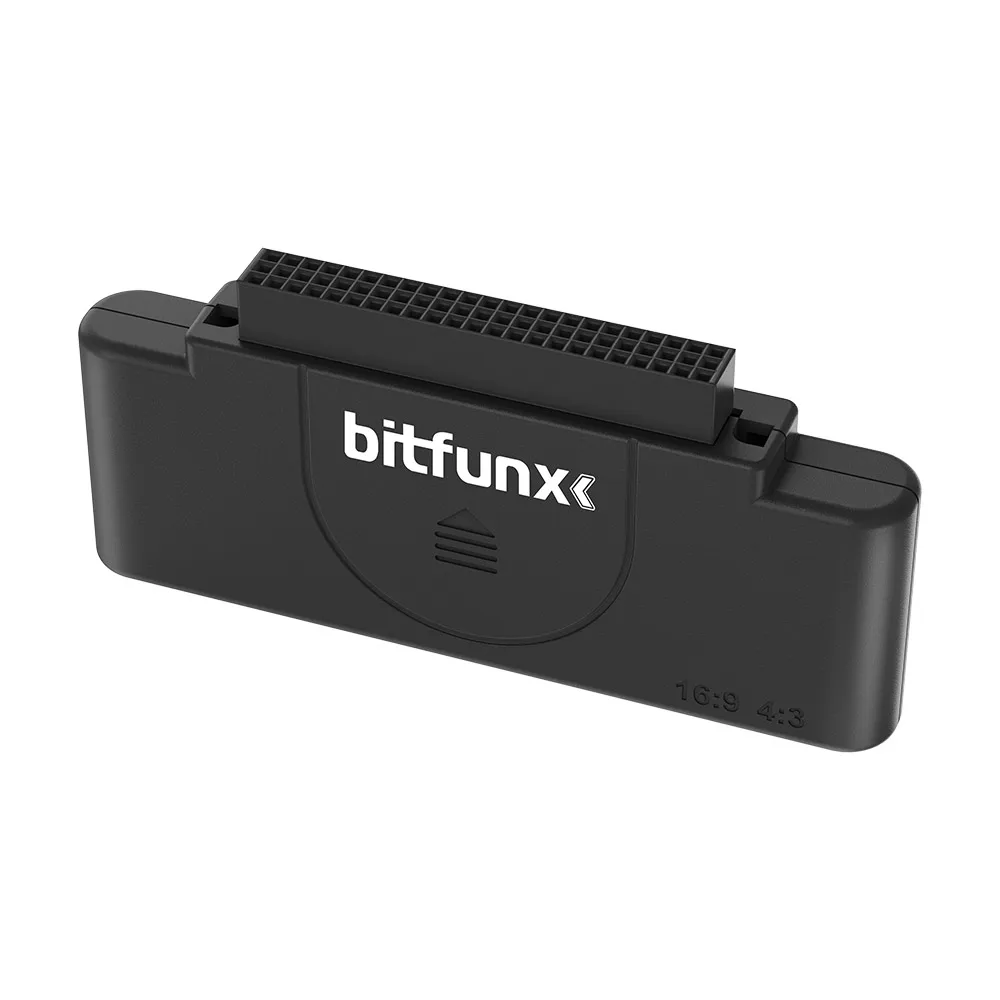
The PCE HD Adapter is a video output converter specifically designed for retro gaming consoles. By connecting through the expansion bus on the back of the device, it converts the RGB signal from classic PC Engine consoles (including the original white model, Core Grafx series, and TG16) into HD 1080P output, perfectly compatible with modern TVs.
It supports both 4:3 standard ratio and 16:9 widescreen modes, allowing you to enjoy high-definition gaming visuals without complex setup.
Cross-Generational Compatibility:
Compatible with early PC Engine consoles (white model, Core Grafx I & II, TG16), solving the issue of outdated RF interfaces.
Customizable Display:
One-touch switching between 4:3 classic ratio and 16:9 widescreen modes, preserving retro pixel art or adapting to modern TVs.
High-Definition Output:
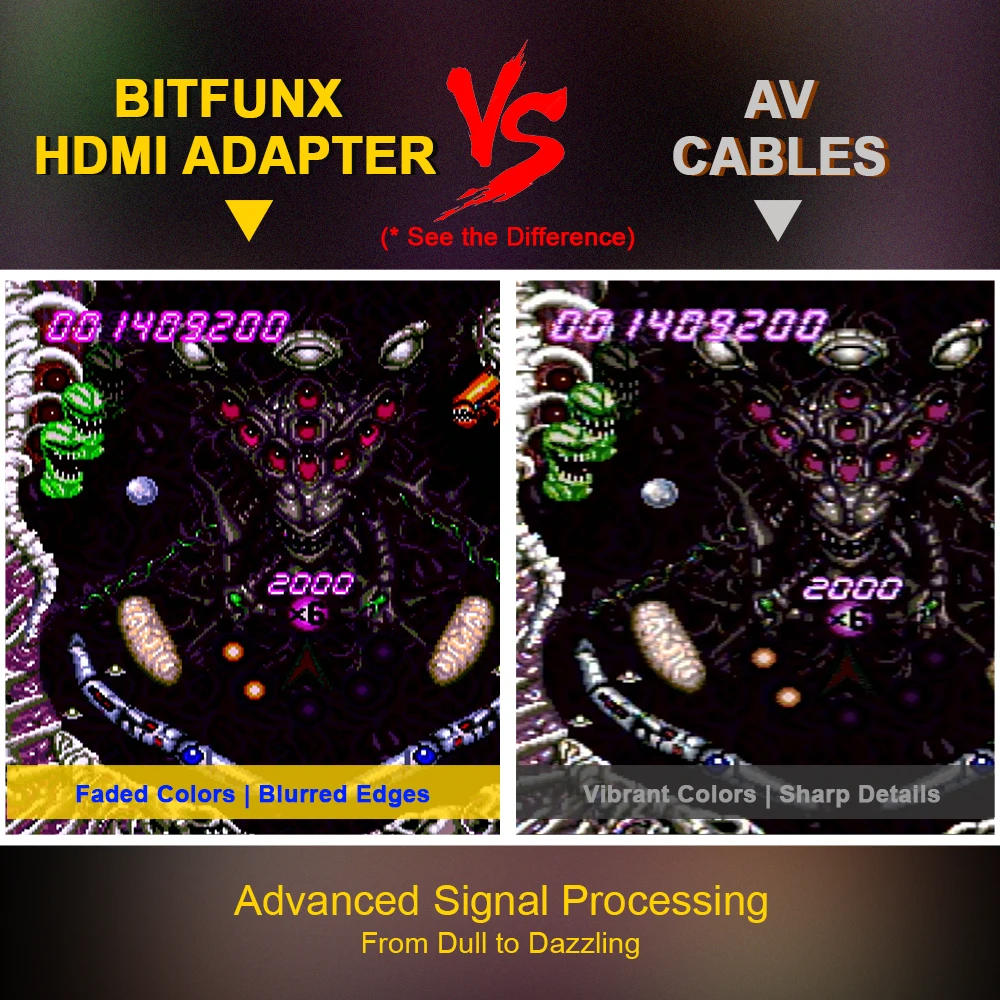
Converts PCE’s native 256×224 RGB signal to HD 1080P, delivering crisp visuals.
Plug-and-Play:
Simply connect via the expansion bus and use your own HD cable—no additional power required.
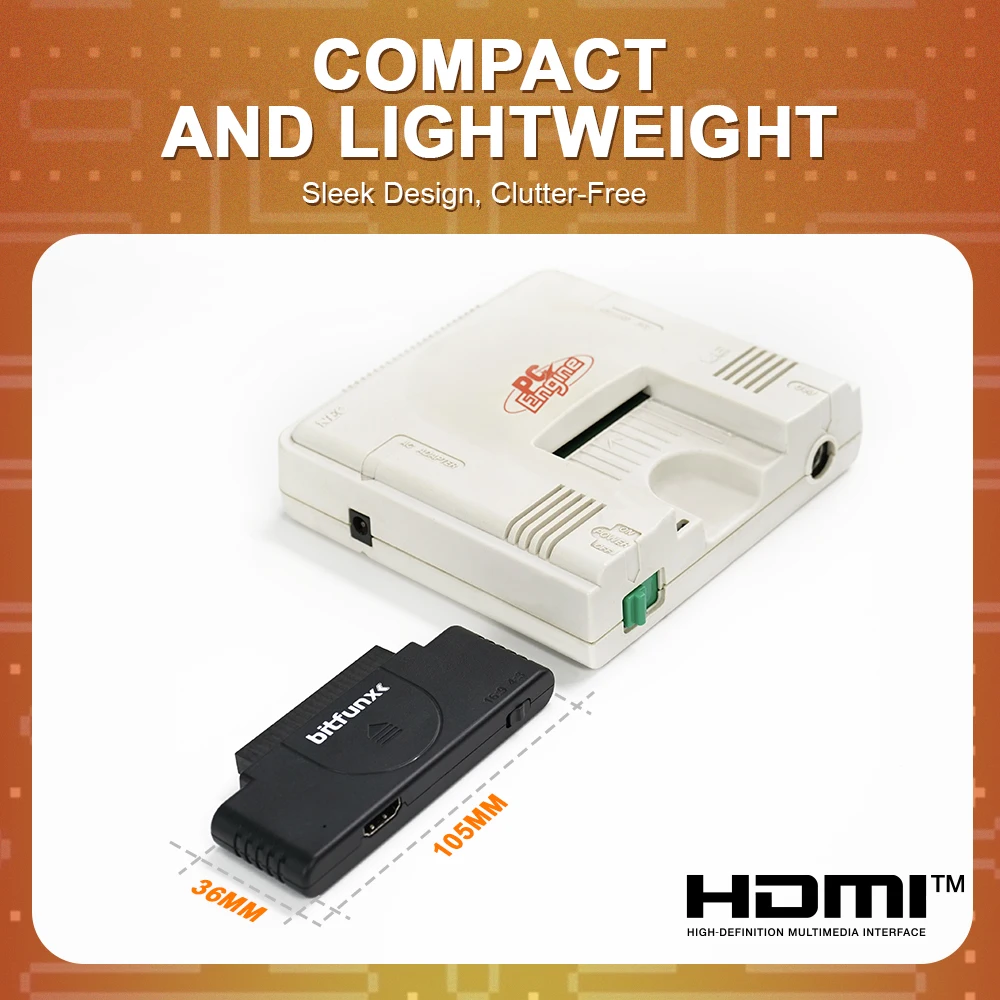
Compact Design:
Lightweight and compact, keeping your setup clean and clutter-free.
** FAQ**
Q: Which PC Engine models are supported?
A: Verified models include:
For TurboGrafx-16
For Original PC Engine (white)
For PC Engine Core Grafx
PC Engine Core Grafx II
NOTE:
※ Incompatible with extension port-less variants
Q: What accessories are required?
A: Prepare:
① HDMI cable (2.0 or higher recommended)
Q: How to fix screen flickering/artifacts?
A: This reflects original signal characteristics. Try:
1.Enable TV's "Game Mode"
2.Use shorter HDMI cables (≤3m recommended)
Disable nearby wireless devices
Q: Does it enhance audio quality?
A: Transmits original audio only. For volume boost:
1.Adjust TV/receiver output gain
2.Connect external speakers