
For Hp Phezer 12.7mm Portable P19 Handheld Inkjet Printer Three Colors Printer QR Bar Batch Code Date Number Logo Expiry Date
Only Printer-Black / China Mainland
€157,95
Precio de oferta
€157,95
Precio habitual
Ir directamente a la información del producto


For Hp Phezer 12.7mm Portable P19 Handheld Inkjet Printer Three Colors Printer QR Bar Batch Code Date Number Logo Expiry Date
€157,95
Precio de oferta
€157,95
Precio habitual
Impuestos incluidos.
Envío calculado en el pago.
SPECIFICATIONS
Adapter: AC input 100~240V; DC output 16.8V/2A
Battery: 10 hours of continuous,2600mAh @ DC16.8V
Battery Included: Yes
Brand Name: Phezer
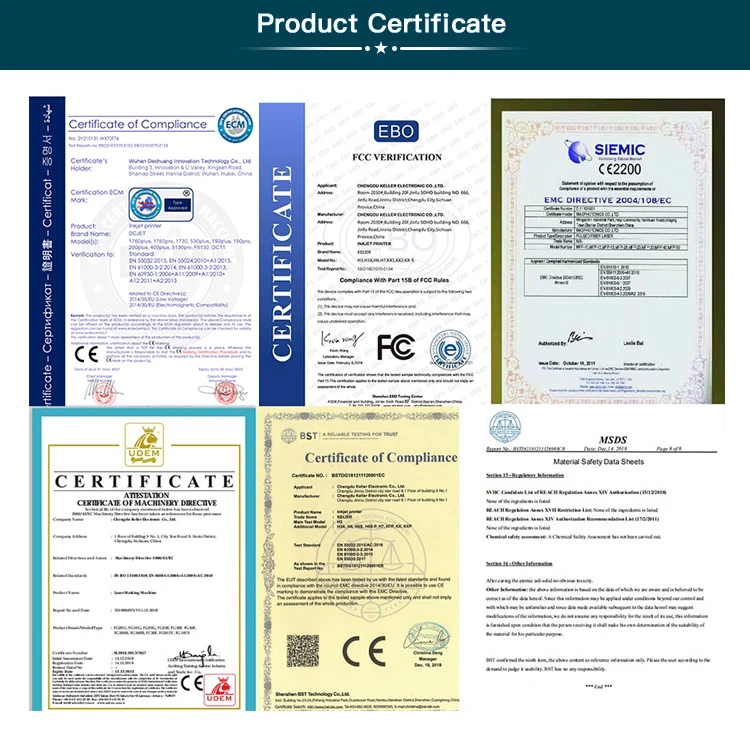
Certification: CE
Control Method: Touch
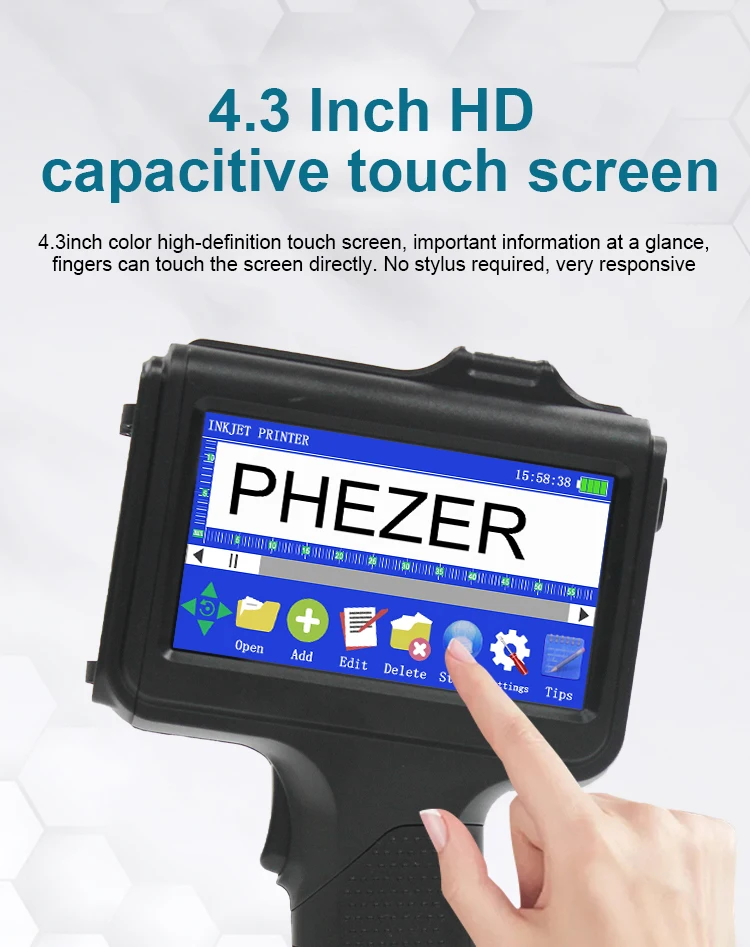
Display: 4.3 inch touch screen
Double-sided Printing: No
High-concerned chemical: none
Ink Type: Water-based/42ml,Solvent/42ml
Interface Type: USB
Material of Printer: ABS+PC
Max Paper Size: A4
Max. Resolution: 600dpi
Operation System: Linux
Origin: Mainland China
Paper Feed Mode: Manual
Print Distance: Best quality with 2-5mm
Print Head: Thermal inkjet 2.5
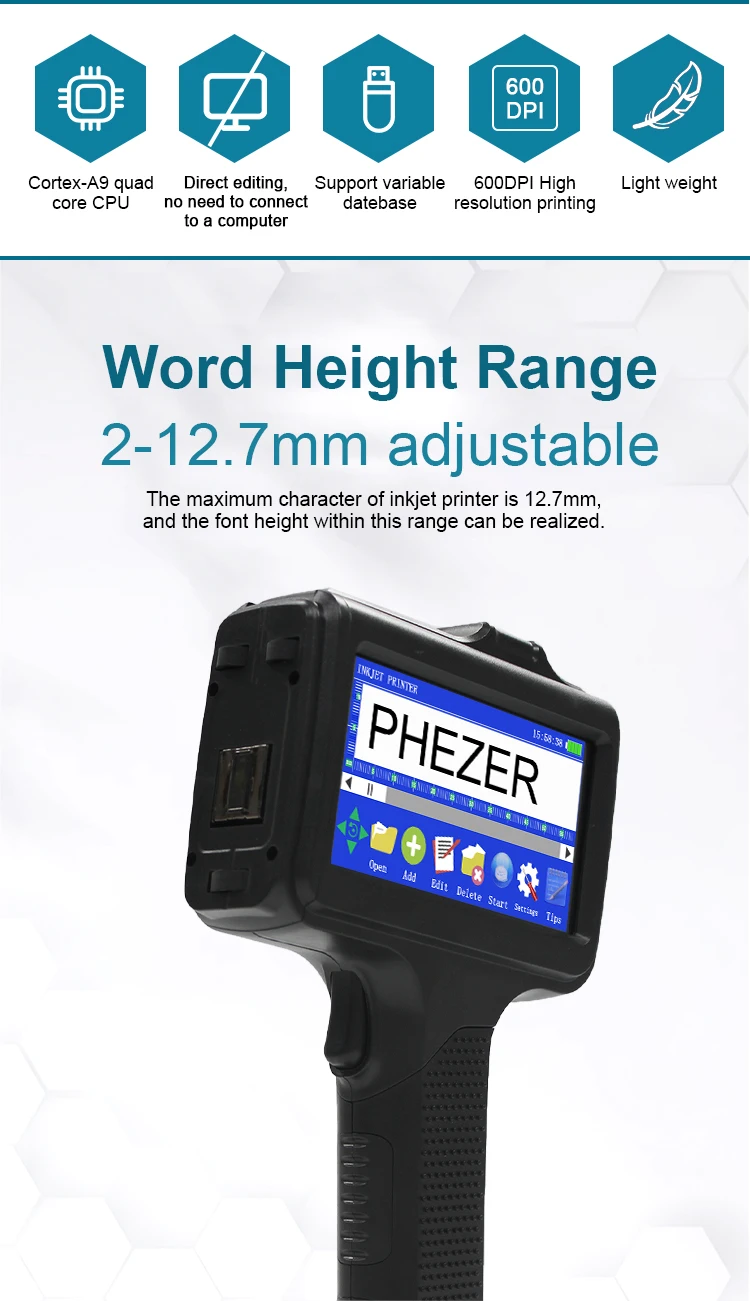
Print Height: 2-12.7mm
Print Speed: 35ppm
Print speed: 80meter/minute
Signal Connection Type: none
Supports Network Printing: No
Type: Inkjet Printer
Use: Inkjet Printer
Voltage: 220-240V
barcode printer: expiry date printer
handheld inkjet printer: variable
handheld printer: print by hand
ink cartridge: print 800000
label printer: hand jet printer
mobile printer: portable printer
online TIJ printer: print automatically
plastic bottle printer: paper box printer
steel printer: cloth printer
wood printer: metal printer
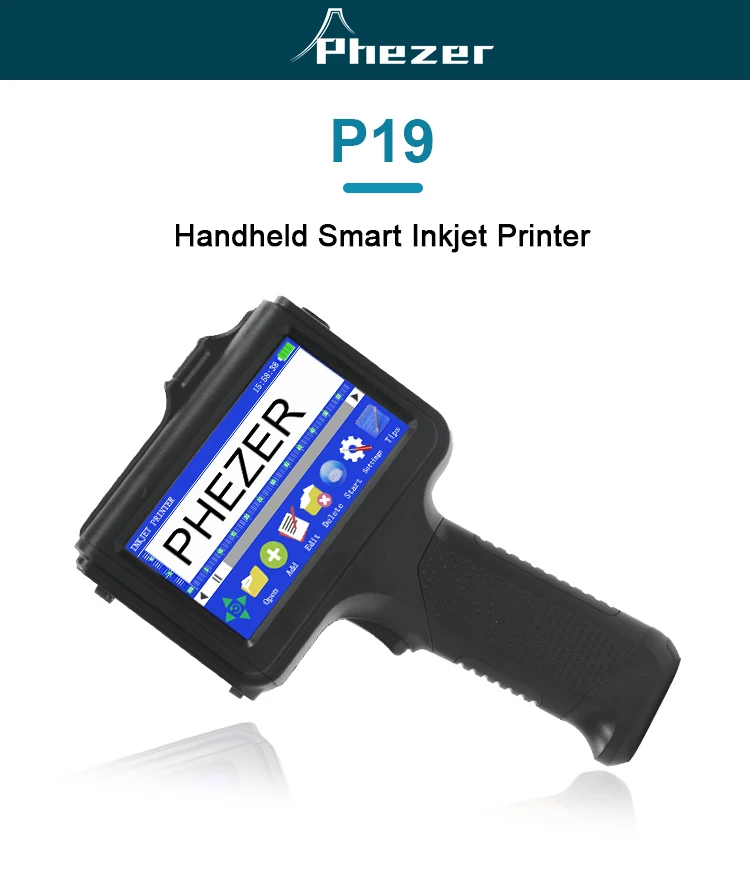
Phezer 12.7mm Portable P19 Handheld Inkjet Printer Three Colors Printer QR Bar Batch Code Date Number Logo Expiry Date
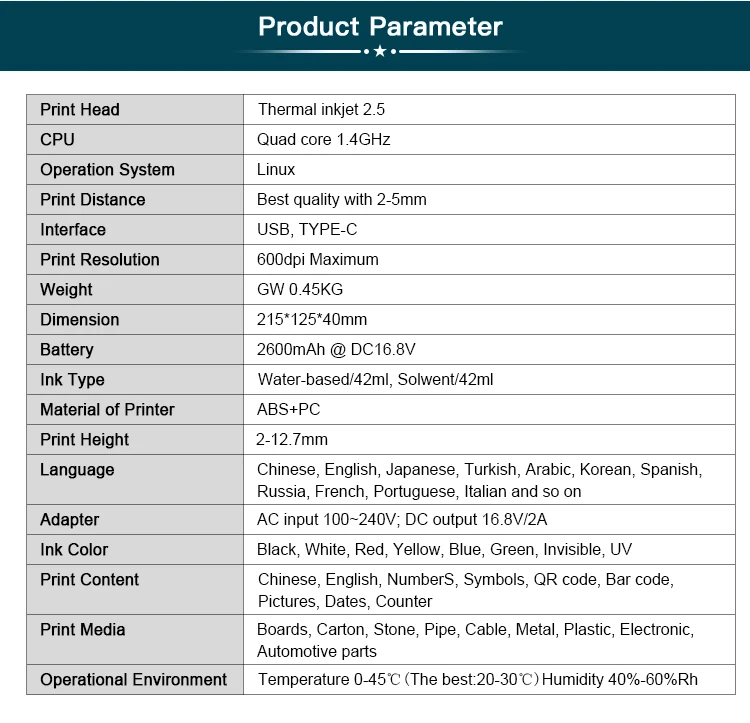
1,Print Head:Thermal inkjet 2.5
2,CPU:Quad core 1.4GHz
3,Operation System:Linux
4,Print Distance:Best quality with 2-5mm
5,lnterface:USB,TYPE-C
6,Print Resolution:600dpi Maximum
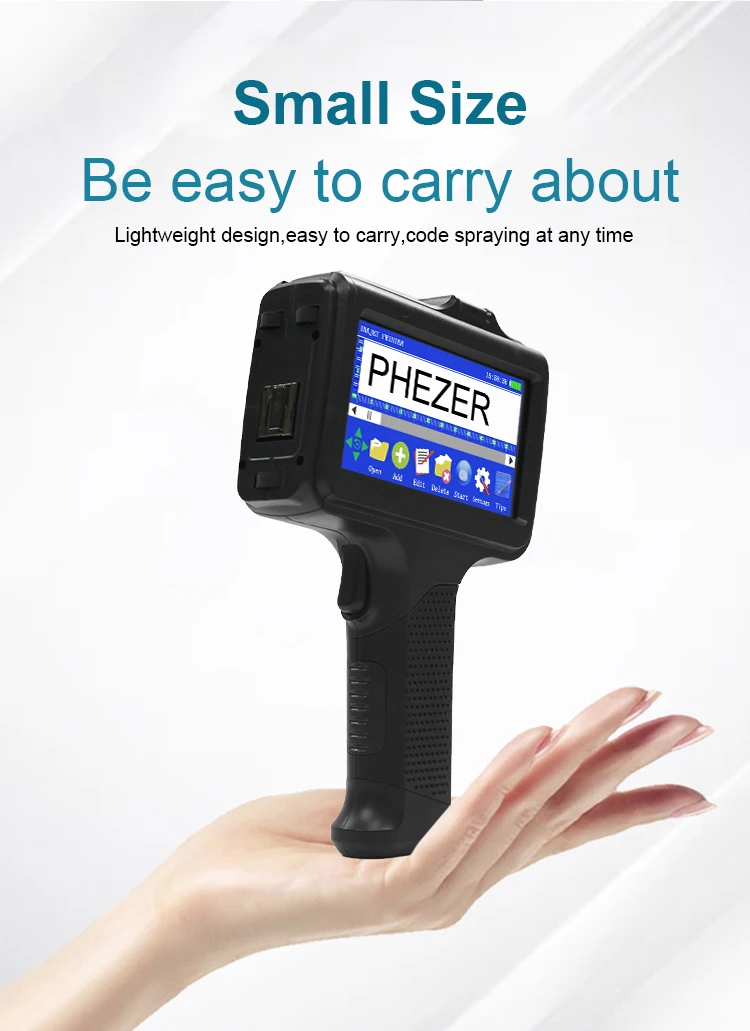
7,Weight:Gw 0.45KG
8,Dimension:215*125*40mm
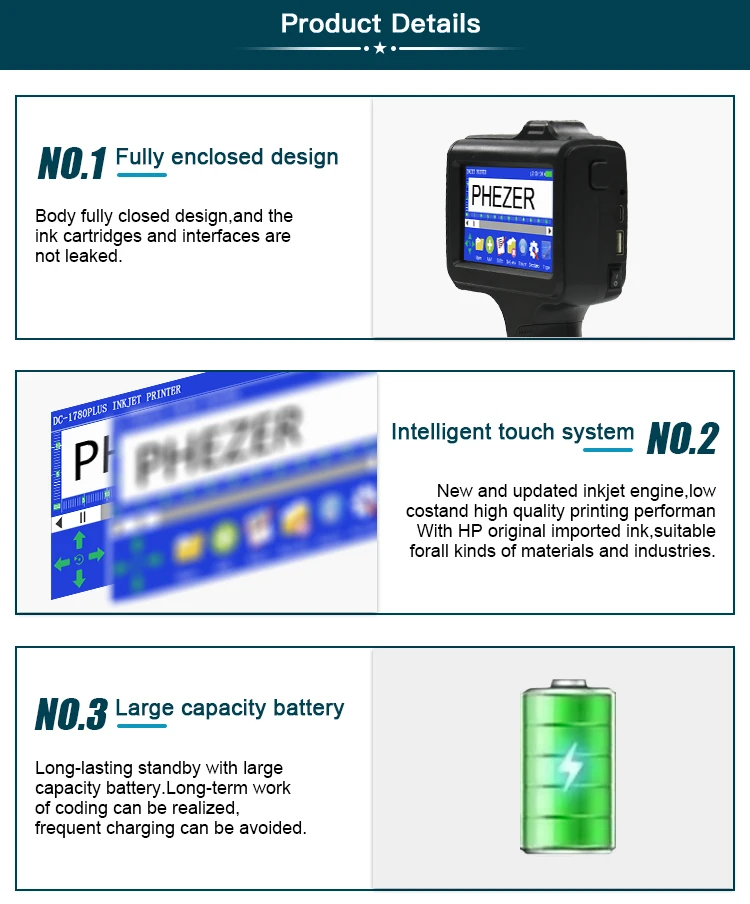
9,Battery:2600mAh @ DC16.8v
10,Ink Type:Water-based/42ml,Solvent/42ml
11,Material of Printer:ABS+PC
12,Print Height:2-12.7mm
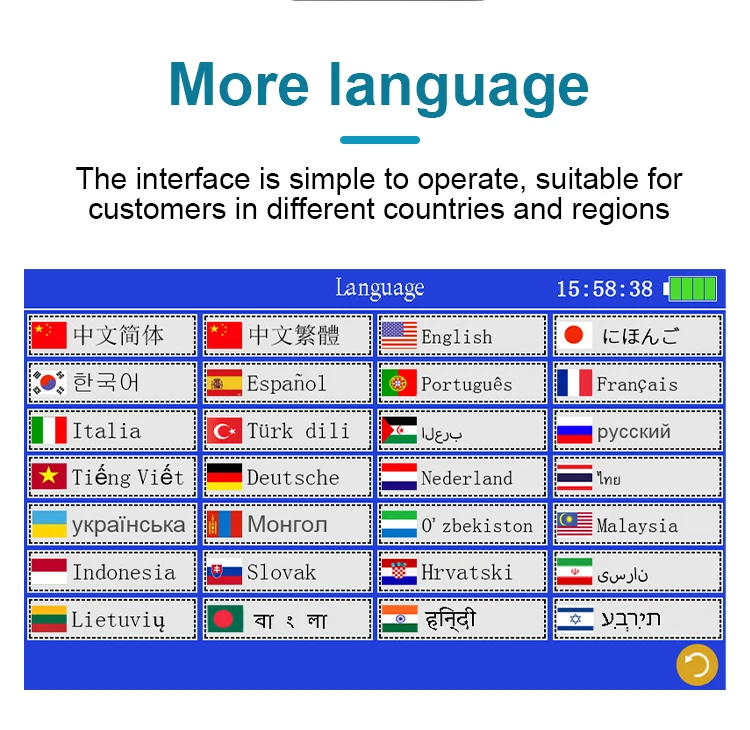
13,Language:Chinese, English,Japanese,Turkish , Arabic, Korean, Spanish,Russia, French, Portuguese, Italian and so on
14,Adapter:AC input 100~240V; DC output 16.8V/2A
15,Ink Color:Black, White,Red, Yellow, Blue, Green, Invisible, UV
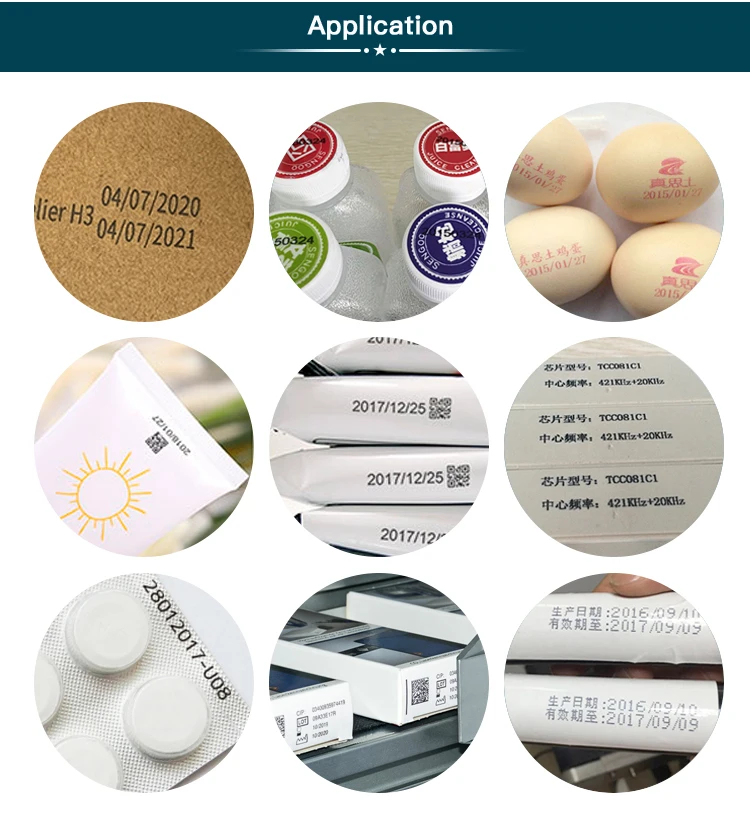
16,Print Content:Chinese,English, Numbers,Symbols, QR code, Bar code,Pictures, Dates,Counter
17,Print Media:Boards, Carton, Stone, Pipe,Cable, Metal, Plastic,Electronic,Automotive parts
18,Operational Environment:Temperature 0-45℃ (The best:20-30℃)Humidity 40%-60%Rh
Q & A
1.Q:How to better extend the life of the printer ?
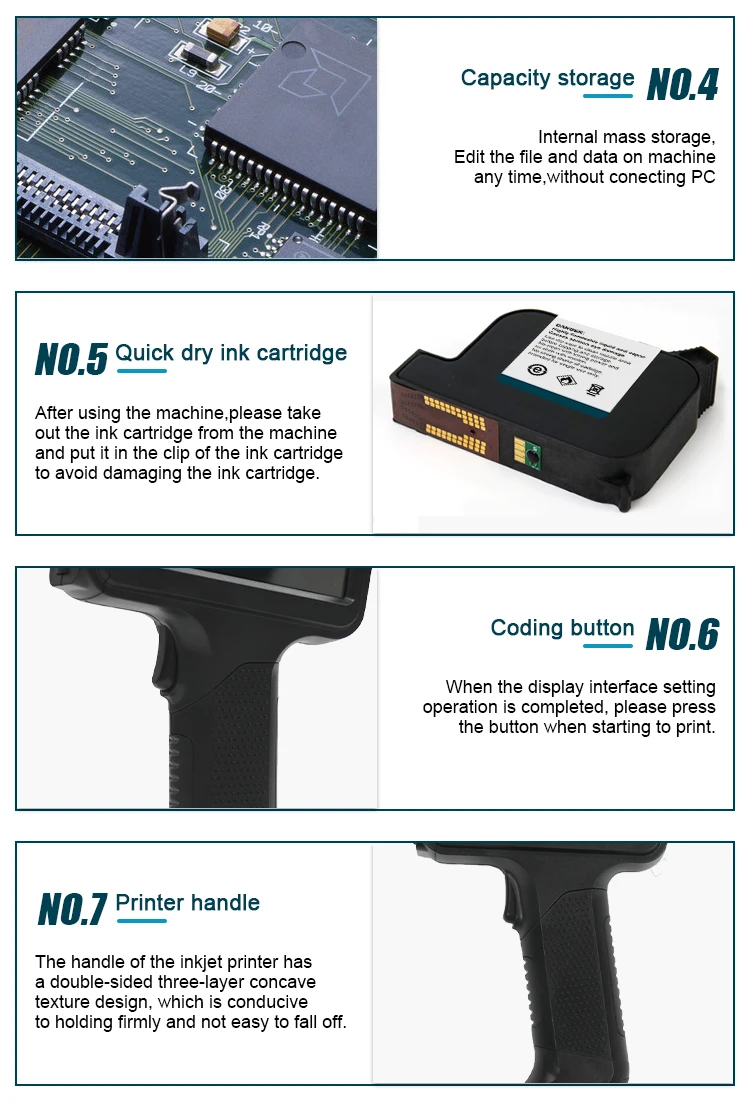
A:Before installing and removing ink cartridges, be sure to turn off the printer.
2.Q:How to better protect the ink cartridge nozzle?
A:When not using ink cartridges, please close the protective cover in time.
Dip a soft paper towel with a small amount of alcohol before use, and then gently wipe the nozzle in one direction.
3.Q: Why does the printer screen not work?
A: When you find that the screen of the printer is not working, please calibrate the screen of the printer.For specific steps please check this link :
4.Q: Can the printer be equipped with photoelectric sensors?
A: Yes, our inkjet printer has an adapted photoelectric sensor. Please consult customer service before purchasing.
5.Q: Can the printer print on the bottle?
A: Yes, we will provide you with a metal positioning plate for free, For specific steps,please consult customer service .
6.Q: What should I do if the printer cannot print?
A: ①Check whether the timing belt on the left side of the printer is off (not in the groove).
②Check if there is ink in the ink cartridge.
③Switch the nozzle of the printer in the settings.
④ After turning off the printer, reinstall the ink cartridge.
7.Q: The ink cartridge of the printer can print, but the printing is not clear, what should I do?
A: ①Check whether the ink cartridge nozzle is clean and dry, and wipe the nozzle carefully with a clean soft tissue.
② Take out the ink cartridge when the printer is off, shake the nozzle down several times, and stick a clean paper towel on the surface of the nozzle to divert the ink in the box.
③Switch the nozzle of the printer in the settings.
④The above operation still cannot be solved, please replace the ink cartridge.
8.Q: What should I do when there is a printer phenomenon of wire drawing?
A: The ink cartridge is quick-drying. When there is a phenomenon of wire drawing, please wipe the nozzle carefully with a clean soft tissue and switch the nozzle of the printer.
When not using the ink cartridge, please install the cover in time.
9.Q: Can the printer be charged?
A: Yes. Note:
① Please remove the battery at the bottom of the printer and charge it separately to avoid damage to the printer.
②Please use our special charger to charge the printer.
③When the printer is stored for a long time and not in use, it is recommended to safely charge and discharge it every three months.


