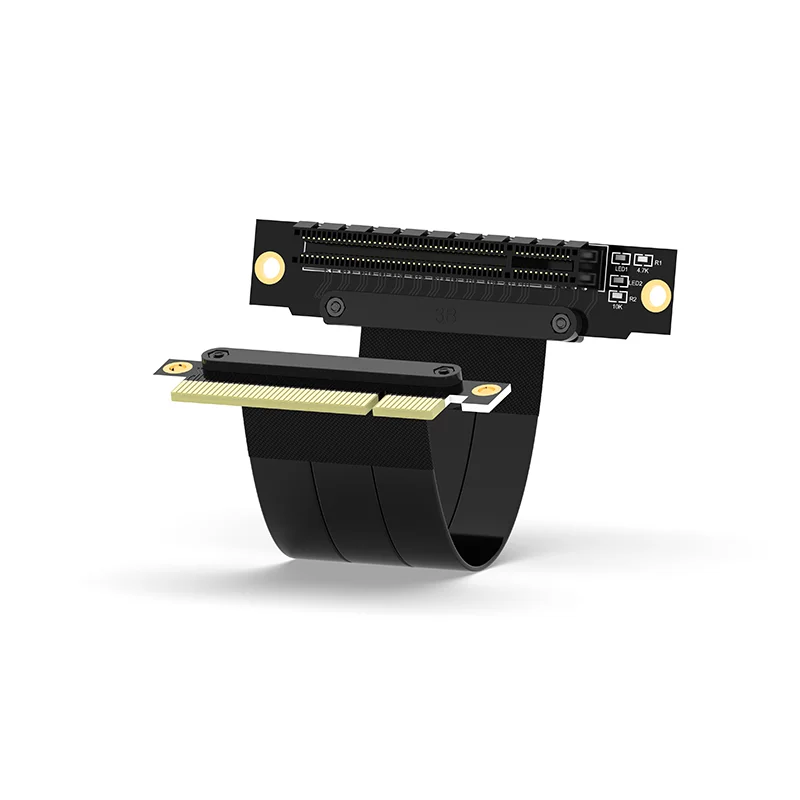
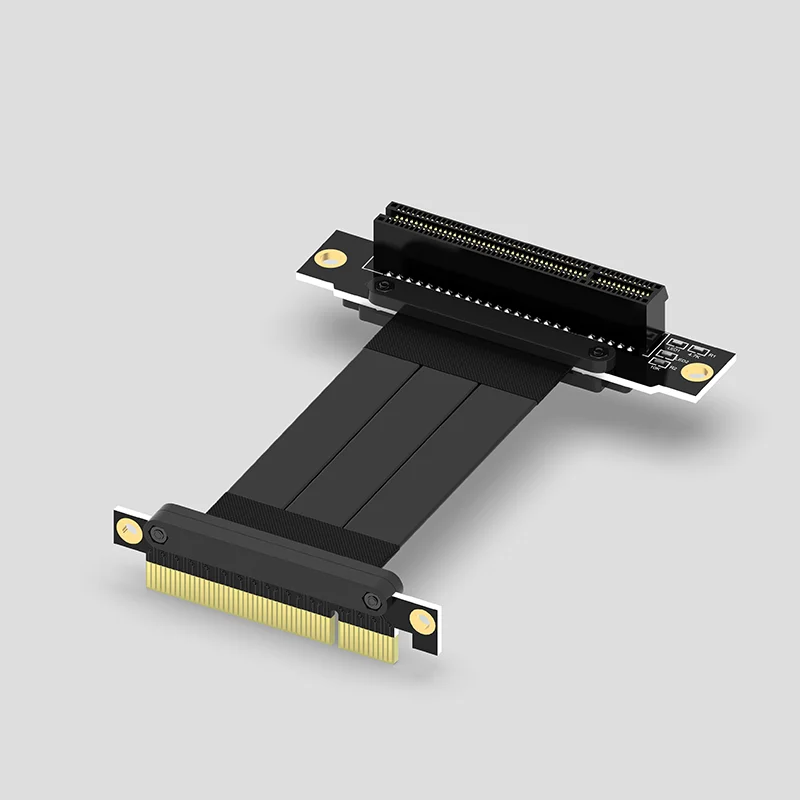
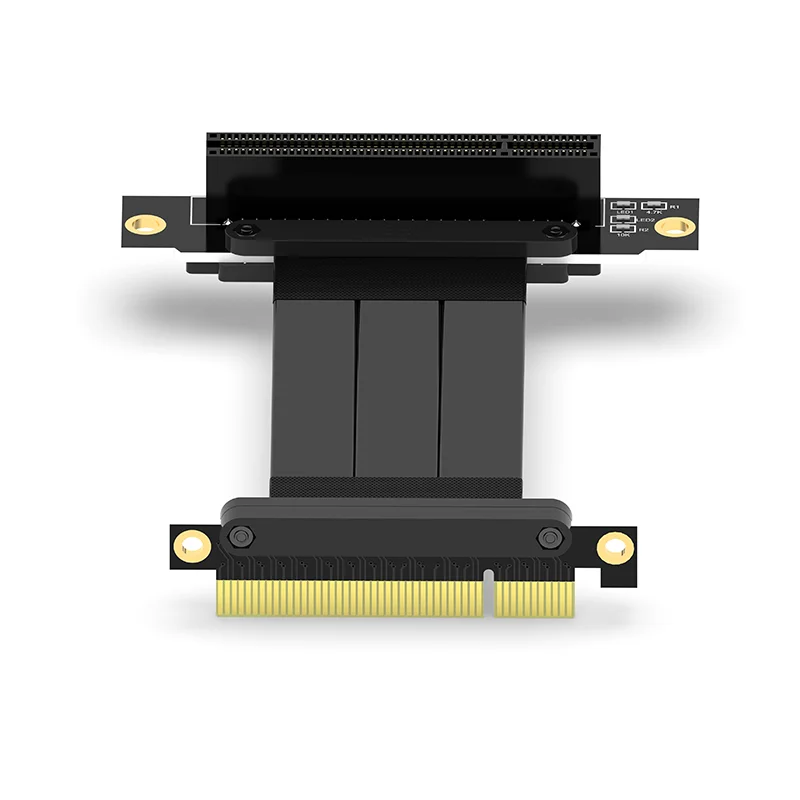
PCI Express PCI-E 8X Adapter Riser Card 90 Degree Converter Card for Server Chassis Computer PCI-E 3.0 X8 TO X8 1X Riser 90-90


PCI Express PCI-E 8X Adapter Riser Card 90 Degree Converter Card for Server Chassis Computer PCI-E 3.0 X8 TO X8 1X Riser 90-90
SPECIFICATIONS
Assembly Required: no
Brand Name: haoyexin
Choice: yes
High-concerned chemical: None
Model Number: 8X 90-90
Origin: Mainland China
Package: Yes
Type: PCI-Express Cables
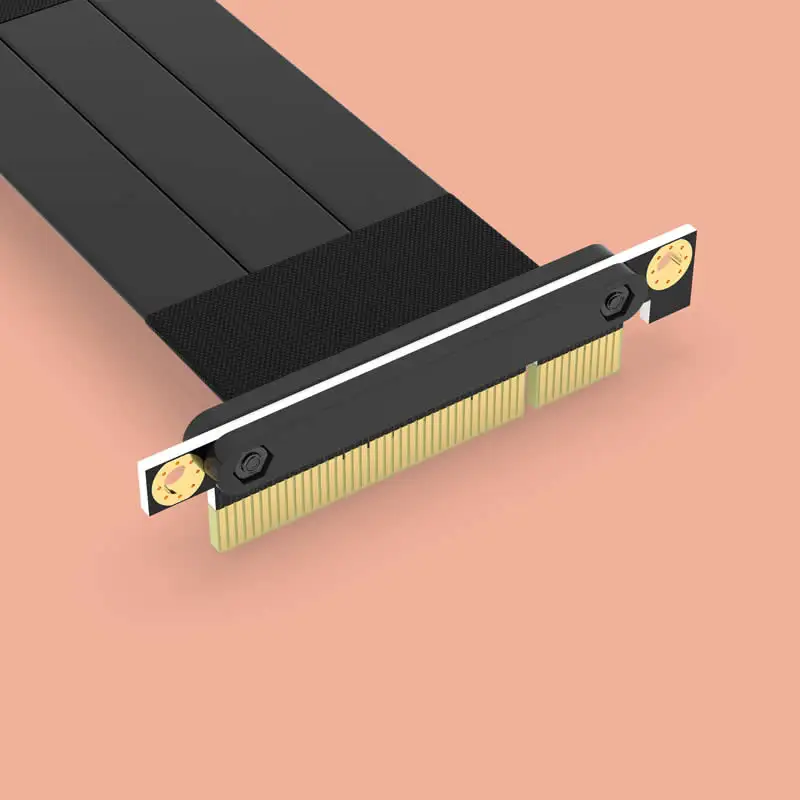
1 Activity Indicator Lights:
· After installing the PCI-E 8X extension cable to a PC, two indicator lights will be visible on the cable: red for power and blue for data communication.
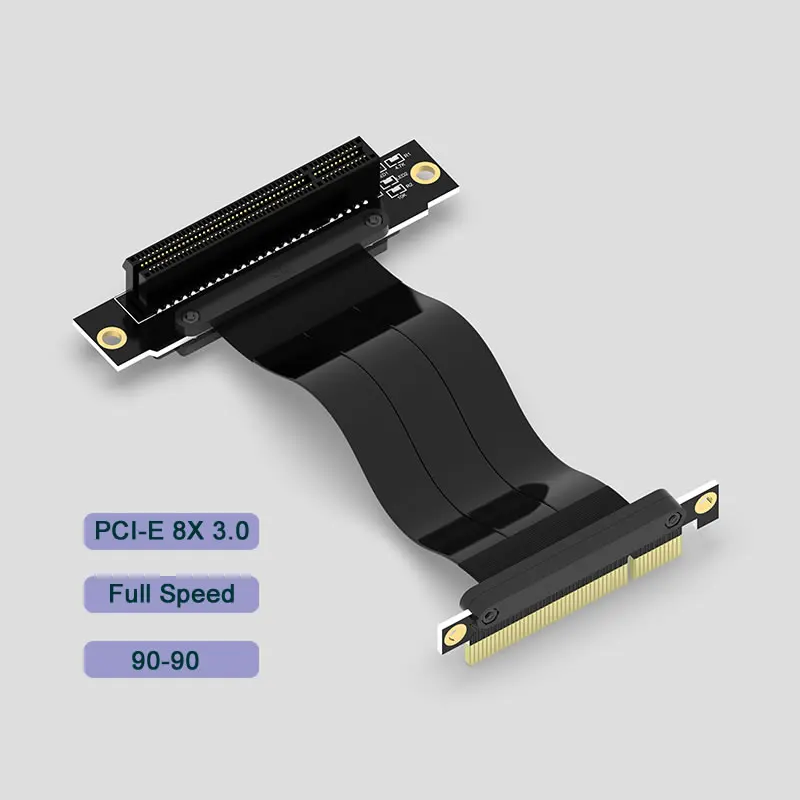
2 Specifications (Product Interface Details) (Interface specifications for the gold finger/socket end)
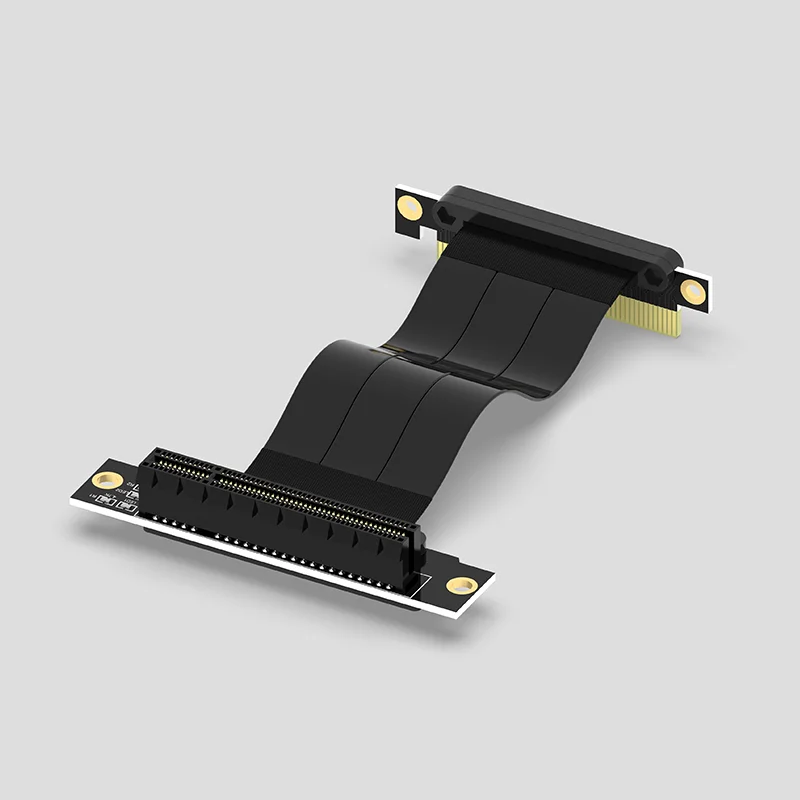
�� Signal Integrity & Anti-Interference Technology
1. Multi-Layer Shielding Architecture: (Diagram included)
o Enhanced Electromagnetic Interference (EMI) resistance.
2. High-Frequency Material Upgrade:
o Premium cables utilize 28AWG high-speed low-loss wiring.
�� Functional Interface Expansion
3. Interface Extension Solution:
o When a bulky graphics card blocks motherboard interfaces, the extension cable relocates and expands high-speed PCI-E peripherals (e.g., USB cards, sound cards, network cards), improving efficiency.
Industrial-Grade Reliability & Protection
1. Industrial-Grade Connectors:
o PCI-E 8X interface features gold-plated contacts for wear resistance and oxidation prevention.
2. Wide Temperature Range & Durable Materials:
o Operational temperature range: -20°C to 80°C.
Scenario-Specific Solutions
2. Compact Device Compatibility:
o Flexible sizing for ITX/Micro-ATX/ATX cases and 1U/2U server racks. Select appropriate length/style based on chassis space (consult support if unsure).
3. Thermal Optimization Design:
o Relocating the PCI-E 8X 3.0 interface via extension improves GPU airflow and cooling by freeing up space beneath the graphics card.
Compatibility & Usability Guidelines
1. Full Protocol Support:
o Backward compatible with PCI-E 2.0 to 4.0. *Note: For "PCI-E 4.0" labeled devices, manually set the motherboard port to GEN2/GEN3 in BIOS to avoid recognition issues.*
2. No Hot-Swapping Support:
o Install only when powered off. Connect before booting.
3. Precision Wiring Handling:
o Avoid bending solder joints at both ends of the cable to prevent wire damage.
4. Multi-Slot Interface Compatibility:
o PCI-E 8X cable works with 8X/16X slots. Caution: Ensure correct orientation when plugging into larger slots to prevent damage.
Installation Steps
1. Remove the graphics card (if blocking the motherboard PCI-E slot).
2. Connect the extension cable to the motherboard PCI-E slot, aligning the notch correctly.
3. Attach the peripheral to the extension cable and secure it to the chassis bracket (or place it inside the case).
4. Reinstall the graphics card.