
ZOSI HD 1080P 2MP H.265 4-in-1 CCTV Video Home Security IR Night Vision Weatherproof Bullet Camera for Surveillance System
Black / United States
€37,95
セール価格
€37,95
通常価格
商品情報にスキップ


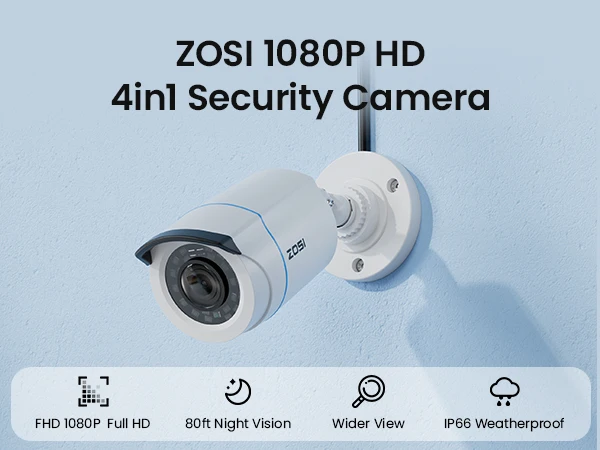




ZOSI HD 1080P 2MP H.265 4-in-1 CCTV Video Home Security IR Night Vision Weatherproof Bullet Camera for Surveillance System
€37,95
セール価格
€37,95
通常価格
税込。
配送料はチェックアウト時に計算されます。
SPECIFICATIONS
AI Functions: Motion Detection
Alarm Type: Local Alarm
Audio Output: None
Brand Name: ZOSI
Certification: CE
Connectivity: Closed System/CCTV Wired
High Definition: 1080P(Full-HD)
High-concerned chemical: none
IP Rating: IP66
IR Distance(m): 20M
IR LEDs Amount: 24pcs, 5mm LEDs
Installation: Side
Internal Storage: None
Lens (mm): 3.6mm
Lens Quantity: Single Lens
Megapixels: 2 MP
Model Number: ZG1062C
Origin: Mainland China
Power Supply: Normal
Scene: Indoor and outdoor
Sensor: CMOS
Shell Material: Plastic
Smart home platform: Other
Special Features: Waterproof / Weatherproof
Style: Bullet Camera
Supported Operating Systems: Windows 7,macOS,Windows 8,Windows 10
TF Card: None
Video Compression Format: H.265
Viewing Angle : 90°
Whether or Not 50Vac or 75Vdc or Higher Power Supply: No
Zoom: 4X
Zoom type: Digital zoom
is_customized: No
Noted Before Buy
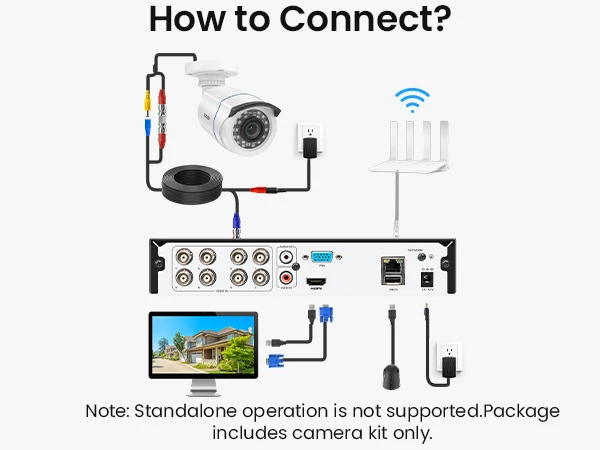
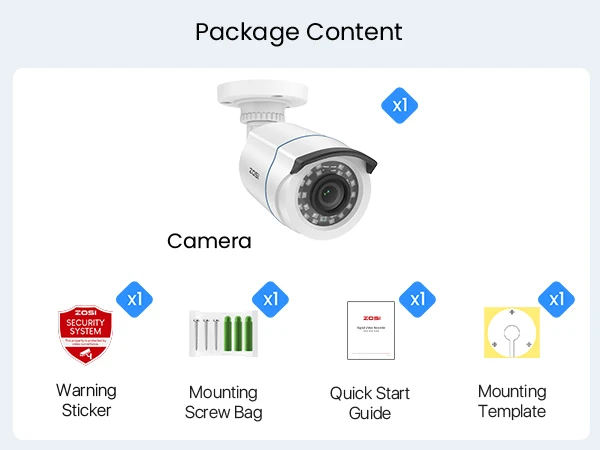
1.A power adapter and BNC video cable are not included and must be purchased separately.
2.This camera requires a compatible DVR to operate and cannot be used as a standalone camera.
3.Please confirm your DVR compatibility and required accessories before purchase.
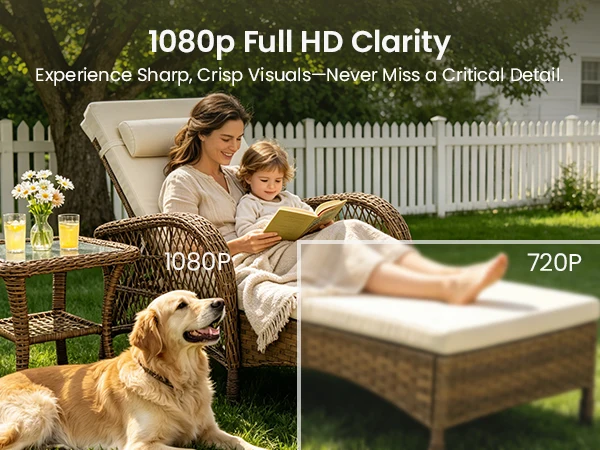
See Your World in HD
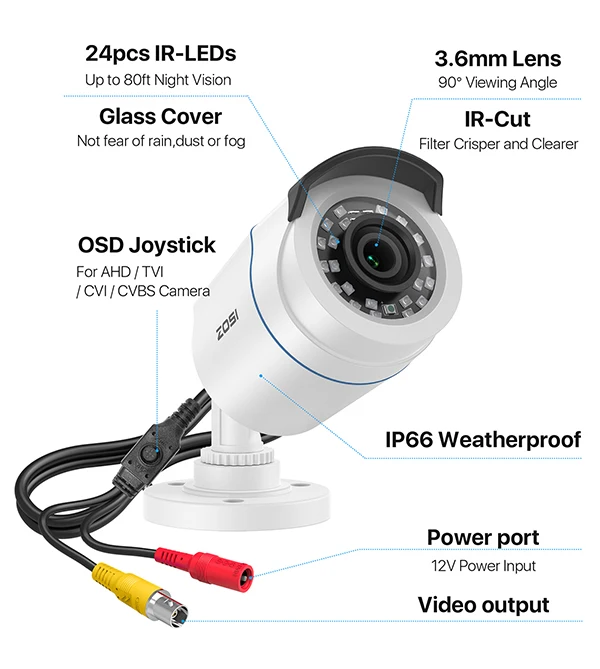
Everything is sharp and clear in fine image quality with 90° wide viewing angle. This camera always keep an eye on your home and business in full 1080p HD resolution.
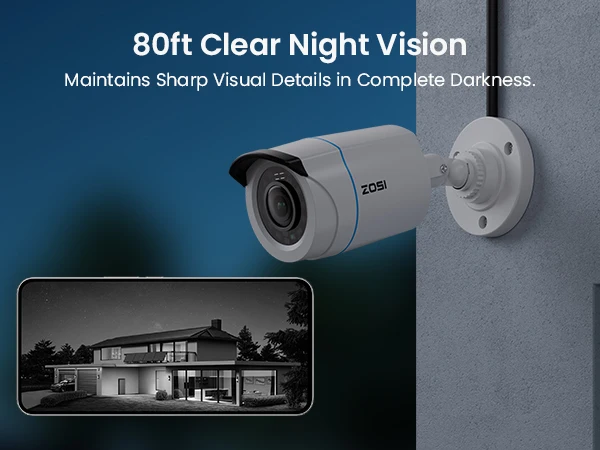
80ft Clear Night Vision
Maintains sharp visual details in complete darkness.
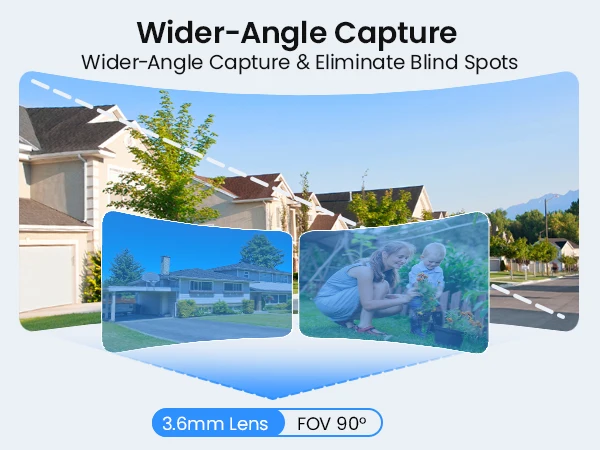
Wider-Angle Capture
Wider-angle capture & eliminate blind spots.
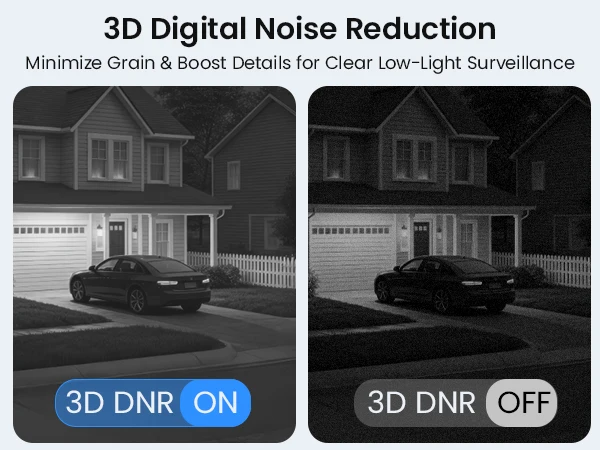
3D Digital Noise Reduction
Minimize grain & boost details for clear low-light surveillance.
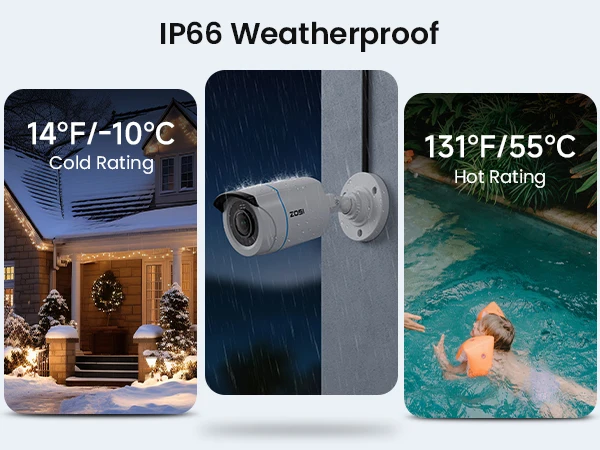
IP66 Weatherproof
Unmatched durability in extreme hot & cold.
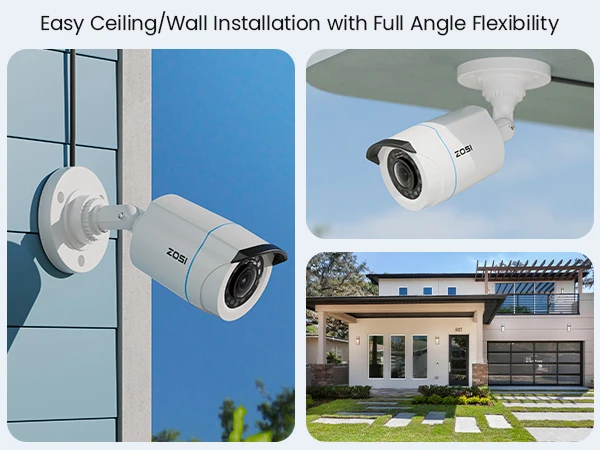
Perfect for All Scenarios
Easy ceiling/wall installation with full angle flexibility.
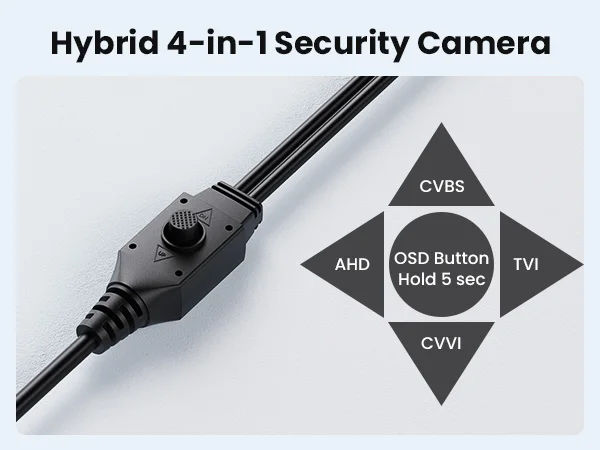
Hybrid 4-in-1 Security Camera
With the 4-in-1 switch,press toward up,down,left or right to switch 4 output modes.
How to Connect?
Note:Standalone operation is not supported.This package includes the camera kit only.
Troubleshooting
Q: Video Loss appears where the image from my camera should be displaying on my DVR?
A: 1.Check the extension cable (power and video) is securely connected to the camera.
2.Check the video output from the camera is securely connected to a video input channel on the DVR.
3.Check the power from the camera is securely connected to a power supply.
4. The camera mode do not match your DVR.there is 2 ways to setup . (1) Press OSD Joystick “DOWN” 5 seconds,if still no picture come, try to press “LEFT” “RIGHT””UP” for 5 second, till the signal matching your DVR. (2) Make sure the signal of your DVR, Use OSD Joystick to change the mode of the camera according to your DVRs video Mode.
Q: Poor image quality?
A:Default video mode is analog 960H mode.If your DVR supports 4 in 1(or 5 in 1),it is recommended to set the camera to TVI,AHD or CVI mode which the image achieve the best effect.


