YESWORD Wireless Keyboard for Procreate Bluetooth Drawing for iPad Graphics Tablets Painting 6.5*5.5" Rechargeable PK Aoiktye 2
black
$74.99
Sale price
$74.99
Regular price
$0.99
Skip to product information


YESWORD Wireless Keyboard for Procreate Bluetooth Drawing for iPad Graphics Tablets Painting 6.5*5.5" Rechargeable PK Aoiktye 2
$74.99
Sale price
$74.99
Regular price
$0.99
Shipping calculated at checkout.
SPECIFICATIONS
Application: Desktop,Laptop,Tablet
Axis Body Brand: /
Battery Included: Yes
Brand Name: NoEnName_Null
Certification: NONE
Full Size keyboard: No
High-concerned chemical: none
Interface Type: Bluetooth
Keyboard Standard: Mini Keyboard
Language: English
Operation Style: MEMBRANE
Origin: Mainland China
Package: Yes
Style: Standard
Type: Bluetooth Wireless
Wrist Support: No
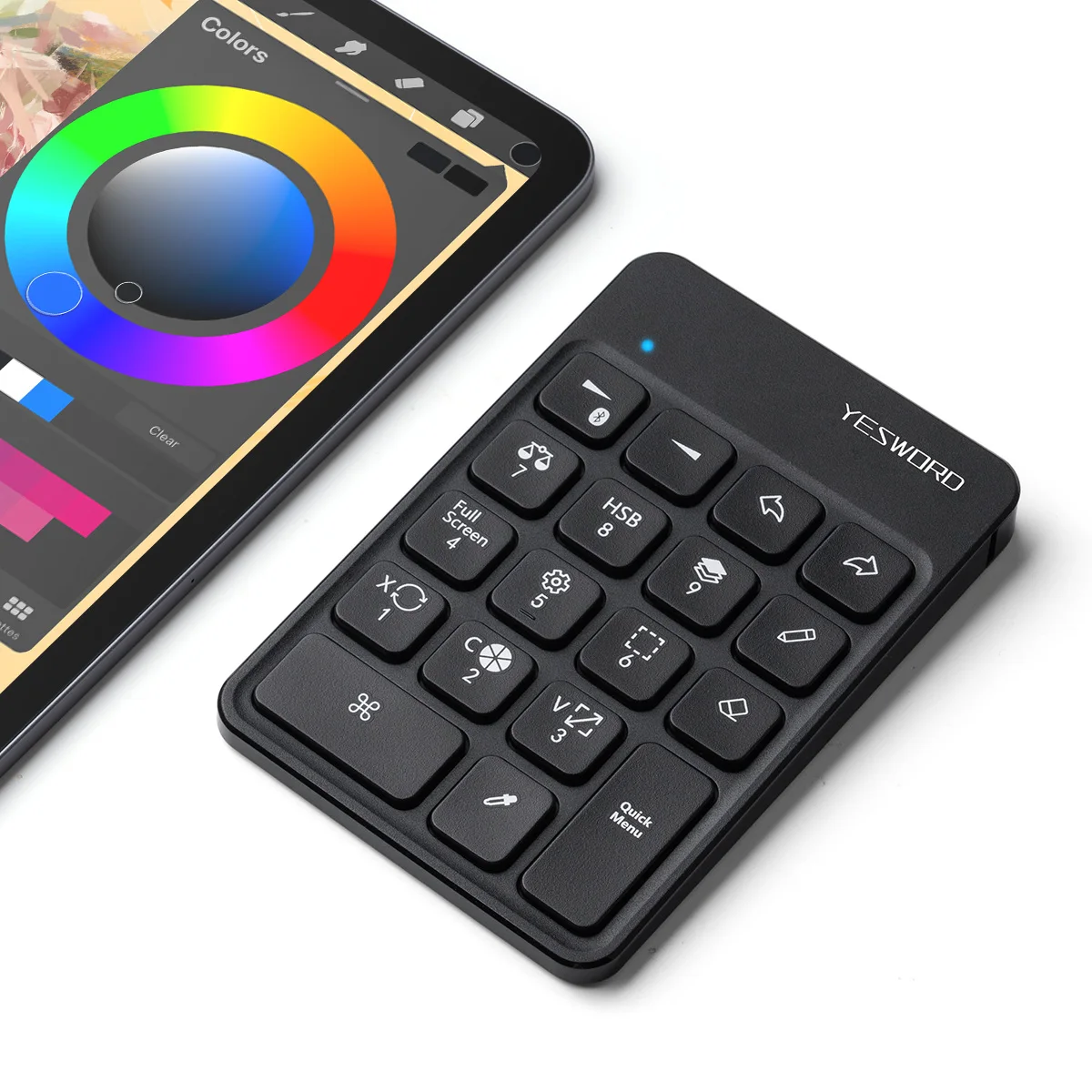
Wireless Keyboard for Procreate Bluetooth Drawing Keyboard for Graphics Tablets Pad Painting 6.5 x 5.5 inch Rechargeable Keyboard
Features:
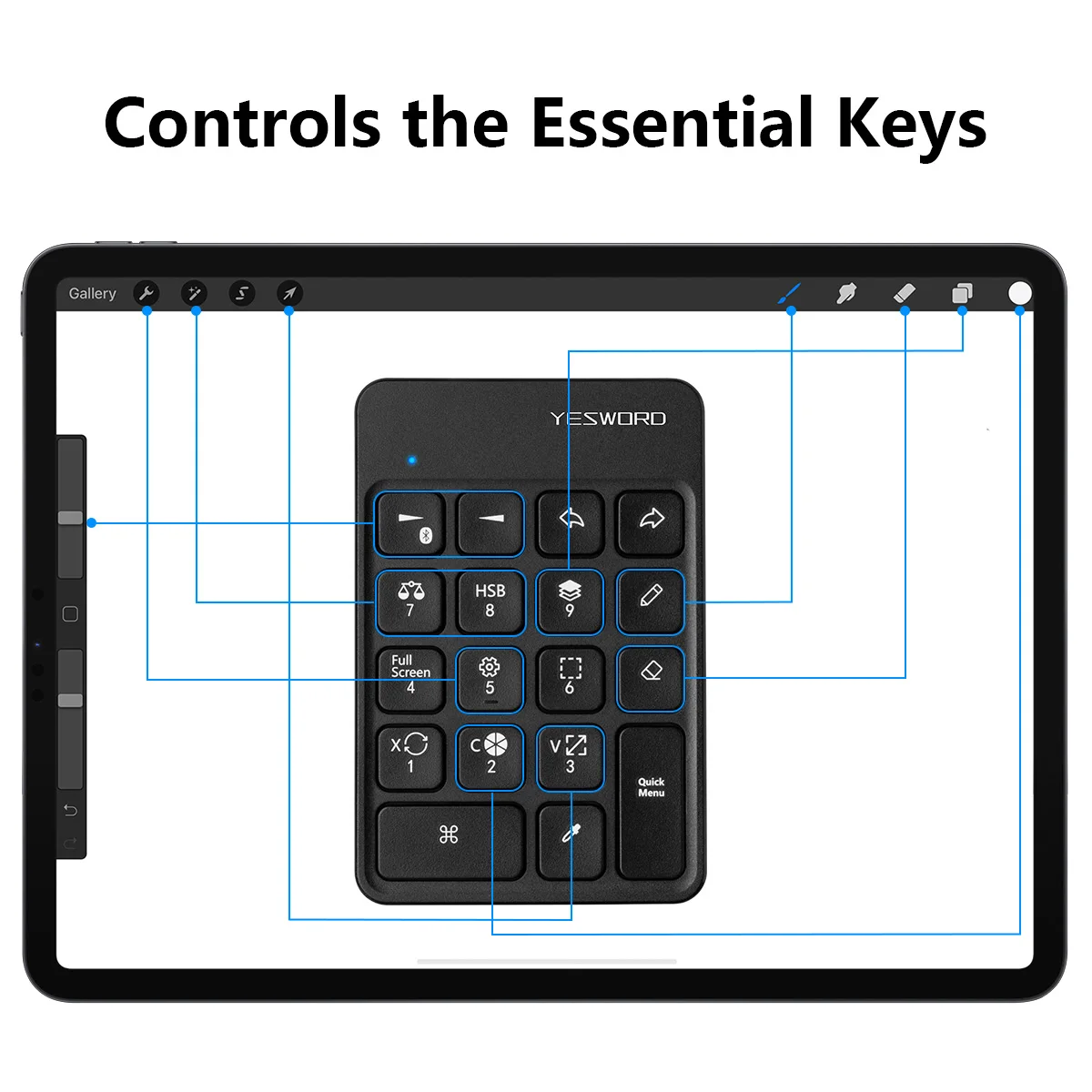
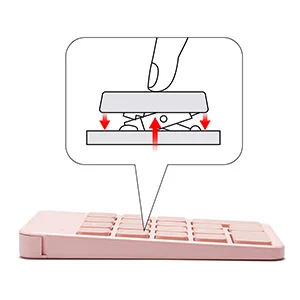
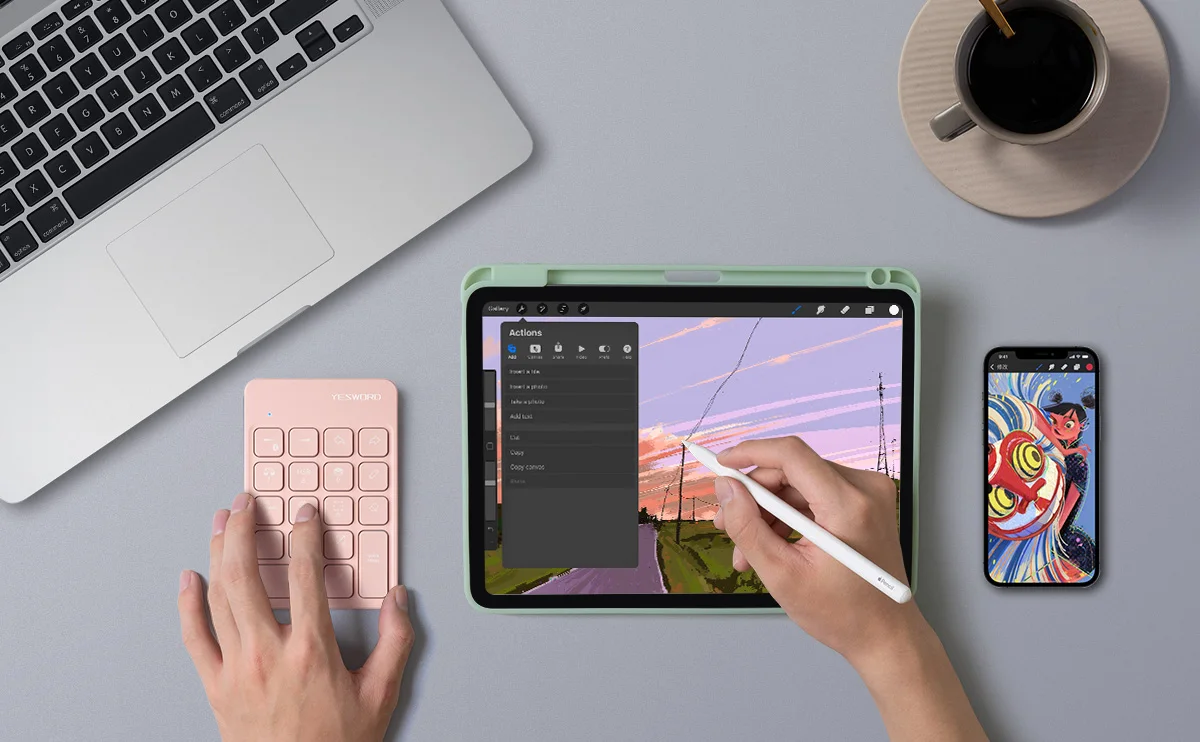
1. Wireless keypad for procreate. The keyboard is designed with 18 standard keys you use the most on Mac/IOS to give you instant access to your favourite shortcuts, and you’ll experience hassle-free and efficient work with this pen tablet. Also, the ergonomic wrist rest can reduce the fatigue of high-intensity creative work;
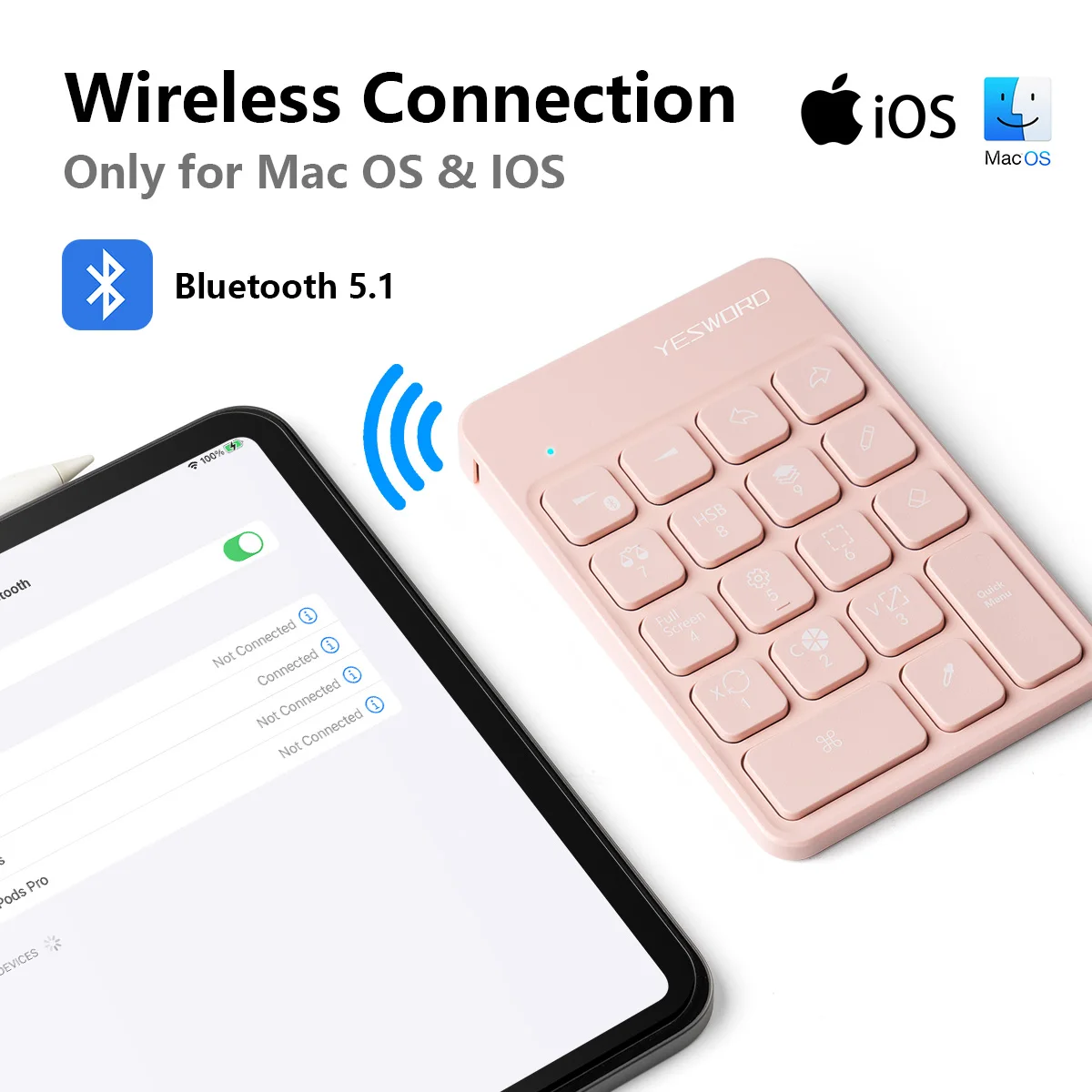
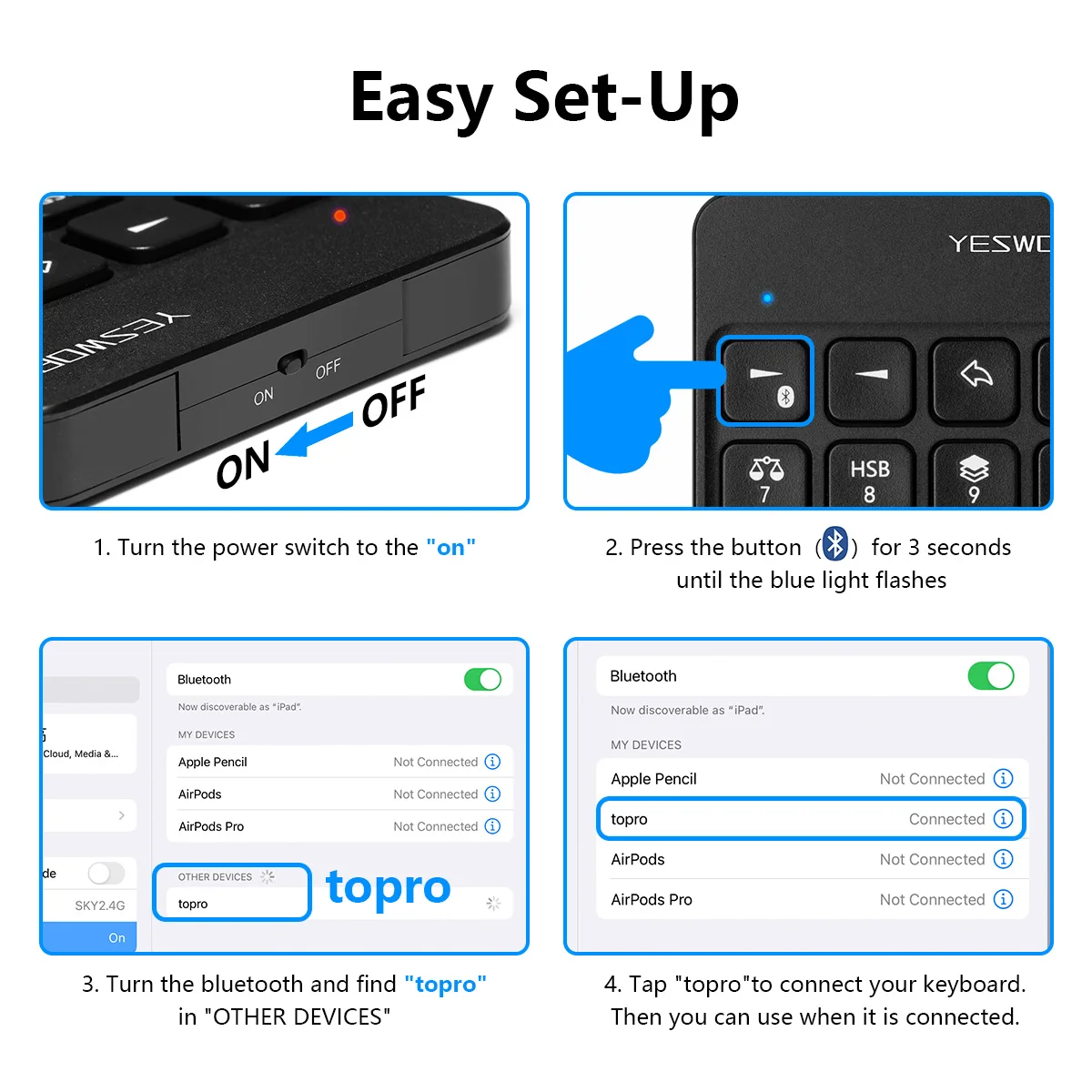
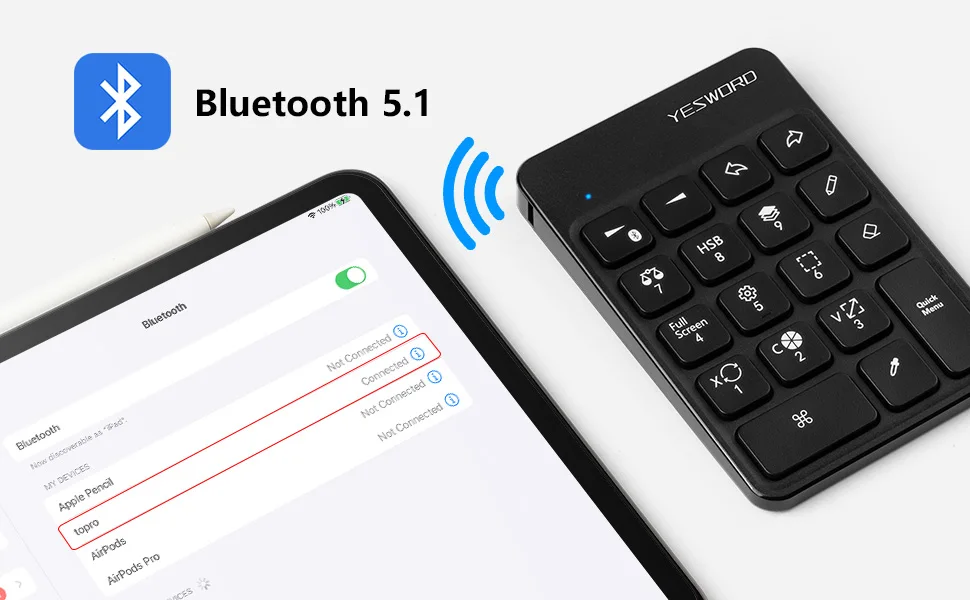
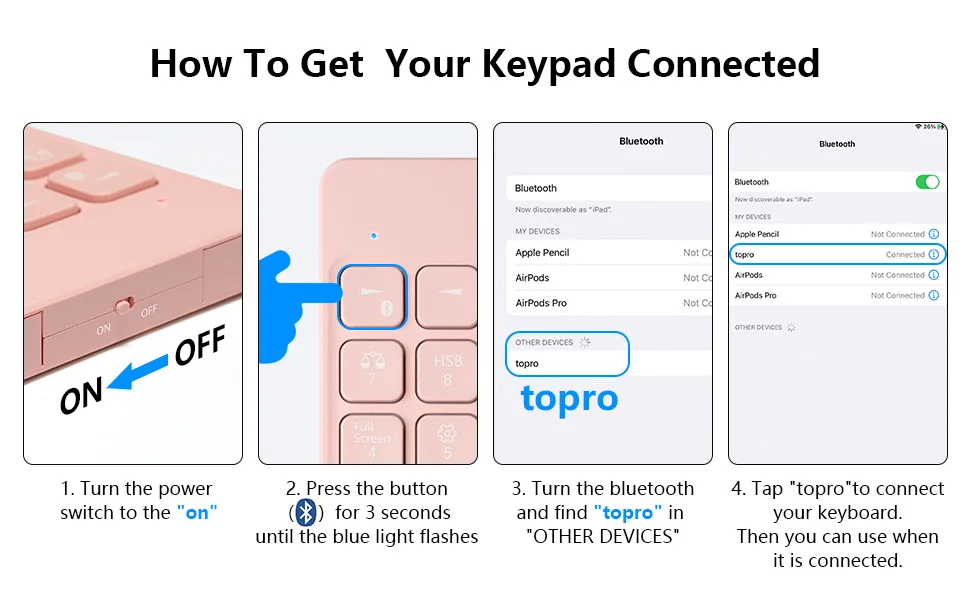
2. Stable Bluetooth 5.1 connection. You can easily connect the Bluetooth keyboard to your Mac/IOS devices wirelessly with the built-in Bluetooth 5.1 technology, offering a strong connection up to 5m and clutter-free workspace. It has 4 soft rubbers on the back keeping it stable on the desk/display and not moving with ease;
3. Rechargeable wireless keypad, Bluetooth 5.1chip,stable connection, built-in 280mAh rechargeable battery ensures continuous working for about 6 months. Size: 3.3 * 4.93 * 0.49inches, lightweight and easy to carry;
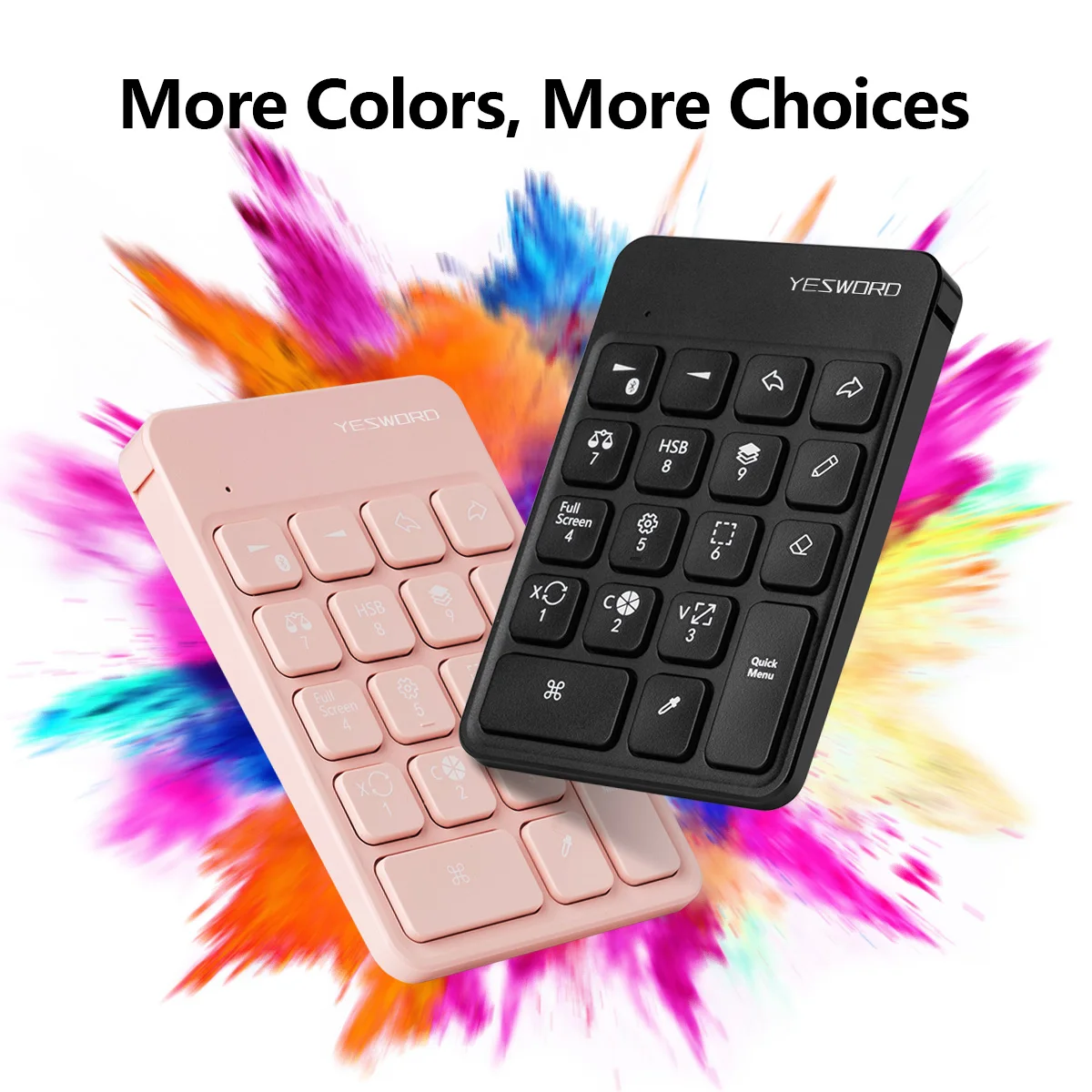
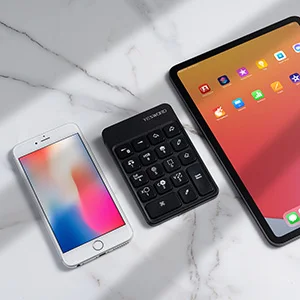
4. Designed for Mac OS/IOS Users, the extra procreate Bluetooth keypad is perfectly matched to MacBook, Macbook Pro, and Macbook Air, solving a lot of trouble with numeric keyboards when entering data. More colors for choice, simple and stylish design. With Bluetooth connectivity, there is no need to download and install drives;
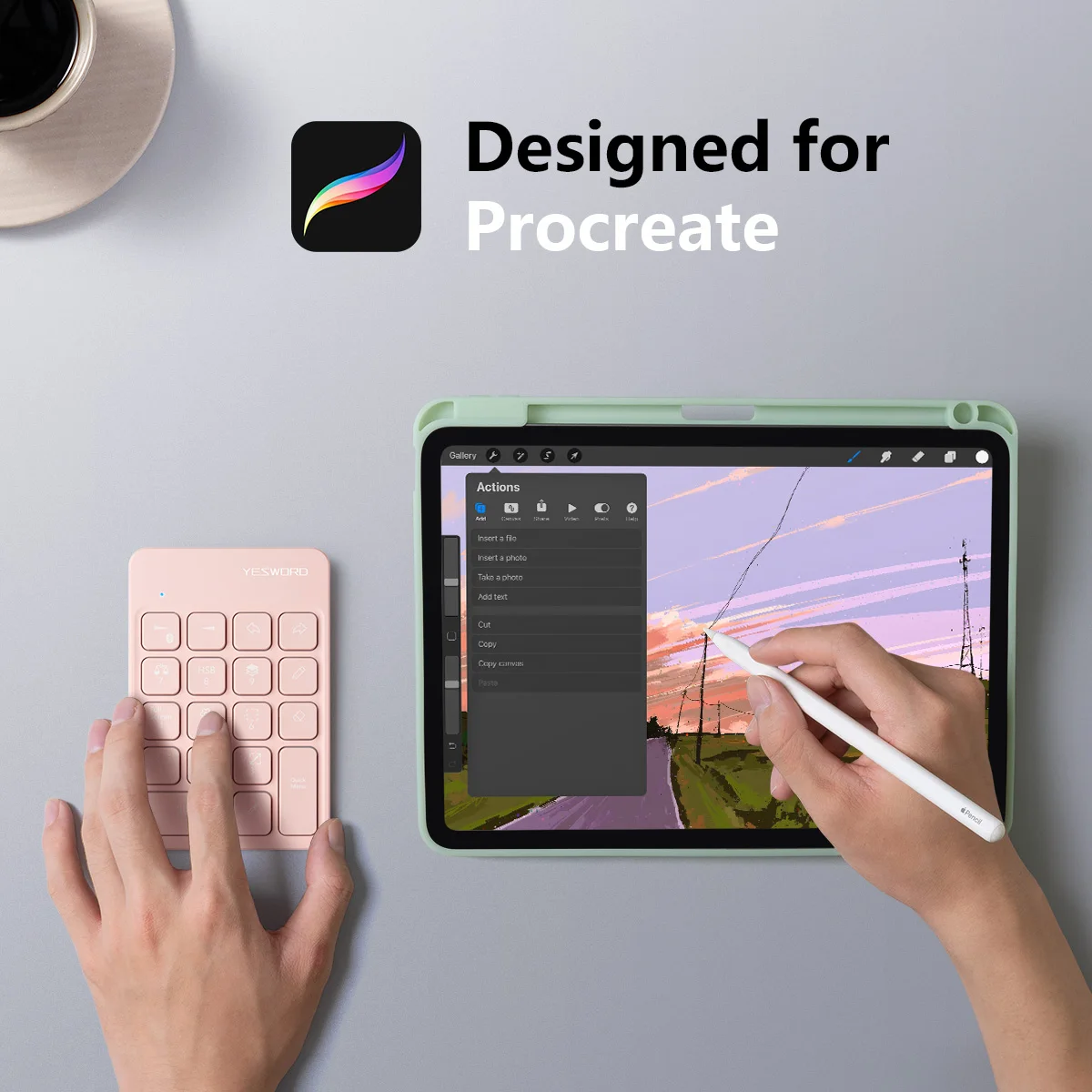
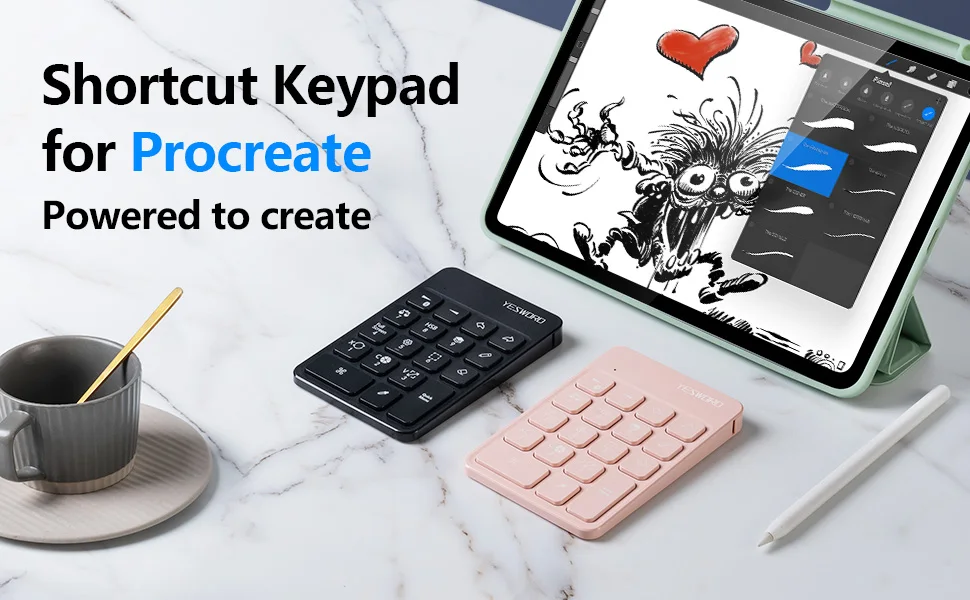
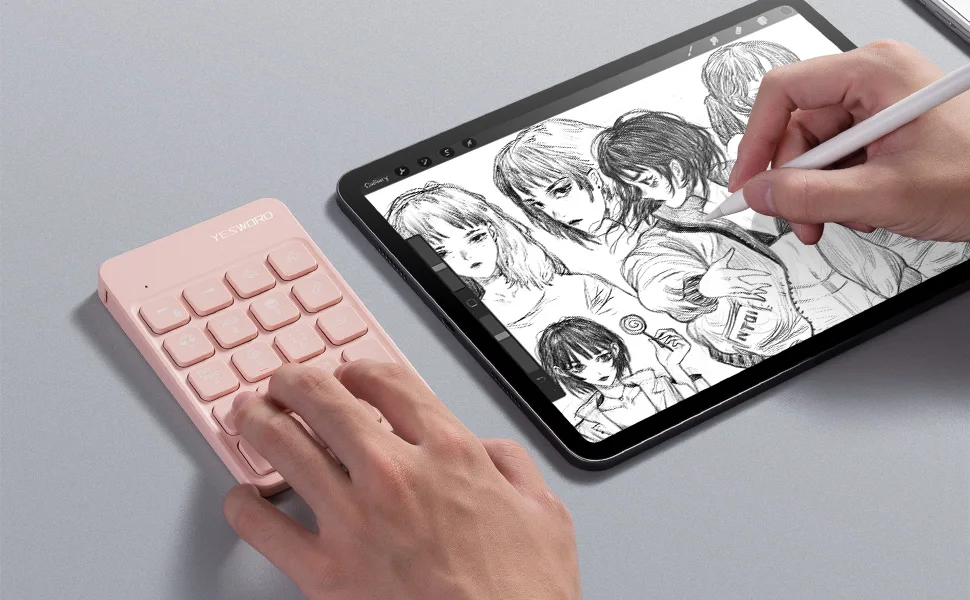
5. The drawing keyboard is perfect works for sketching, coloring and digital drawing on on a Graphics Monitor/ Tablet/ Light Box/ Tracing Light Pad. Best for artist and people who like art paint. If any question, please feel free to write us.
Specification:
Dimension: 3.3x4.93x0.49inch /(83.97x125.23x12.49mm)
Bluetooth version: Bluetooth 5.1
Lithium battery capacity: 280mAh
Hibernation time: 15 minutes
Low battery indication: Yes
Operational distance: 10m
Package:
1* Bluetooth Keyboard
1* USB Cable
1* User Manual
Questions & Answers
Q: What should I do if I can't use eyedropper?
A: Please open the settings of Procreate: Operation - Preferences - Gesture control -Eyedropper - "+Apple pencil"
Q: Some shortcut keys cannot be used
A: Please change the input method of Ipad to American English input method to use.
Q: The soft keyboard cannot be used after the keyboard is connected
A: How to call up the on-screen soft keyboard: Settings - Accessibility - Touch - Accessibility control - Display on-screen keyboard - Mouse button -Turn on "Mouse button" - Turn off "Mouse button"
Q: The brush size is not adjusted correctly, and the first press from 0 has a big change
A: This is a bug in Procreate itself. We tested it before. This problem exists no matter what keyboard. If there is a jump at the beginning, it will become normal later. If you use the keyboard to adjust the brush size of other apps, this problem won't exist.
Q: The brush adjustment size is too large, can you achieve more subtle adjustments?
A: This keyboard can achieve 5% adjustment by pressing the adjustment button. If you want to achieve 1% adjustment, you need to hold down the cmd button and the button for adjusting the size of the brush at the same time.
Q: Keyboard indicator identification
A: 1. It will light up in red when charging, if the indicator light goes out, it means it is fully charged 2. Turn on the keyboard switch, it will turn on a red light, which is not a sense of no electricity, but it means that the system is powered on and will go out after a minute 3. If the power of the keyboard is low, the indicator light will turn red, indicating that it needs to be charged.
Q: Can the mini keyboard be customized? Can it be used in other apps?
A: 1. The keyboard does not support customization 2. This wireless keyboard is defined according to Procreate, so if you use it in other software, and other software can customize the shortcut keys (such as Artstudio), then you can use it, but you need to update the shortcut keys again.
Q: Does the drawing keyboard support Windows system and MAC system?
A: The wireless keyboard output is all based on the Apple system (MAC or IOS), so the output is a single key or a combination key containing CMD, so the Windows system is not applicable.