
15.6-Inch Portable Laptop Display with 1080P Resolution Low Power Dual Monitor IPS Panel Type C Interface

15.6-Inch Portable Laptop Display with 1080P Resolution Low Power Dual Monitor IPS Panel Type C Interface

Gray / J3
$103.33
Sale price  $103.33 Regular price  $0.00
Skip to product information
15.6-Inch Portable Laptop Display with 1080P Resolution Low Power Dual Monitor IPS Panel Type C Interface

15.6-Inch Portable Laptop Display with 1080P Resolution Low Power Dual Monitor IPS Panel Type C Interface

$103.33
Sale price  $103.33 Regular price  $0.00
Shipping calculated at checkout.
colorGray
model numberJ3

SPECIFICATIONS

Application: On-the-go Office, Laptop External Monitor

Brand: YUBWVO

Brightness: 300cd/m

Built-in Speaker: No

Contrast Ratio: 1000:1

Feature: Anti-Blue Light

Interface Type: Type C

Products Status: New

Screen Type: LCD

Use: For Business

Warranty(Year): 1-Year

Wide Color Gamut: 72% sRGB

Widescreen: Yes

after-sales service: Onsite Training and Inspection,Call Center and on-line Technical Support,Return and Replacement

aspect ratio: 16:9

backlit type: LED

brightness: 300cd/m

contrast ratio: 1000:1

display ratio: 16:9

panel type: IPS

place of origin: Guangdong, China

private mold: Yes

refresh rate: 60 Hz

resolution: 1920 X 1080

response time: 10 Ms

screen size: 15.6 inch

series: For Business

Product Description
Product Name
J3 Portable Monitor
Shell Material
Aluminum alloy
Conectivity
USB Type-C,
Panel Size
15.6 inches
Aspect Ratio
16:9
Panel Type
IPS
Color gamut
72% sRGB
Resolution
1920*1080p
Brightness
300(+-30) nits
Compatible systems
Windows, Mac, Linux, Android, Chrome OS
Size
337 x 226 x 7mm
Weight
0.7 kg
  • Product performance description

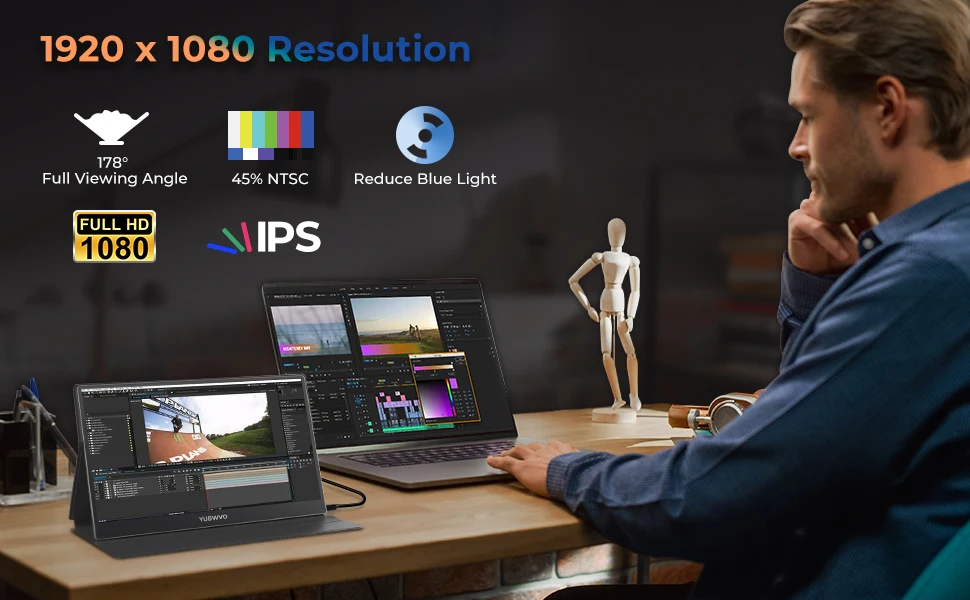
15.6inch portable laptop monitor with 1920*1080 resolution and premium IPS Screen, supports 178°wide viewing angle and has excellent color rendering ability to provide a clear, crisp, excellent performance in multimedia for you. Besides, laptop monitor
can reduce blue light and ensures no flickering light to care your eyes, so you are comfortable to watch it or work with it for a
long time.
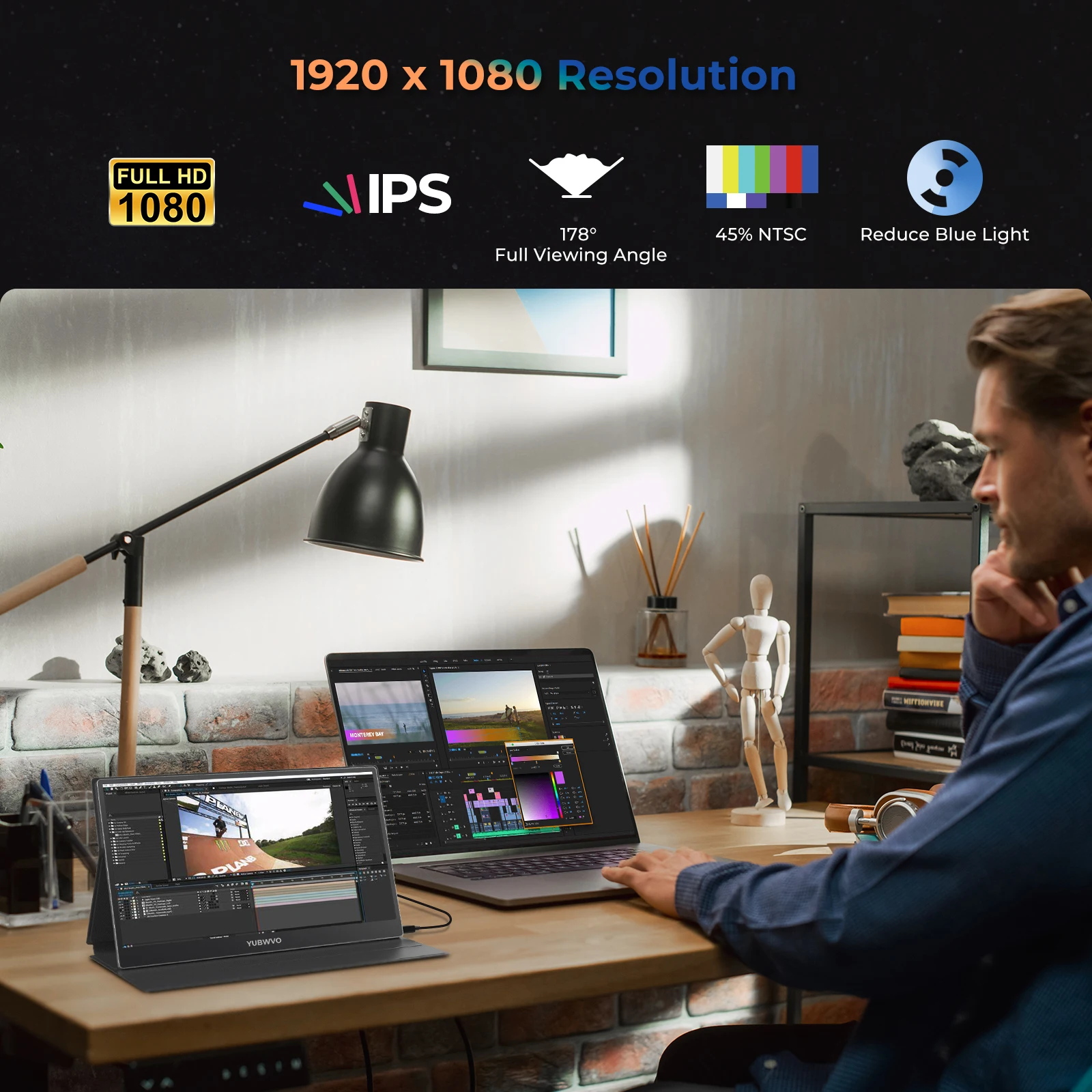
Details Images
Efficiency Improvement for Multi-tasking
* Copy Mode: Amplify your presentations with Copy Mode, flawlessly mirroring your screen to share your ideas effectively during meetings.
* Extended Mode: Master the art of multitasking with our Extended Mode, allowing you to manage emails on your laptop while seamlessly completing other tasks on the monitor.
* Second Screen Mode: Switch effortlessly to Second Screen Mode, providing you with a dedicated space for additional information or applications.
* Portrait Mode: For those days laden with document review or code writing, our Portrait Mode provides an optimized, vertical layout, creating an effortless reading experience.
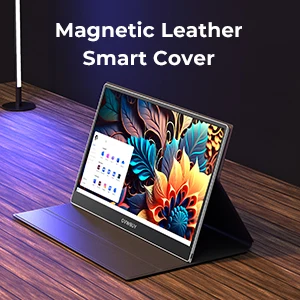
Magnetic Smart Cover
* Magnetic leather smart cover
* Stand for monitor
* Protective case
* Waterproof and scratch resistant
* Adjustable for 2-angle viewing
Carry Around for Travel
* 1.5 lb Lightweight
* Aluminum Alloy
* Great for Business Travel
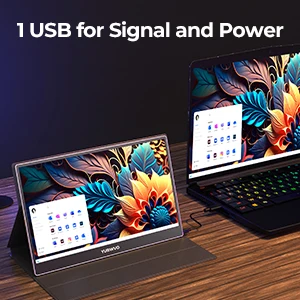
1 USB for signal and power
* Plug and play
* Easy and convenient
Product Usage
On The Go Partner
* 3.8w power consumption for direct outdoor use
* Direct connect your laptop to work up to 5 hours(without charging)
* Great for a simple on-the-go dual-monitor setup

  • Ideal for Business Meeting

* 1 USB type C for both display and charging
* Say goodbye to the clutter of cables from HDMI and USB on your desk
* Prevent a “NO SIGNAL” or “Can’t Detect Signal” issue
Packing&Shipping
1.5 kg Gross weight
10 pieces per box
Company Introduction
Since 2018, YUBWVO has aimed to produce high-end mobile accessories that enhance daily life for customers worldwide. Our product line includes portable foldable dual monitor, portable monitor, smart conference device. Widely used in business travel, meeting, work at home applications, improve the working efficiency anywhere, anytime.
YUBWVO believes that originality and creativity are vital to success. We place originality into our products to provide smart and creative solutions to end users.
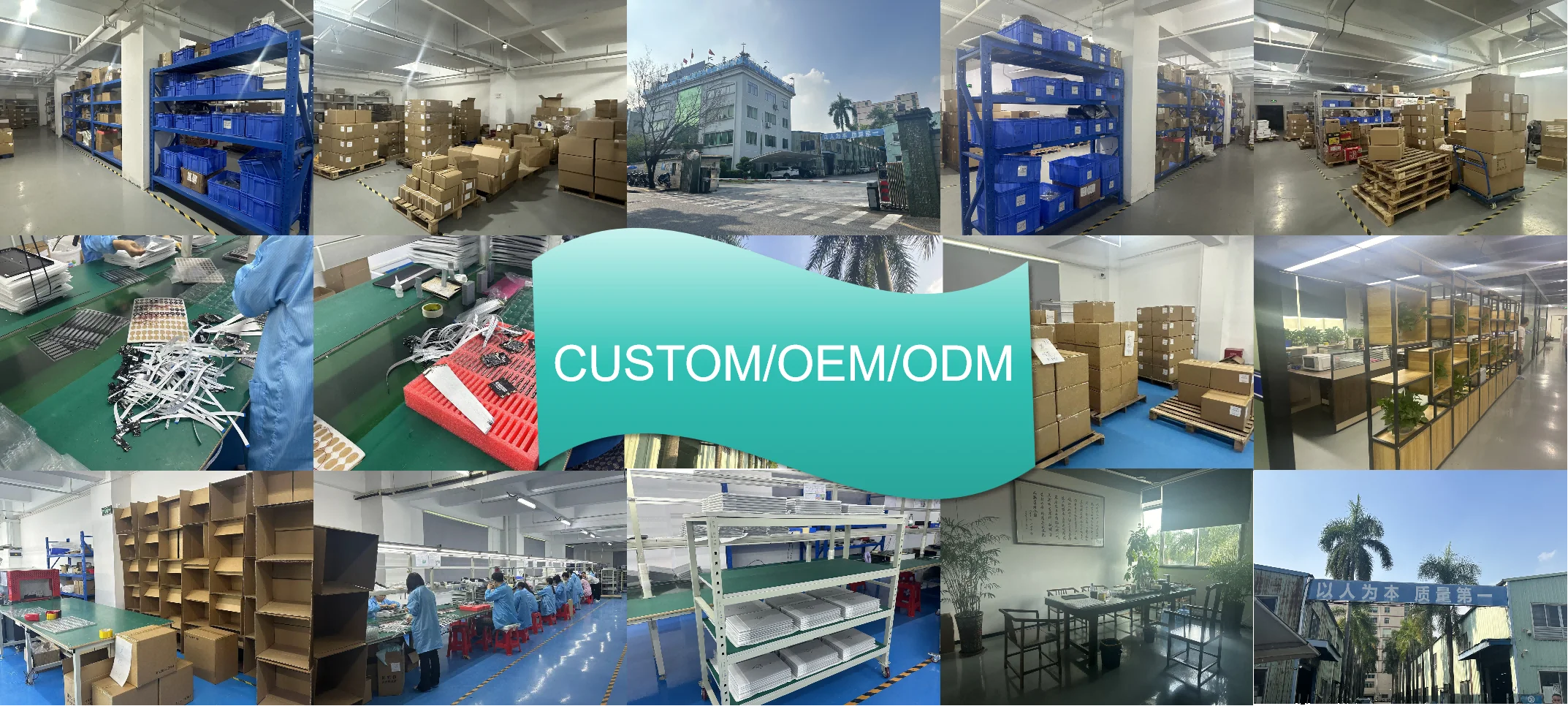
YUBWVO belongs to LastCreate Technology, and we are the R&D technology company with factory, also provide OEM and ODM services as well.
FAQ
1.1. Black screen or No signal
1. Please use the original accessories we provide (cables and charger). USB 3.0 A Male to USB Type C cable does not support video signal transmission.
2. Please plug in the wall charger to Type-C port for power supply and wait for the screen displays “no signal”, then plug in
the USB-C cable to another Type-C port or HDMI cable to MiniHDMI port for video signal transmission.
3. For single USB-C connection for power and display, the Type-C port of some laptop like HP Elitebook, Acer Aspire does not support video output and only supports charging. Please contact us to help you confirm if your device supports.
4. Please set the display mode to Extend in Windows.
5. Connect the monitor to other devices to check if the monitor can work well with other devices.
6. Please contact us for help (24/7 Toll-Free WhatsApp: +86 18124195085)

1.2. How to connect my iPhone?
We need to use the Lightning to HDMI Adaptor to connect the iPhone and the monitor. In addition, because most iPhones can only provide 5V/1A power supply, you need to connect a 5V/2A or higher power supply to the Lightning to HDMI Adaptor.

1.4. Monitor keeps flashing/restarting
1. Flashing or continuously restarting is usually caused by not enough power supply. If the monitor and your device are connected by single USB-C cable, some laptops and phones cannot provide enough power supply for this monitor. Please plug in wall charger to Type-C port of monitor for enough power supply.
2. Please contact us for help (24/7 Toll-Free WhatsApp: +86 18124195085)
1.5. I use the USB Type C to USB 3.0 A Male cable to connect the monitor to my device, but it displays “no signal”
The USB Type C to USB 3.0 A Male cable can only be used for power supply. This cable does not support video transmission.
1.6. How to turn on HDR mode?
Click the Menu button to open the Parameter Settings > Reset Settings > HDR MODE ON
Because HDR mode consumes more power, when you need to turn on HDR mode, please connect an external power supply of 5V/2A or higher.
1.7. Why does the PS4 game screen not display properly?
This is probably because the game does not support HDR effect, you need to turn off the HDR mode of your monitor. (Menu → Reset →HDR Mode → OFF)
1.8. My Android Phone is equipped with Type-C port. But it does not work with this monitor.
1. Phones may not be able to provide enough power supply for the monitor, please plug in the wall charger to Type-C port, then connect phone to another Type-C port by USB-C cable.
2. The Type-C port of some phones does not support display and only supports charging. For example, the Type-C port of Google phones like Pixel does not support video output.

Goes well with...