
60fps 1080P imx30 sensor HDMI-compatible digital microscope camera with C mount for industrial biological microscope camera
Default Title
€528,95
Sale price
€528,95
Regular price
€0,00
Skip to product information

Sony Starvis back illuminated CMOS sensor imx307
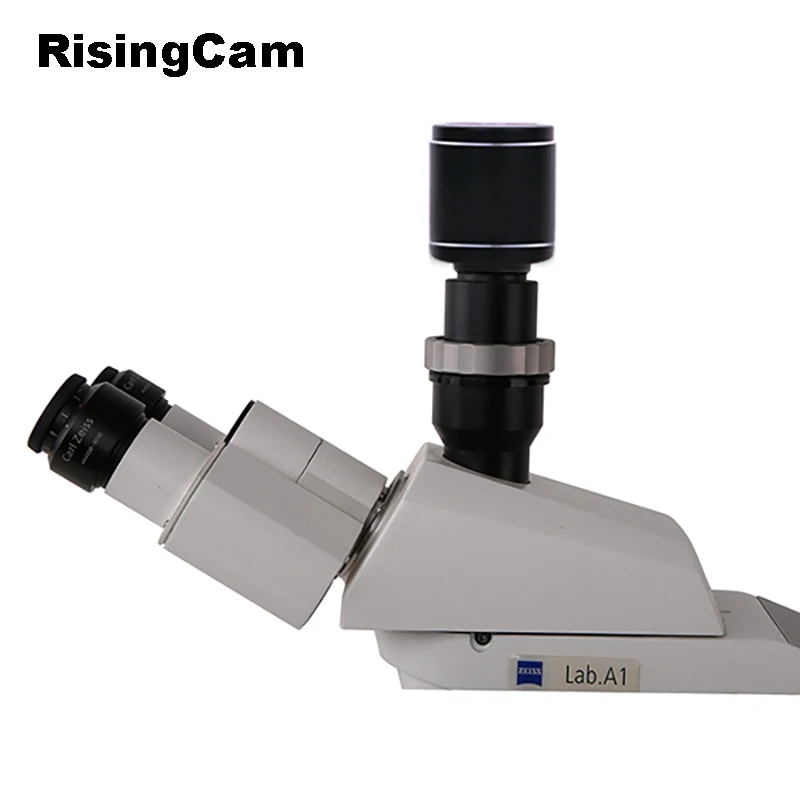


60fps 1080P imx30 sensor HDMI-compatible digital microscope camera with C mount for industrial biological microscope camera
€528,95
Sale price
€528,95
Regular price
€0,00
SPECIFICATIONS
Brand Name: RisingCam
High-concerned chemical: None
Max frame rate: 60fps
Model Number: XCAMLITE1080PA
Origin: Mainland China
Output: HDMI
Product Type: Microscope Cameras
Resolution: 1080p (1920x1080)
Semi-finishedproduct: No
Sensor: SONY imx307
Sensor size: 1/2.8"
60fps 1080P HDMI-compatible digital microscope camera with C mount for industrial biological microscope camera with SONY imx307 sensor
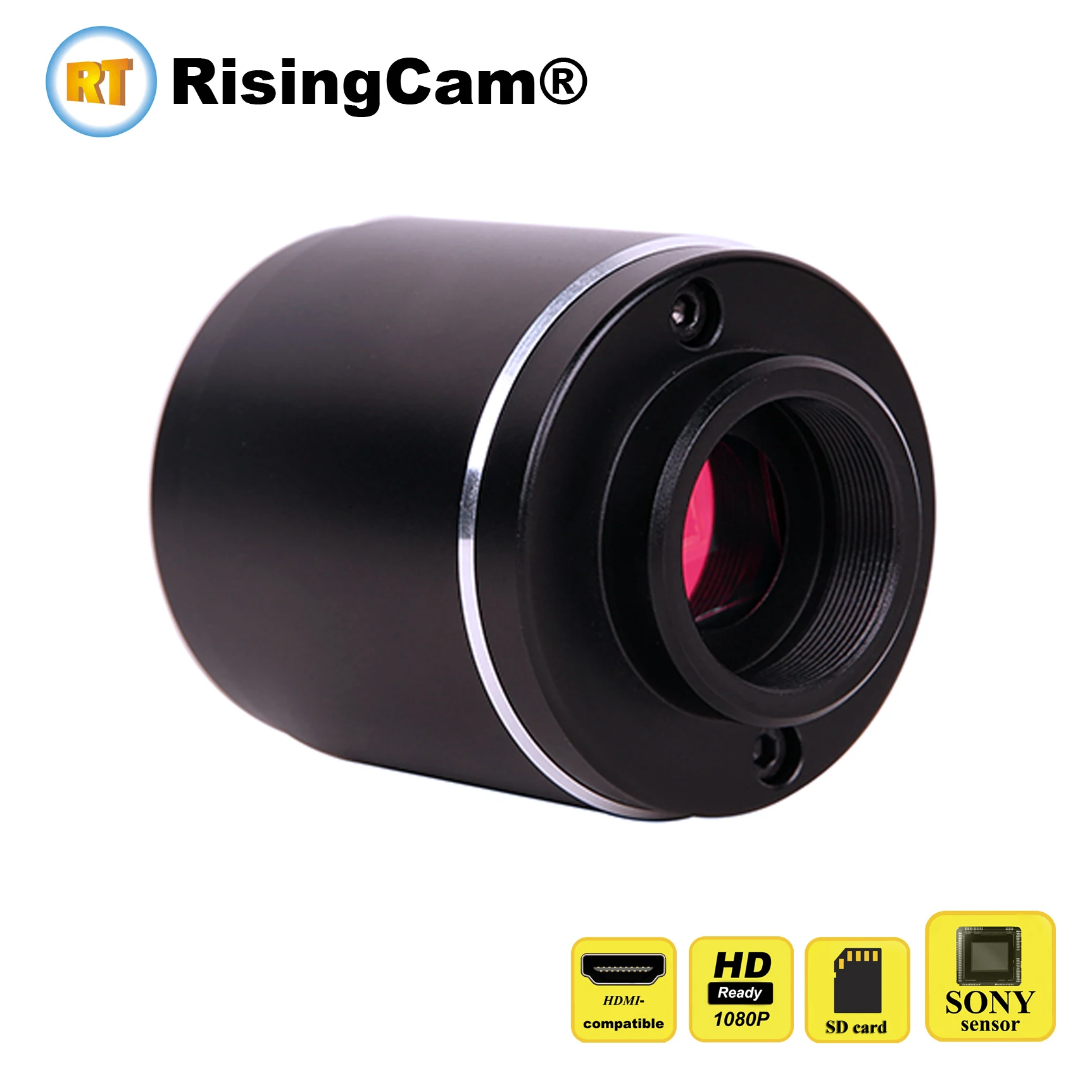
The FHD XCAMLITE series camera is intended to be used for the acquisition of digital images from the stereo microscope and biological microscope.
The basic characteristic is listed as below:
Sony Starvis back illuminated CMOS sensor imx307
FHD 1080p video HDMI-compatible output
Max frame rate could reach 60fps
High sensitivity 1300mv with 1/30s
SD card for the captured image and video storage
Embedded XCamView for the control of the camera
With strong ISP and other related processing functions
Camera Application
Scientific research, digital teaching (teaching, demonstration and academic discussing);
Digital laboratory, medical research;
Machine vision (PCB detection, IC quality control);
Medical treatment (pathological observation);
Food (microbial colony observation and counting);
Aviation and military;
Camera Specification
Order Code |
Sensor & Size(mm) |
Pixel(μm) |
G Sensitivity |
FPS/Resolution |
Binning |
Exposure(ms) |
XCAMLITE1080PA |
Sony IMX307(C) 1/2.8"(5.57x3.13) |
2.9x2.9 |
1300mv with 1/30s |
60fps/1920*1080(HDMI-output) |
1x1 |
0.01~1000 |
Camera Interface | |
HDMI |
HDMI Output Port |
USB |
USB Mouse for XCamView Control |
DC12V |
Power Input Slot |
SD |
SD Card Slot |
Overall Dimensions | |
Width X Depth X Height |
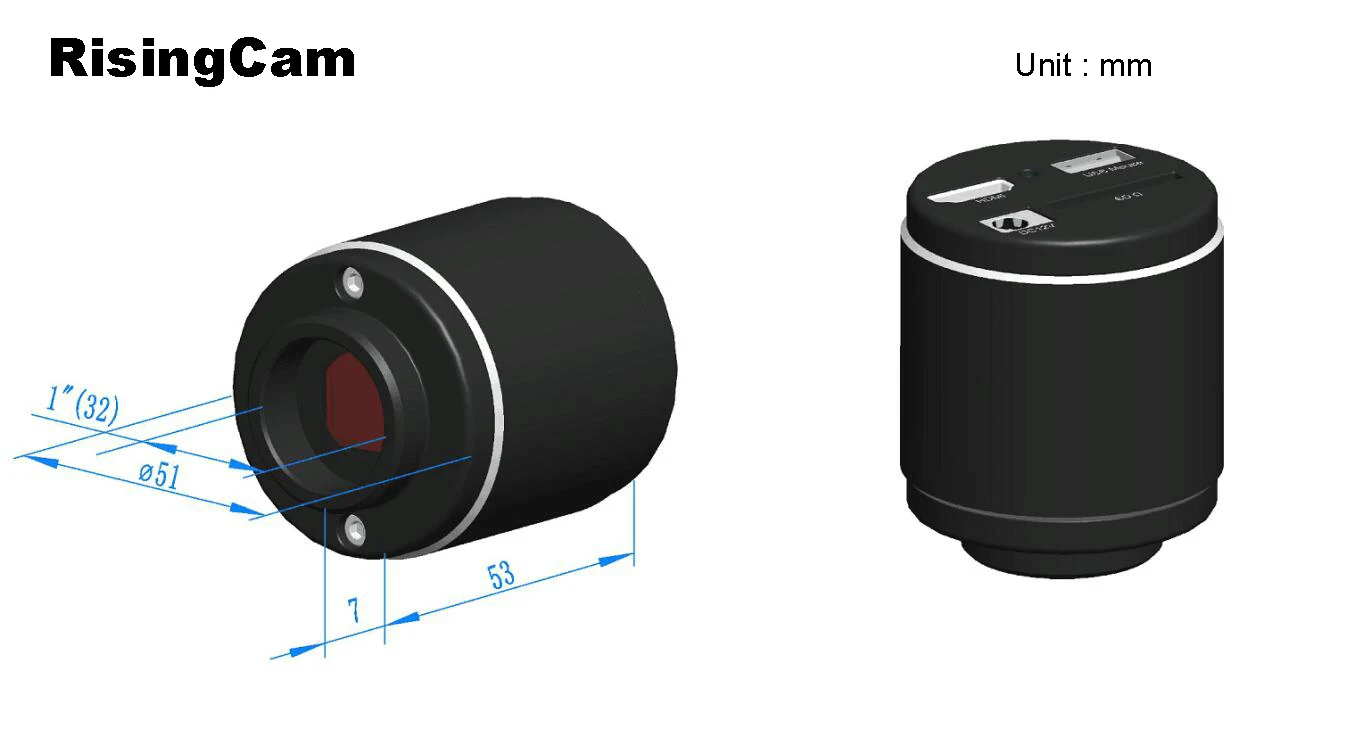
50 mm (1.97”) x 50 mm (1.97”) x61mm (2.4”) |
Shipping Weight |
0.47kg (0.55 lbs) |
Operating Environment | |
Operating Temperature(in Centidegree) |
-10~ 50C |
Storage Temperature(in Centidegree) |
-20~ 60C |
Operating Humidity |
30~80%RH |
Storage Humidity |
10~60%RH |
Power Supply |
DC 5V/1A Adapter |
Optional Accessories | |
Lens |
C-mount Lens |
Cable |
HDMI Cable |
Memory Card |
SD Card |
Mouse |
USB mouse/USB Wireless Mouse |
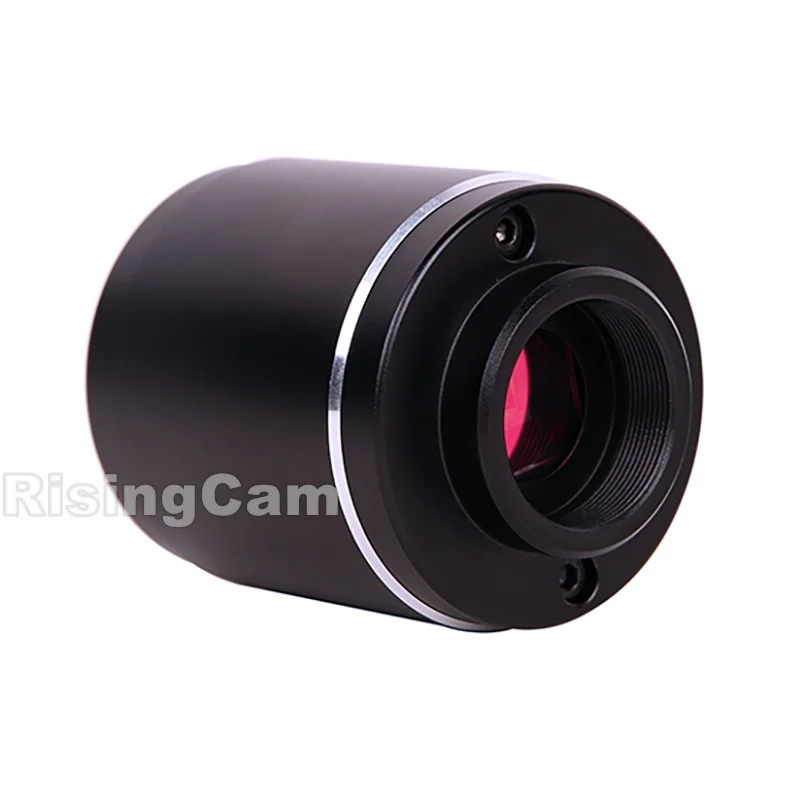
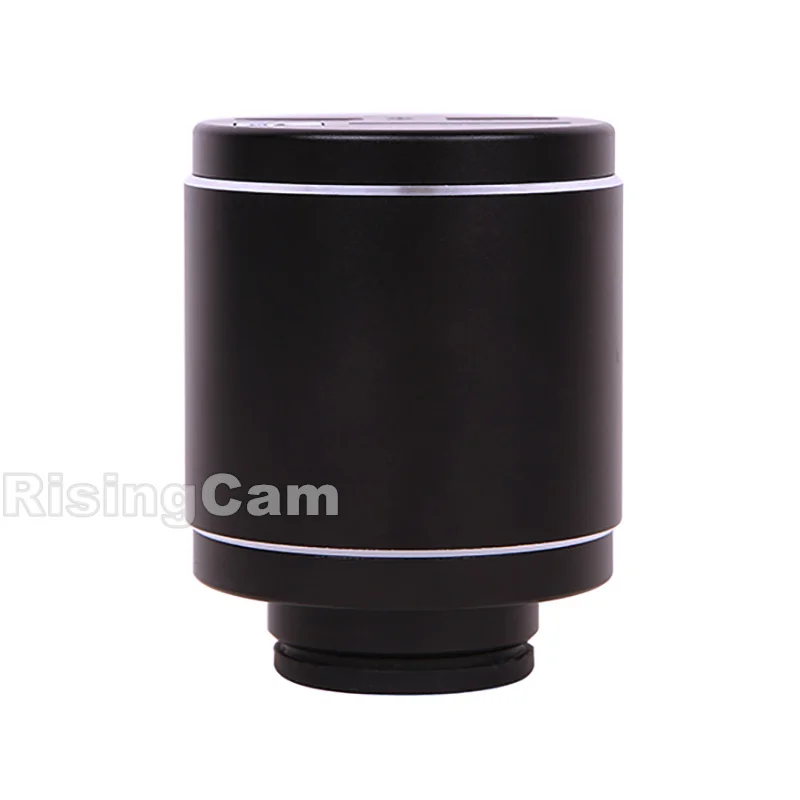
Camera Pictures
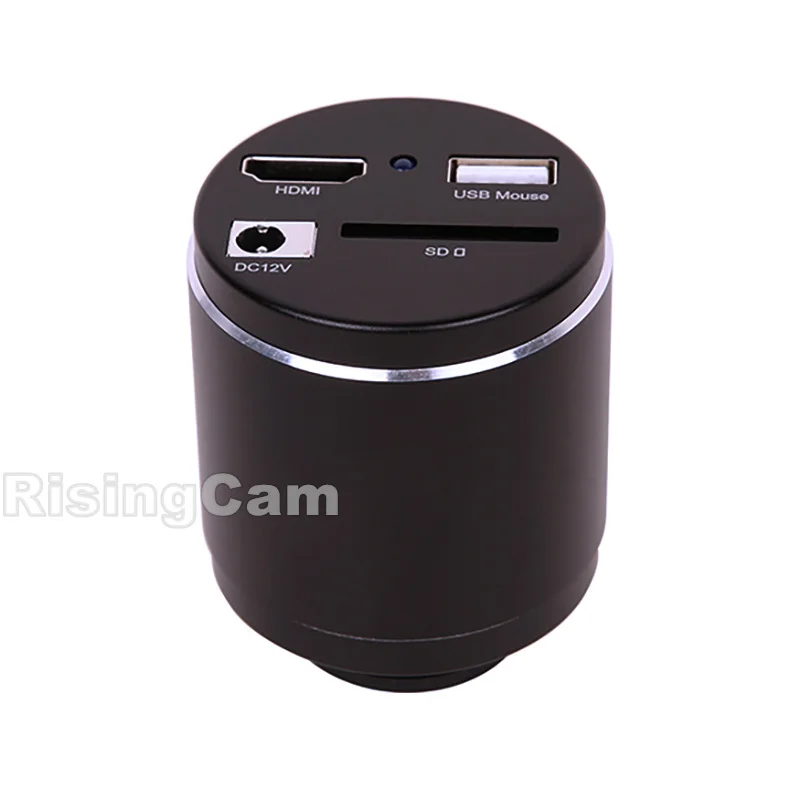
Interface |
Function Description |
USB Mouse |
Connect USB mouse for easy operation with embeddedXCamViewsoftware |
HDMI |
Comply with HDMI1.4 standard. 1080P formatvideo output for standard FHD monitor |
SD |
Comply with SDIO3.0 standard and SD card could be inserted for video and images storage |
DC12V |
Power adapter connection (12V/1A) |
LED |
LED status indicator |
Video Output Interface |
Function Description |
HDMI Interface |
Comply withHDMI1.4 standard; Max 60fps@1080P |
Function Name |
Function Description |
Video Saving |
Video format:2M(1920*1080) H264 encoded MP4file; Video saving frame rate:50~60fps(related with SD card performance); |
Image Capture |
2M (1920*1080)JPEGimage in SD card |
Function Name |
Function Description |
Exposure/Gain |
Automatic/ManualExposure |
White Balance |
Manual/Automatic /ROIMode |
Sharpening |
Supported |
3DDenoise |
Supported |
Saturation Adjustment |
Supported |
Contrast Adjustment |
Supported |
Brightness Adjustment |
Supported |
GammaAdjustment |
Supported |
50HZ/60HZAnti-flicker Function |
Supported |
Function Name |
Function Description |
Zoom In/Zoom Out |
Up to 10X |
Mirror/Flip |
Supported |
Freeze |
Supported |
CrossLine |
Supported |
Embedded Files Browser |
Supported |
Video Playback |
Supported |
Function Name |
Function Description |
Restore Factory Settings |
Supported |
Multiple Language Support |
English / Simplified Chinese / Traditional Chinese / Korean / Thai / French / German / Japanese / Italian / Russian |
Sony Starvisbackilluminated CMOS sensor imx307
FHD 1080p HDMI video outputs
Max frame rate could reach 60fps
Camera Working Picture
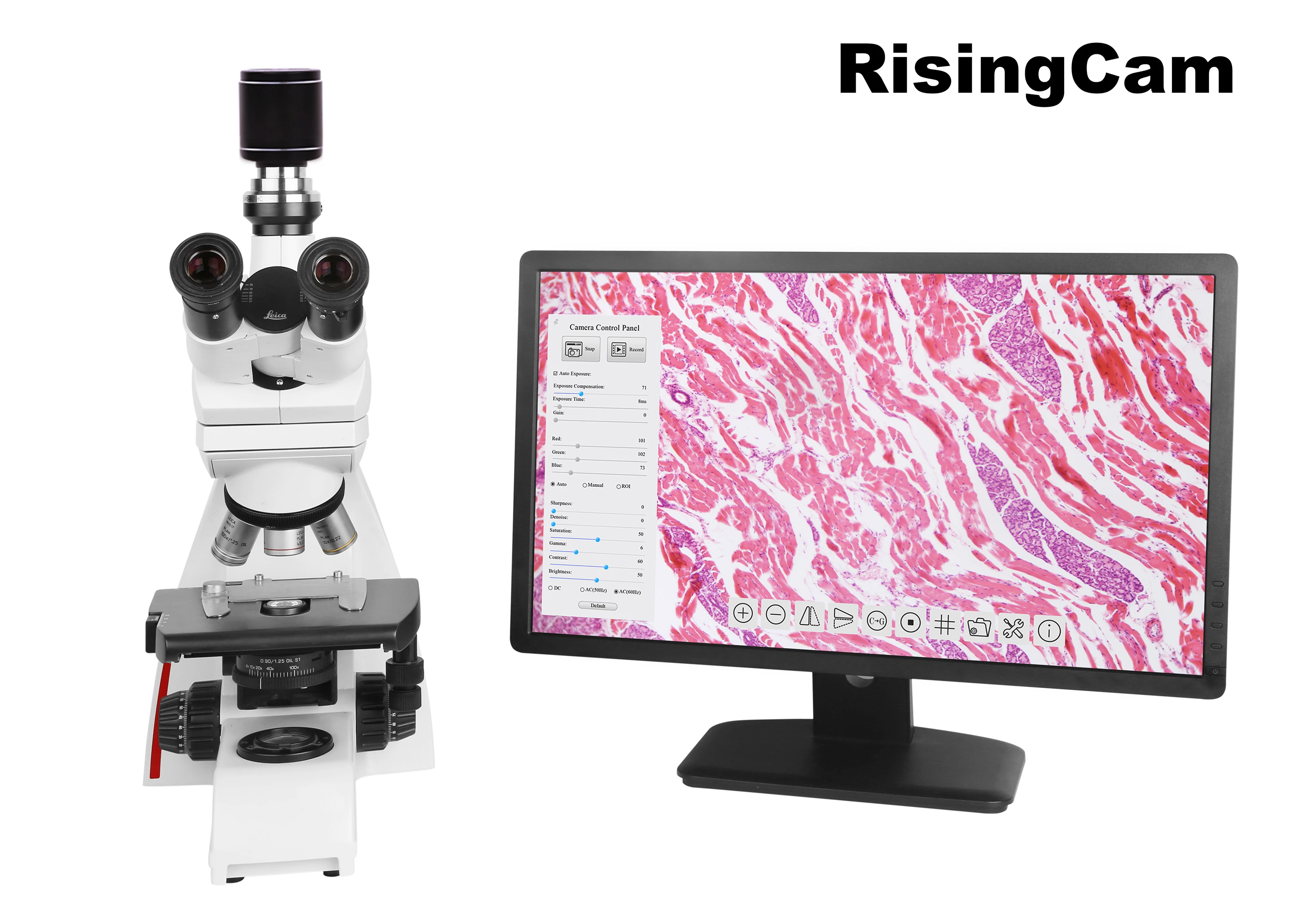
The HDMI FHD XCAMLITE UI includes
Camera Control Panel onthe left of the video window
To show theCamera Control Panel, move your mouse to the left of the video window
Synthesis Camera Control Tool bar on the bottom of the video window.
When users movemouse cursor to the bottom of the video window,the Synthesis Camera Control Toolbar will pop up automatically.

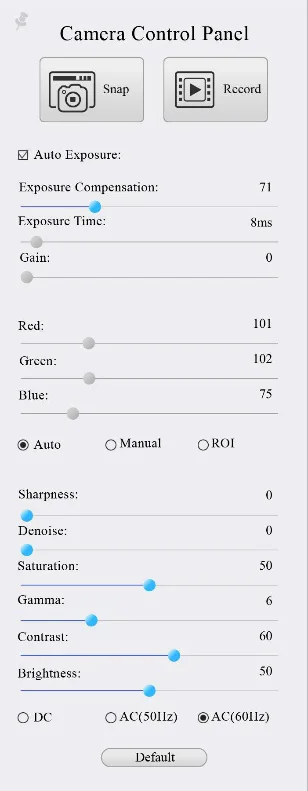
Camera Control Panel |
Function |
Function Description |
|
Snap |
Captureimageand save it to the SD card |
Record |
Recordvideoand save it to the SD card |
|
Auto Exposure |
WhenAutoExposureis checked,the systemwill automatically adjust exposure time and gain according to the value of exposure compensation |
|
Exposure Compensation |
Available whenAuto Exposureis checked. Slide to left or right to adjustExposure Compensationaccording tothecurrent video brightness to achieve proper brightness value |
|
Exposure Time |
AvailablewhenAuto Exposureisnot checked. Slide to left or right to reduce or increase exposure time, adjusting brightness of the video |
|
Gain |
AdjustGainto reduce or increase brightness of video.TheNoise will be reduced or increased accordingly |
|
Red |
Slide to left or right to decreaseor increase theproportion ofRedinRGB onvideo |
|
Green |
Slide to left or right to decreaseor increase theproportion ofGreeninRGB onvideo |
|
Blue |
Slide to left or right to decreaseor increase theproportion ofBluein RGB on thevideo |
|
AutoWhite Balance |
White Balanceadjustment according to thevideo continuously |
|
Manual White Balance |
Adjust theRedorBlueitem to set the video White Balance. |
|
ROI White Balance |
White Balancecould be adjusted when the ROI region is changed according to content inside the ROI region. |
|
Sharpness |
AdjustSharpnesslevel of the video |
|
Denoise |
Slide left or right to denoise the video |
|
Saturation |
AdjustSaturationlevel of the video |
|
Gamma |
AdjustGammalevel of the video.Slide to the right side to increase gamma and to the left to decrease gamma. |
|
Contrast |
AdjustContrastlevel of the video.Slide to the right side to increase contrast and to the left to decrease contrast. |
|
DC |
ForDCillumination, there will be nofluctuationin light source so no need forcompensating lightflickering |
|
AC(50HZ) |
CheckAC(50HZ)to eliminateflickeringcaused by 50Hzlight source |
|
AC(60HZ) |
CheckAC(60HZ)to eliminate flickeringcaused by60Hz light source |
|
Default |
Restoreall the settings in theCamera Control Panelto default values |

Icon |
Function |
Icon |
Function |
|
Zoom Inthe Video Window |
|
Zoom Outthe Video Window |
|
Horizontal Flip |
|
Vertical Flip |
|
Color/Gray |
|
VideoFreeze |
|
DisplayCross Line |
|
Browse Images and Videos in the SD Card |
|
Settings |
|
ChecktheVersion ofXCamView |


Camera Size
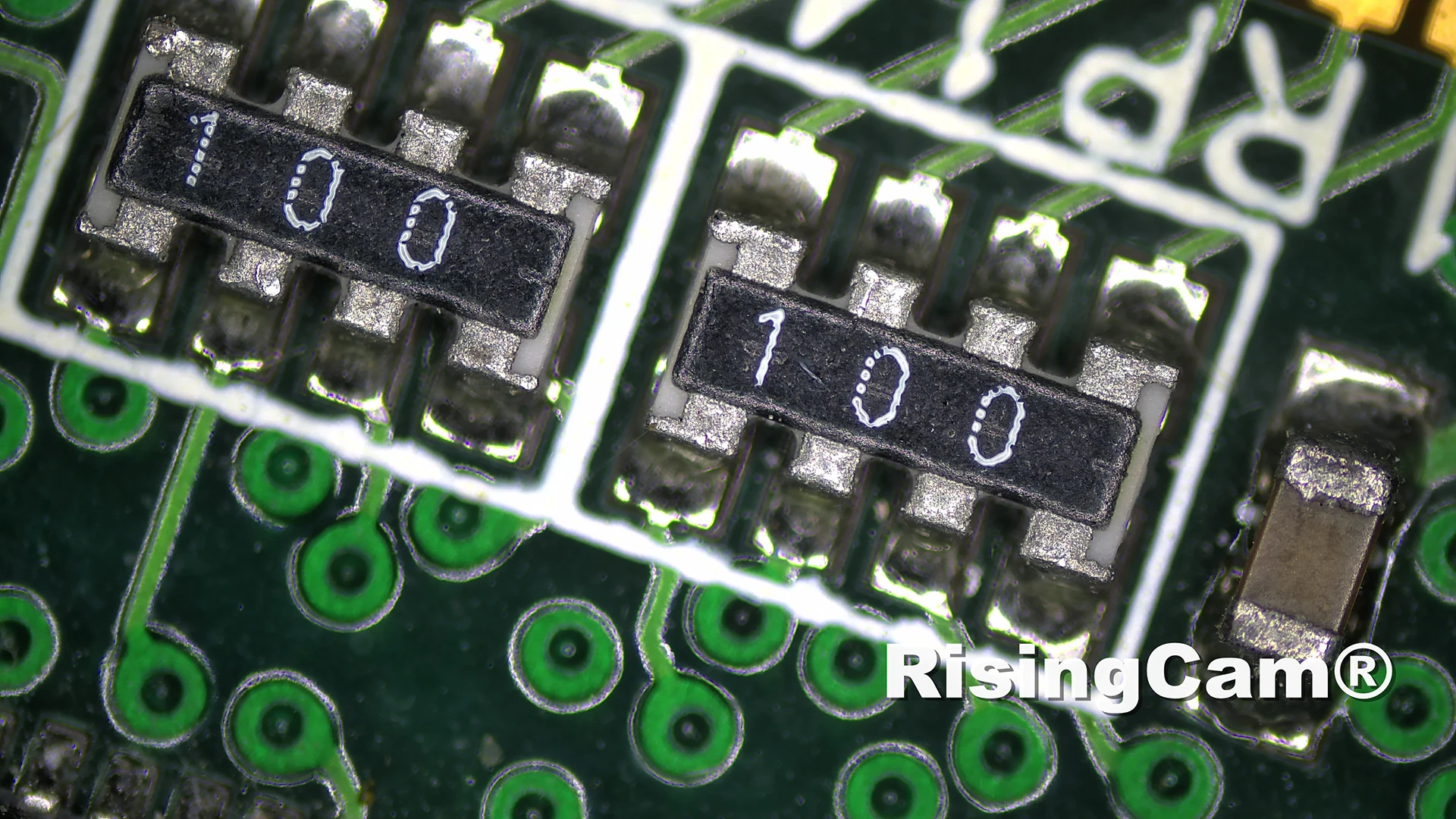
Camera Sample picture

Camera Packing
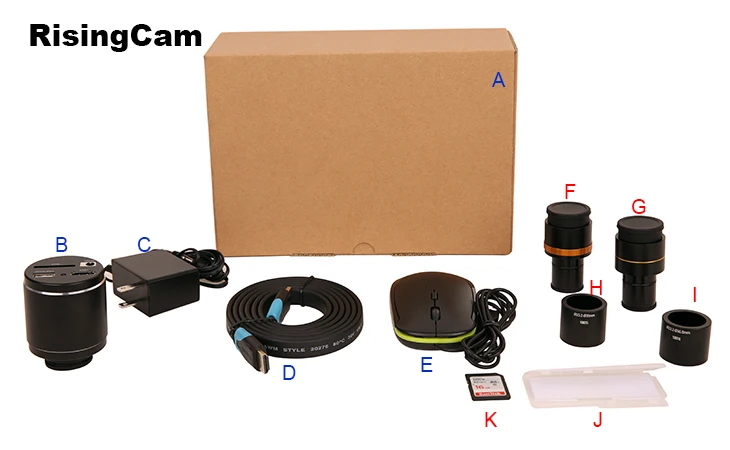
Standard Packing List | ||||
A |
Packing box : L:17.5cm W:17.5cm H:8.5cm (1pcs, 0.85kg/ box) |
|||
B |
camera |
|||
C |
Power Adaptor: Input: AC 100~240V 50Hz/60Hz, Output: DC 12V 1A American standard: Model: GS12U12-P1I 12W/12V/1A: UL/CUL/BSMI/CB/FCC EMI Standard:EN55022,EN61204-3, EN61000-3-2,-3, FCC Part 152 class B, BSMI CNS14338 EMS Standard:EN61000-4-2,3,4,5,6,8,11,EN61204-3,Class A Light Industry Standard |
|||
|
European standard:Model:GS12E12-P1I 12W/12V/1A; TUV(GS)/CB/CE/ROHS EMI Standard:EN55022,EN61204-3, EN61000-3-2,-3, FCC Part 152 class B, BSMI CNS14338 EMS Standard:EN61000-4-2,3,4,5,6,8,11,EN61204-3,Class A Light Industry Standard | ||||
D |
HDMI Cable |
|||
E |
USB mouse |
|||
Optional Accessory | ||||
F |
Adjustable lens adapter |
C-Mount to Dia.23.2mm Eyepiece Tube |
108001/AMA037 |
|
C-Mount to Dia.31.75mm Eyepiece Tube |
108008/ATA037 |
|||
G |
Fixed lens adaptor |
C-Mount to Dia.23.2mm Eyepiece Tube |
108005/FMA037 |
|
C-Mount to Dia.31.75mm Eyepiece Tube |
108011/FTA037 |
|||
Note: ForH andI optionalitems, please specify your camera type(C-mount, microscope camera or telescope camera), RisingTech engineer will help you to determine the right microscope or telescope camera adapter for your application; | ||||
H |
108015(Dia.23.2mm to 30.0mm Ring)/ Adaptor rings for 30mm eyepiece tube |
|||
I |
108016(Dia.23.2mm to 30.5mm Ring)/ Adaptor rings for 30.5mm eyepiece tube |
|||
J |
Calibration Kit |
106011/TS-M1(X=0.01mm/100Div.); |
||
K |
SD Card(4G or 8G) |
|||