K
Multi-Function Skateboard T-Tool – Portable Skateboard Repair Tool 9/10

HANPUSEN Bluetooth Wireless Camera Remote for Nikon Zfc Z30 Z5 Z7II Z6III Z50 COOLPIX P1000 P950 A1000 B600; Replace Nikon ML-L7


Brand Name: hanpusen
Certification: CE,FCC,RoHS,UL
Choice: yes
Compatible Brand: NIKON
Electrified: Yes
High-concerned chemical: none
Model Number: ML-L7B
Origin: Mainland China
Package: Yes
Type: WireLess
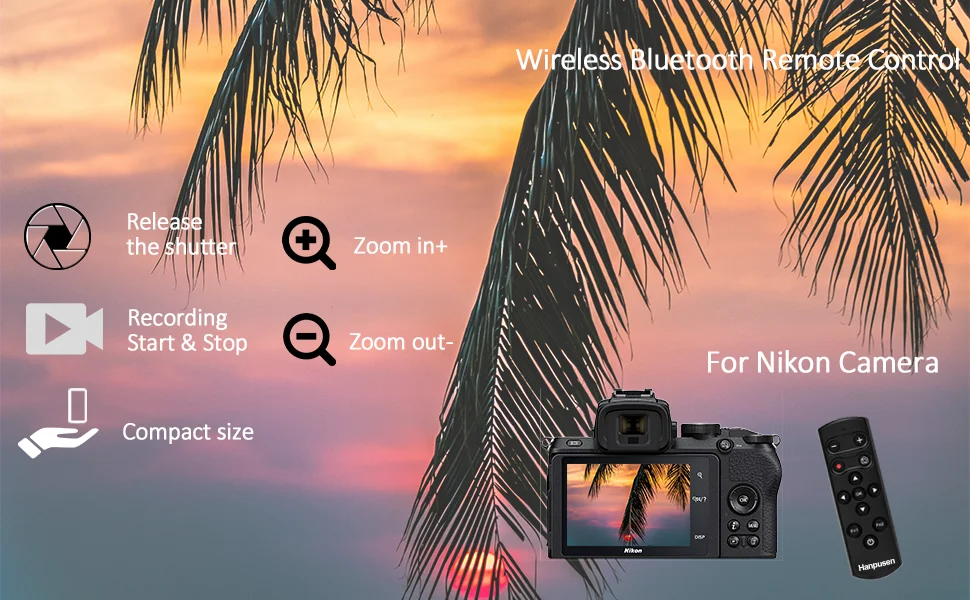
Hanpusen ML-L7B Wireless Remote Control Controller Shutter Release Working for Selected Nikon Z5 (V1.4), Z6 II (V1.4), Z7 II (V1.4), Z30, Z50, Z fc; Nikon Coolpix A1000, B600, P1000, P950 Cameras; Replaces Nikon ML-L7 Remote Control Completely.
Product Highlights:
1、HANPUSE ML-L7B Wireless Remote Controlreplaces Nikon ML-L7 remote control, it compatible with Bluetooth low energy technology, which is specially designed for selected Nikon Z5(V1.4), Z6 II(V1.4), Z7 II(V1.4), Z30, Z50, Z fc; Coolpix A1000, B600, P1000, P950
2、It allows you to remote your camera wirelessly with an operating distance of approx. 10m / 32.8' in any direction.
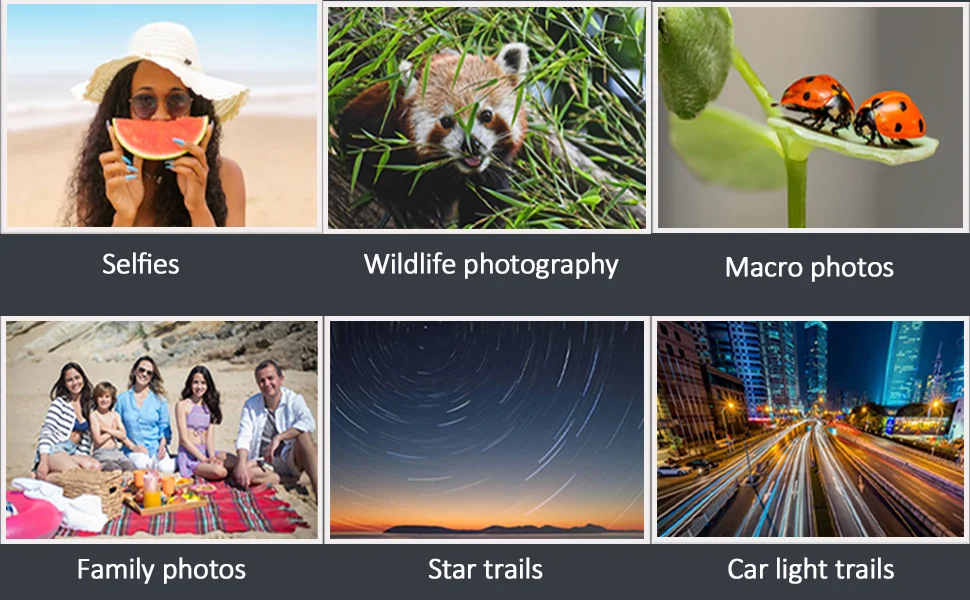
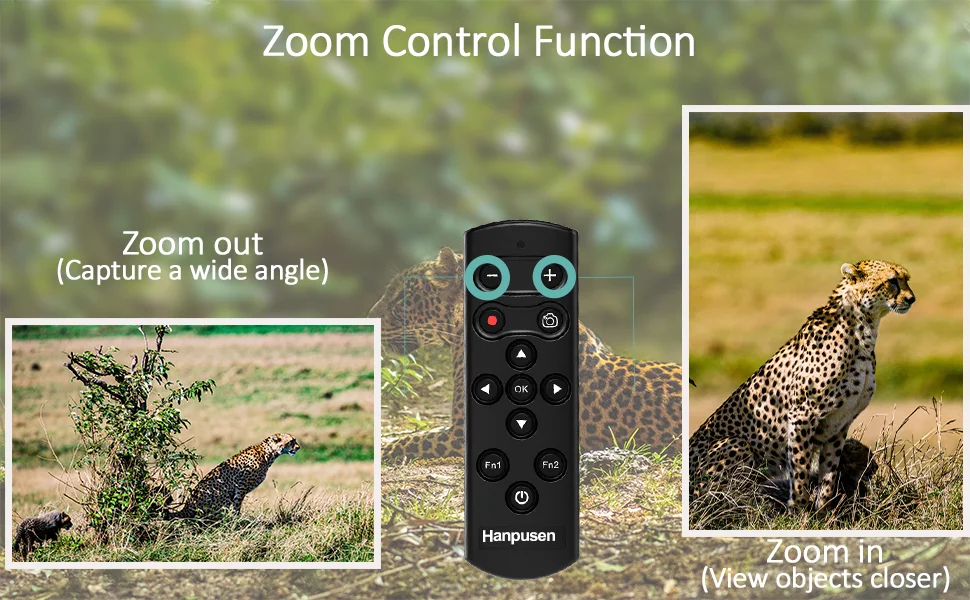
3、It can be used for shooting still images, recording a video, zooming the camera, adjusting manual focus or selecting items, selecting applications, and assigning Fn1 or Fn2 button*(Fn1 and Fn2 do not work with P1000, B600, A1000).
4、The power/pairing button on the under allows you to turn on, turn off or pair the remote control with your camera.
5、The dimension of the remote is 100 x 33 x 16 mm (3.9 x 1.3 x 0.6"), you can put it in your pocket or hang it on your key ring, and powered by a CR2032 battery (included).
Compatible with Selected Nikon Cameras:
Just compatible with Selected Nikon Z5(V1.4), Z6 II(V1.4), Z7 II(V1.4), ZR, Z5II, Z6III, Z30, Z50, Z50II, Zfc, Zf, Coolpix A1000, B600, P1000, P1100, P950;
* Z6II, Z7II, Z5 (with Ver. 1.4 or later firmware update)
* Nikon Z series cameras do not support remote zoom, but remotely zooming the previewed image is supported;
Nikon A1000, P1000, B600 do not support to assign the functions of Fn1 and Fn2 buttons on the remote control
* When the camera sleeps or is turned off, the remote control that has been paired with the camera will also turn off automatically. Next time when you use it, after turning on the camera, just press the power button on the remote control and wait for about 5 seconds, the remote control will automatically establish a connection with the camera. In this case, do not press and hold the button.
How to connect:
1. Enable pairing on the camera (Please check your camera manual for details)
2. Hold the bottom Power button for several seconds till a confirmation message appears on the camera's screen
How to use:
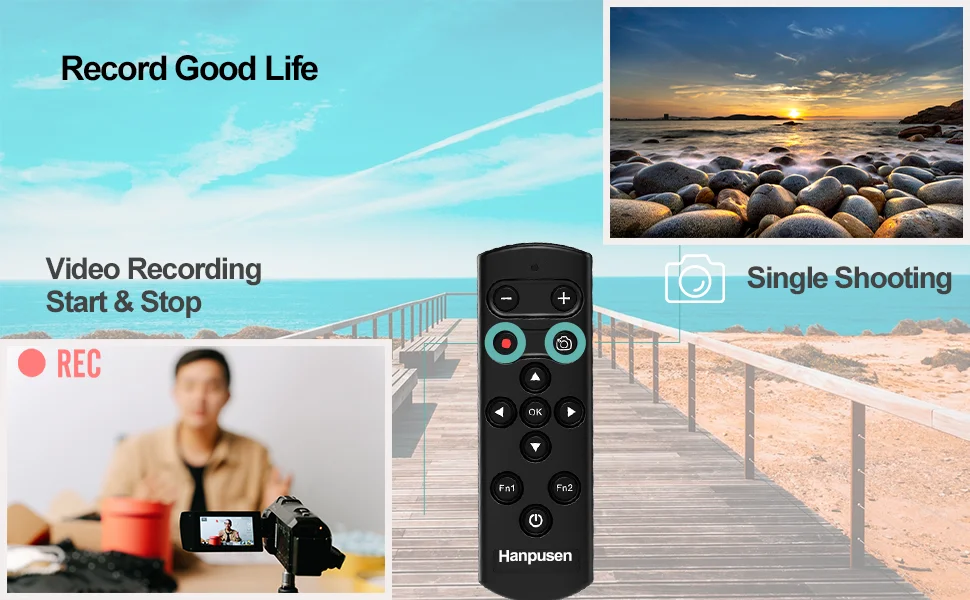
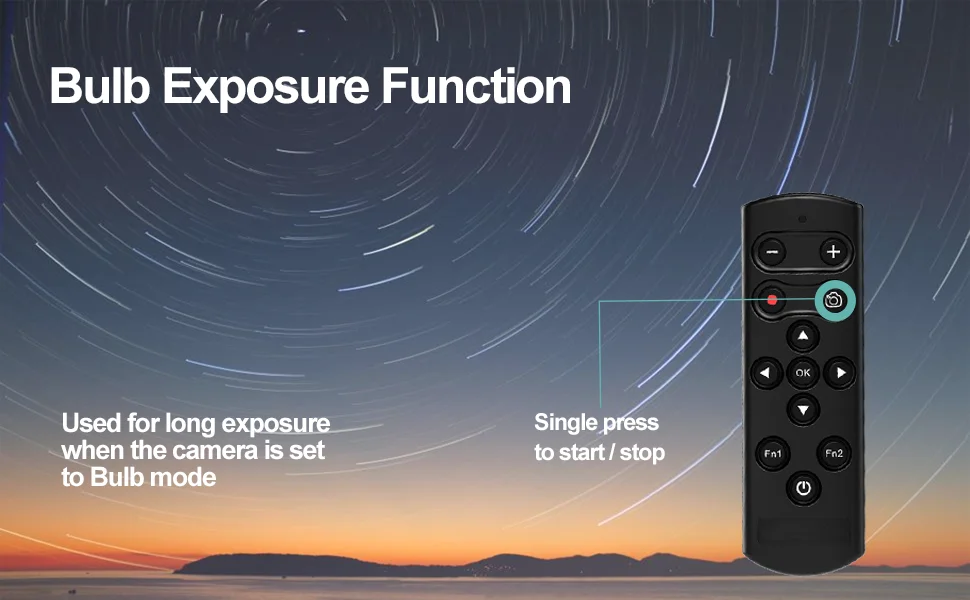
1. The button with camera icon is the shutter-release button (when using the self-timer, you can press it to cancel shooting during the countdown).
2. The button with a red dot is the record button to start/stop video recording. Press "+" and"-" buttons can perform operations such as zoom control.
3. The multi buttons on remote are similar with the multi buttons on the camera for manual focus and item selection
4. "Fn1" / "Fn2" button: Functions assigned to the Fn1/Fn2 button on the remote control via the camera can be used. (These buttons are not equivalent to the “Fn” buttons on the camera) You can also read the User Manual carefully for your correct use. ((Fn1 and Fn2 do not work with P1000, B600, A1000).)
Specifications:
Transmission method: 2.4GHz, GFSK modulation
Operating distance: Approx. 10m / 32.8'
Power: CR2032 battery
Dimension: Approx. 100 x 33 x 16 mm (3.9 x 1.3 x 0.6")
Weight: Approx. 28g
Package Includes:
Wireless Remote Control x 1
CR2032 Battery x 1