
Waterproof Smart Lock Remote APP Video Intercom 3D Face Recognition Tuya Smart Home Fingerprint Password IC Card Doorbell Keypad
Silver-Tuya(Face)
€103,95
Sale price
€103,95
Regular price
€0,95
Skip to product information


Waterproof Smart Lock Remote APP Video Intercom 3D Face Recognition Tuya Smart Home Fingerprint Password IC Card Doorbell Keypad
€103,95
Sale price
€103,95
Regular price
€0,95
SPECIFICATIONS
Brand Name: ZhdCookey
Certification: CE,FCC,RoHS
Choice: yes
Connectivity: WiFi
Fit Door Thickness: 30-70mm
Handle Direction: Direction Reversible
High-concerned chemical: None
Material: Aluminium alloy
Model Number: ZHD-V8
Origin: Mainland China
Power Source: Built-in Rechargeable Battery
Power Supply: Built-in Rechargeable Battery
Protection Level: IP66
Smart home platform: Other,Tuya
Special Features: Built-in Doorbell,Built-in Camera,Bulit-in Peephole,Two-way Audio
Suitable Door Type: Steel Door,Wooden Door,Stainless Stell Door,Other
Ways To Unlock: Face Recognition,App,Mechanical Keys,CARD,WiFi,Password,FINGERPRINT
ZHDCOOKEY Model: ZHD-V8
Waterproof Smart Lock Remote APP Video Intercom 3D Face Recognition Tuya Smart Home Fingerprint Password IC Card Doorbell Keypad
The video on how to connect Tuya Wifi and how to add fingerprint, ic card, password and face recognition
Feature:
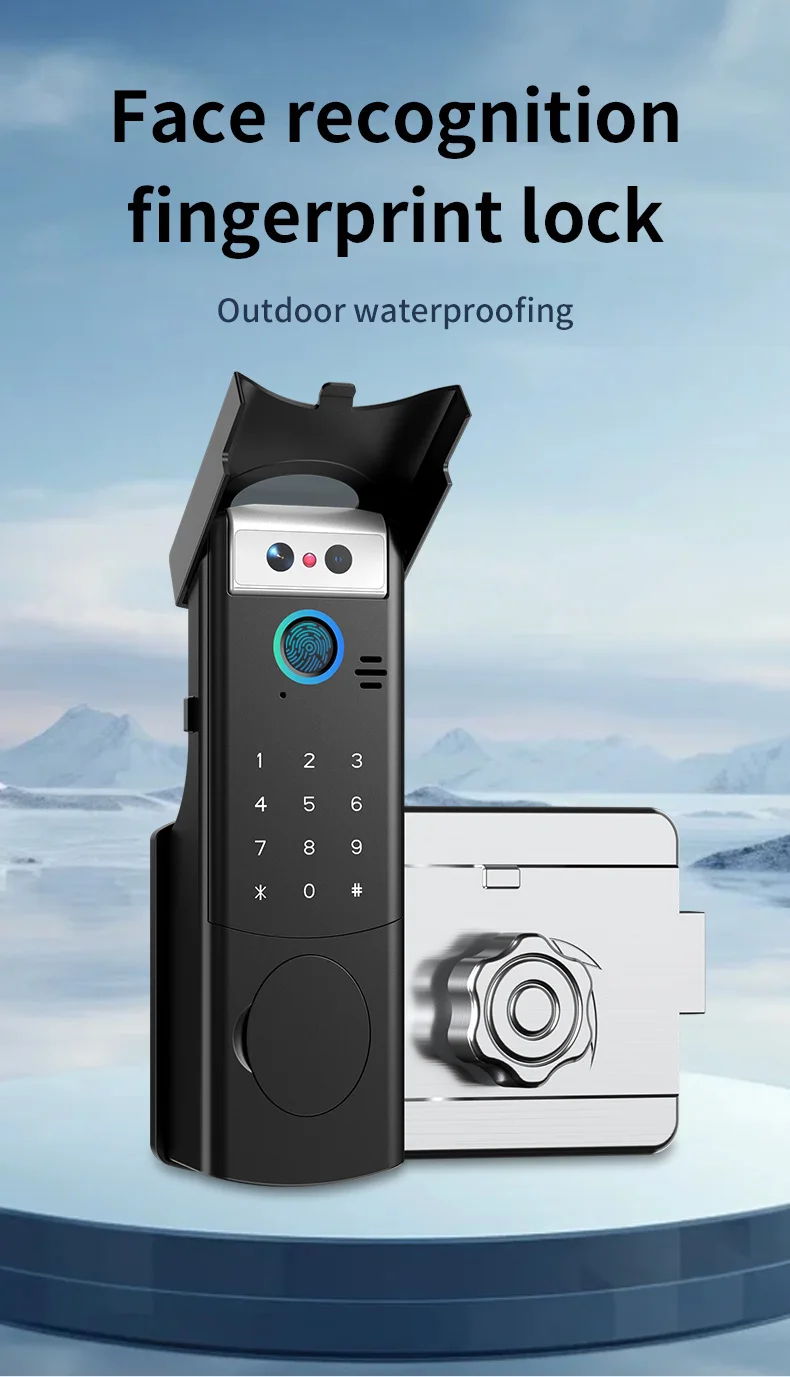
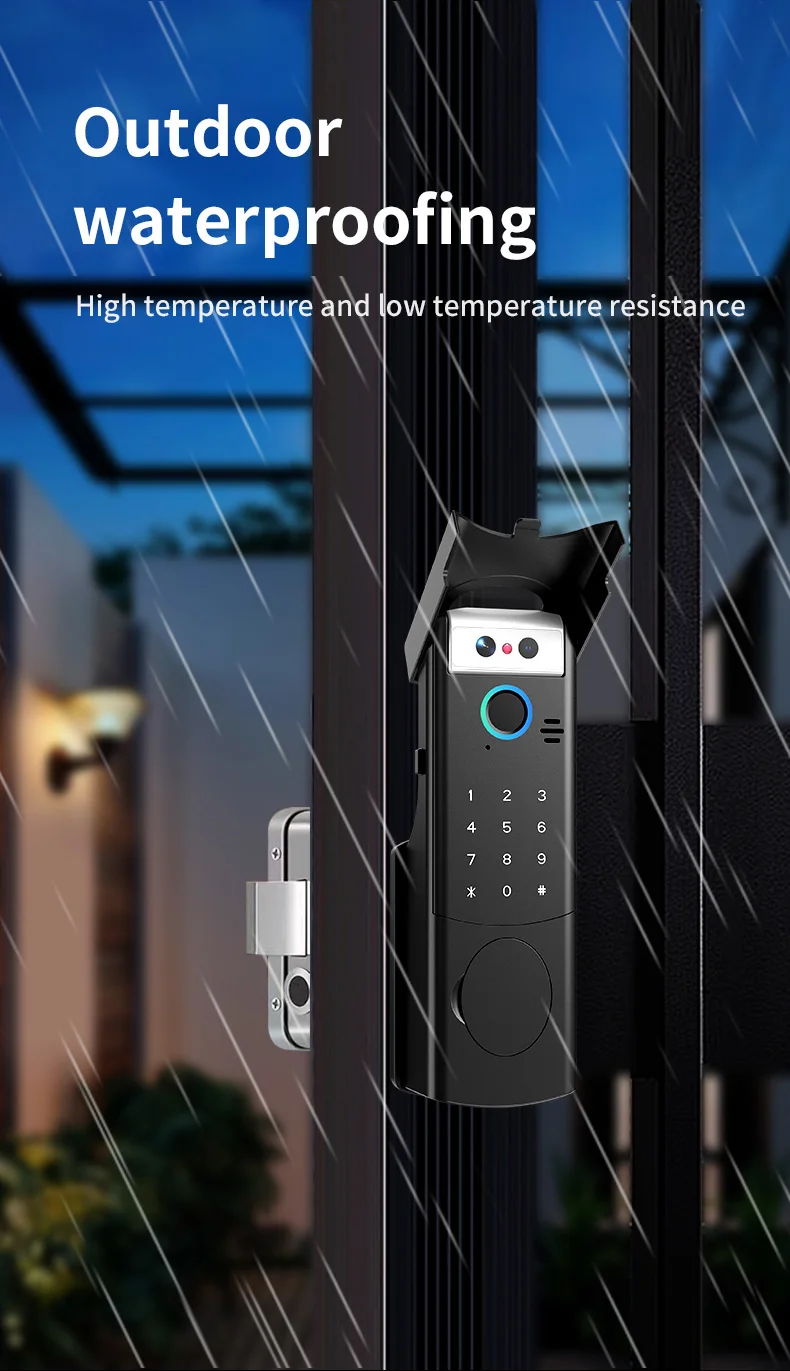
1. IP66 Outdoor Waterproof & Durable Build
Engineered for all weather conditions, its IP66 rating ensures reliable performance in rain, snow, or humidity for both exterior and interior doors.
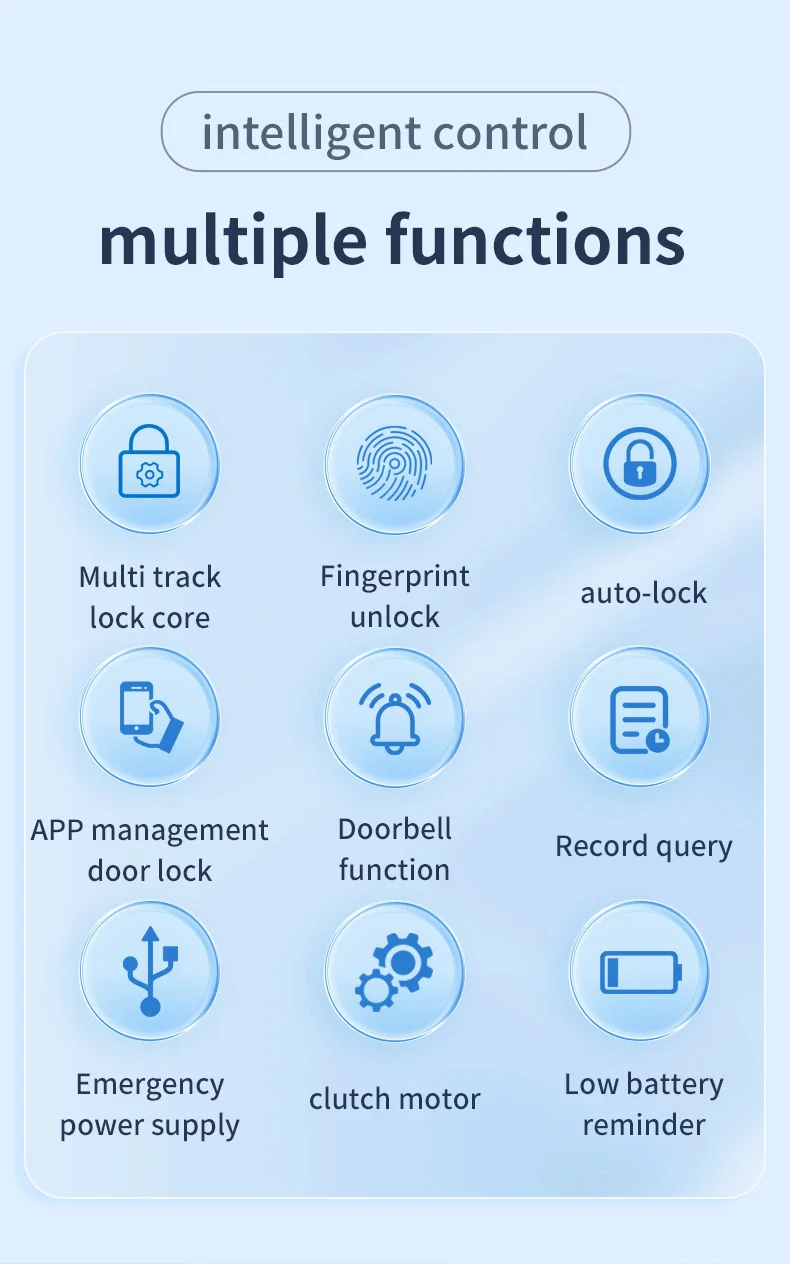
2. 6-in-1 Intelligent Access
Unlock seamlessly via advanced 3D Face Recognition, Fingerprint, RFID Card, Password, Tuya App, or physical keys—flexibility for every user.
3. Real-Time Remote Intercom & Control
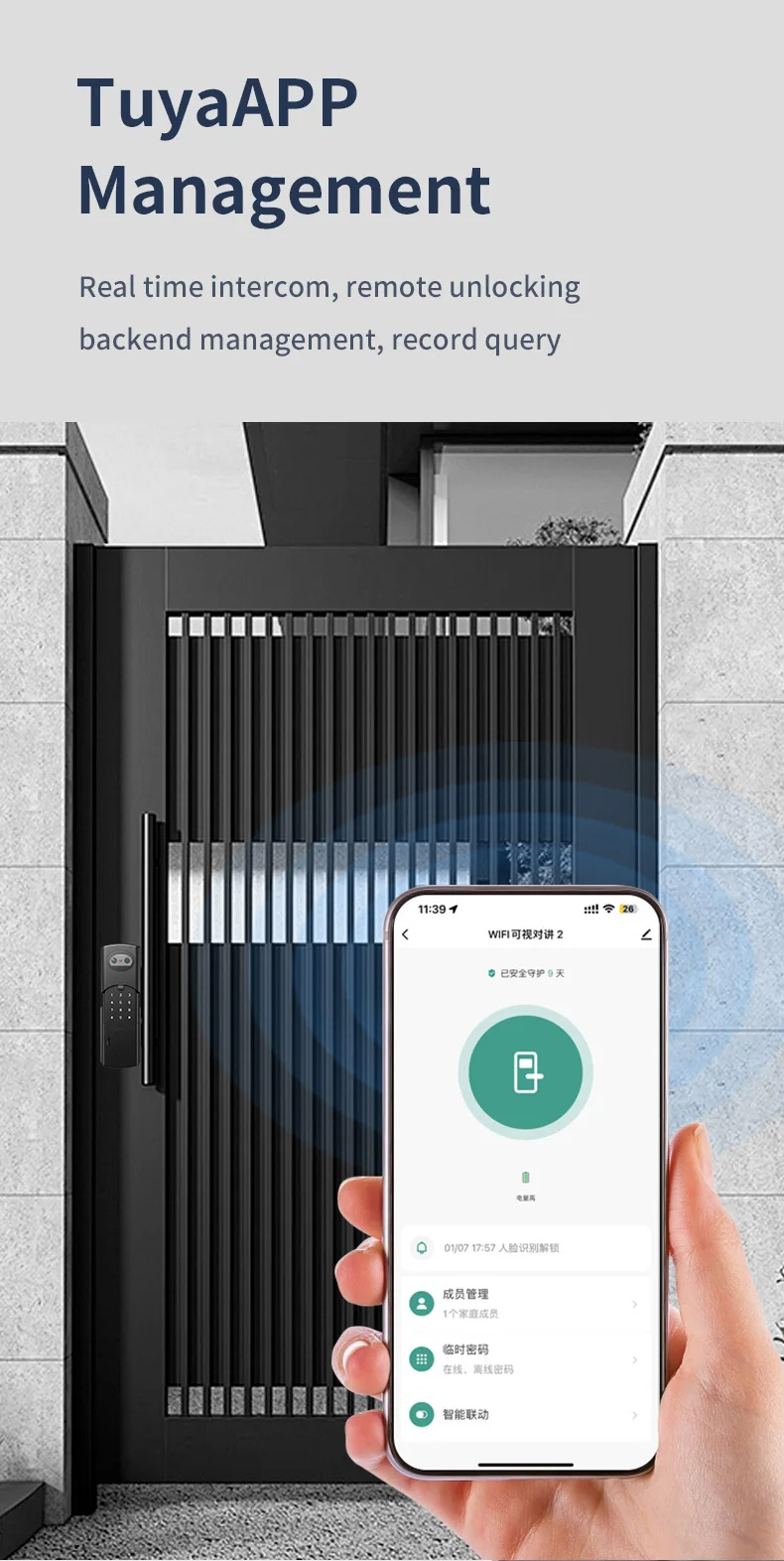
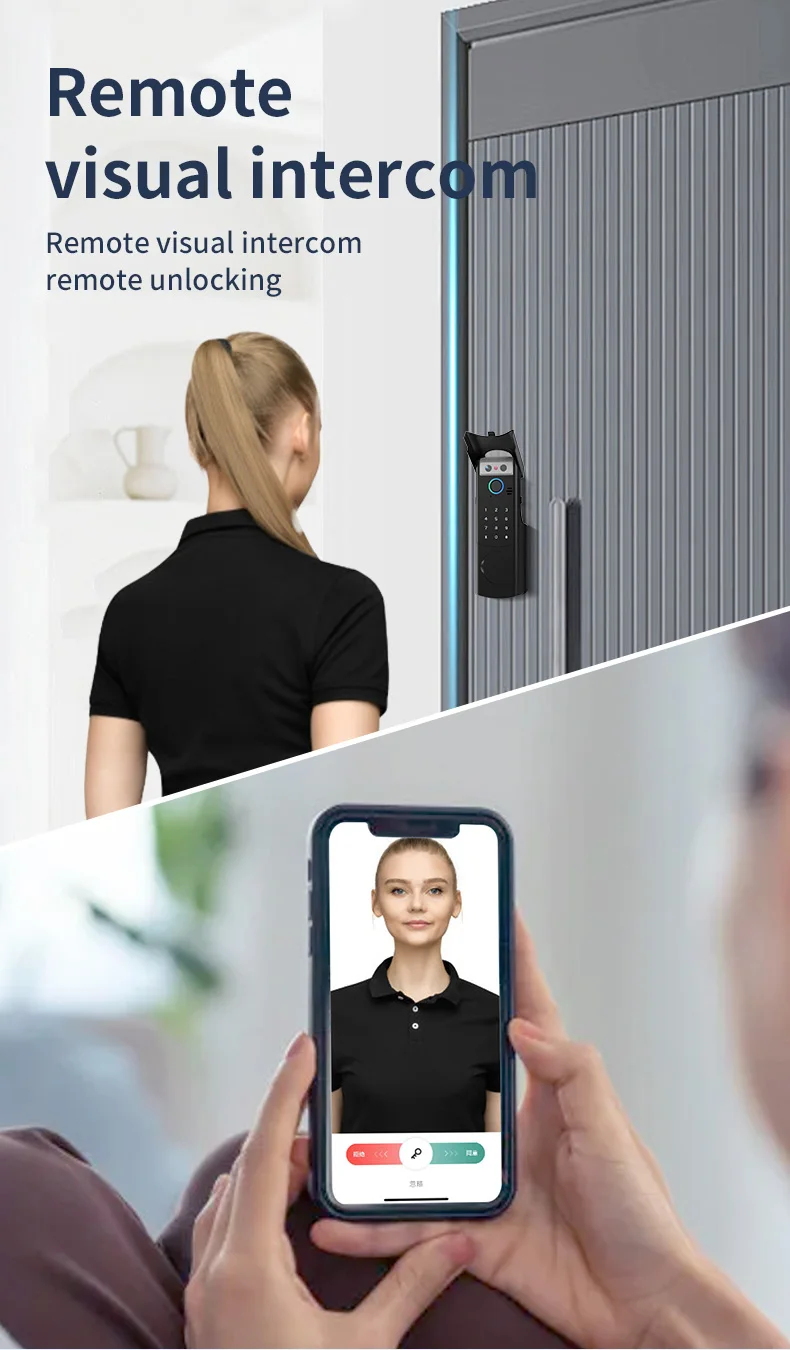
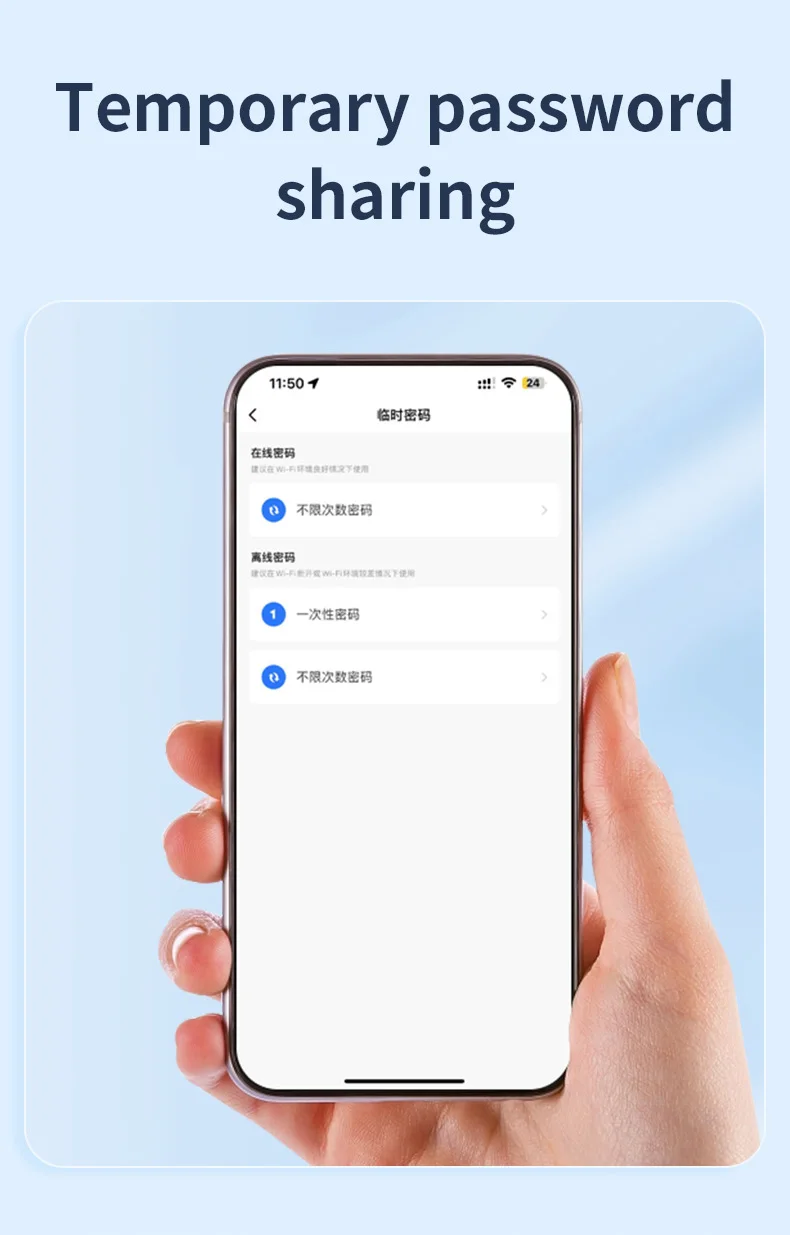
Answer visitors and grant access from anywhere via the Tuya Smart Life app's 2-way audio intercom, with live alerts and temporary passcode creation.
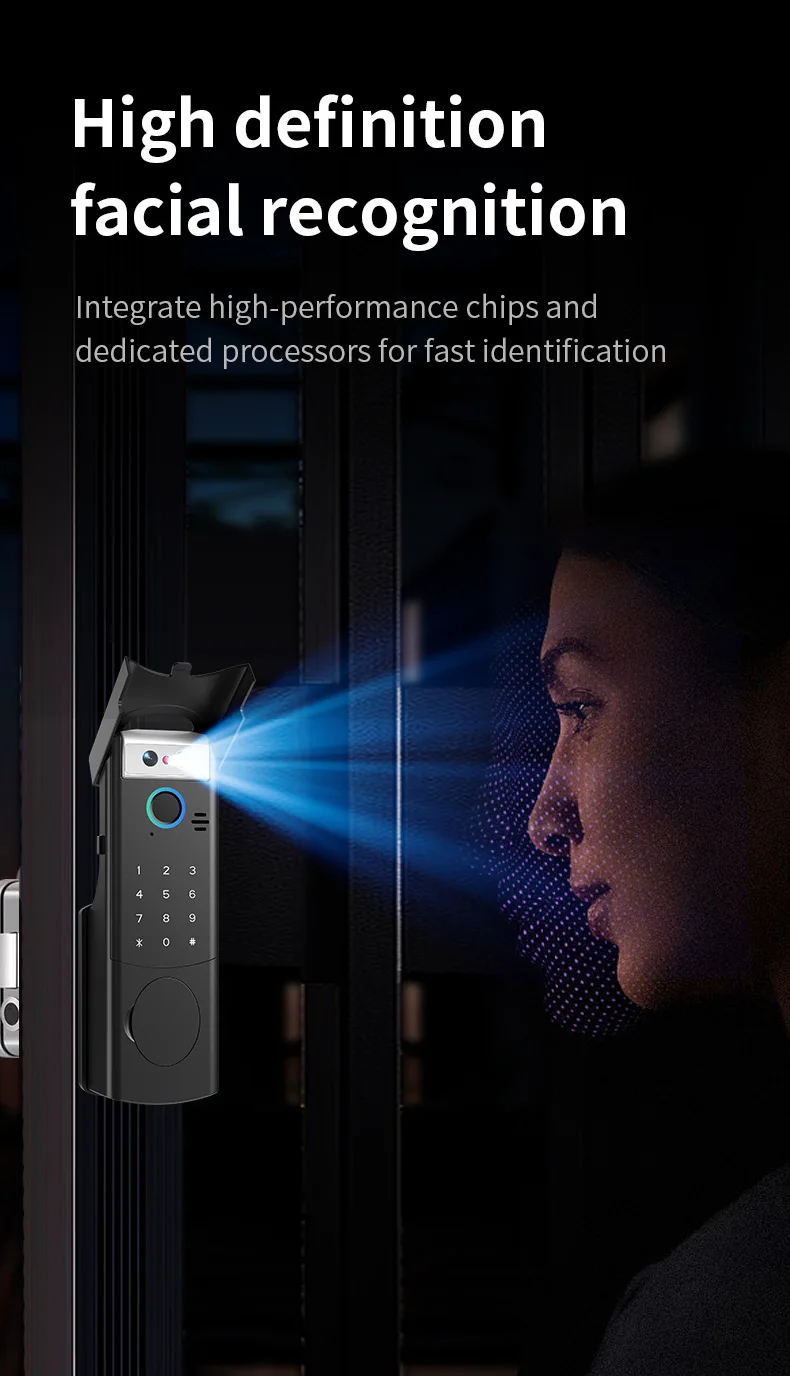
4. Military-Grade 3D Facial Security
Anti-spoofing 3D facial recognition instantly verifies identity using depth mapping, rejecting photos or masks for enhanced theft prevention.
5. Smart Life Ecosystem Integration
Monitor entry logs, receive tamper alerts, manage user permissions, and automate home routines through the Tuya ecosystem.
Kindly Note:This lock supports intelligent scanning of dynamic faces. When you close the door, there is a cooling time in the middle. When you close the door facing the door lock, you can keep your face still, the face recognition circle of the lock will not be automatically awakened. Or if you are 1.2 meters away from the safe distance, the lock will not be scanned and unlocked.
Specification:
Material: Aluminum Alloy and Stainless Steel
Available color: Black/Silver
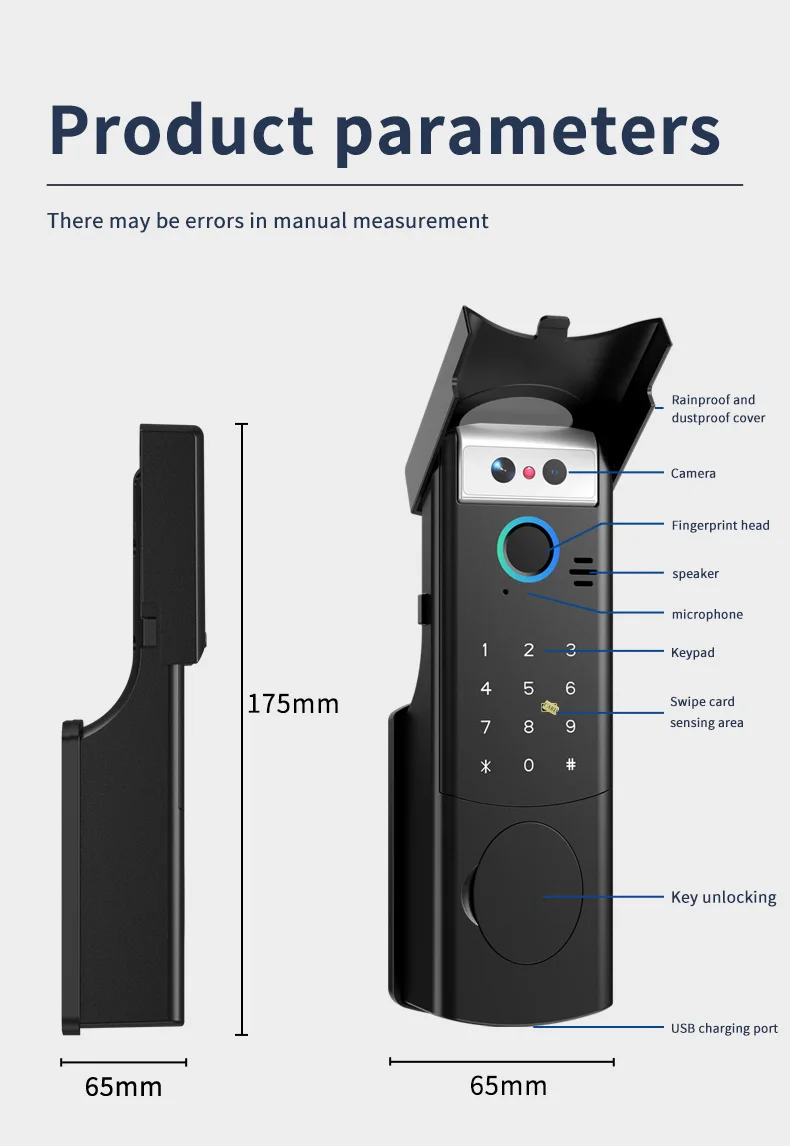
Panel Sizes: Front Shell: 175 x 65 x 65(mm
), Rear Shell: 131 x 100 x 44(mm)
Unlock modes: Face Recognition/ Fingerprint /Password /RFID Card / APP/ Mechanical Key
Supported app name: Tuya app, Smart life app
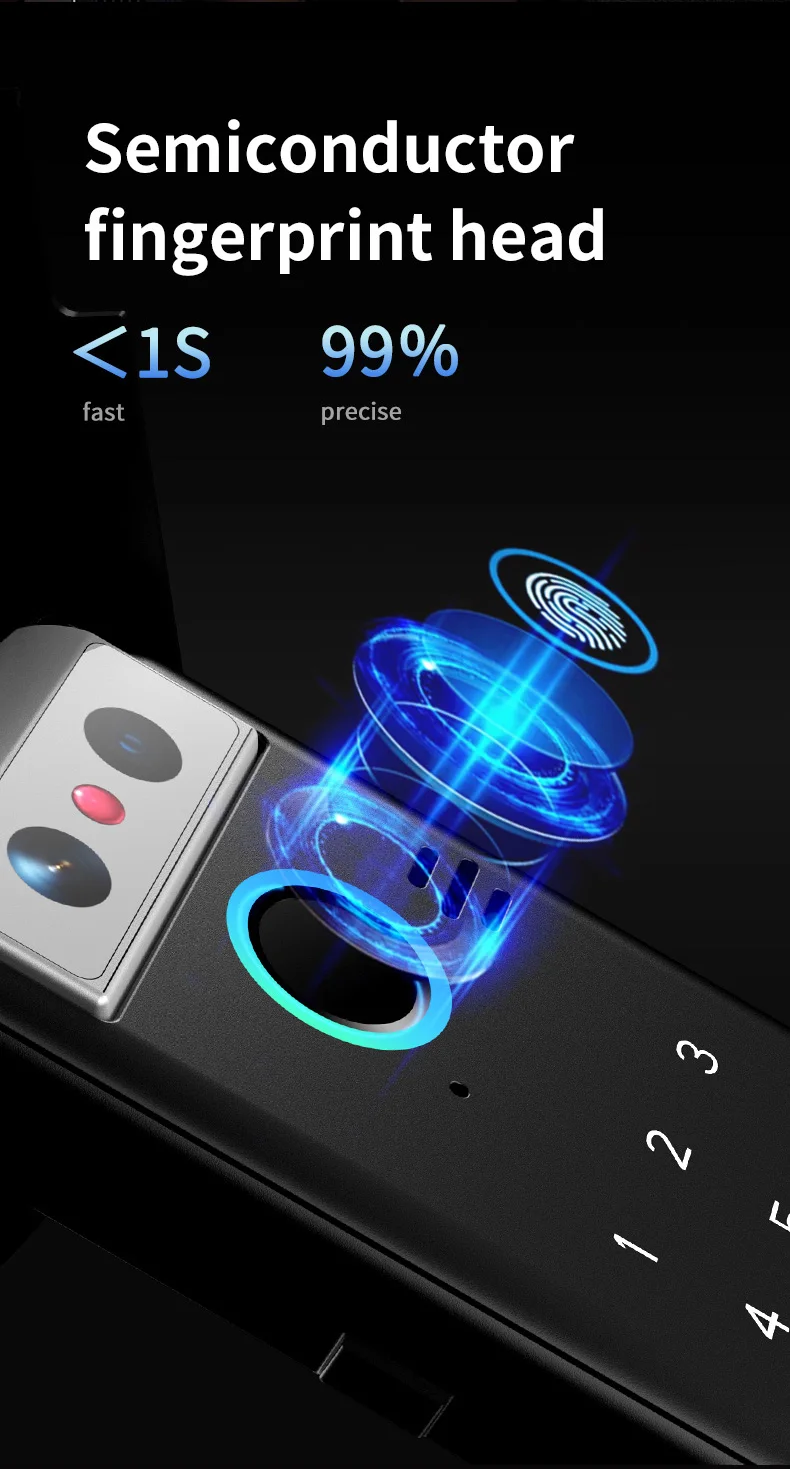
Fingerprint recognition time: 0.25S
Fingerprint Capacity: 100pcs
Password and Card Capacity: 150pcs
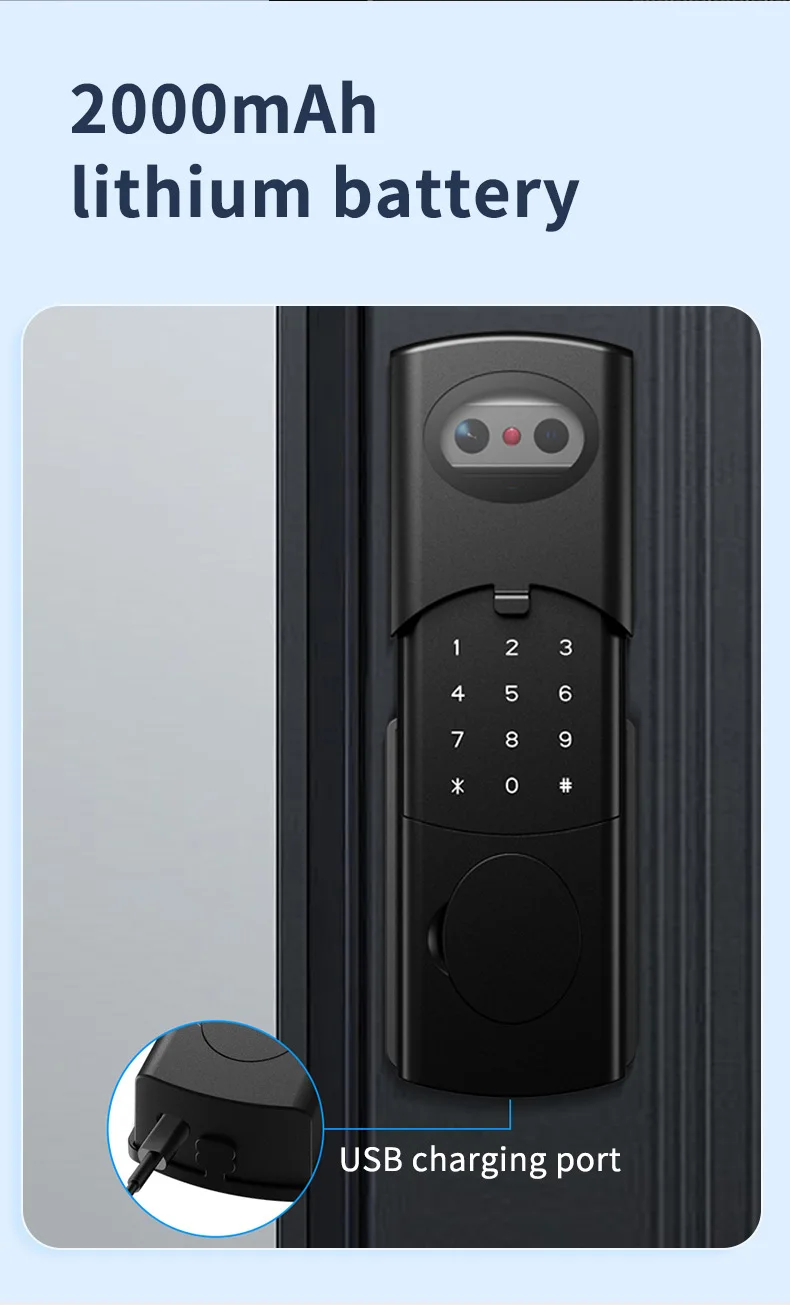
Power supply: Rechargeable lithium battery 2000mAh(include)
Operating voltage:4.5 V–9 V
TUYA 2.4 GHz WiFi
Operating temperature: -25 to 55 Centigrade
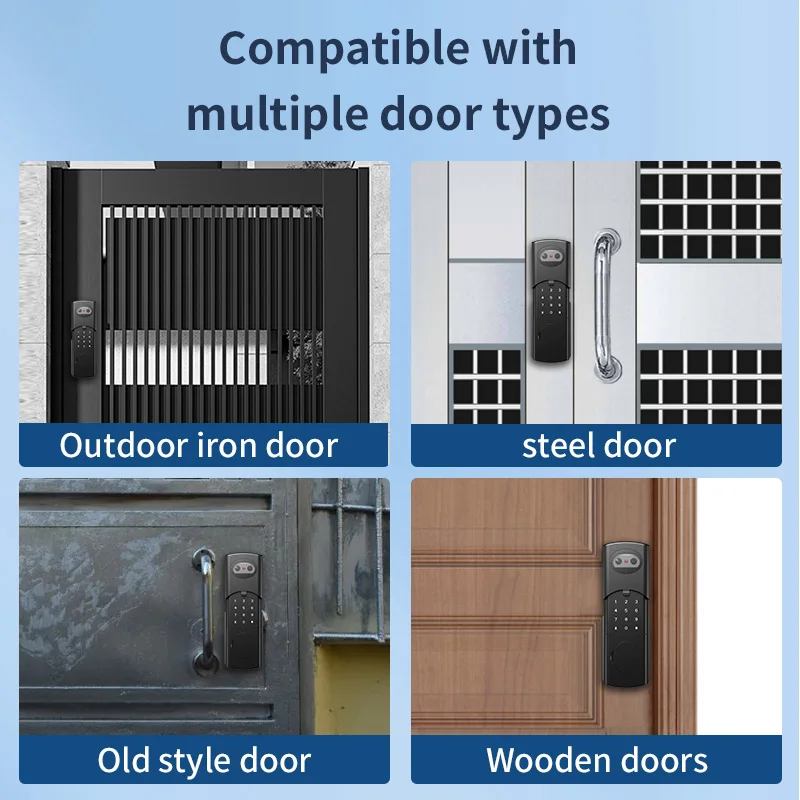
Suitable door thickness: 30-70mm( Wooden door, Steel door, Iron door, other metal doors)
Emergency Charging: 1x Type C USB port
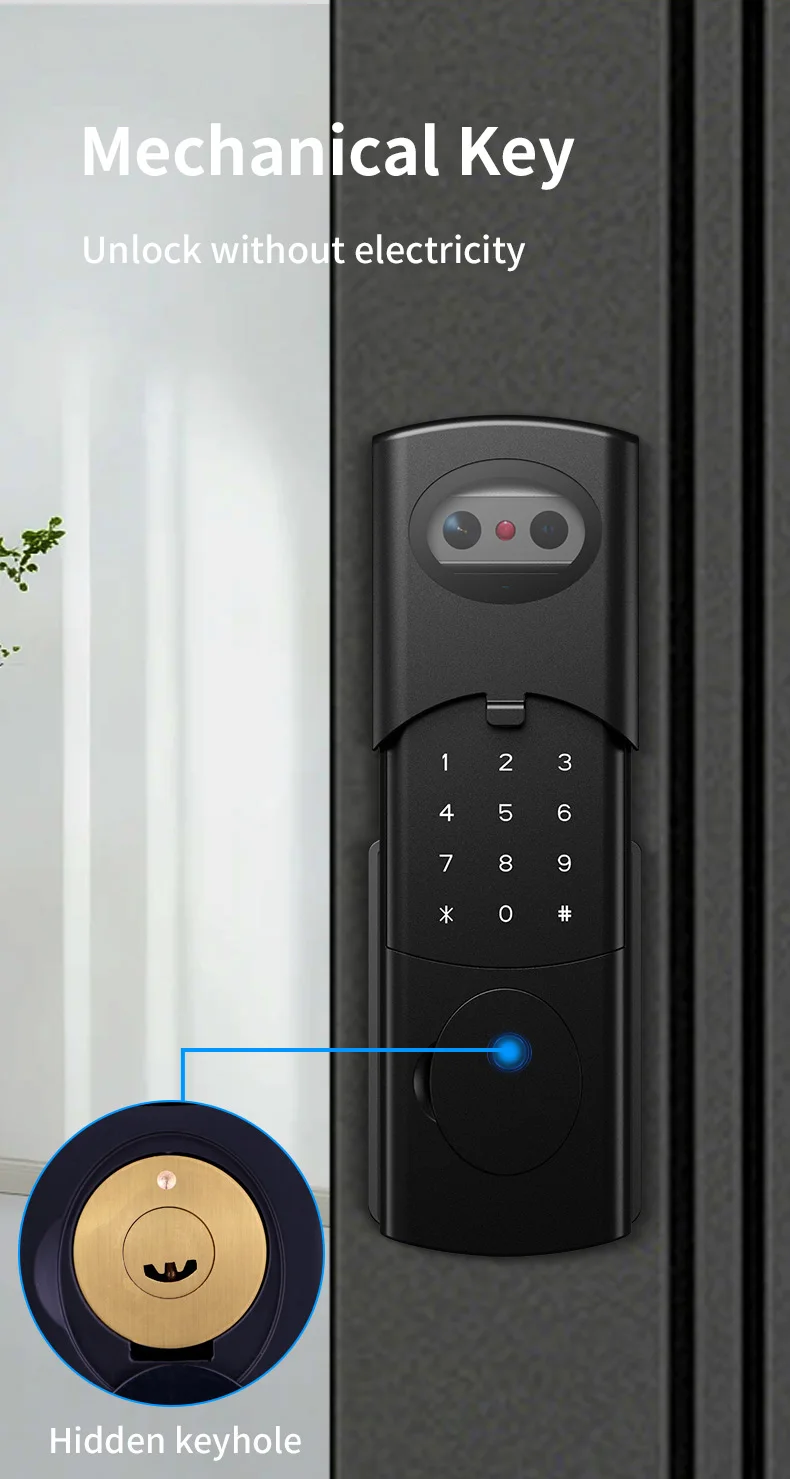
Emergency Unlock:Mechanical Key
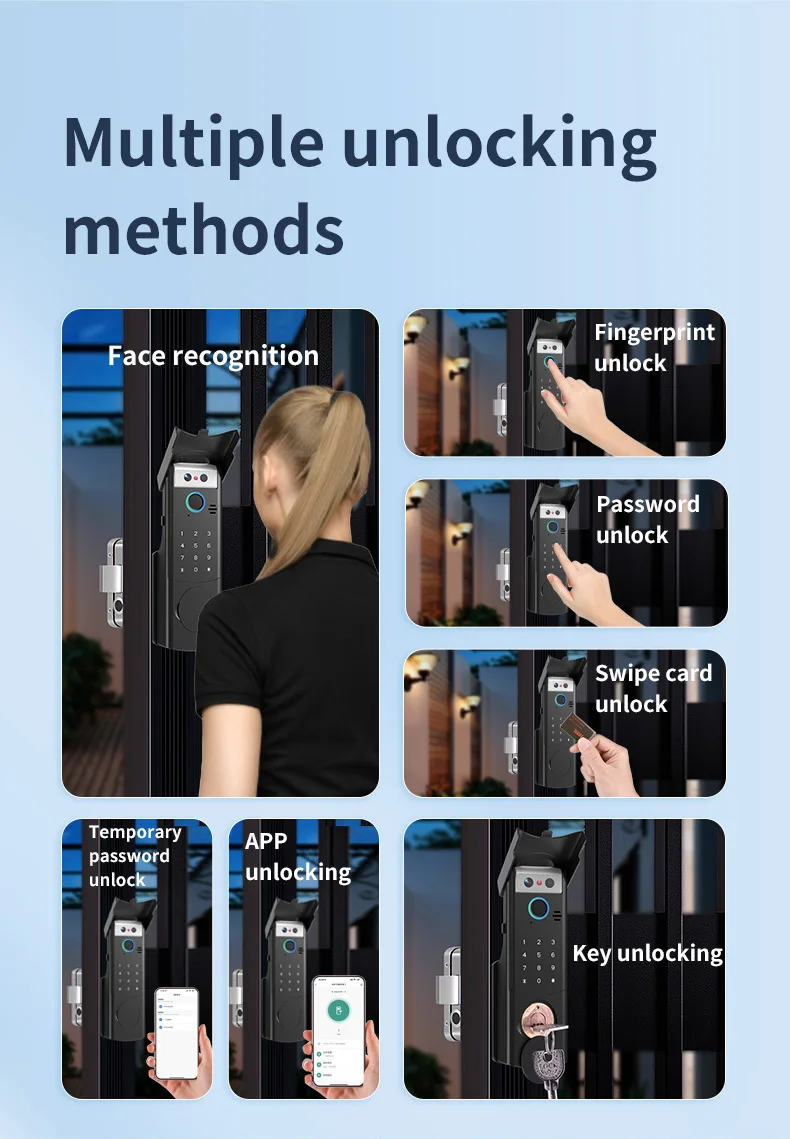
The smart door lock supports Face recognition/ fingerprint/password/IC card/mechanical key/
App multiple unlocking methods.
Tuya App Functions:
Works via WIFI, no gateway required;
Remote unlocking needs to be triggered (#);
Dynamic password, one-click generation in the application;
Temporary password, free to adjust the effective use time range, no time limit;
Information records, you can freely query the use records of door locks;
Information reminder, automatically notify the mobile phone when the door lock is in use;
Universal in all regions of the world, even if you lock the door at home, in other cities/countries,
you can still use these functions if the door lock is connected to WIFI;


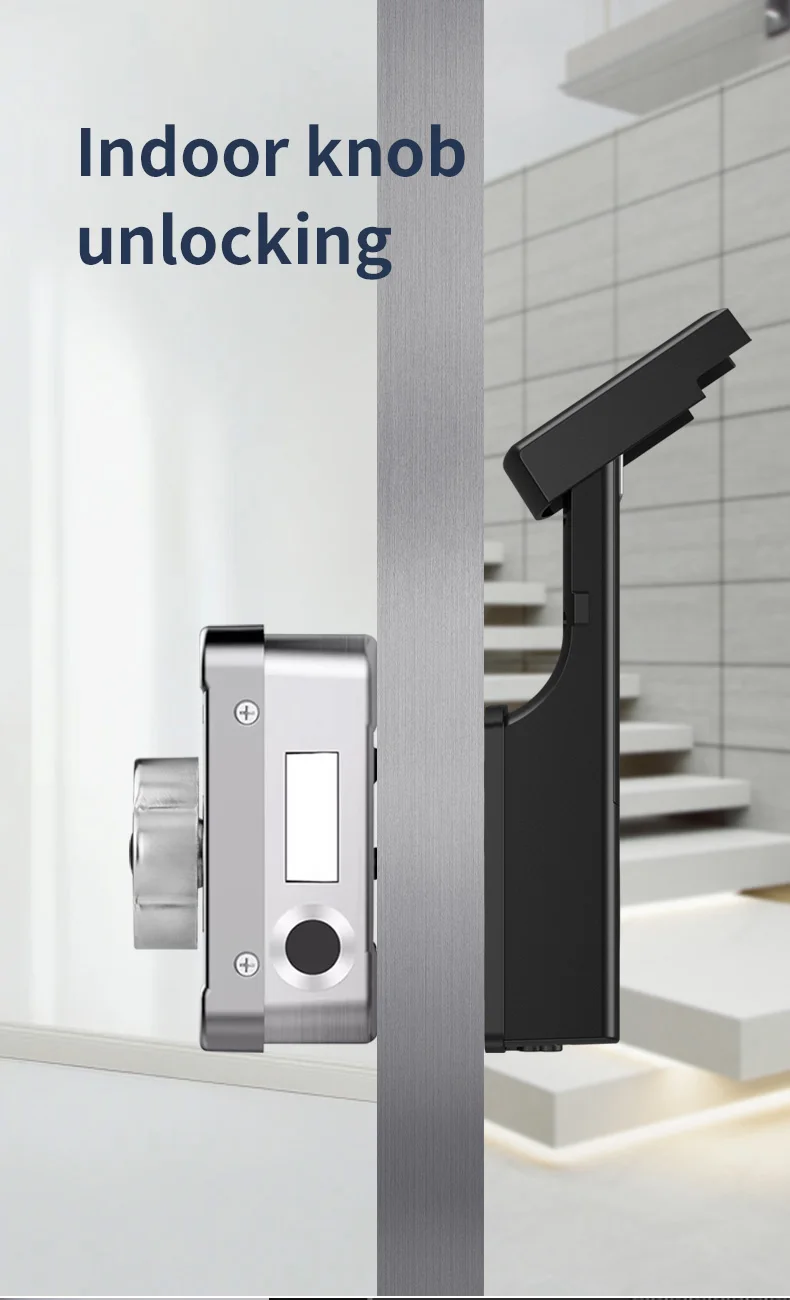
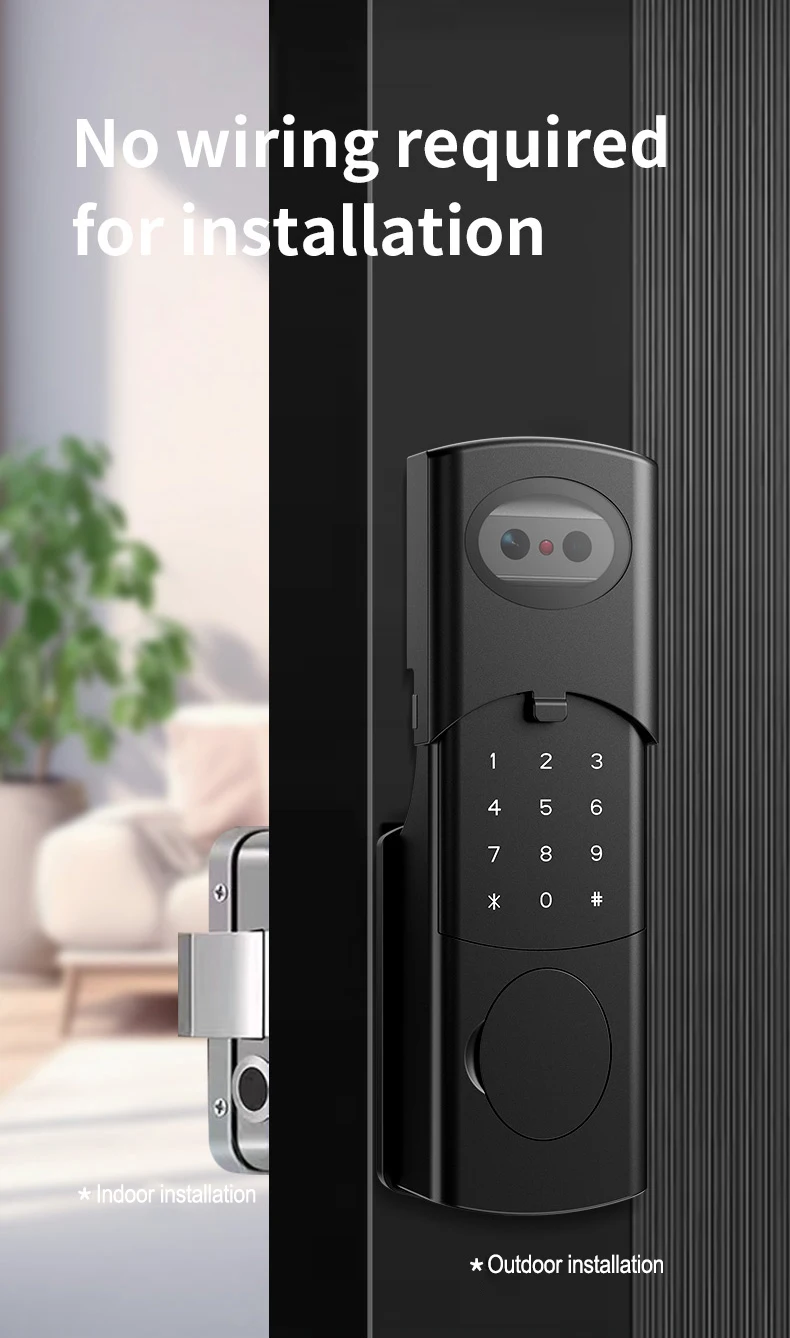
This smart lock can be installed on both the left and right doors regardless of direction. The indoor keyboard can be
disassembled to adjust the direction. It is common for both sides.
Door thickness compatibility:30 mm–70mm
Package including:
1x Front lock panel
1x Rear lock panel
1x Rechargeable Li-battery
2x RFID cards
1x Screws kits
2x Mechanical keys
1x Waterproof silicone pad
1x User manual
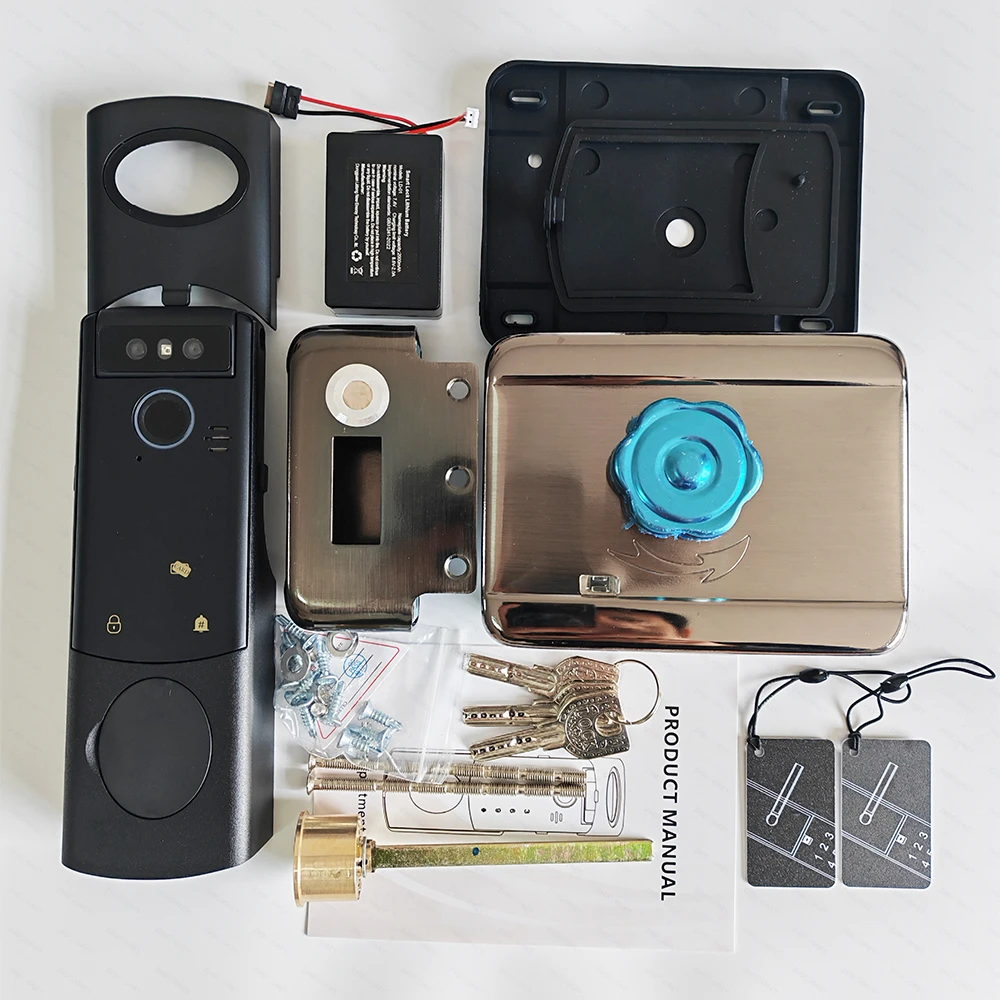
FAQ(Frequently Asked Question):
Q1. How to connect to Tuya WiFi via mobile phone?
A: 1) Connect the cables;
2) Set a new administrator password;
3) Connect to 2.4GHz WiFi. If only a mobile phone is available, try creating a hotspot.Add the device in the Tuya app.
Please refer to the video at the link:https://video.aliexpress-media.com/seller/play/5000511114093.mp4
Q2. How does video intercom work?
A: After connecting all cables and powering on the device, and successfully linking it to the Tuya or Smartlife app, when a user presses the doorbell button,the administrator can see the visitor on their smartphone and engage in video and voice intercom with them.
Q3. How many IC cards, fingerprints, faces, and passwords can I add? How do I add a face, fingerprint, password, and IC card?
A: You can add 100 IC cards, 100 fingerprints, 50 faces, and 50 passwords (Total: 300 entries).
Please refer to the video at the link:https://video.aliexpress-media.com/seller/play/5000511118347.mp4 (Note:the face recognition need to press "#" firstly).
Q4. How do I charge a lithium battery? How long does it last after a full charge?
A: Take out the lithium battery or the cable, connect it to a Type-C cable and a charger (5V/1-3A) or power bank.
About 10-12 moths.
Please refer to the video at the link:https://video.aliexpress-media.com/seller/play/5000461838568.mp4
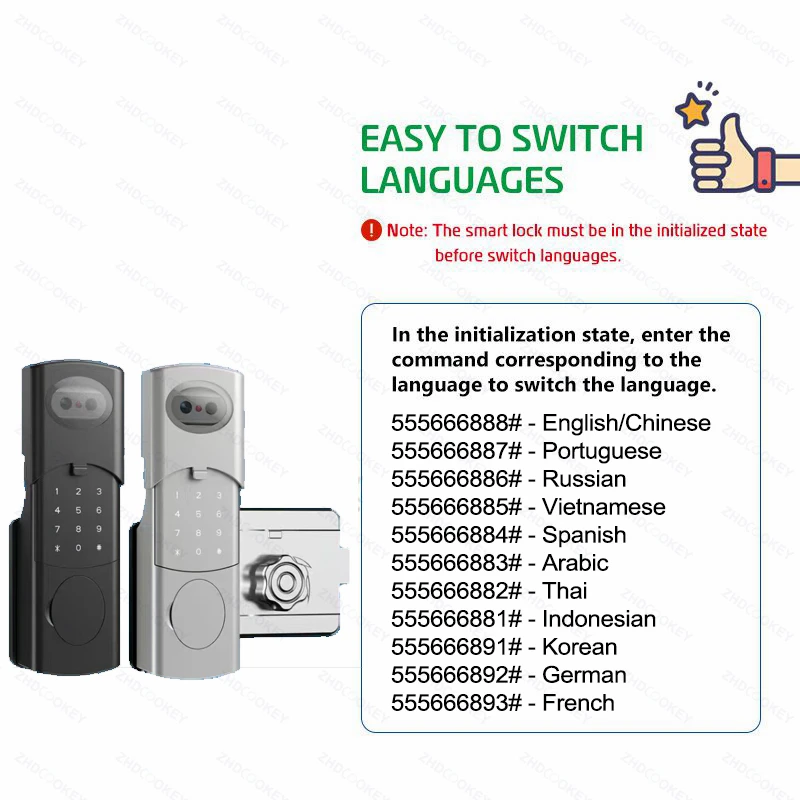
Q5. How do I change the language?
A: Please refer to the details section or the instruction on how to change the language.
Q6. How to restore factory settings?
A: Press the Reset button on the mainboard for 6 seconds until the voice prompt “initialization successful” is heard.
Please refer to the video at the link: https://video.aliexpress-media.com/seller/play/5000427398326.mp4
Q7. Can the knob model be directly replaced with the inner fingerprint keyboard model?
How can fingerprint and IC card functionality be added to the inner keyboard?
A: No direct replacement is possible;
Enter method: * # Enter menu - User Management - Add User- Add Management User/Ordinary User. When the fingerprint lightis on, press the finger 5 times, and the fingerprint aperture isgreen, the input will be successful. After the card is close to theaperture indicator flashes, the card is successfully entered. Afterthe input is completed, press the * key to return!
Please refer to the video at the link: https://video.aliexpress-media.com/seller/play/5000410908362.mp4
Q8. How to install the lock?
A:Please refer to the video at the link: https://video.aliexpress-media.com/seller/play/5000427400172.mp4
Q9. Why does the lens on the lock plate look scratched, just like an old one?
A: There is a protective film on the lens of the lock plate. Please remove the film before use.