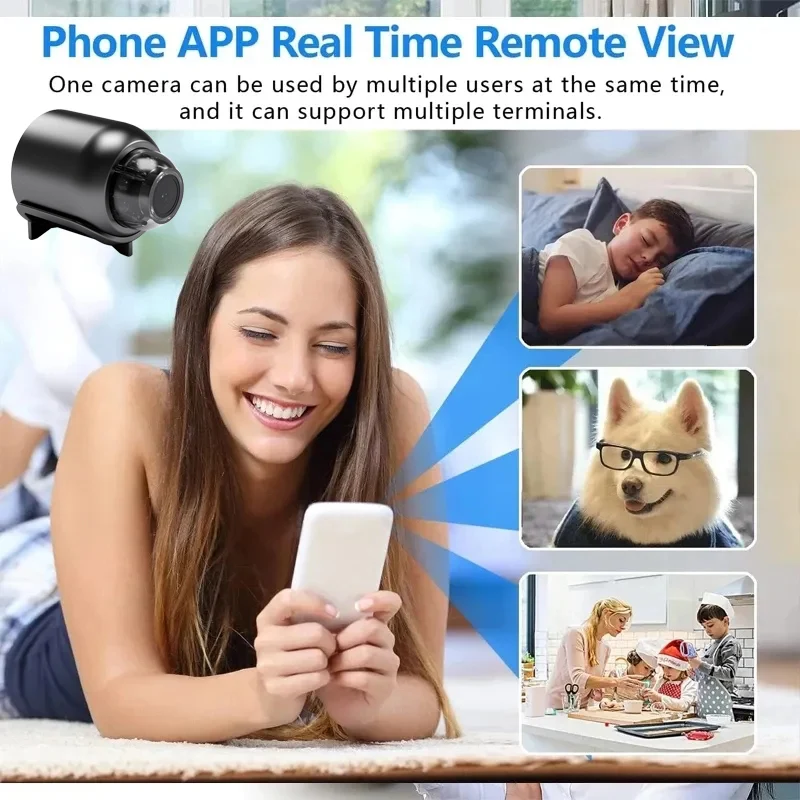
Great for the kids and winter season

WiFi Webcam 1080P HD Indoor Security IP Camera IR Night-vision Video Recorder Anti-theft Remote Monitor usbcamera
Only Camera
€26,95
Sale price
€26,95
Regular price
€0,00
Skip to product information


WiFi Webcam 1080P HD Indoor Security IP Camera IR Night-vision Video Recorder Anti-theft Remote Monitor usbcamera
€26,95
Sale price
€26,95
Regular price
€0,00
SPECIFICATIONS
BESY Model: X5
Brand Name: BESY
Choice: yes
Connectivity: WIFI(2.4GHz)
High Definition: 1080P(Full-HD)
High-concerned chemical: None
Lens (mm): 2MM
Lens Quantity: Single Lens
Megapixels: 2 MP
Origin: Mainland China
Power Supply: Normal
Rechargeable Battery: NONE
Style: Mini Camera
Supported Operating Systems: No
TF Card: None
Whether or Not 50Vac or 75Vdc or Higher Power Supply: No
Zoom: NONE
Zoom type: None
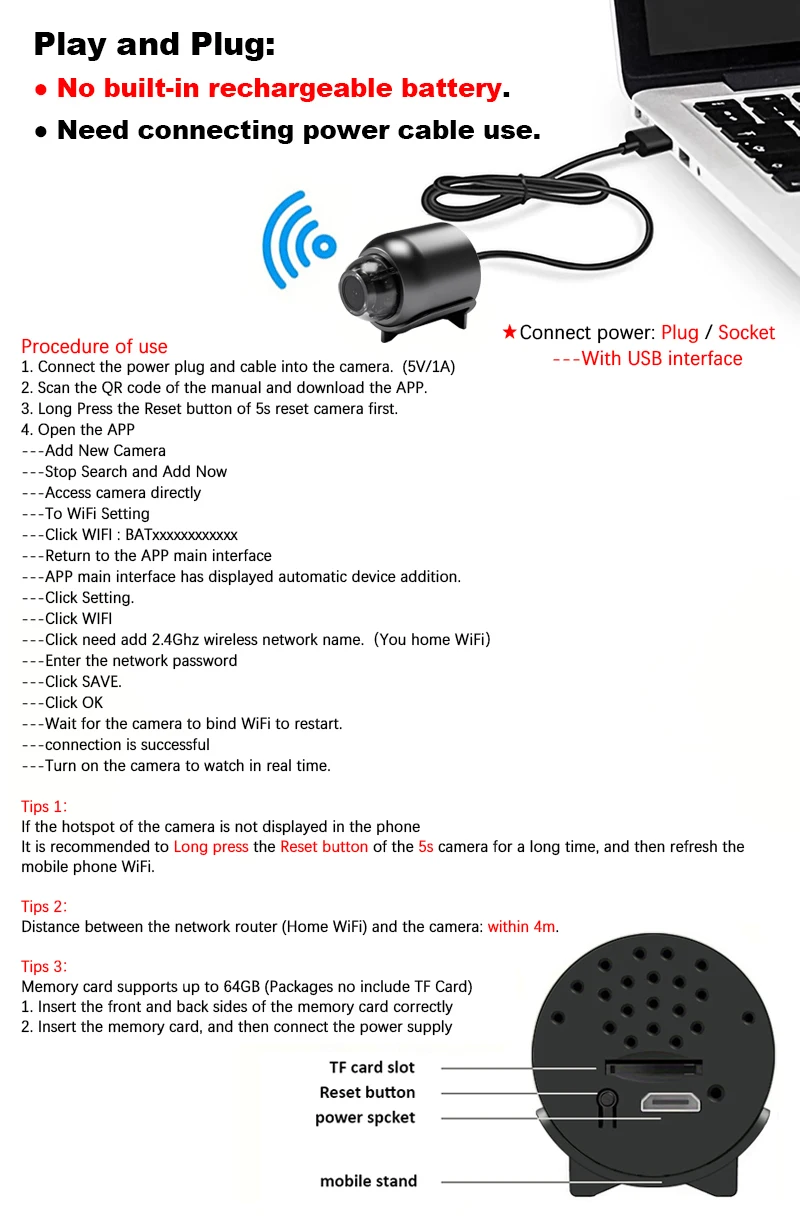
Note:This product has No built-in rechargeable battery, Need to plug cable and keep the power supply connected.
◆ 1080P
◆ Motion detection (open this function in the APP)
◆ Night vision (open this function in the APP)
◆ Wireless network WiFi 2.4Ghz.
◆ Support for memory card storage: up to 128GB (not included).
◆ Support APP system: iOS / Android.
◆ Support Remote / Local (local connection: you can watch it in the APP within 4m).
Note:
▶The QR code in the manual is the download link of the APP.
▶The camera has no QR code, no barcode. After the camera is turned on, the mobile phone WiFi is connected to the camera hotspot.
▶If the camera hotspot is not found in the mobile phone WiFi, reset the camera and refresh the mobile phone WiFi.
▶Camera Hotspots: Instructions (when the APP is operated, there are prompts). Check the initial letters/numbers of camera Hotspots.
♥ YsxLite APP connection operation steps
★ Support local connection: the phone turns on WiFi and connects to the WiFi hotspot of the camera: BAT. ........
★ Support remote connection: After the mobile phone is connected to the camera WiFi hotspot, open the APP and add a wireless network to the camera in the APP.