
Wireless Rechargeable Optical Plastic Keyboard Mouse Combo with USB Interface New & Compatible with All Computers
Black
€32,95
Sale price
€32,95
Regular price
€0,00
Skip to product information


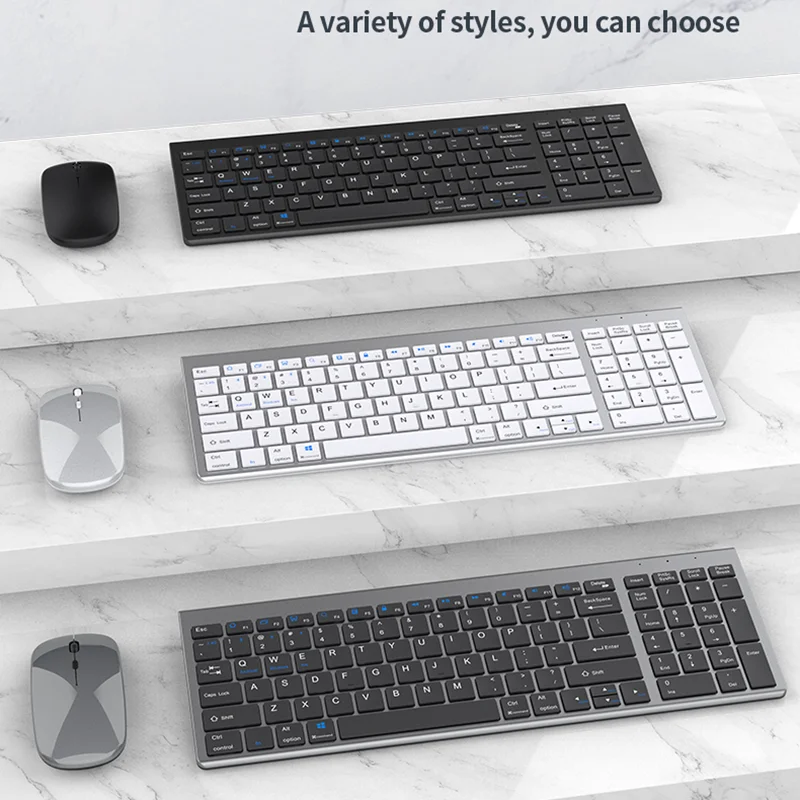
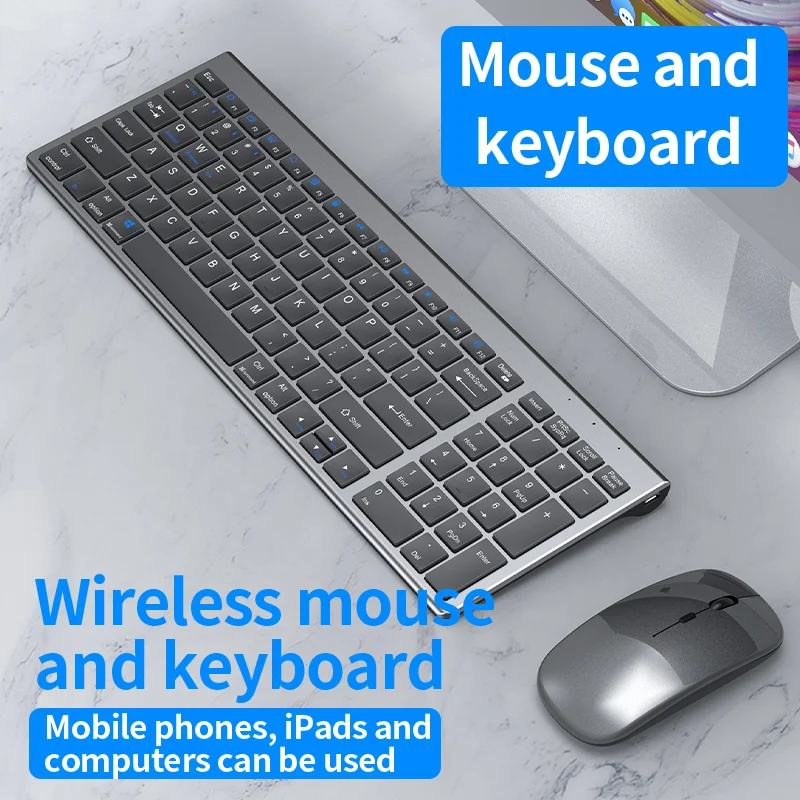
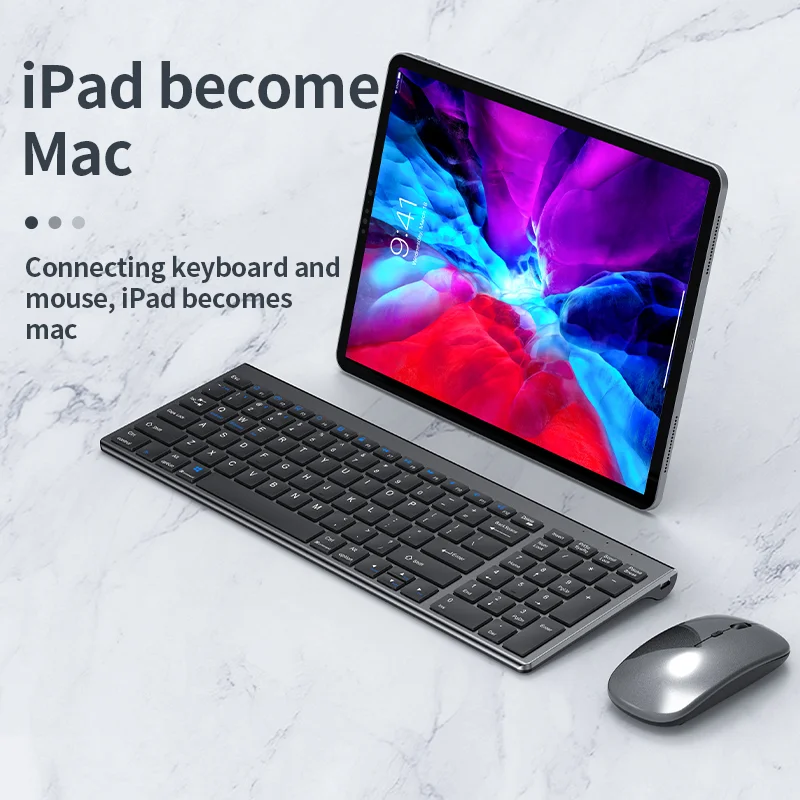
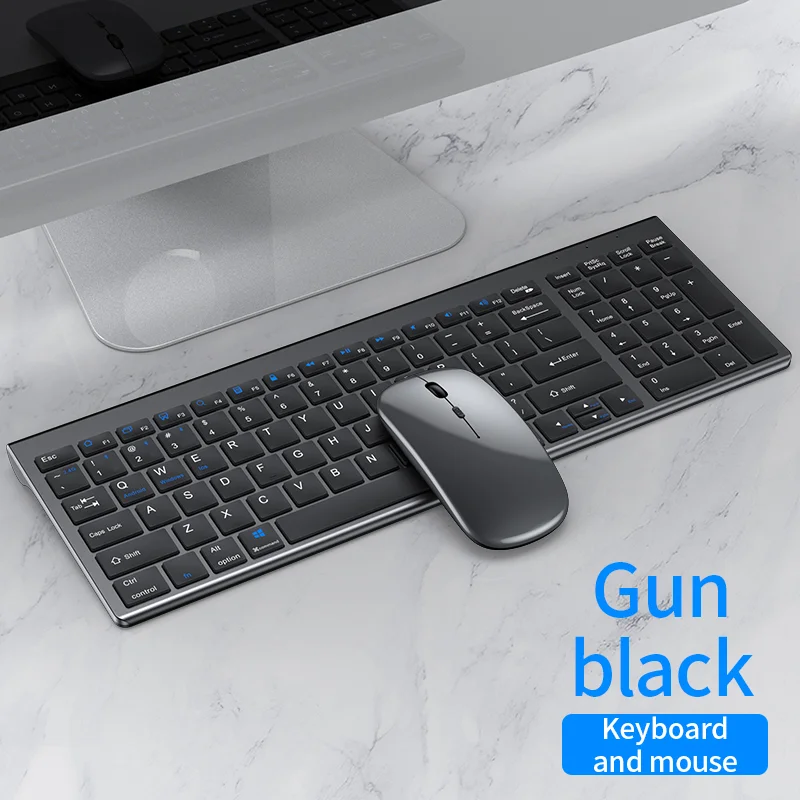
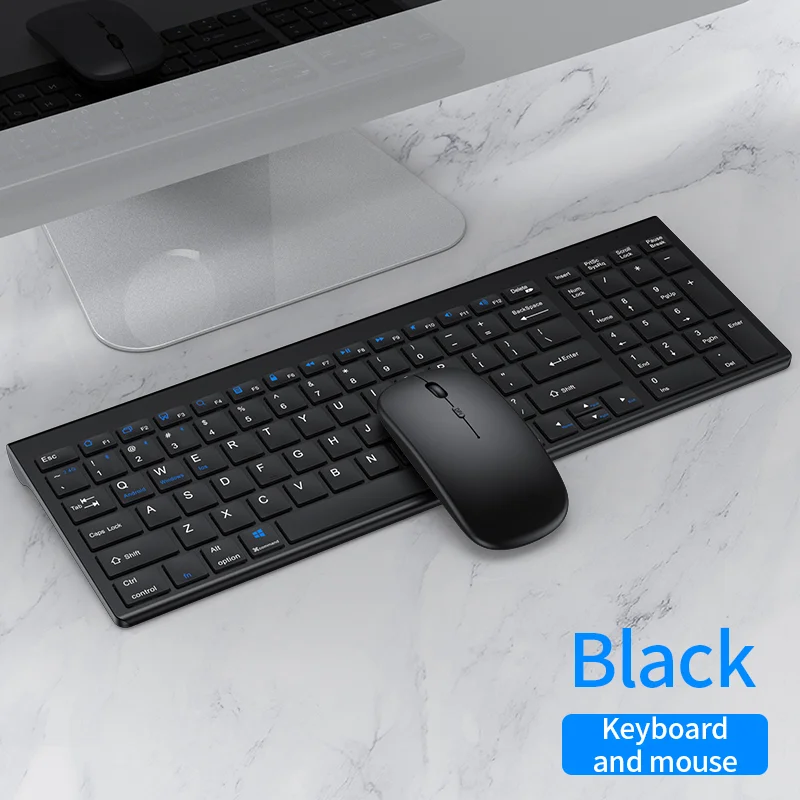
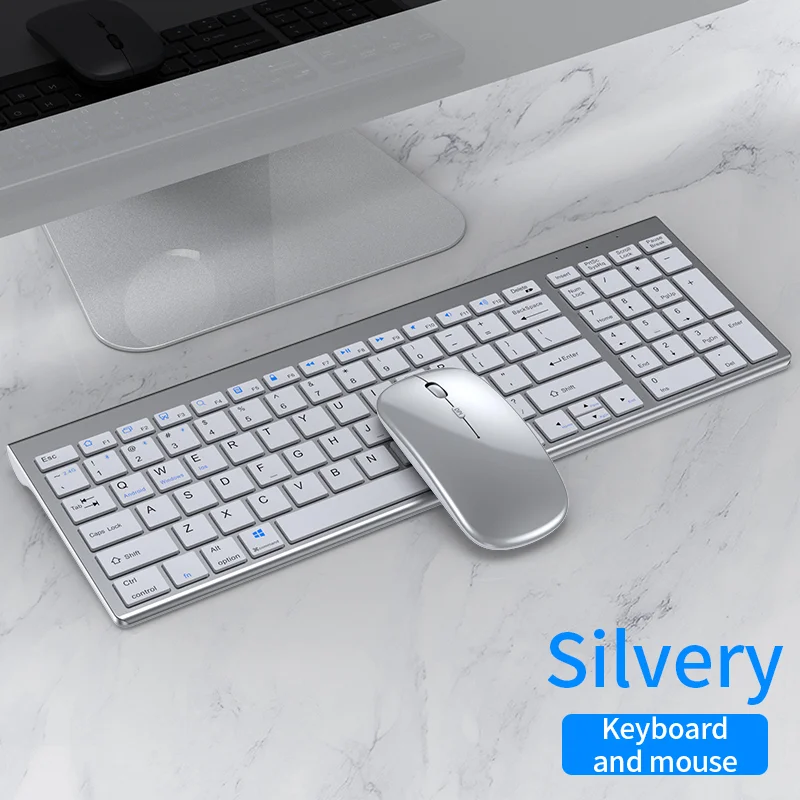
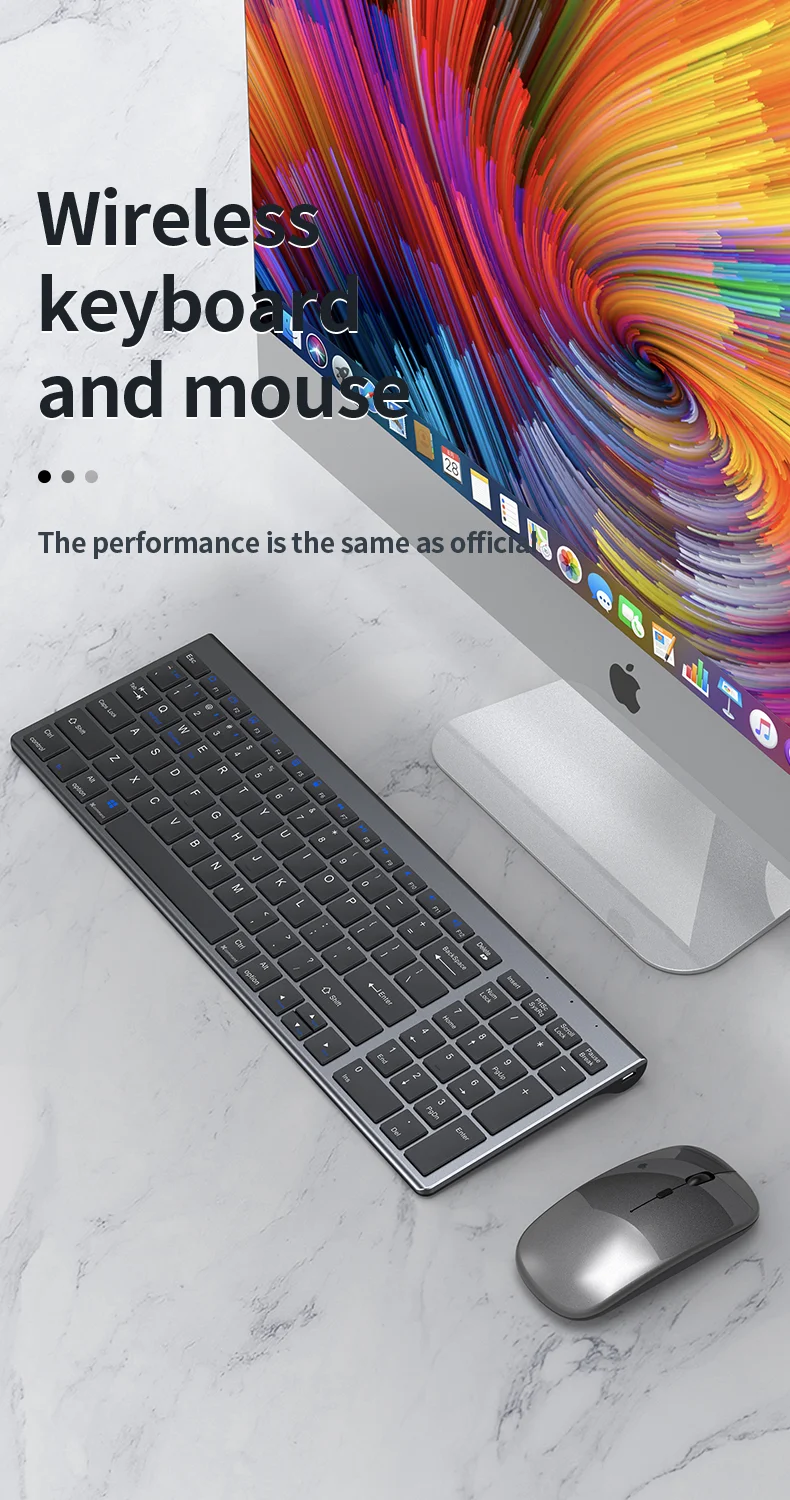




Wireless Rechargeable Optical Plastic Keyboard Mouse Combo with USB Interface New & Compatible with All Computers
€32,95
Sale price
€32,95
Regular price
€0,00
SPECIFICATIONS
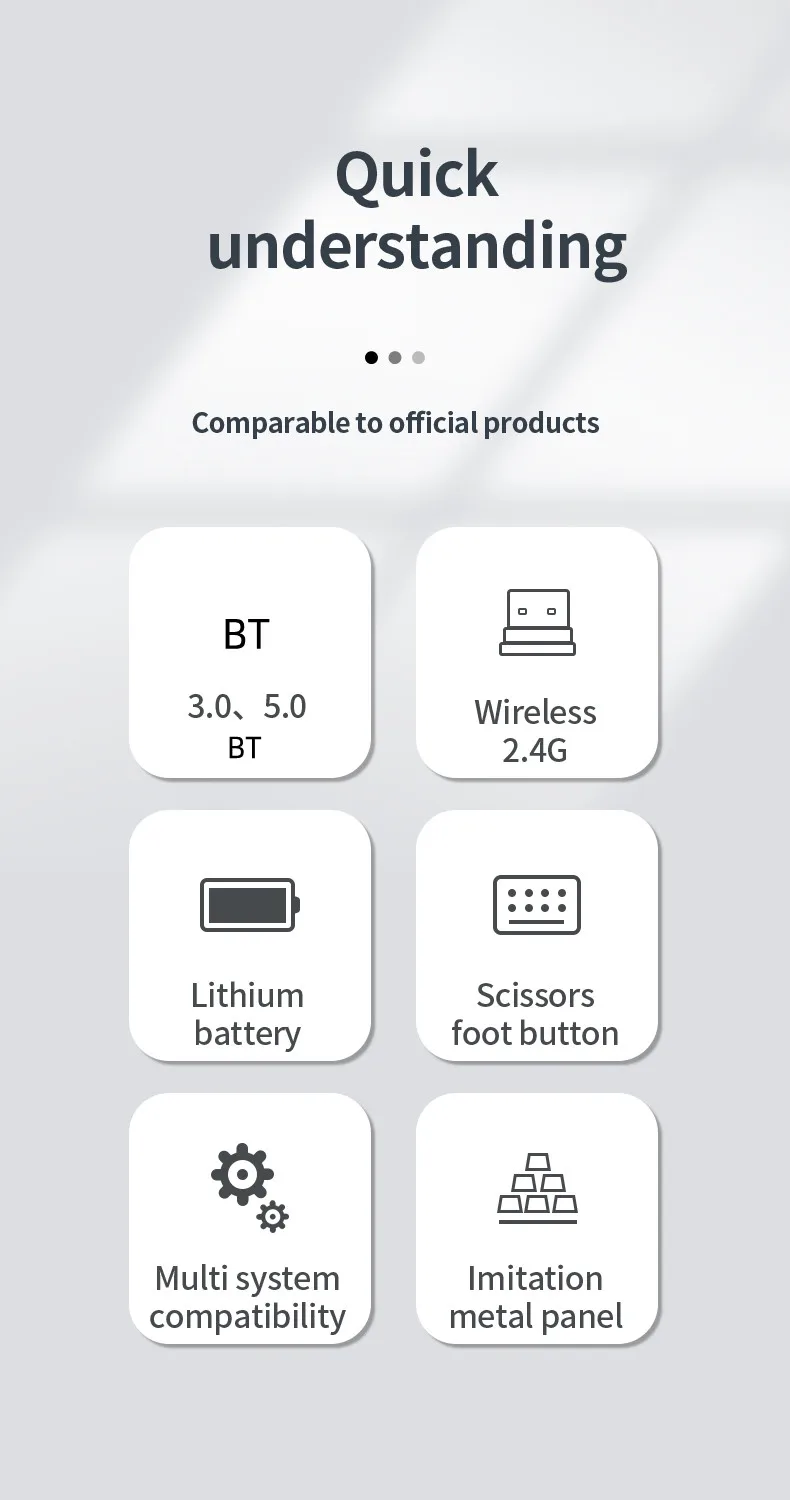
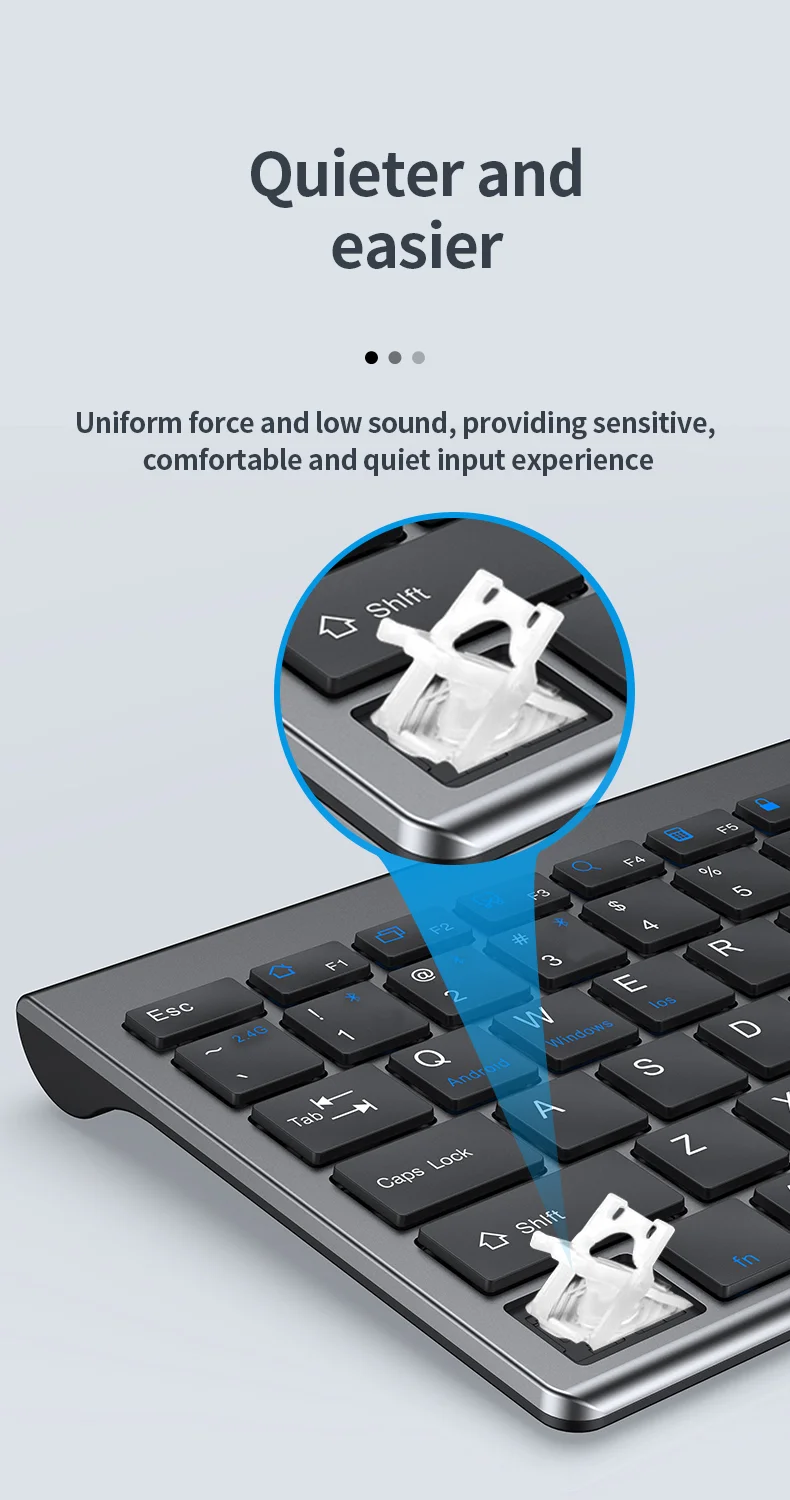
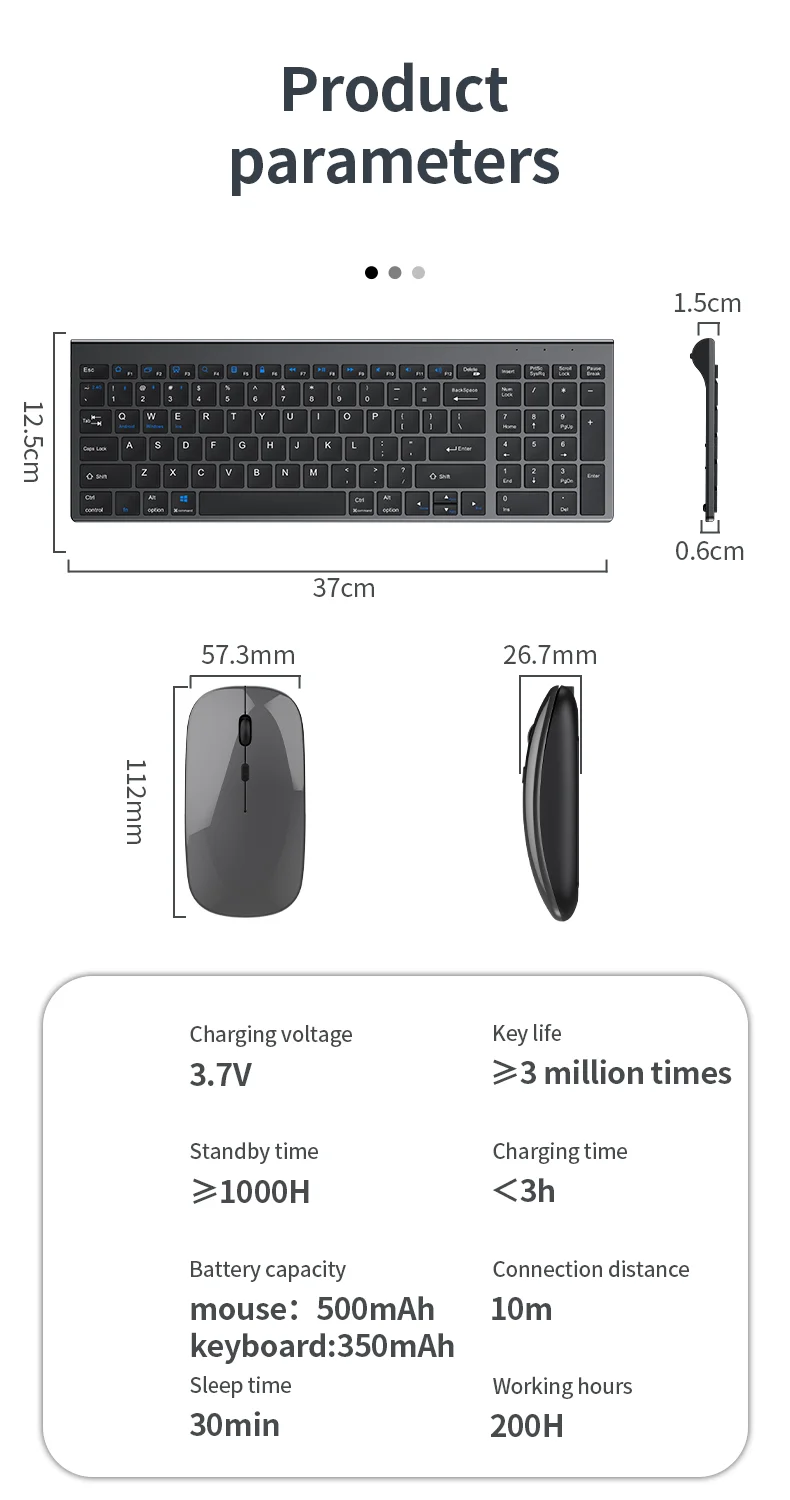
Keyboard Key Life: 3 million strokes
Keyboard Power By: 350mAh
Keyboard Size: 37cm*12.5cm*1.5cm
Keyboard Sleep Time: 30 mins after stop using
Keyboard Wake Up Way: Click any key
Language: English
Mouse Size: 5.73cm*1.12cm*2.67cm
Mouse Working Distance: 10m (33ft)
Product name: Wireless Keyboard and Mouse Combo
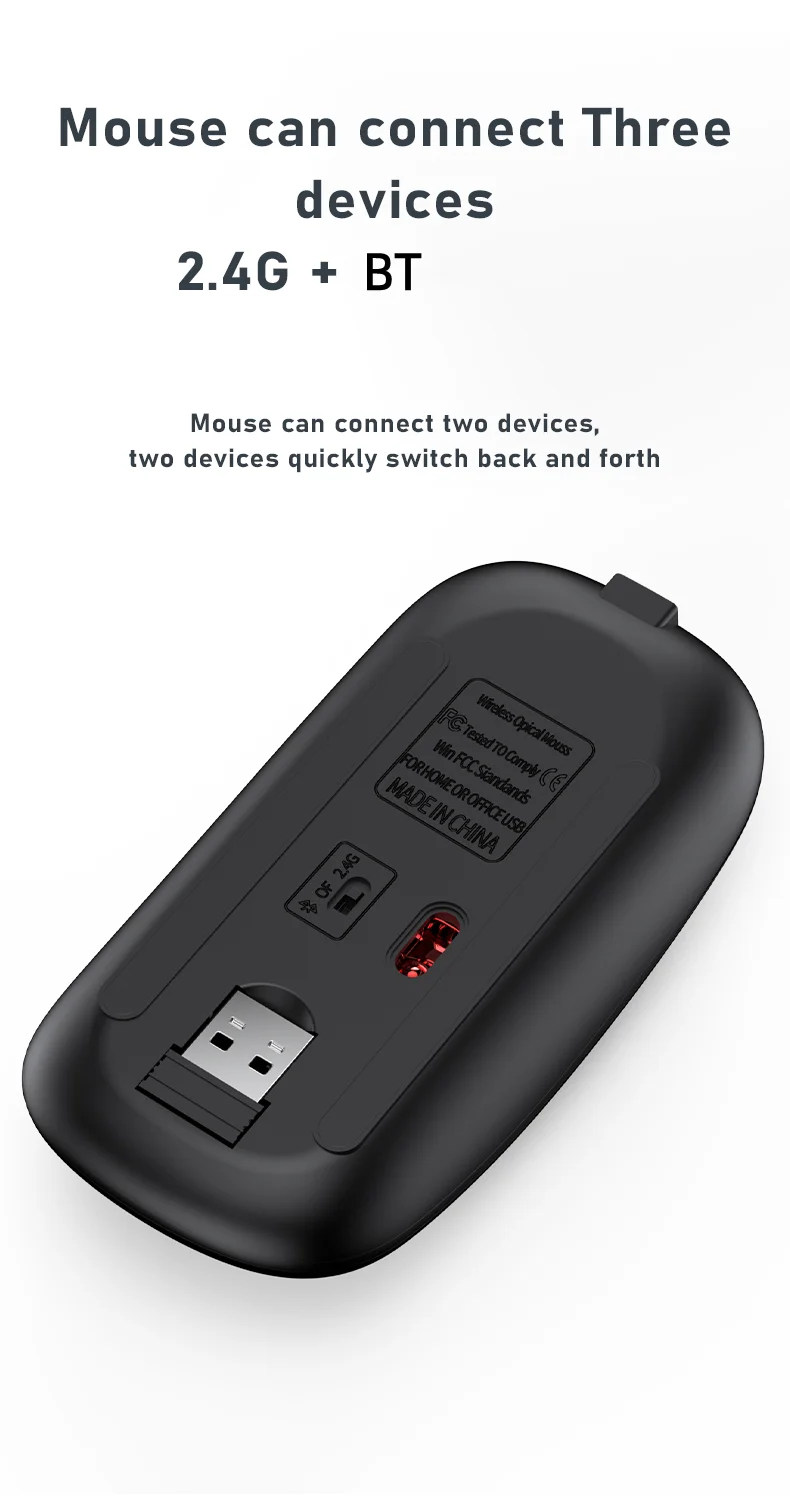
Type: 2.4Ghz Wireless+BT1+BT2+BT3
applicable object: For Home Office
dpi: 1600
feature: Ultra Thin
interface: Usb
keyboard backlit: no
keyboard standard: 99
mechanical: No
model number: k109
mouse Power: 500 mAh
mouse connection: Wireless
place of origin: China
products status: Stock
programmable: No
supports human engineering: Yes
type: Ergonomic,Wireless
wrist support: No
Product Description
Charging voltage |
3.7V |
||||||
Key lifi |
≥3 million times |
||||||
Stand by time |
≥1000H |
||||||
Charging time |
く3h |
||||||


一. USB2.4G connection:
1. Flip the power switch to ON to turn on the keyboard
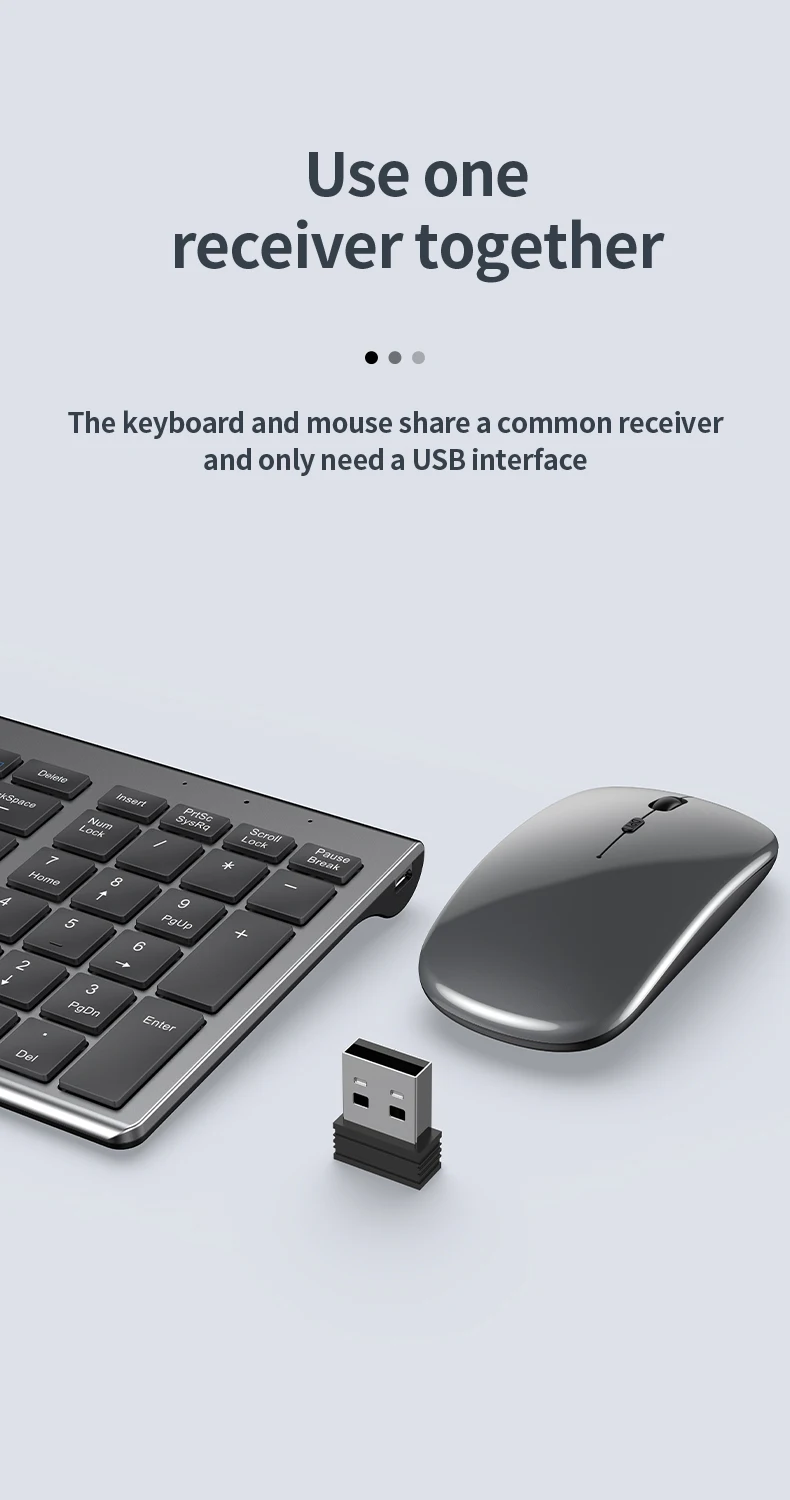
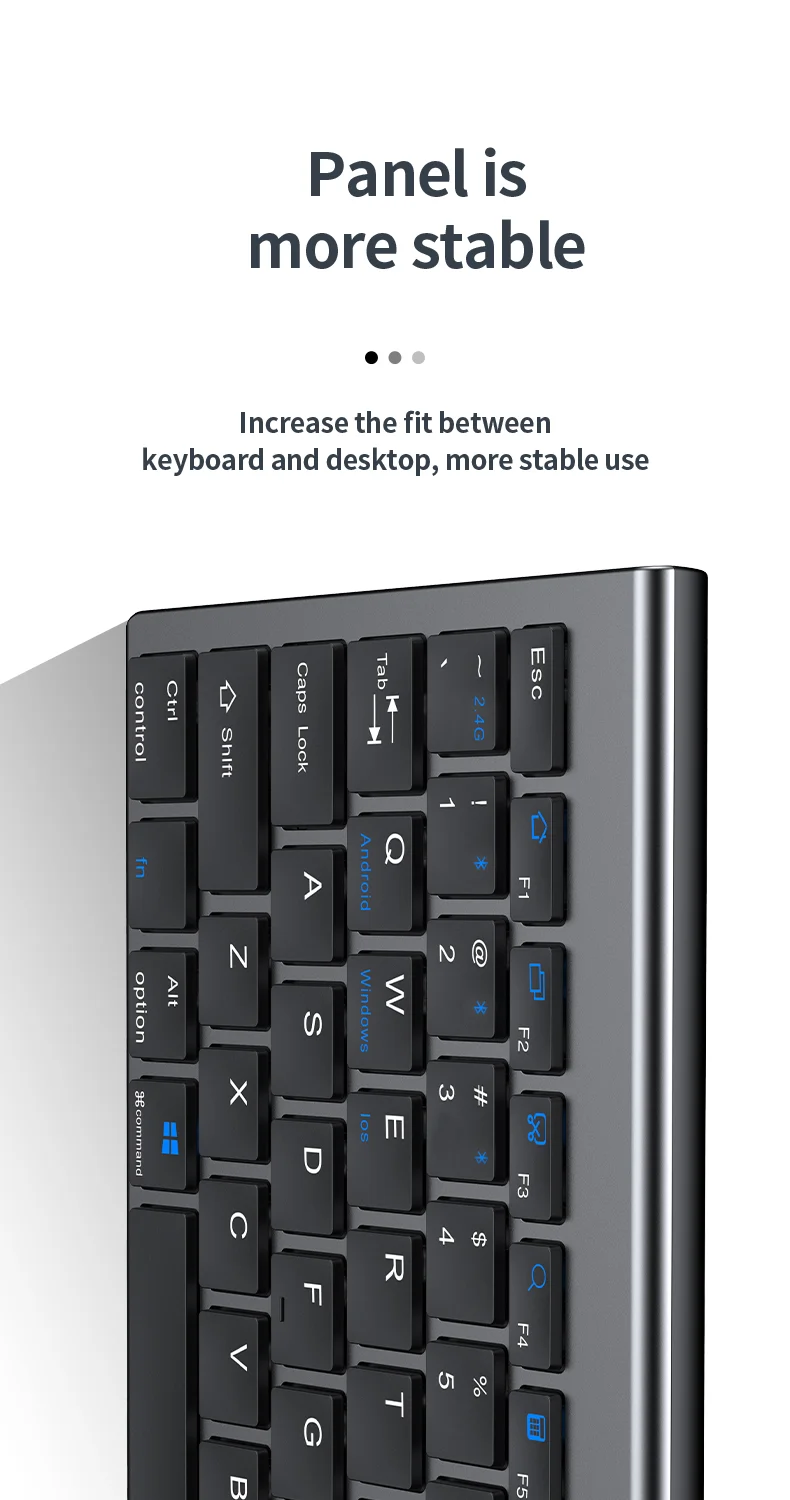
2. Insert the USB into the computer, press and hold the button FN+~, the connection is successful
二. BT connection:
1. Flip the power switch to ON to turn on the keyboard
2. Turn on your device's BT to enter the search state (system settings - turn on BT - search and add)
3. Press and hold the key FN+1 or FN+2 or FN+3 on the keyboard, the light flashes, the device will display "O50 keyboard BT", you can click to connect successfully.
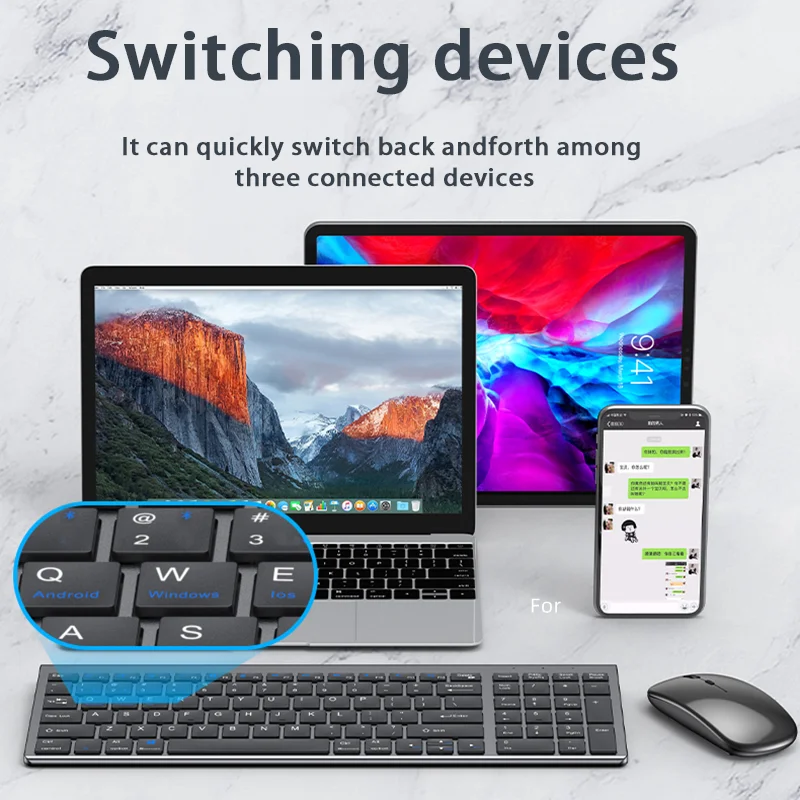
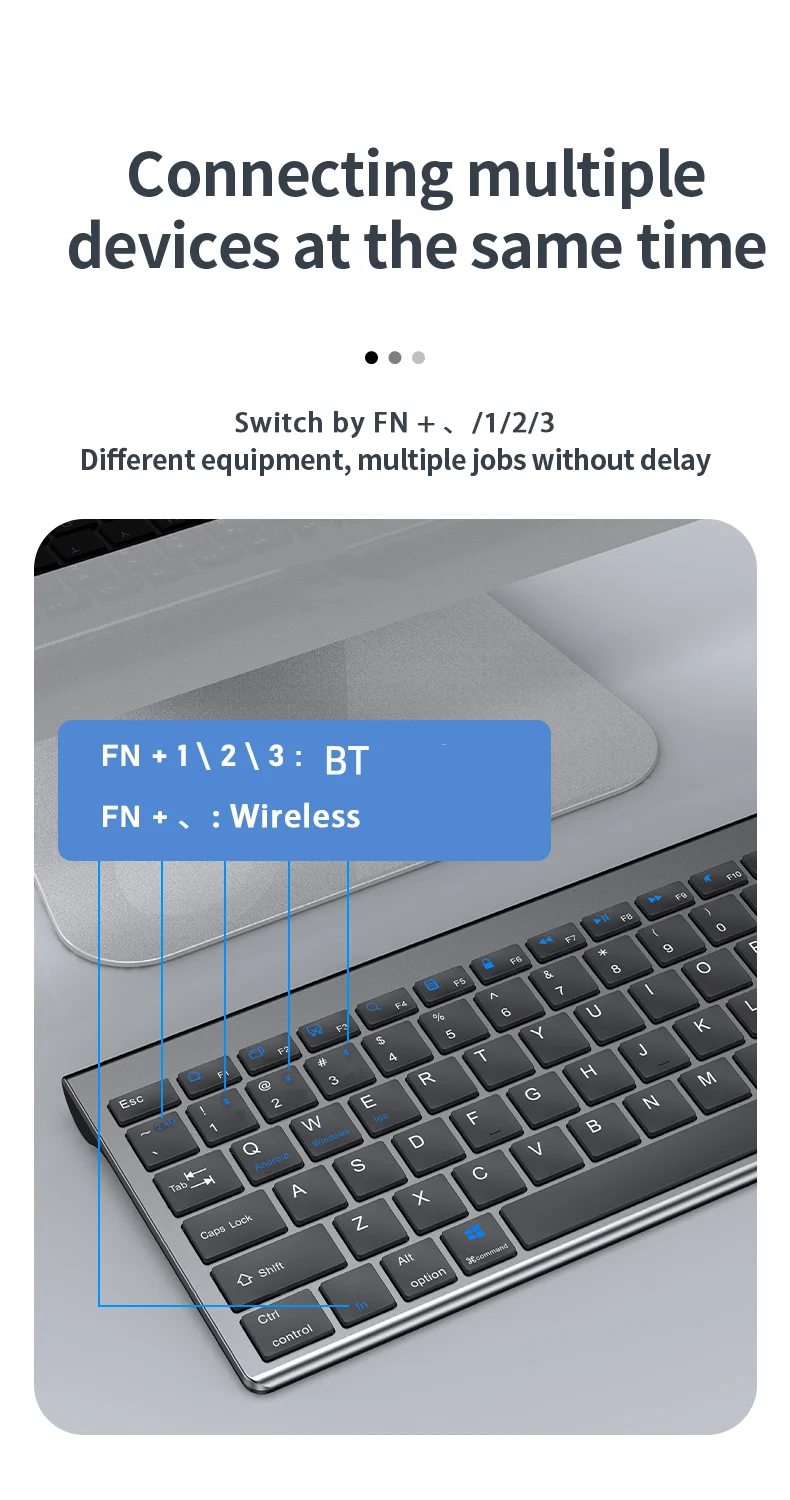
三. Multi-device connection:
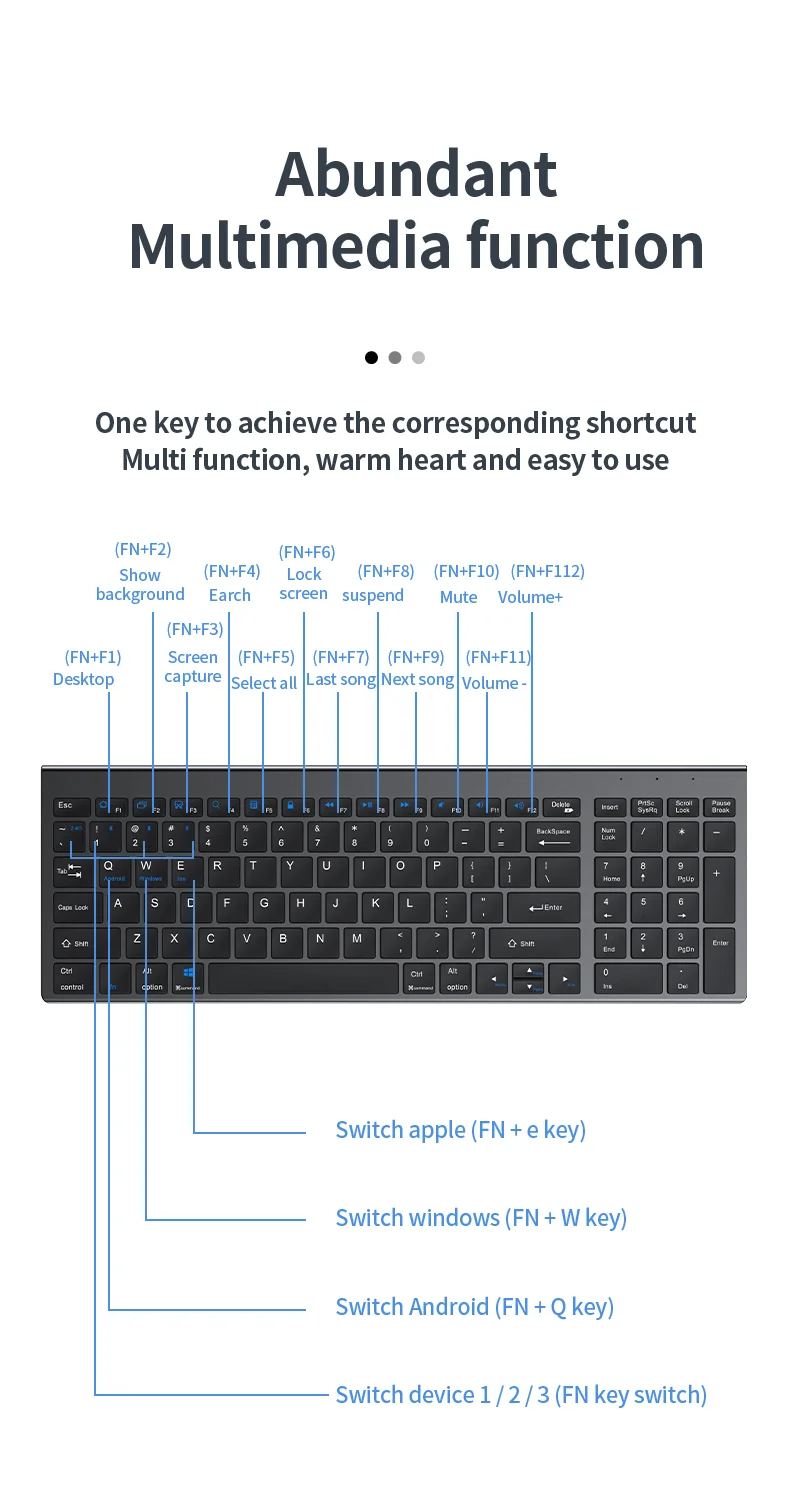
1.FN+1: Connect to BT device 1
2.FN+2: connect to BT device 2
3.FN+3: connect to BT device 3
4.FN+~: connect to USB, 2.4G wireless reception
5. Press FN+1/2/3/~ alone to switch the paired devices
6.FN+1/2/3, press and hold for 3 seconds in combination: flashing light, can start the searched state (connect a new device)
Additional instructions:
1. For the first connection, you need to switch the keyboard to the corresponding system
2. Failure to switch may cause the function keys to not be used normally!
3. The keyboard distance is 5-10 meters, and the language environment factors of different devices are related to the distance.
troubleshooting:
1. When the keyboard cannot be searched, please try to turn on the bluetooth on the device to search again
2. When the keyboard is turned on and there is no indicator light, try to charge the keyboard.
3. After connecting to other devices, go back to the original device again, you need to delete the old record before you can
connect
4. When the pairing fails, you need to delete the failed pairing record, and then perform the second pairing
1. Flip the power switch to ON to turn on the keyboard
2. Insert the USB into the computer, press and hold the button FN+~, the connection is successful
二. BT connection:
1. Flip the power switch to ON to turn on the keyboard
2. Turn on your device's BT to enter the search state (system settings - turn on BT - search and add)
3. Press and hold the key FN+1 or FN+2 or FN+3 on the keyboard, the light flashes, the device will display "O50 keyboard BT", you can click to connect successfully.
三. Multi-device connection:
1.FN+1: Connect to BT device 1
2.FN+2: connect to BT device 2
3.FN+3: connect to BT device 3
4.FN+~: connect to USB, 2.4G wireless reception
5. Press FN+1/2/3/~ alone to switch the paired devices
6.FN+1/2/3, press and hold for 3 seconds in combination: flashing light, can start the searched state (connect a new device)
Additional instructions:
1. For the first connection, you need to switch the keyboard to the corresponding system
2. Failure to switch may cause the function keys to not be used normally!
3. The keyboard distance is 5-10 meters, and the language environment factors of different devices are related to the distance.
troubleshooting:
1. When the keyboard cannot be searched, please try to turn on the bluetooth on the device to search again
2. When the keyboard is turned on and there is no indicator light, try to charge the keyboard.
3. After connecting to other devices, go back to the original device again, you need to delete the old record before you can
connect
4. When the pairing fails, you need to delete the failed pairing record, and then perform the second pairing
Packing & Delivery
