
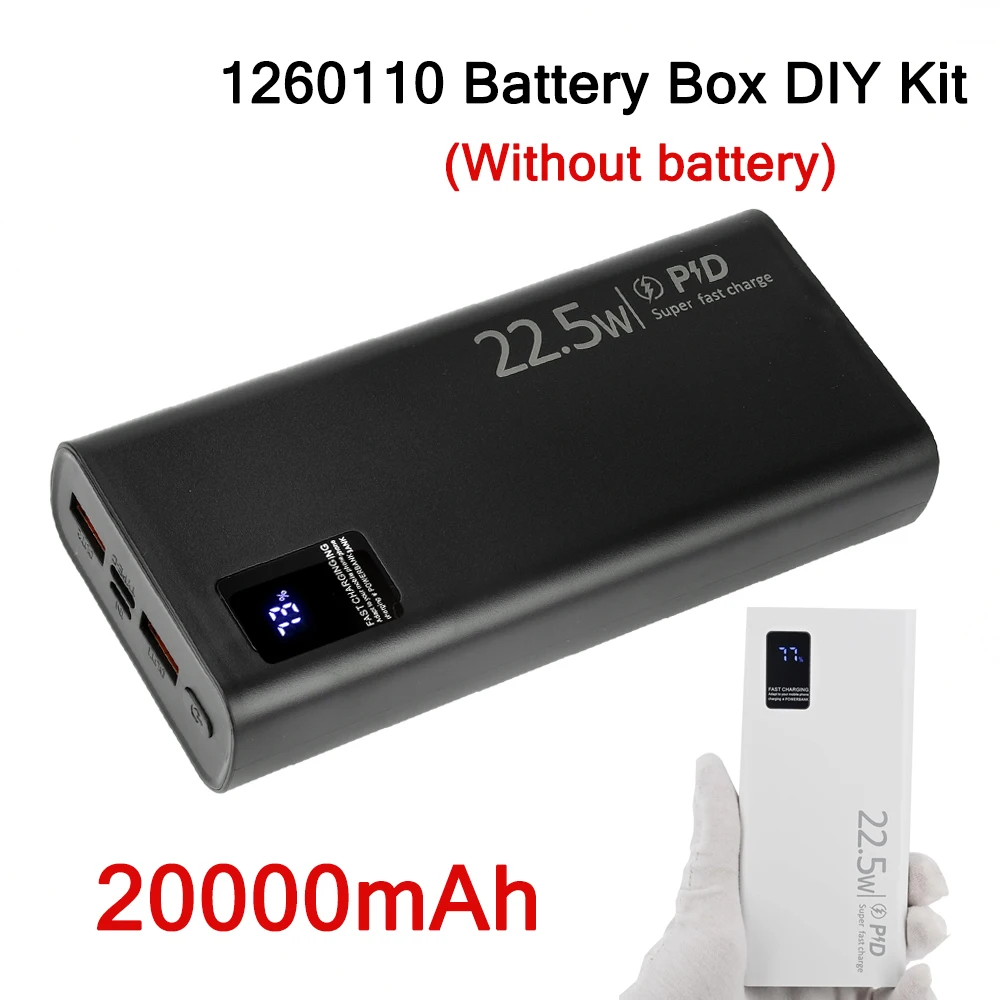
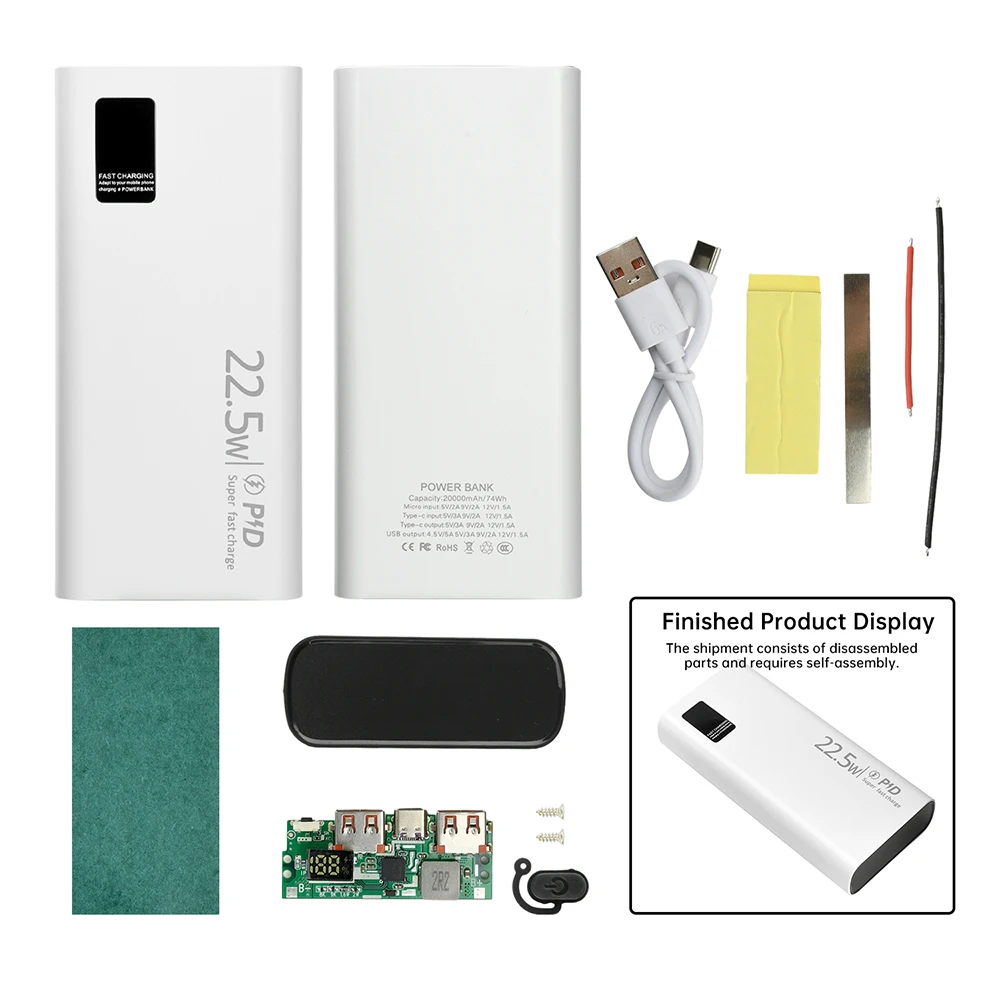
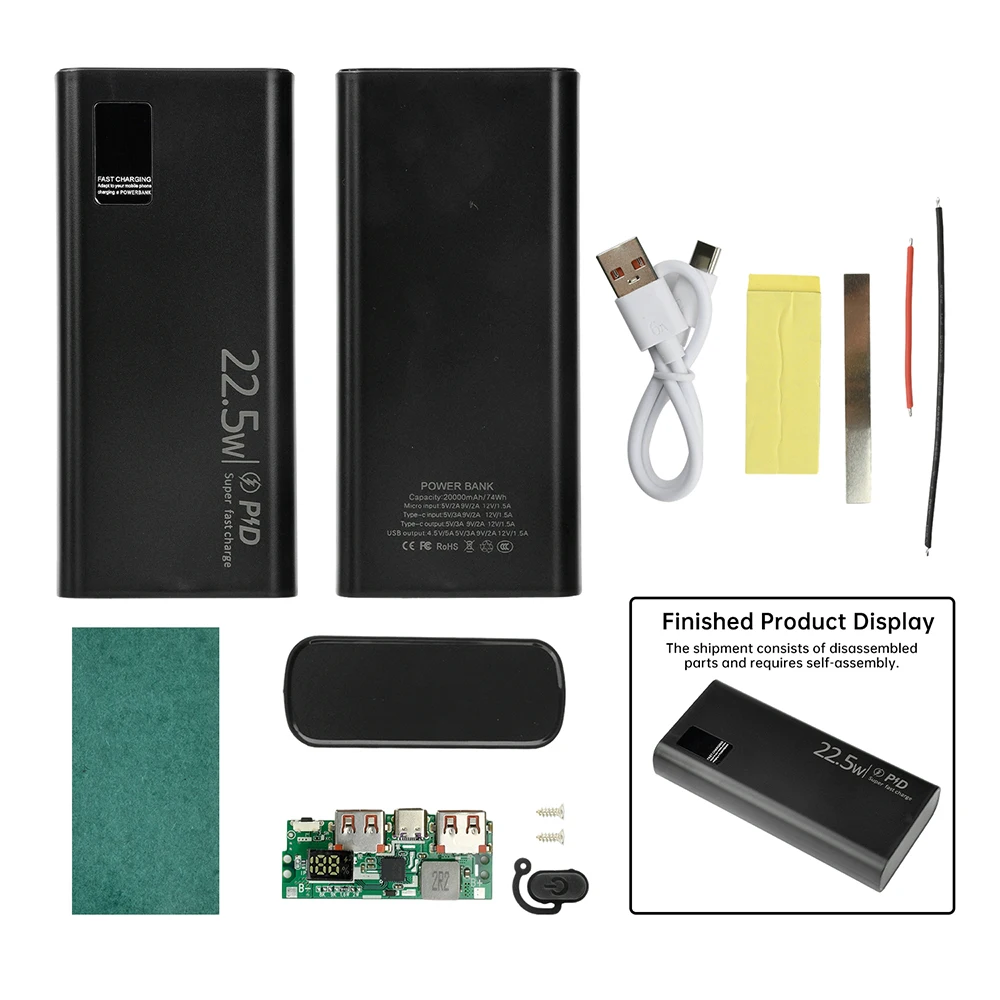
Digital Display Fast Charging Power Bank PD/QC/VOOC 22.5W Fast Charging Module Power Bank Motherboard DIY Power Bank Module
Black DIY Kit
€24,95
Sale price
€24,95
Regular price
€0,00
Skip to product information


Product Features:
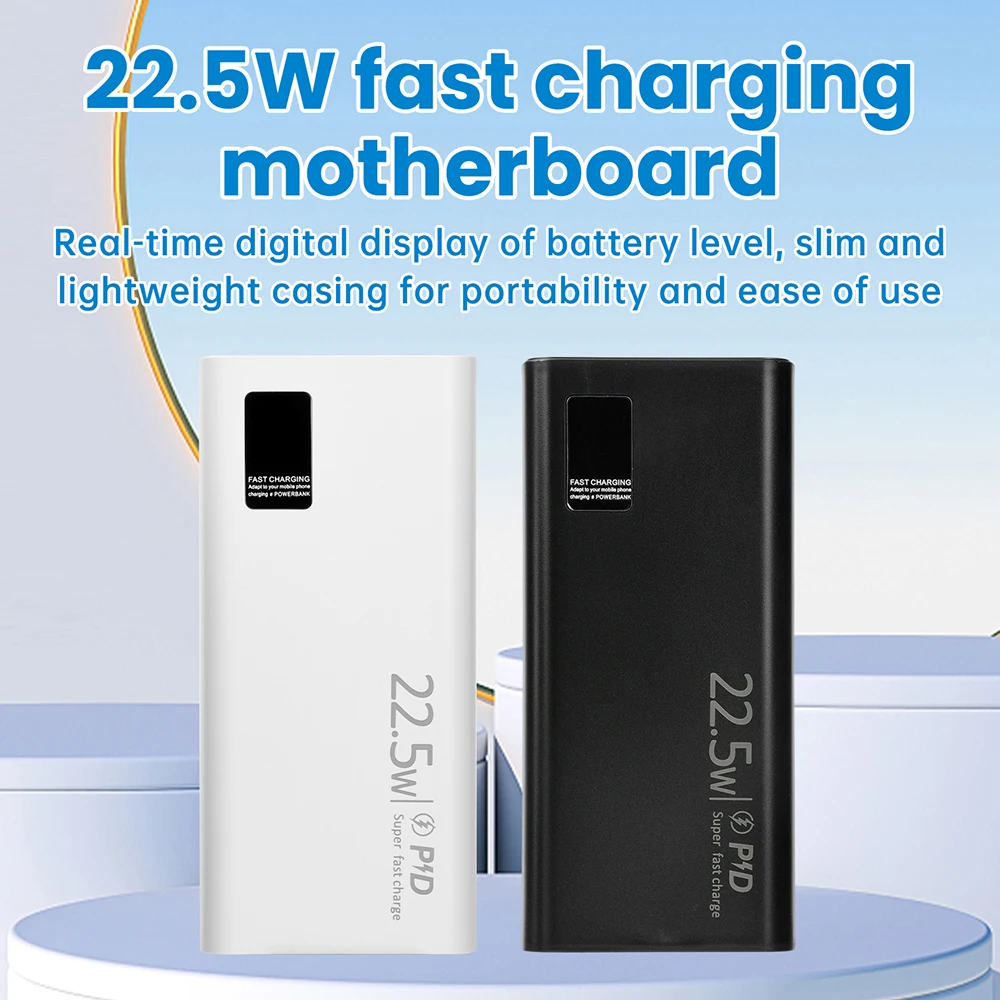
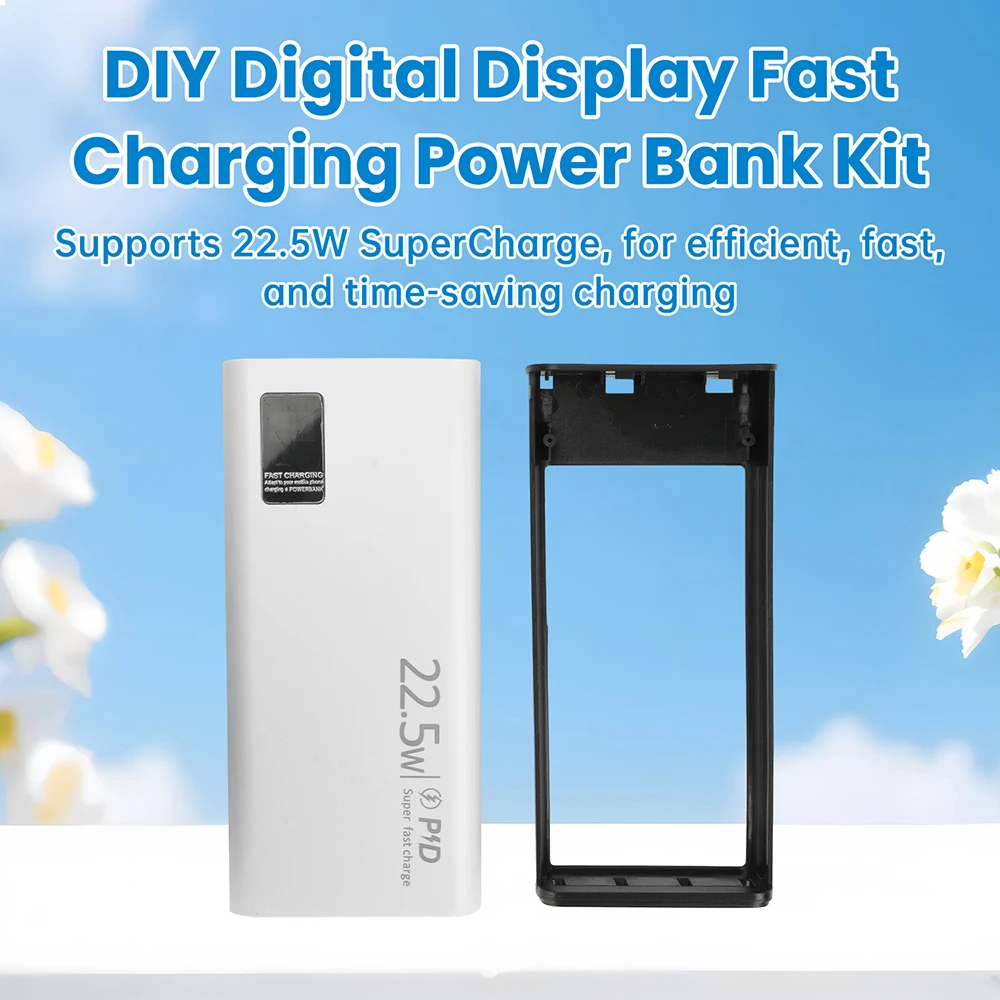
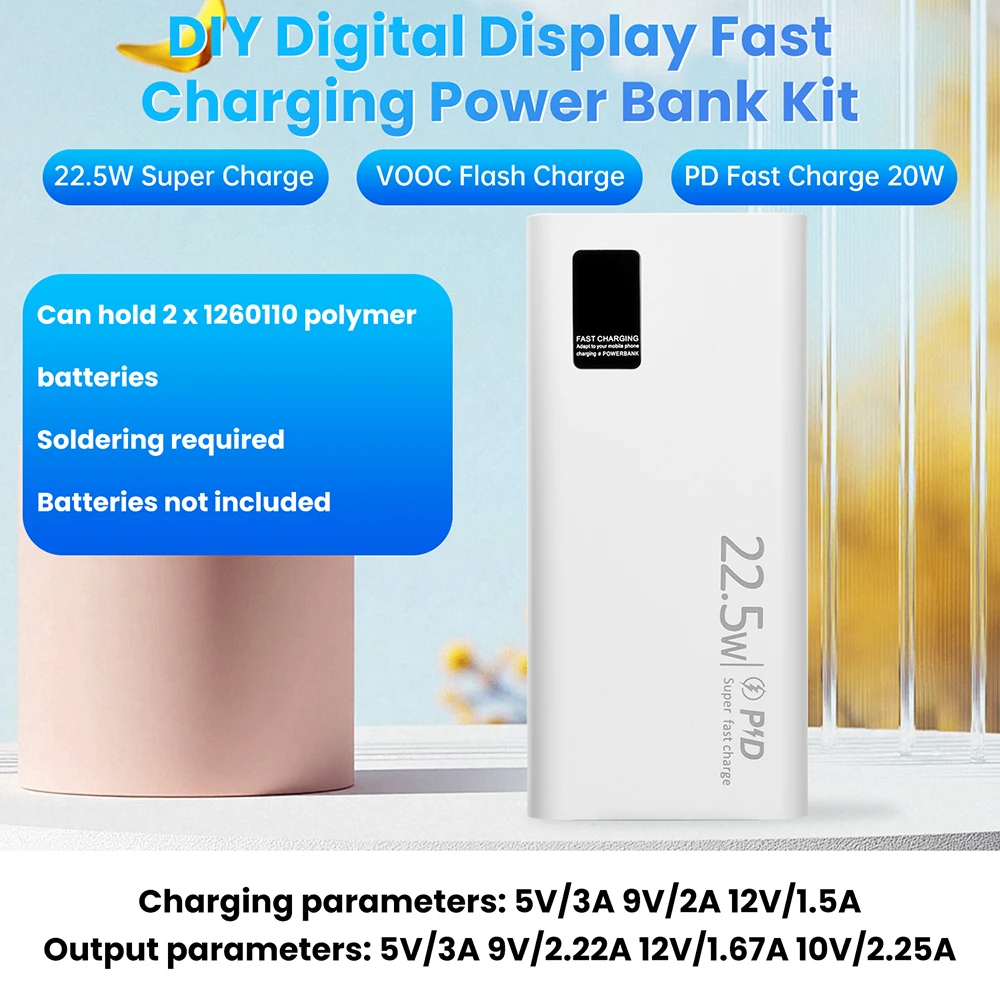
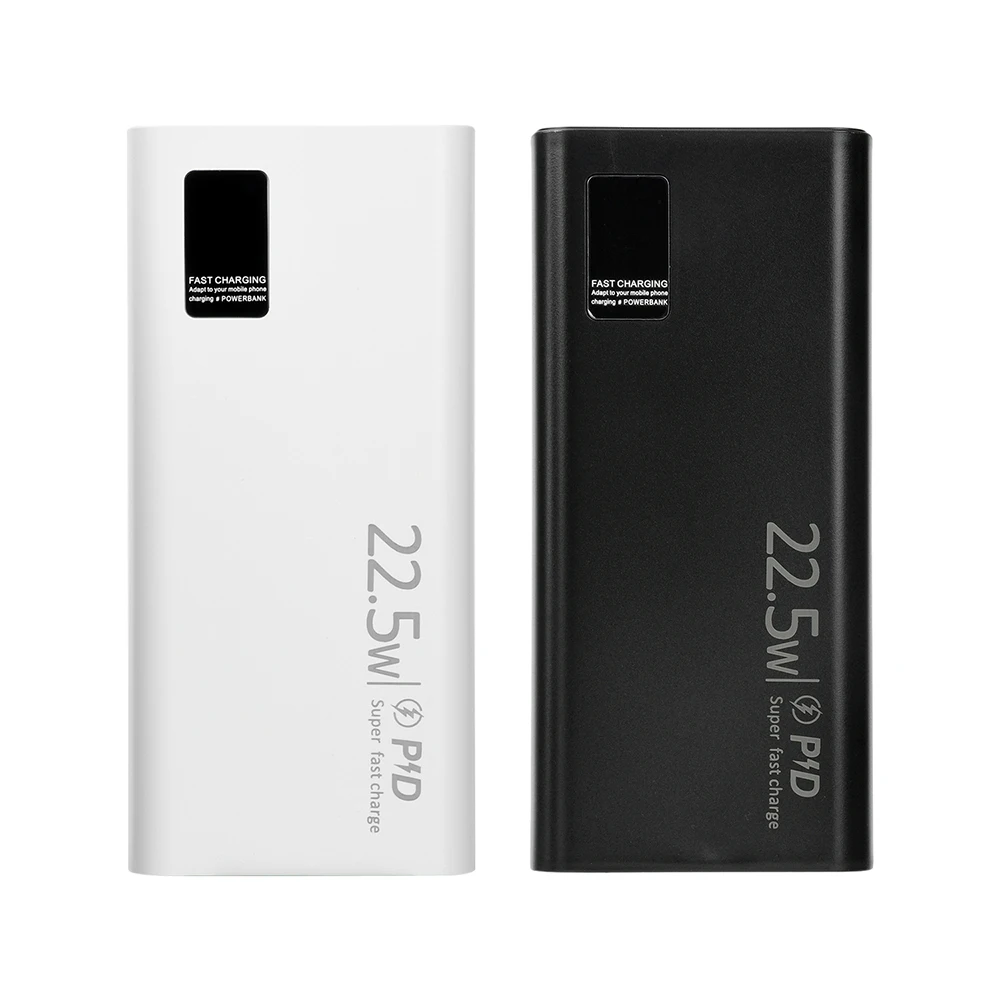
1. Supports 22.5W SuperCharge, efficient and fast charging, saving time.
2. Type-C bidirectional fast charging, compatible with various device charging needs.
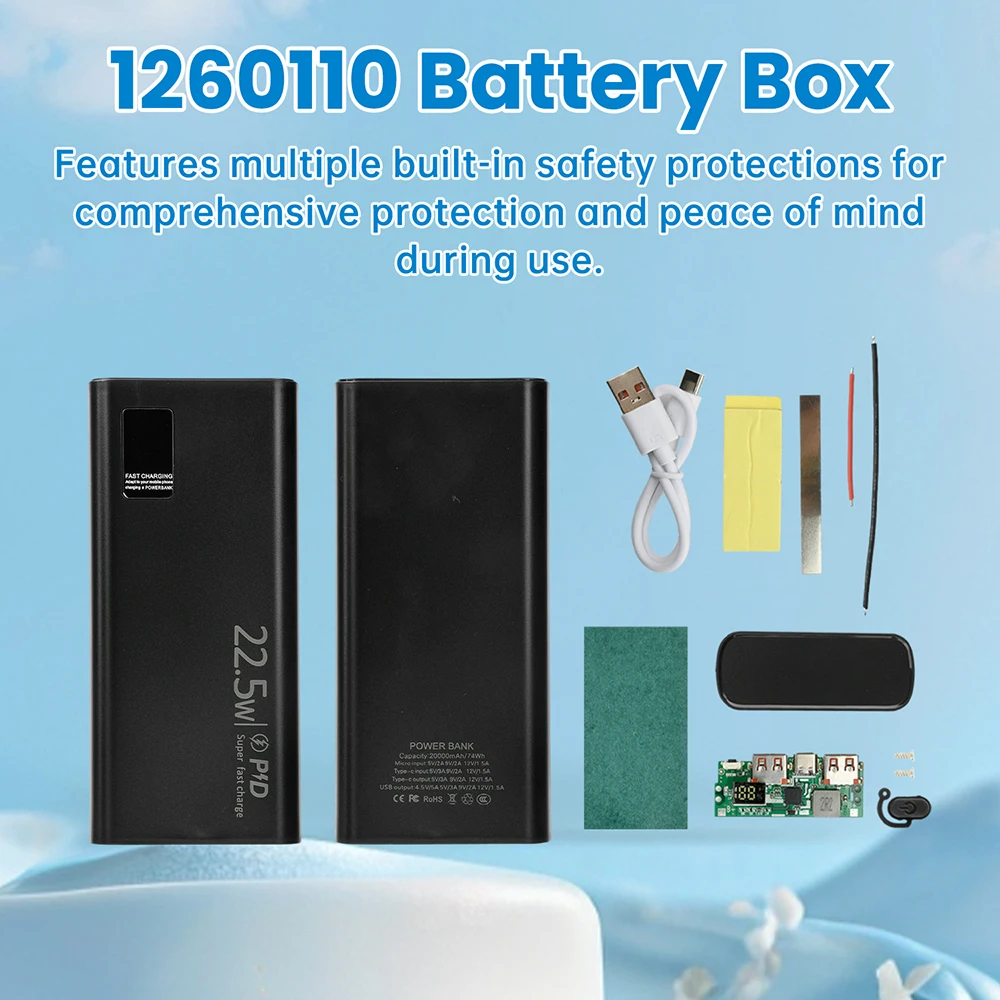
3. Built-in multiple safety protections, comprehensive protection for safer use.
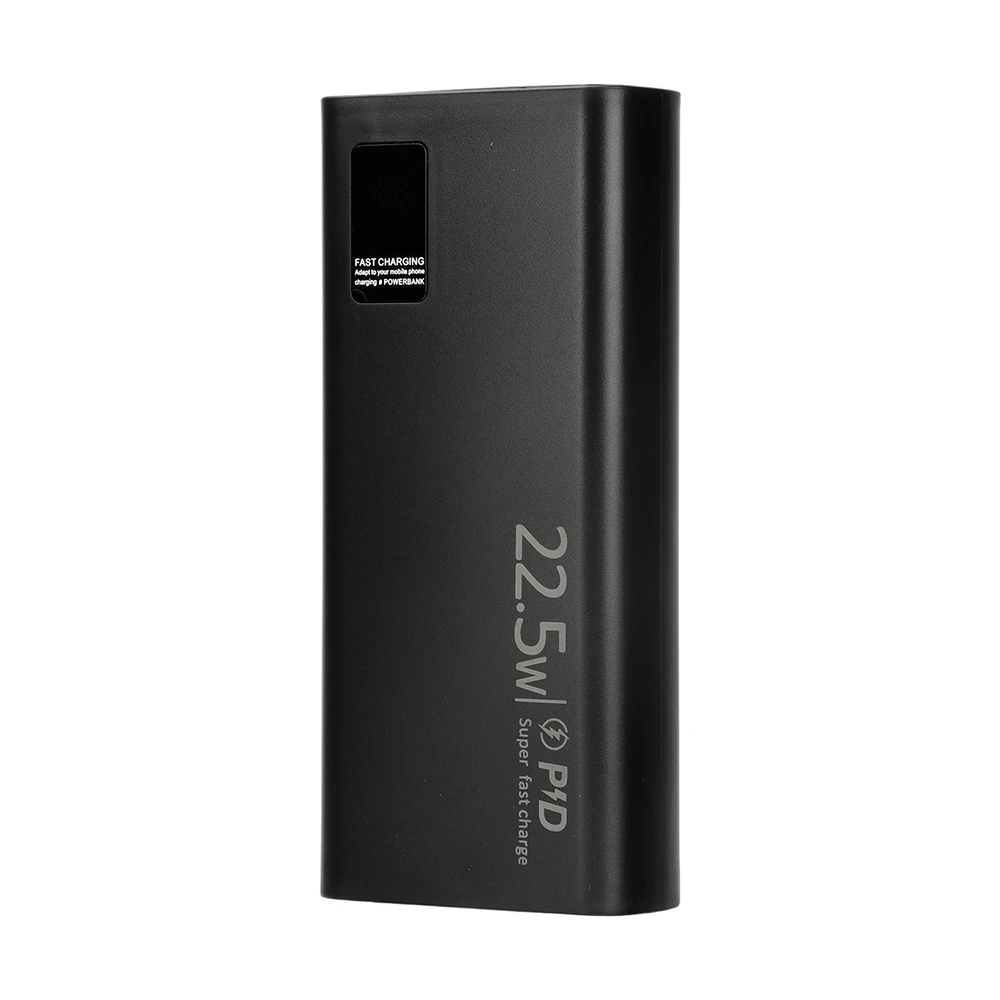
4. Real-time digital display of battery level, slim and portable design, simple and practical.
5. DIY kit design, simple soldering, convenient assembly.
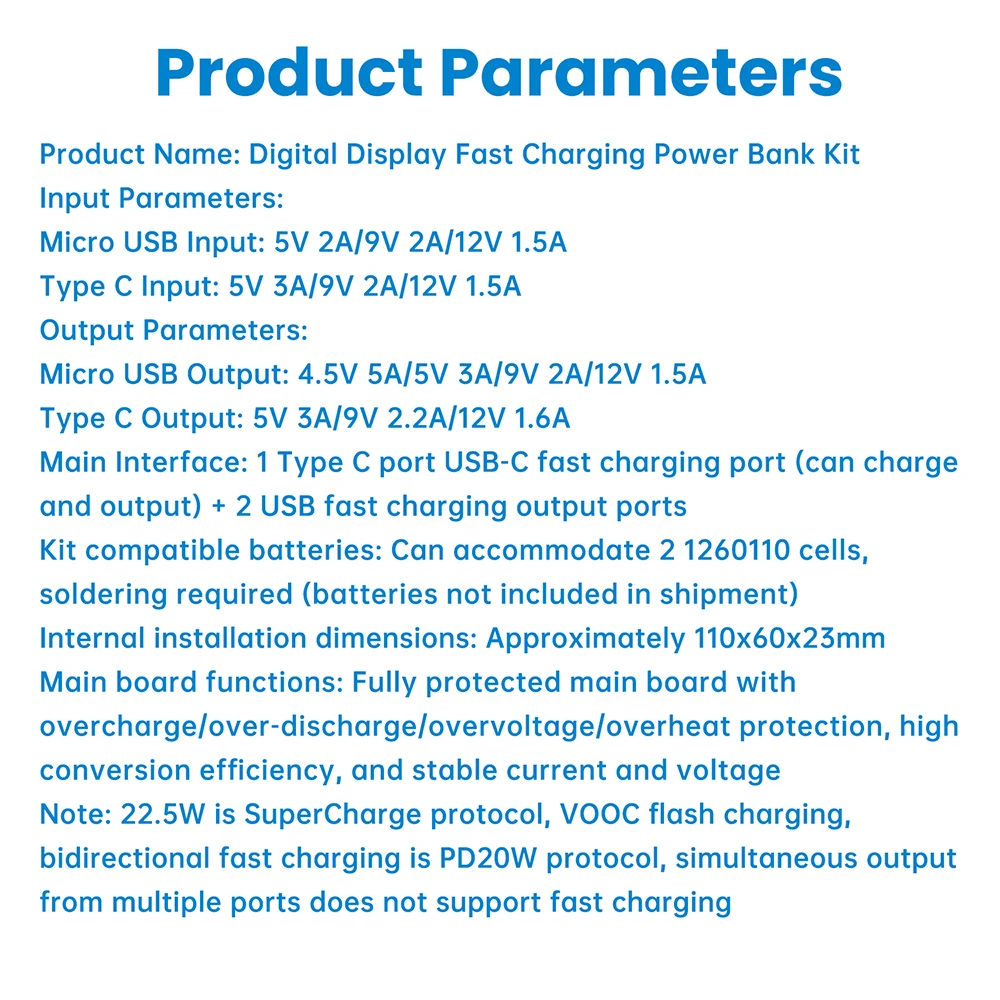
Product Parameters:
Product Name: Digital Display Fast Charging Power Bank Kit
Input Parameters:
Micro USB Input: 5V 2A/9V 2A/12V 1.5A
Type-C Input: 5V 3A/9V 2A/12V 1.5A
Output Parameters:
Micro USB Output: 4.5V 5A/5V 3A/9V 2A/12V 1.5A
Type-C Output: 5V 3A/9V 2.2A/12V 1.6A
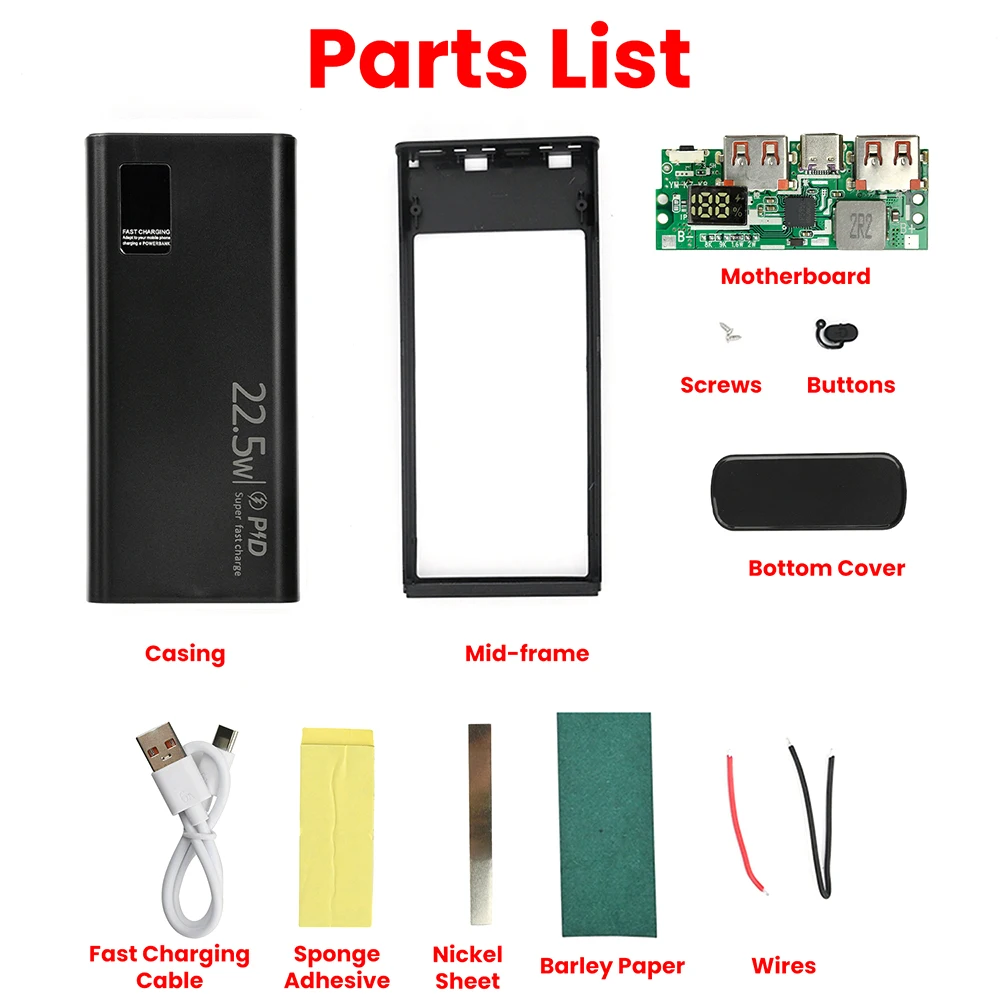
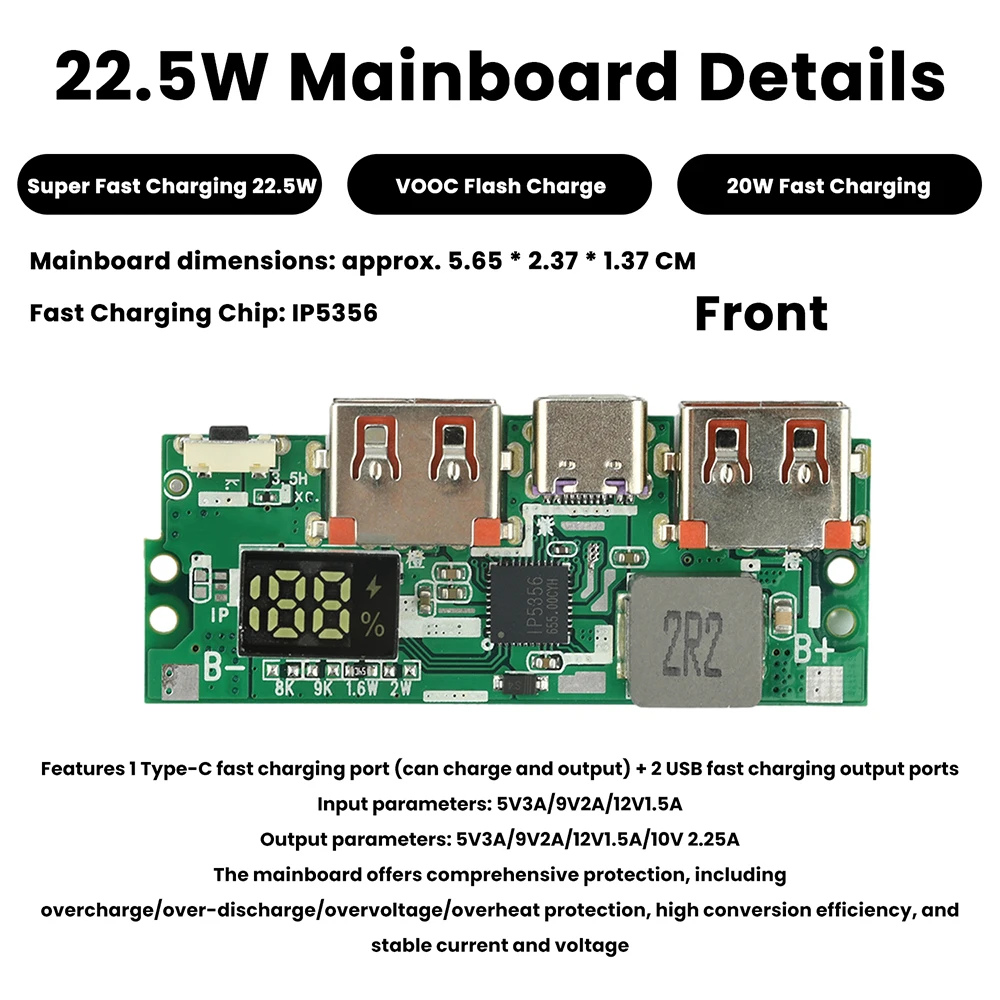
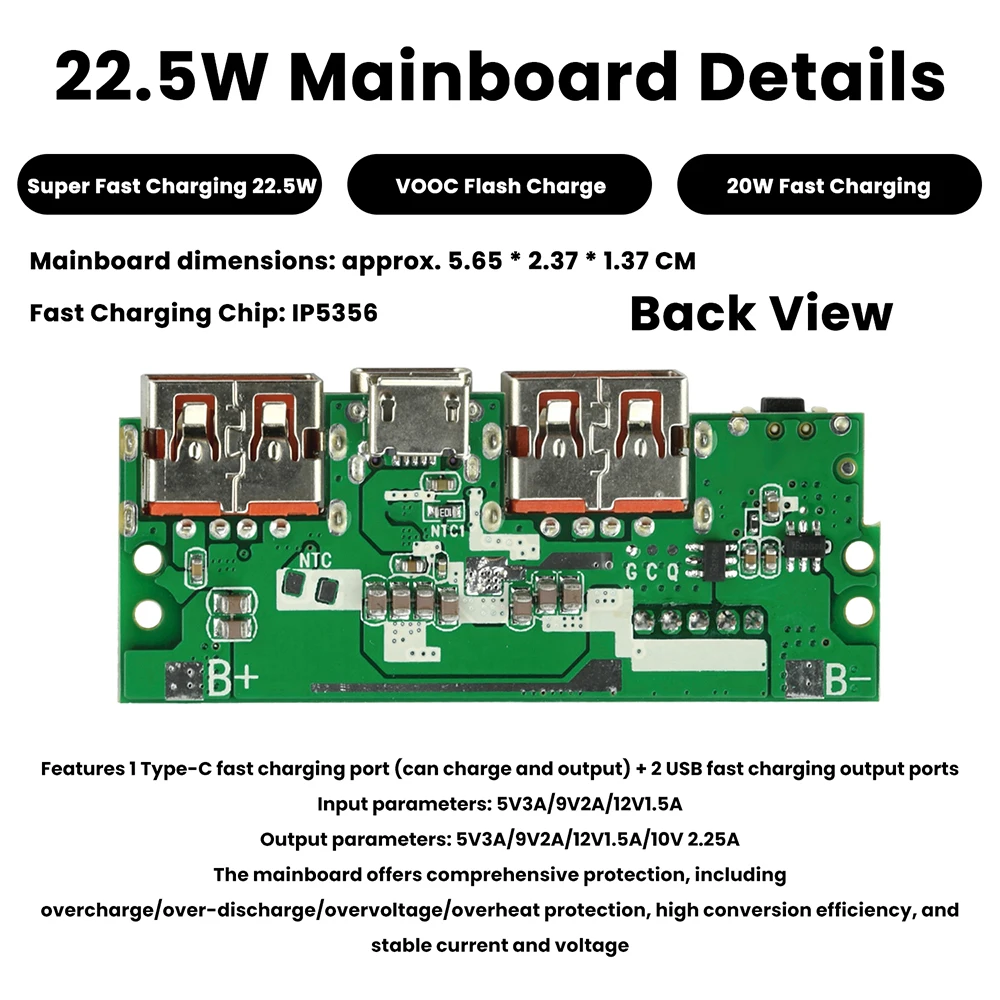
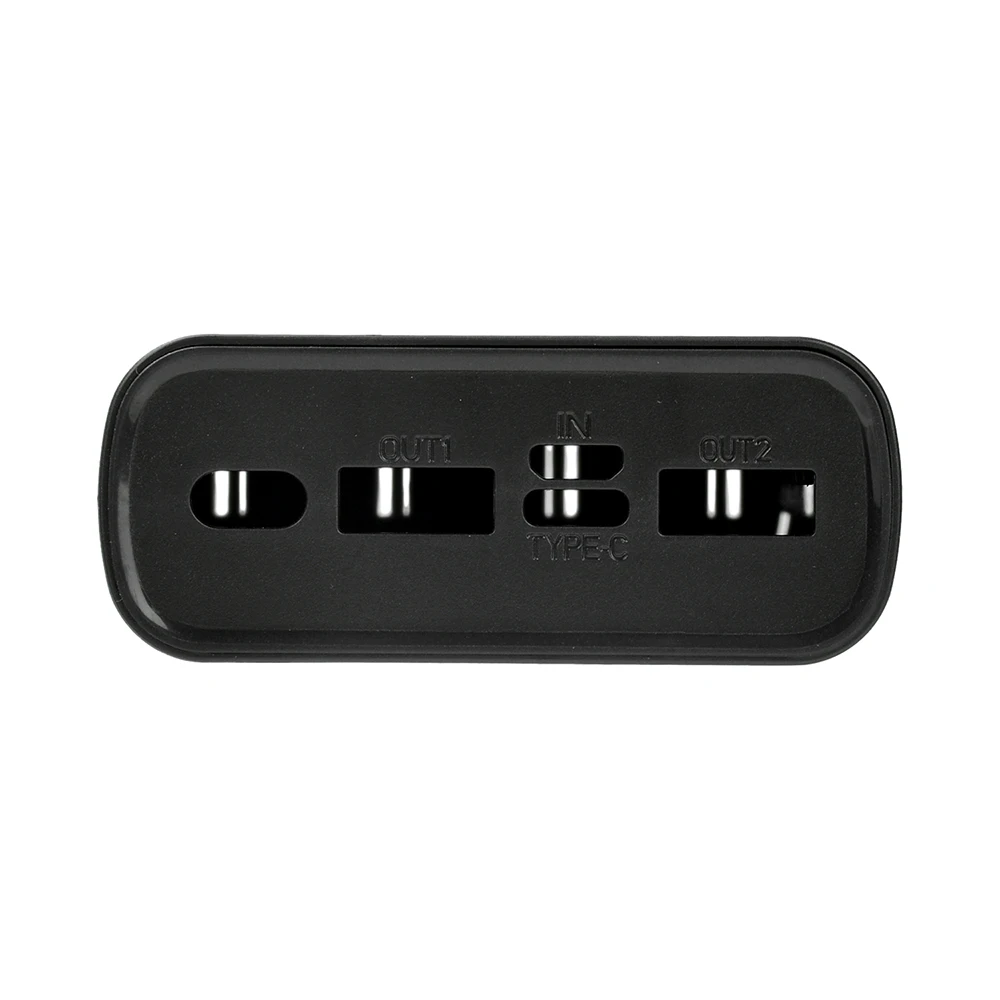
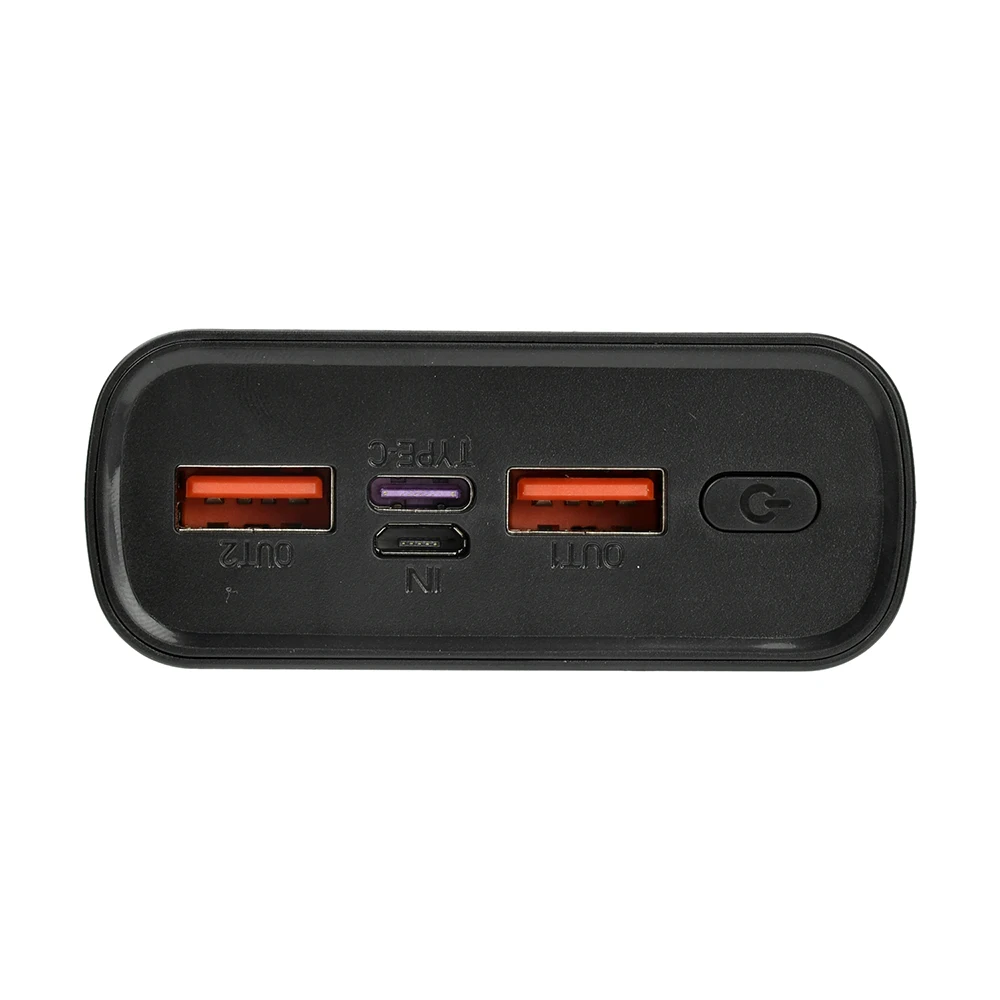
Main Interface: 1 Type-C port USB-C fast charging port (can charge and output) + 2 USB fast charging output ports
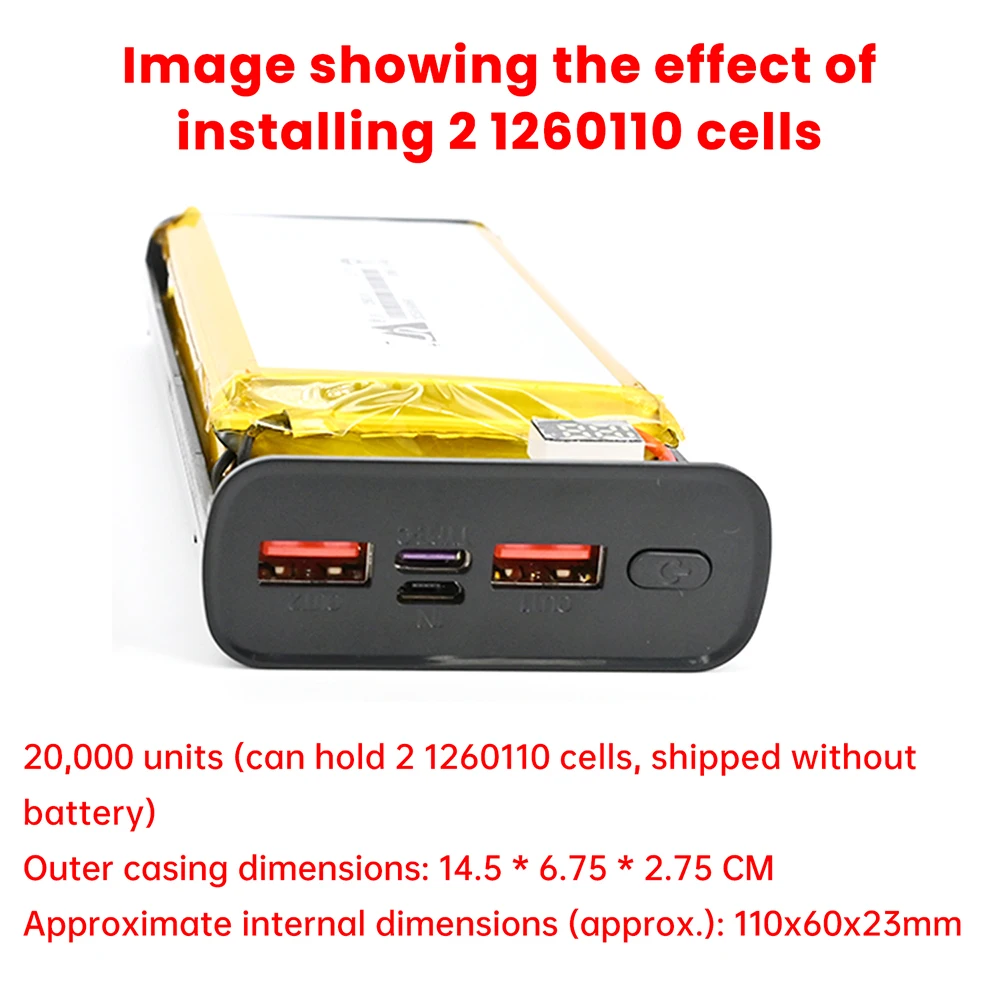
Compatible batteries: Can accommodate 2 1260110 cells, soldering required (batteries not included in shipment)
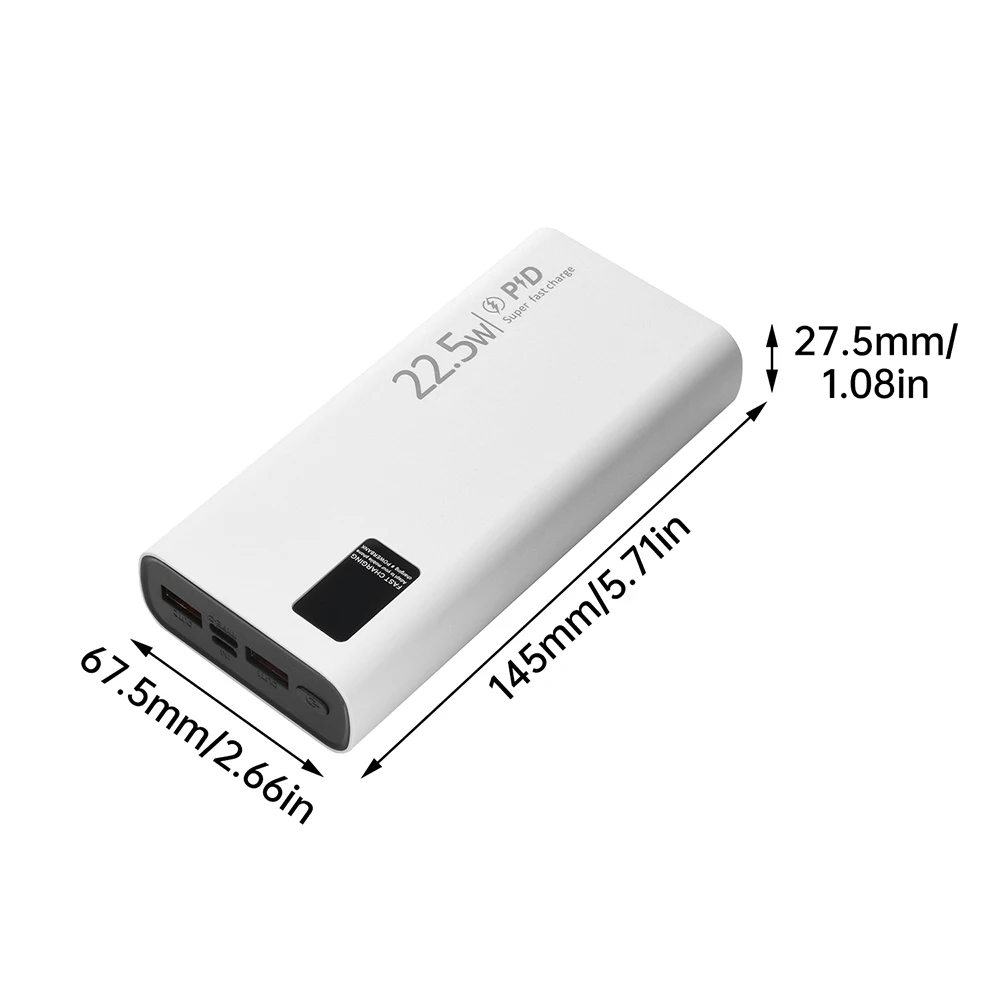
Internal installation dimensions: Approximately 110x60x23mm
Main board functions: Fully protected main board with overcharge/over-discharge/overvoltage/overheat protection, high conversion efficiency, and stable current and voltage.
Note: 22.5W is the SuperCharge protocol; VOOC flash charging and bidirectional fast charging are PD20W protocols. Simultaneous output from multiple ports will not result in fast charging.
Assembly Instructions:
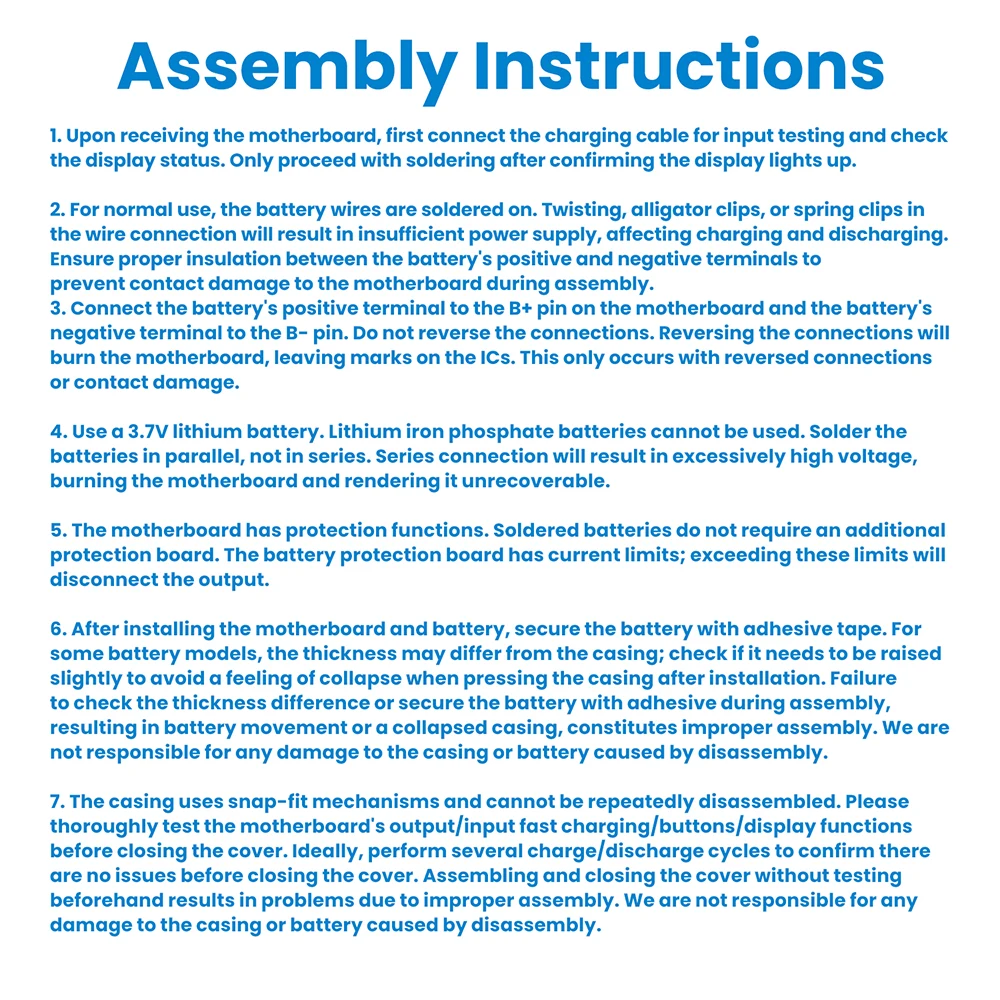
1. Upon receiving the main board, first connect the charging cable for input testing and check the display status. Only proceed with soldering if the display lights up.
2. For normal use, the battery wires are soldered on. Twisting, alligator clips, or spring clips during connection can lead to insufficient power supply and affect charging and discharging. Ensure proper insulation of the battery's positive and negative terminals to prevent contact damage with the main board during assembly.
3. Connect the battery positive terminal to the B+ pin on the motherboard and the battery negative terminal to the B- pin. Do not reverse the connections, as this will burn the motherboard and leave marks on the IC. This only occurs when the connections are reversed or there is a short circuit.
4. Use a 3.7V lithium battery. Lithium iron phosphate batteries cannot be used. Solder the batteries in parallel, not in series. Series connection will result in excessive voltage and burn the motherboard, rendering it unrepairable.
5. The motherboard has a protection function. Soldered batteries do not require an additional protection board. The battery protection board has a current limit; exceeding the limit will disconnect the output.
6. After installing the motherboard and battery, secure the battery with adhesive tape. For some battery models, the thickness may differ from the casing. Check if it needs to be raised to avoid a feeling of collapse when pressing the casing after installation. Failure to check the thickness difference or secure the battery with adhesive during assembly, resulting in battery movement or a feeling of collapse in the casing, is considered improper assembly. We are not responsible for any damage to the casing or battery caused by disassembly.
7. The outer casing is snap-on and cannot be repeatedly disassembled. Please ensure the motherboard's output/input fast charging/buttons/display functions are working properly before closing the casing. Ideally, perform several charge/discharge cycles to confirm there are no issues before closing the casing. If problems arise after assembling and closing the casing without testing, it is considered improper assembly, and we are not responsible for any damage to the casing or battery caused by disassembly.
Instructions for Use:
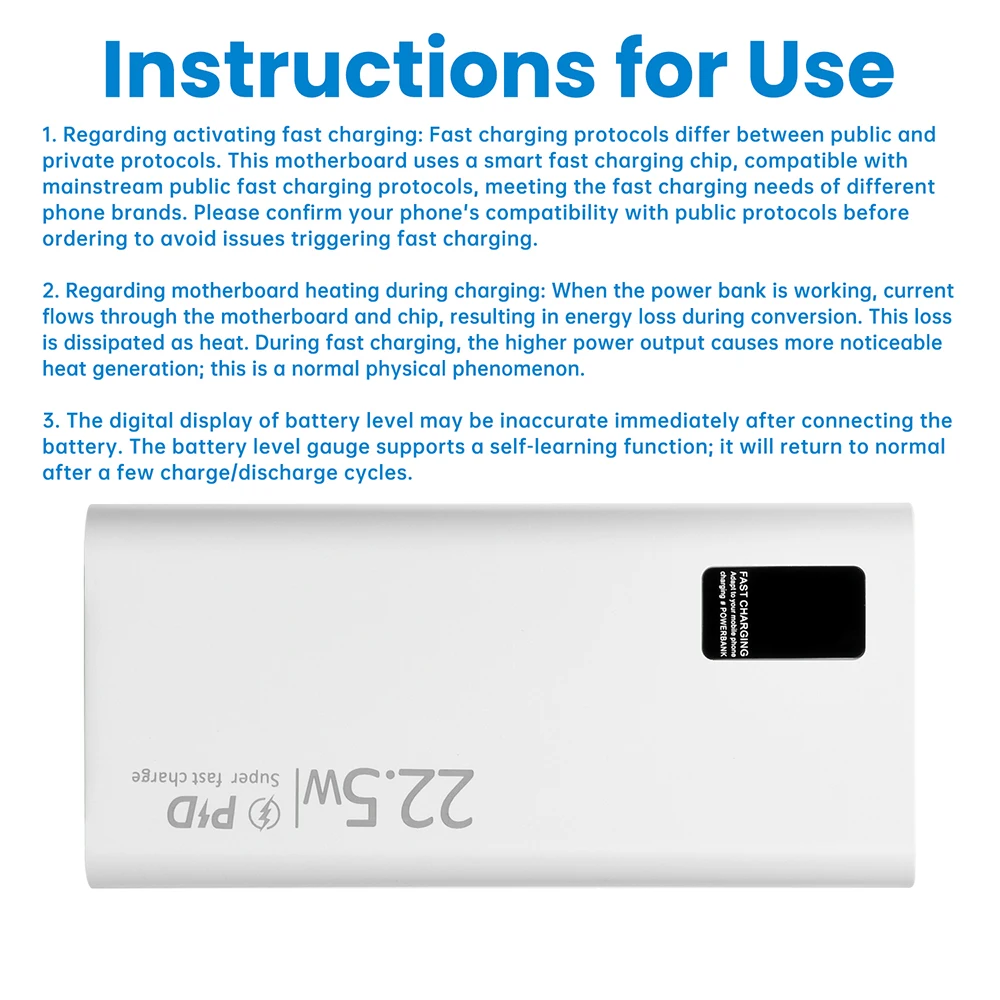
1. Regarding activating fast charging: There are public and private fast charging protocols. This motherboard uses a smart fast charging chip, compatible with mainstream public fast charging protocols, meeting the fast charging needs of different phone brands. Before ordering, please confirm your phone's compatibility with public protocols to avoid fast charging failure.
2. Regarding motherboard heat during charging: When the power bank is working, current flows through the motherboard and chip, resulting in energy loss during conversion. This loss is dissipated as heat. During fast charging, the power is higher, leading to more noticeable heat generation; this is a normal physical phenomenon.
3. The digital display of battery level may be inaccurate when the battery is first connected. The battery gauge supports a battery capacity self-learning function and will return to normal after a few charge and discharge cycles.



Digital Display Fast Charging Power Bank PD/QC/VOOC 22.5W Fast Charging Module Power Bank Motherboard DIY Power Bank Module
€24,95
Sale price
€24,95
Regular price
€0,00
SPECIFICATIONS
Application: MOBILE PHONE
Brand Name: DIY NOW
Choice: yes
Condition: New
High-concerned chemical: None
Origin: Mainland China
Package: SOP
Quantity: 1
Type: Module
is_customized: Yes
semi_Choice: yes
Product Features:
1. Supports 22.5W SuperCharge, efficient and fast charging, saving time.
2. Type-C bidirectional fast charging, compatible with various device charging needs.
3. Built-in multiple safety protections, comprehensive protection for safer use.
4. Real-time digital display of battery level, slim and portable design, simple and practical.
5. DIY kit design, simple soldering, convenient assembly.
Product Parameters:
Product Name: Digital Display Fast Charging Power Bank Kit
Input Parameters:
Micro USB Input: 5V 2A/9V 2A/12V 1.5A
Type-C Input: 5V 3A/9V 2A/12V 1.5A
Output Parameters:
Micro USB Output: 4.5V 5A/5V 3A/9V 2A/12V 1.5A
Type-C Output: 5V 3A/9V 2.2A/12V 1.6A
Main Interface: 1 Type-C port USB-C fast charging port (can charge and output) + 2 USB fast charging output ports
Compatible batteries: Can accommodate 2 1260110 cells, soldering required (batteries not included in shipment)
Internal installation dimensions: Approximately 110x60x23mm
Main board functions: Fully protected main board with overcharge/over-discharge/overvoltage/overheat protection, high conversion efficiency, and stable current and voltage.
Note: 22.5W is the SuperCharge protocol; VOOC flash charging and bidirectional fast charging are PD20W protocols. Simultaneous output from multiple ports will not result in fast charging.
Assembly Instructions:
1. Upon receiving the main board, first connect the charging cable for input testing and check the display status. Only proceed with soldering if the display lights up.
2. For normal use, the battery wires are soldered on. Twisting, alligator clips, or spring clips during connection can lead to insufficient power supply and affect charging and discharging. Ensure proper insulation of the battery's positive and negative terminals to prevent contact damage with the main board during assembly.
3. Connect the battery positive terminal to the B+ pin on the motherboard and the battery negative terminal to the B- pin. Do not reverse the connections, as this will burn the motherboard and leave marks on the IC. This only occurs when the connections are reversed or there is a short circuit.
4. Use a 3.7V lithium battery. Lithium iron phosphate batteries cannot be used. Solder the batteries in parallel, not in series. Series connection will result in excessive voltage and burn the motherboard, rendering it unrepairable.
5. The motherboard has a protection function. Soldered batteries do not require an additional protection board. The battery protection board has a current limit; exceeding the limit will disconnect the output.
6. After installing the motherboard and battery, secure the battery with adhesive tape. For some battery models, the thickness may differ from the casing. Check if it needs to be raised to avoid a feeling of collapse when pressing the casing after installation. Failure to check the thickness difference or secure the battery with adhesive during assembly, resulting in battery movement or a feeling of collapse in the casing, is considered improper assembly. We are not responsible for any damage to the casing or battery caused by disassembly.
7. The outer casing is snap-on and cannot be repeatedly disassembled. Please ensure the motherboard's output/input fast charging/buttons/display functions are working properly before closing the casing. Ideally, perform several charge/discharge cycles to confirm there are no issues before closing the casing. If problems arise after assembling and closing the casing without testing, it is considered improper assembly, and we are not responsible for any damage to the casing or battery caused by disassembly.
Instructions for Use:
1. Regarding activating fast charging: There are public and private fast charging protocols. This motherboard uses a smart fast charging chip, compatible with mainstream public fast charging protocols, meeting the fast charging needs of different phone brands. Before ordering, please confirm your phone's compatibility with public protocols to avoid fast charging failure.
2. Regarding motherboard heat during charging: When the power bank is working, current flows through the motherboard and chip, resulting in energy loss during conversion. This loss is dissipated as heat. During fast charging, the power is higher, leading to more noticeable heat generation; this is a normal physical phenomenon.
3. The digital display of battery level may be inaccurate when the battery is first connected. The battery gauge supports a battery capacity self-learning function and will return to normal after a few charge and discharge cycles.